AI tool
TryCase
TryCase gives coding agents disposable cloud Linux environments to run apps and capture proof. It helps developers ensure AI agents verify their work end to end by returning screenshots and video recordings instead of just code.
About TryCase
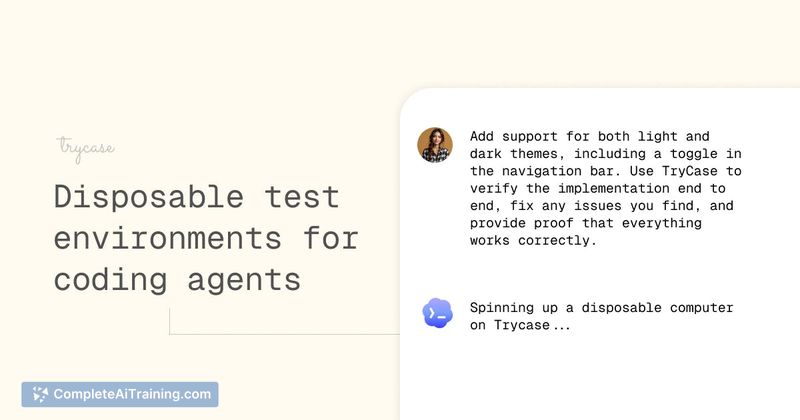
TryCase is a tool that gives AI coding agents disposable Linux environments in the cloud. An agent can run an app, test changes end to end, capture screenshots and recordings, and return verified proof of completion. The aim is to replace manual testing with artifacts the agent produces after actually running the code.
Review
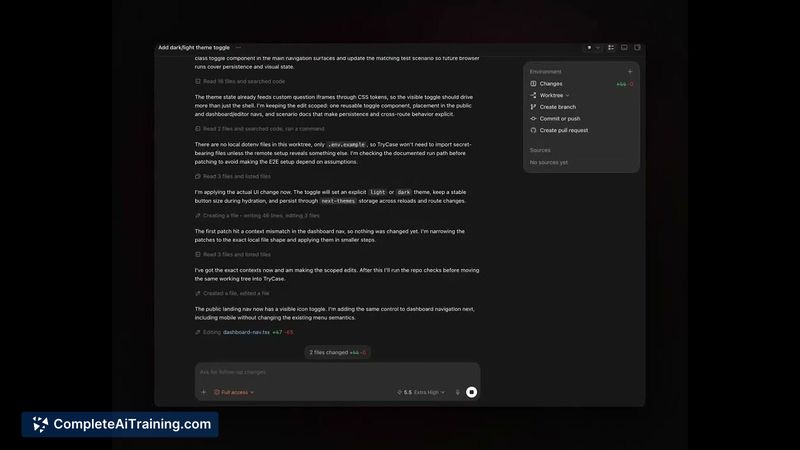
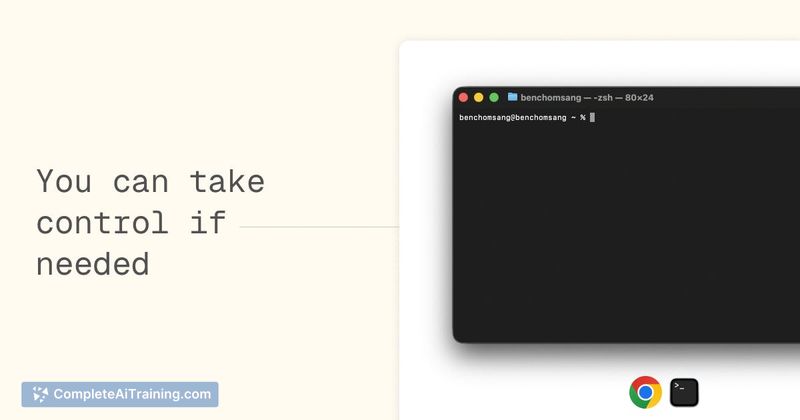
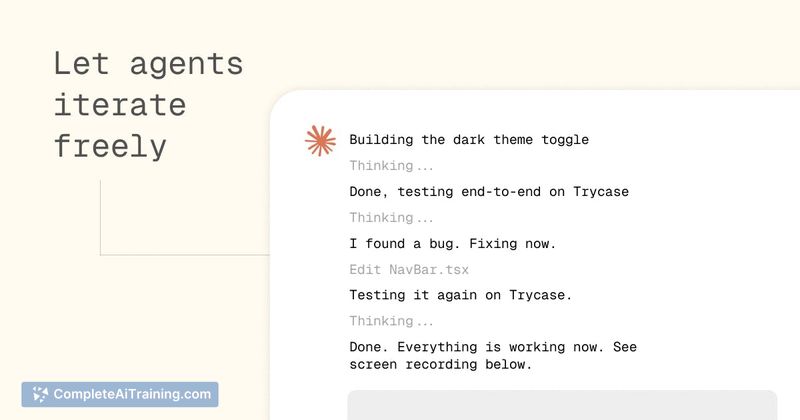
TryCase addresses a common failure mode in AI-assisted coding: agents that claim success without executing the change. Rather than asking you to verify locally, the tool shifts that verification step into an isolated, cloud-based run. It's early, and the scope is deliberately minimal.
Key Features
- Disposable Linux environments that spin up for each agent run, avoiding local port collisions and reused browser sessions.
- Screenshot and video capture during a run, so an agent can return visual proof of what the app actually did.
- Isolation between agents and from your laptop - each environment is clean, with secrets only passed deliberately.
- A small set of CLI commands the agent can call; no built-in agent or automated verification step (yet).
- Works with common coding agents like Codex, Claude Code, and Cursor by telling them to use TryCase in their prompt.
Pricing and Value
Pricing details are not yet defined. The launch includes free options, and the current focus is on gathering feedback. It's unclear whether a paid tier will be introduced or what it might include.
Pros
- Decouples test runs from your local machine, which is helpful when running multiple agent worktrees at once.
- Proof artifacts (screenshots, logs, recordings) are downloadable and show what happened, not just an agent's summary.
- Agents can iterate in the environment and only report "done" after the app runs without errors - that's a practical bar.
- Light integration: you don't install anything locally; you just instruct your agent to use it.
- Secrets can be injected per run, so environment variables don't bleed across agents or sessions.
Cons
- No built-in automated verification. The agent (or you) still has to review the screenshots or recordings, and a verifier that uses the same model family may trust flawed output.
- As an early product, features like environment caching, snapshotting, or a standardized "done packet" aren't available yet.
- Not well suited for developers who need persistent state across many test cycles - environments are disposable and don't retain database changes or installs between runs by default.
If your coding agent already produces code that you manually test afterward, TryCase can move that final verification into a repeatable, recorded step. It fits best when an agent must prove UI flows or end‑to‑end behaviour, and you're comfortable checking the artifacts yourself. For backend-only changes or long‑lived integration setups, the disposable model may need more work before it covers those cases.
Jobs TryCase suits
We checked TryCase against 500+ jobs; these get the most out of it.
Alternatives to TryCase
Other tools that do the same main job. Our AI compared TryCase with similar tools and kept the ones you could use instead.