AI tool
Twin
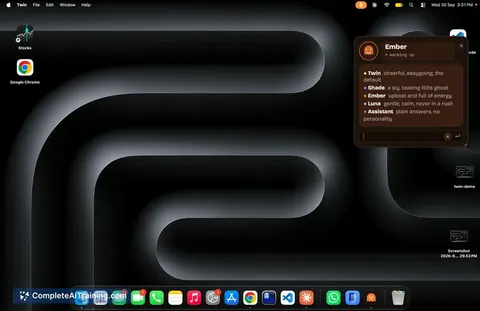
Twin is an open-source desktop companion for macOS that runs locally and helps manage your daily machine activity. It is built for Mac users on Apple silicon who want a private AI assistant using their own API key.
About Twin
Twin is a free, open-source desktop companion for macOS that runs locally on Apple silicon machines (macOS 13 or later). It uses a local DuckDB file to store your data-texts, calendar events, and daily summaries-without requiring cloud accounts. The tool requires you to bring your own API key from Claude, GPT, Gemini, or Grok to function.
Review
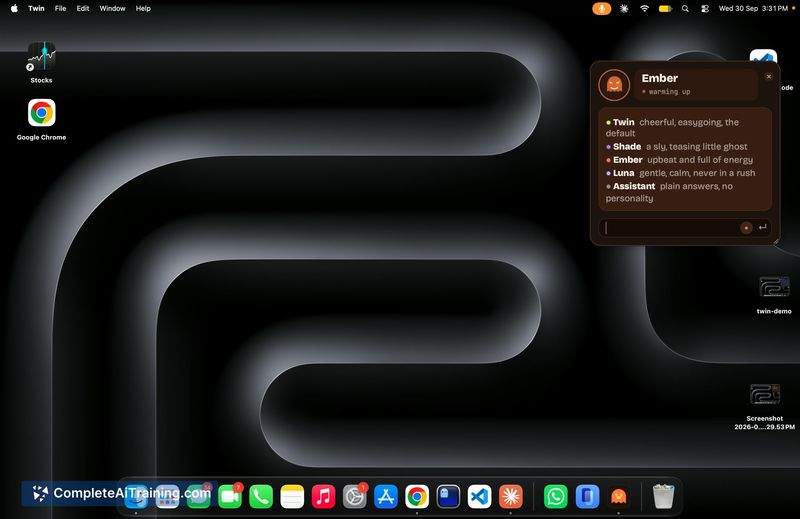
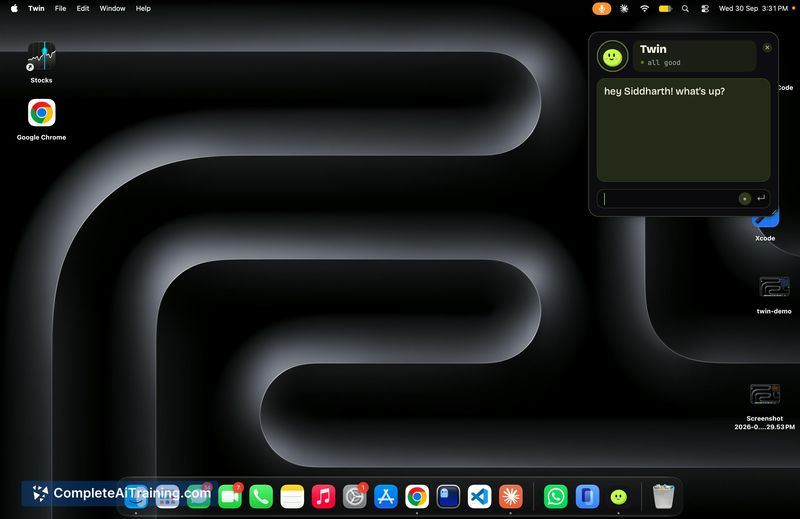
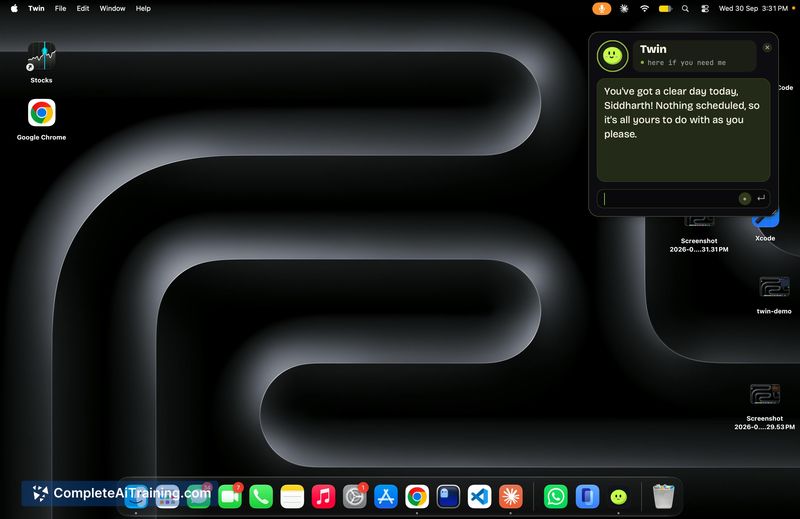
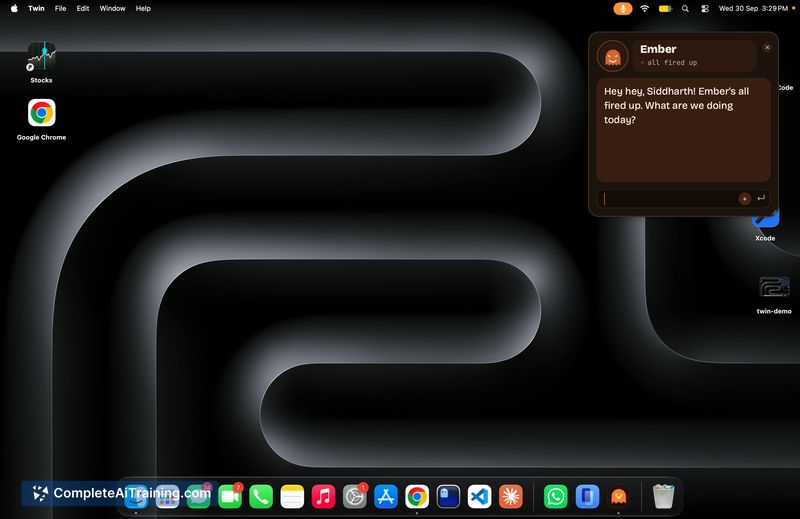
Twin positions itself as a privacy-first AI assistant that stays on your machine. The developer built it during a hackathon and chose to open-source the codebase rather than launch it as a SaaS product. It's a small, floating desktop presence that surfaces reminders, catches you up on messages, and responds by voice-all while keeping the bulk of your data local.
Key Features
- Floats as a persistent desktop buddy on your Mac screen
- Stores personal data-messages, calendar entries, daily summaries-in a local DuckDB file
- Responds by voice and sends nudges before scheduled events or forgotten tasks
- Accepts API keys from Claude, GPT, Gemini, or Grok for language processing
- Only transmits your name, message text, and a fuzzy summary to the chosen AI provider
Pricing and Value
Twin itself is free and open-source. The ongoing cost depends entirely on the API provider you choose. You supply your own key from Claude, GPT, Gemini, or Grok, and pay that provider directly based on your usage. ChatGPT Plus subscriptions won't work with Twin, since Plus billing is separate from API access-the developer has noted this limitation and mentioned plans to support it later. There are no Twin-specific subscription tiers or paid features at this time.
Pros
- Full source code is available on GitHub for inspection and modification
- Personal data remains in a local DuckDB file, not on external servers
- Works with multiple AI backends-Claude, GPT, Gemini, and Grok
- Voice interaction and proactive nudges create a hands-free experience
- No account creation or cloud sign-up required to use the tool
Cons
- Requires a separate paid API key; ChatGPT Plus subscriptions are not currently supported
- Limited to Apple silicon Macs running macOS 13 or later, excluding Intel Macs and other operating systems
- Not well suited for users who prefer fully managed, cloud-based assistants with no setup steps
Twin fits users who already have an API key from a supported provider and want a desktop companion that keeps data on-device. It's also a practical starting point for developers curious about building local-first AI tools, given the open-source codebase. People who rely on ChatGPT Plus subscriptions or use non-Apple hardware will need to look elsewhere, at least until broader support arrives.
Jobs Twin suits
Useful in almost any job.