AI tool
TwinMind for Desktop
TwinMind for Desktop captures live transcripts and summaries of meetings across Zoom, Meet, and Teams. It provides a floating dictation tool that pastes cleaned-up text into any application. This tool is for professionals who need automatic meetin...
About TwinMind for Desktop
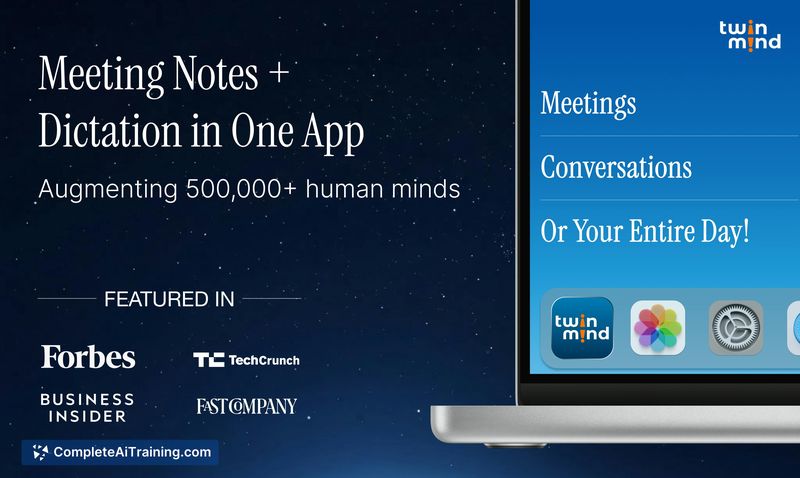
TwinMind for Desktop is a native application for Mac and Windows that captures audio from meetings and dictation. It auto-detects calls in Zoom, Meet, Teams, and other platforms, then produces live transcripts and summaries in over 140 languages. The tool also includes a floating microphone that works across different desktop spaces, letting users press a hotkey to dictate text that gets cleaned up and pasted directly at the cursor.
Review
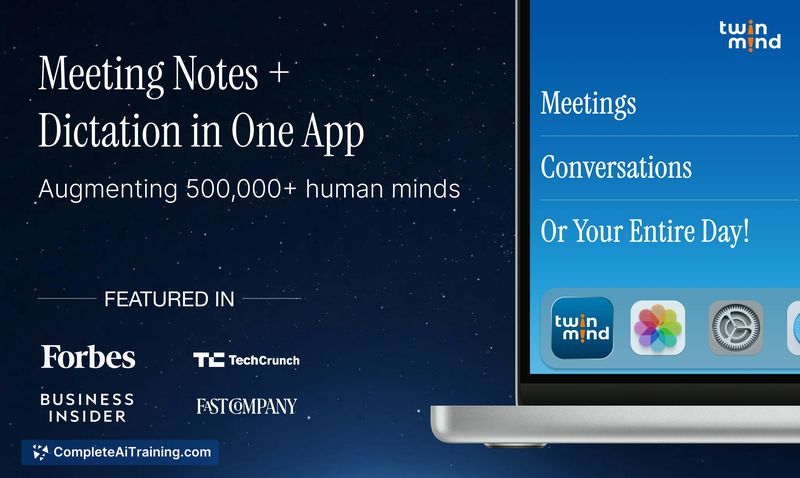
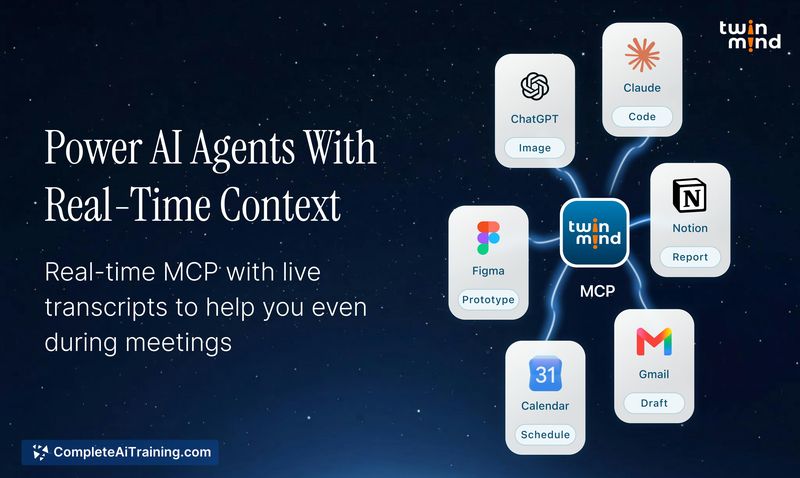
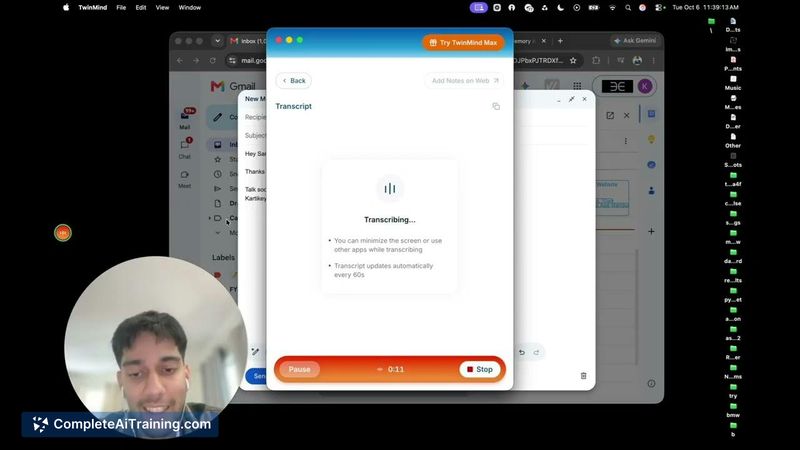
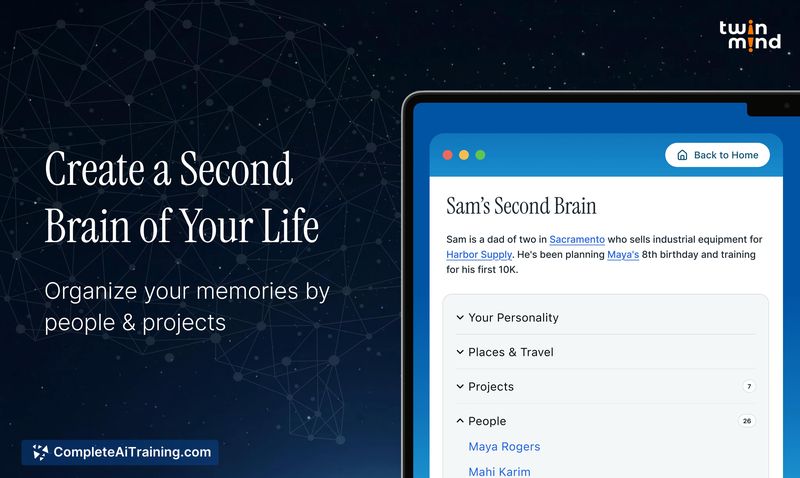
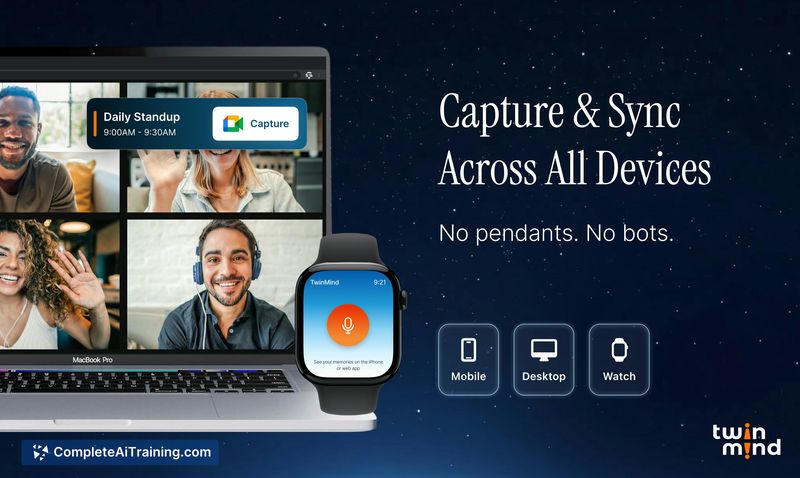
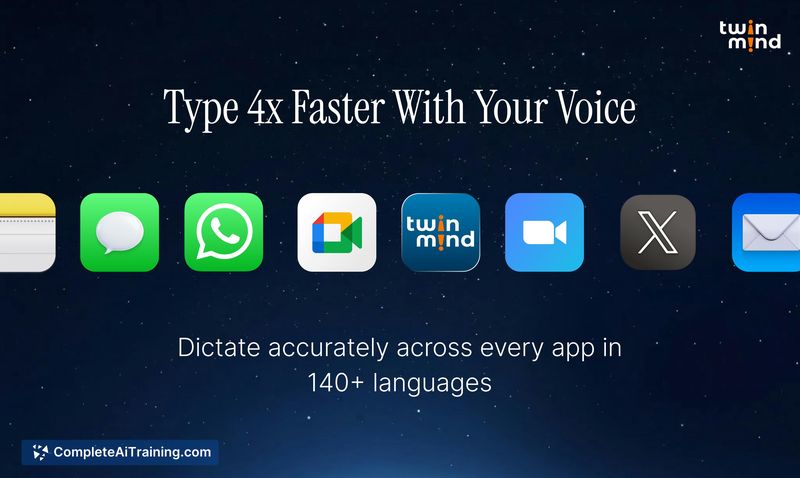
TwinMind for Desktop tackles two related workflows: meeting transcription and cross-app voice dictation. The desktop app sits in the background, detects when a call starts, and begins capturing without requiring a bot to join. A floating mic control stays accessible even when a meeting runs full-screen on its own Space, and the dictation feature pastes cleaned-up text wherever you're typing.
Key Features
- Auto-detection of meetings in Zoom, Meet, and Teams, with one-click join via calendar integration.
- Live transcription and structured summaries in 140+ languages.
- Floating microphone that follows across desktop spaces and works during full-screen calls.
- Hotkey-activated dictation that cleans up spoken text and pastes it at the cursor.
- Background recording stability that survives system sleep and headset disconnections.
Pricing and Value
The desktop app launched as a free product. The reference content does not specify whether future pricing tiers will apply, and the broader TwinMind platform includes a Pro membership tier (mentioned in a user comment about MCP server access). Exact pricing details for the desktop tool beyond the free launch are not yet defined.
Pros
- No bot invite needed; the app detects meetings locally and starts capturing.
- Dictation cleanup pastes directly at the cursor, cutting out manual editing for quick notes.
- Handles system sleep and headset disconnects without losing the recording session.
- Works across multiple desktop spaces, including full-screen applications.
- Language support spans 140+ options for transcription and summaries.
Cons
- Calendar integration is currently limited to Google Calendar; local iOS calendar syncing was removed.
- MCP server access, previously available on the Pro plan, now requires a separate upgrade according to a user report.
- The tool is not well suited for users who want to avoid routing their workflow through Google services.
TwinMind for Desktop fits professionals who spend significant time in video calls and want meeting notes without manually starting a recorder or editing bot transcripts. The dictation side also serves anyone who writes long-form updates across different apps and prefers speaking over typing. Privacy-conscious users and those who rely on non-Google calendar systems may find the current integration constraints limiting.