AI tool
TypingMind
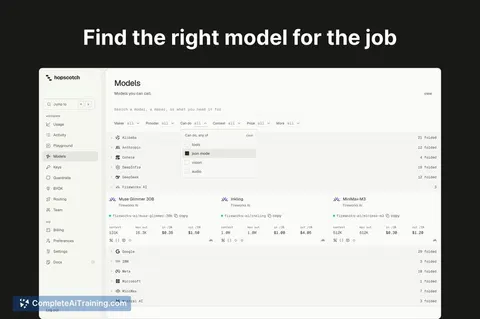
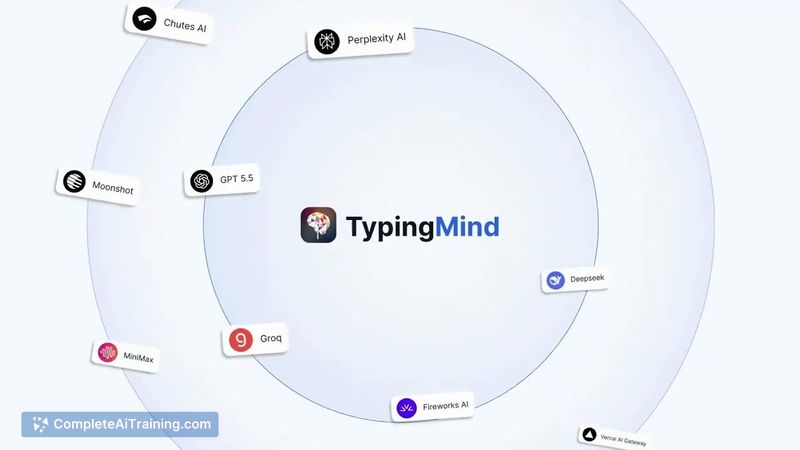
TypingMind lets you use your LLM API keys to access models from 18 providers in one workspace-no extra subscriptions. Built for pro users with Projects, Fork/Parallel chat, Plugins and extensive customization.
About TypingMind
TypingMind is a chat interface that lets you run many large language models through your own API keys in a single workspace. It supports dozens of providers and focuses on advanced chat features and customization for power users, all from the browser or as a progressive web app.
Review
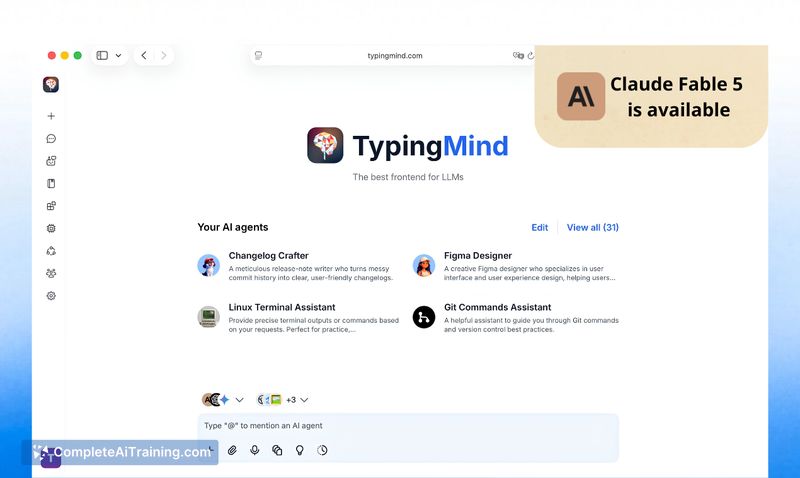
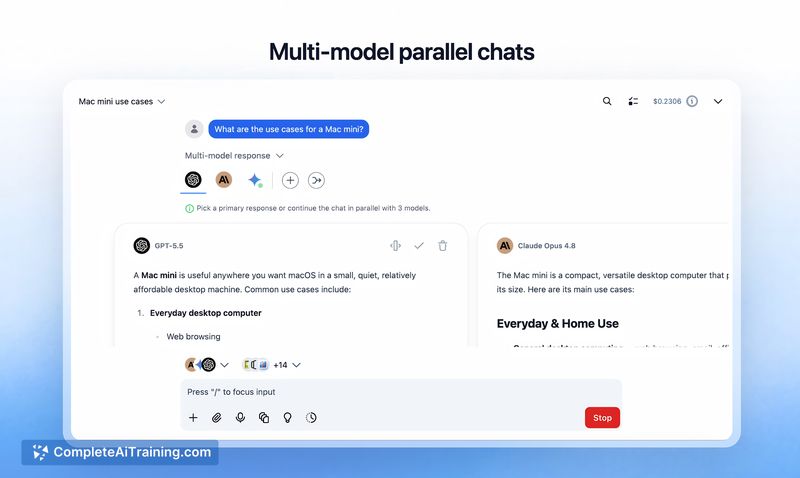
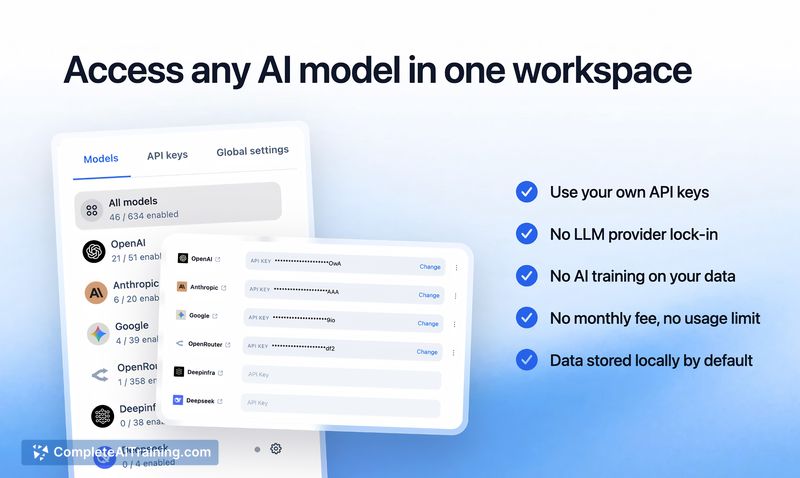
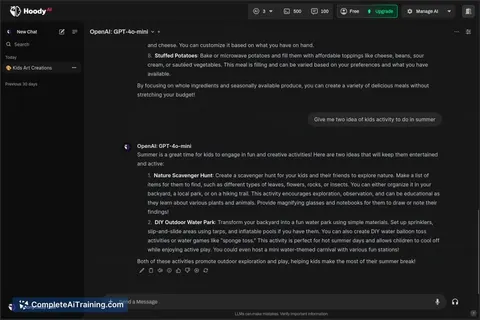
TypingMind serves as a full-featured chat UI for experimenting with and using multiple LLM providers side-by-side. It emphasizes flexibility: bring your own keys, pick from many models, and configure per-model parameters to suit different tasks.
Key Features
- Multi-provider support (around 18 model providers) so you can switch models without subscribing to each service.
- Pay-per-use API model: use your own API keys and pay for usage instead of a recurring subscription to models.
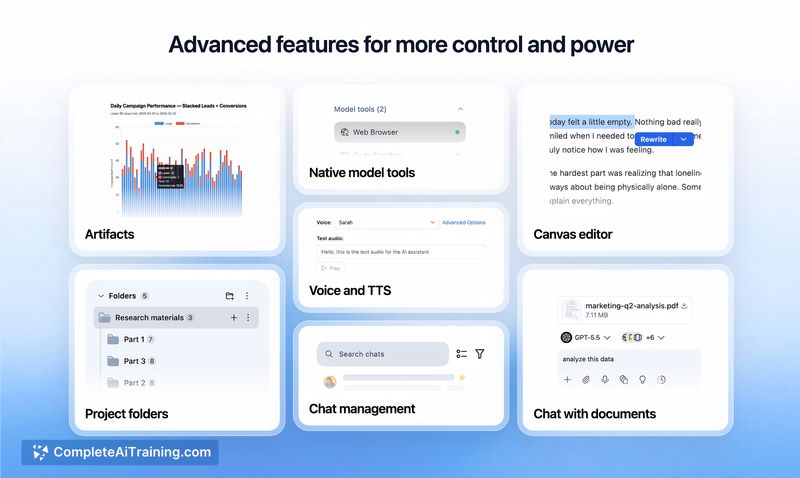
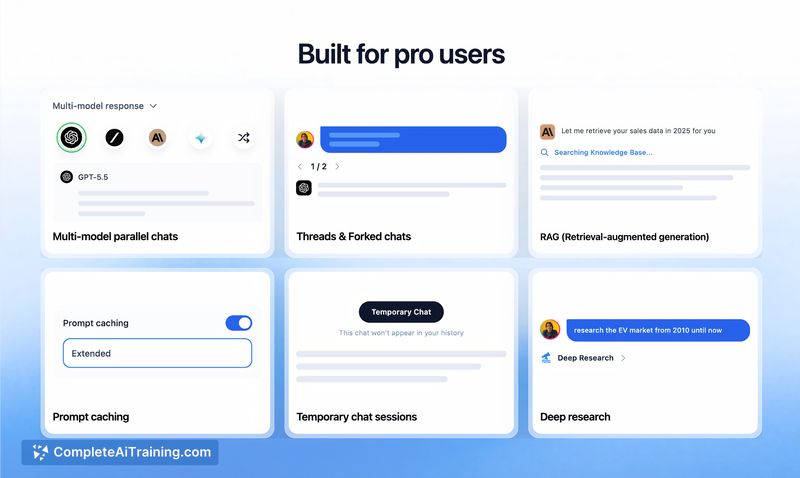
- Advanced workflow tools like Projects, Fork/Parallel chats, and a Finalize option to merge branches.
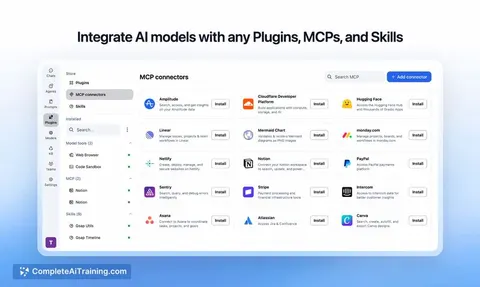
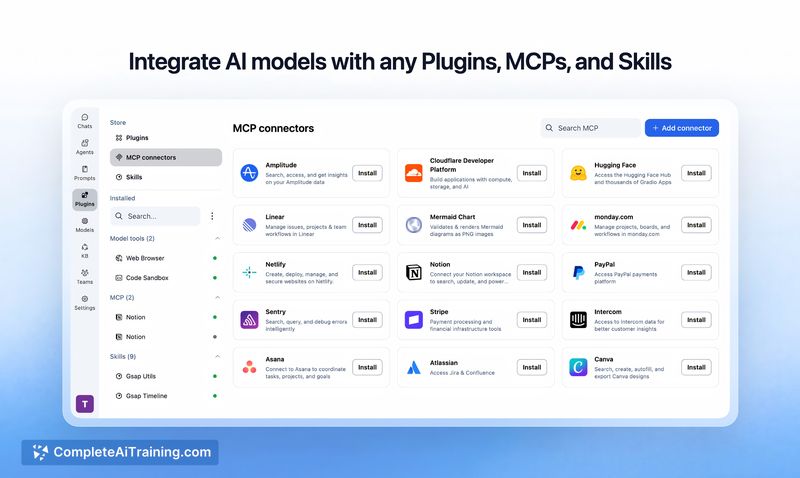
- Plugin and MCP/Skills ecosystem plus prompt libraries and personas for repeatable workflows.
- Granular per-model parameter controls (temperature, top-p, etc.), export/search, folders and device sync.
Pricing and Value
TypingMind uses a pay-per-use model that relies on the API keys you supply, so there is no requirement to buy subscriptions to each underlying model provider. This approach can be cost-effective for people who want precise control over usage and billing, and who prefer to shop around for different model providers. There are free options for trying the interface, and a team edition exists for businesses that need seat management and additional features.
Pros
- True multi-model workflow: switch providers mid-session and compare outputs easily.
- Use-your-own-key approach gives control over costs and avoids subscription stacking.
- Feature-rich for power users: branching chats, prompt libraries, plugins, and fine-grained model tuning.
- Frequent updates and active development, plus cross-device syncing and export/search tools.
Cons
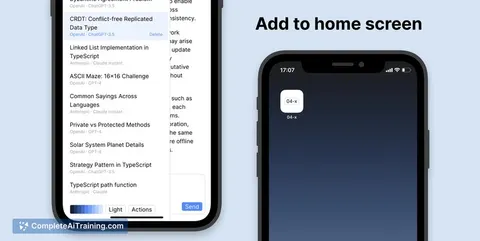
- No polished native mobile apps yet; the PWA works but some users prefer dedicated iOS/Android apps.
- Browser-based API key management and plugin behavior may not fit larger organizations' security or admin needs.
- Occasional issues reported with backing up very large chats across devices, which can affect long-running projects.
TypingMind is best for users who want maximum flexibility with models and fine control over model behavior: researchers, prompt engineers, writers, and small teams who want to experiment without buying multiple subscriptions. It's a strong fit for anyone who values multi-model comparisons, advanced chat workflows, and per-model tuning delivered through a single, regularly updated interface.
Jobs TypingMind suits
We checked TypingMind against 500+ jobs; these get the most out of it.
Alternatives to TypingMind
Other tools that do the same main job. Our AI compared TypingMind with similar tools and kept the ones you could use instead.