
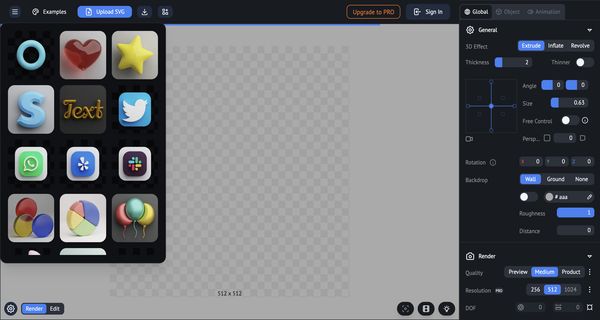
About: Vector to 3D
The Vector to 3D tool is a sophisticated generator designed to transform 2D vector graphics into stunning 3D models. This versatile application empowers users to customize their 3D creations with a wide array of adjustable parameters, including wall and ground textures, material colors, and rendering quality. Users can fine-tune the resolution to achieve optimal clarity and utilize denoise features for a polished finish. The tool also offers advanced options for beveling, enabling users to enhance edges, and controls for light and shadow direction, ensuring realistic visual depth.
With the ability to manipulate fill lights and shadow colors, creators can attain the desired mood and atmosphere in their models. The tool supports multiple viewing angles and sizes, facilitating thorough inspection and refinement of designs. Ideal for graphic designers, game developers, and 3D artists, the Vector to 3D tool stands out by simplifying the modeling process while delivering high-quality results, making it an invaluable asset for anyone looking to bring their 2D concepts to life in three dimensions.
Review: Vector to 3D
Introduction
Vector to 3D tool is a versatile 3D effect generator designed to help users convert 2D vector graphics into dynamic 3D models. Geared toward designers, digital artists, and developers, the tool offers a range of settings that allow for detailed customization. In an era where accessible 3D modeling is increasingly important, this tool stands out by offering a user-friendly solution to creating visually compelling models from simple vectors.
Key Features
The tool boasts several core functionalities that make it a compelling choice for 3D modeling:
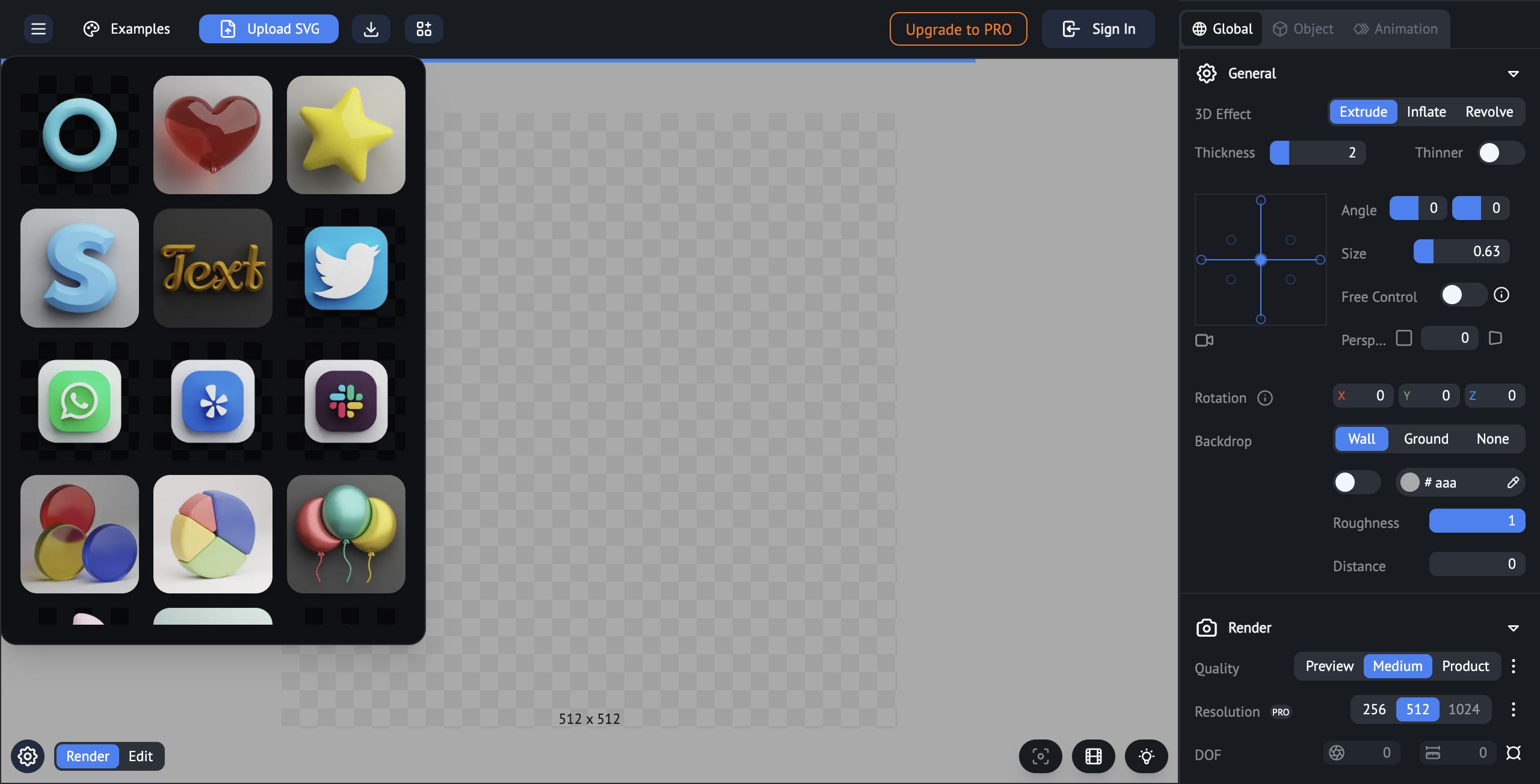
- 3D Effect Generation: Easily transform 2D vectors into 3D models with functionalities like extrude, inflate, and revolve.
- Comprehensive Customization: Adjust a variety of settings including wall and ground configurations, material color, render quality, resolution, and bevel options. This allows for precise control over the final appearance.
- Advanced Lighting and Shadows: Fine-tune light direction, major and fill lights, as well as shadow properties to add depth and realism to models.
- Preview and Control: Offers multiple rendering quality options (e.g., Preview, Medium, Product) and adjustable controls for perspective, rotation, and size to ensure the model meets user expectations.
Pricing and Value
The Vector to 3D tool appears to offer both free and premium options. Users can start with a free version which provides essential functions and lower resolution outputs, making it accessible for casual projects or experimentation. The PRO upgrade unlocks additional features such as higher resolution outputs and potentially more advanced customization settings. This flexible pricing structure allows users to scale their investment according to their needs, offering good value for both beginners and professionals seeking more advanced capabilities.
Pros and Cons
- Pros:
- Highly customizable with a broad range of adjustable parameters.
- User-friendly interface that caters to varying skill levels.
- Flexible pricing with both free and PRO options to suit different needs.
- Robust control over lighting, shadows, and rendering quality.
- Cons:
- The extensive array of options might be overwhelming for beginners.
- Advanced features are locked behind the PRO upgrade, which could be a limitation for budget-conscious users.
Final Verdict
Overall, the Vector to 3D tool is a solid choice for anyone looking to create custom 3D models from vector graphics. It offers a high level of customization that is particularly appealing to designers and digital artists who need precise control over their models. While beginners might experience a learning curve due to the tool's comprehensive features, the availability of both free and premium versions makes it a worthwhile investment. If you value flexibility and detailed 3D effects, this tool is definitely worth considering.
Open 'Vector to 3D' Website
Your membership also unlocks:



















