About VocalVia
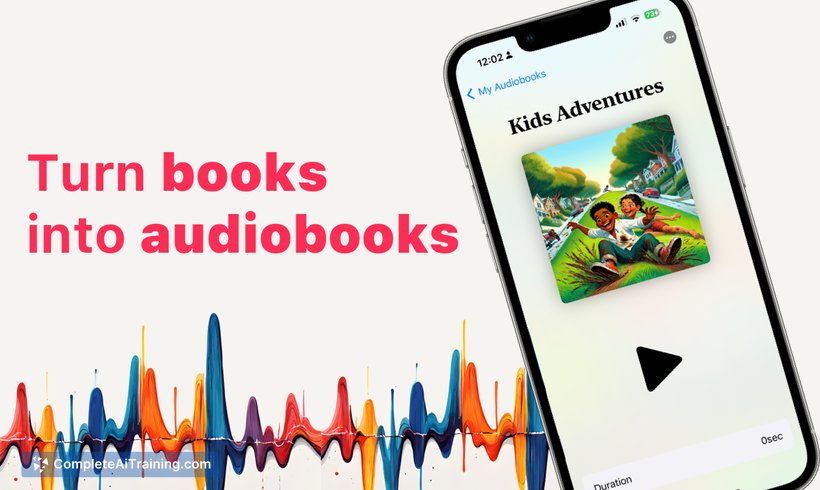
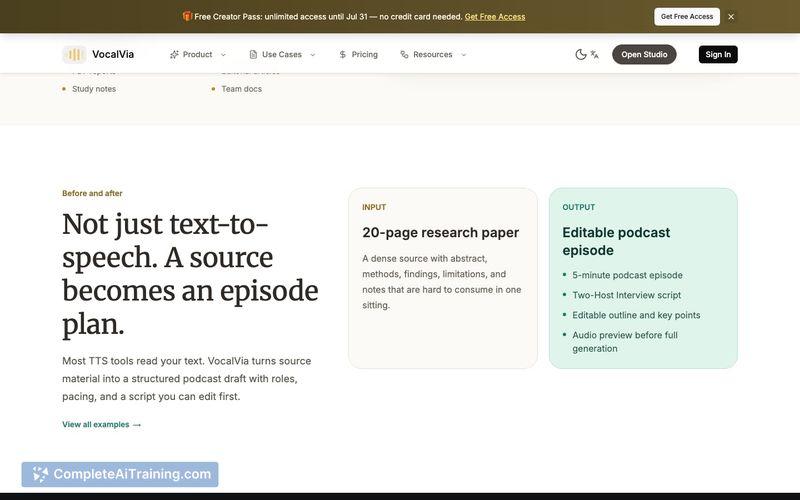
VocalVia converts documents-PDFs, Word files, Markdown, web articles, and pasted text-into structured outlines, editable podcast scripts, and multi-voice audio. Users assign speakers and voices, refine individual segments, then export the finished audio. It targets saved reading, study notes, research papers, and long-form content meant for listening away from a screen.
Review
VocalVia breaks document-to-audio conversion into inspectable steps: outline, script, voice assignment, then audio generation. Editing a script segment does not force a full regeneration, which addresses a common friction point in text-to-speech tools. This review looks at what ships now and what remains on the roadmap.
Key Features
- Upload PDFs, Word documents, Markdown files, web articles, or paste text directly
- Generates a structured outline from the source material before script creation
- Produces an editable multi-speaker podcast script with automatic voice assignments
- Reassign speakers, change voices per segment, and edit the text of any segment independently without regenerating the rest
- Speaker assignments stay stable when you edit a segment; the outline and other segments remain unchanged unless you request a new version
- Exports the final multi-voice audio file after synthesis
Pricing and Value
During the launch period, VocalVia offers unlimited credits through July 31, 2025. The maker has not announced pricing beyond that date, so long-term costs remain undefined. Users can test the full feature set without usage limits for now.
Pros
- Converts multiple document formats into an outline and script before audio synthesis
- Editable script segments prevent small errors from requiring a full regeneration
- Multi-voice output creates conversational audio rather than a single narrator
- Voice consistency is maintained per speaker across the entire document
- Free unlimited credits during the initial feedback period allow thorough testing
Cons
- Not suited for users who need waveform-level audio editing or a visual timeline for precise cuts
- Dense tables, mathematical notation, and complex formatting often need manual script adjustments before generating audio
- No chapter markers or clickable timestamps are available yet, which can make navigating long recordings less convenient
VocalVia fits professionals and students who want to turn reading material into listenable, conversational audio and who value the ability to tweak the script before final export. It is less appropriate for audio producers who require fine-grained waveform editing or for documents heavy on untranslatable visual elements. The current free-credits window gives a practical way to evaluate how well it handles real-world documents.
Open 'VocalVia' Website
Your membership also unlocks: