AI tool
Watchflows
Watchflows is a Mac automation canvas that lets you build workflows by connecting triggers, actions, and AI decision nodes. It is for Mac users who want to combine local app automation with AI-powered classification and routing without writing code.
About Watchflows
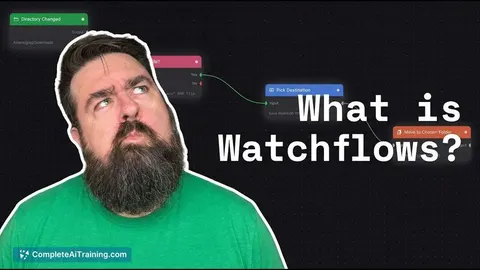
Watchflows is a macOS automation tool that runs workflows in response to triggers such as file events, hotkeys, webhooks, or scheduled times. Users wire together triggers, conditions, actions, and AI nodes on a visual canvas, or describe a flow in plain English and let the Flow Builder assemble it. The application is local-first, requires no account, and can use on-device Apple models, Ollama, LM Studio, or third-party API keys for AI processing.
Review
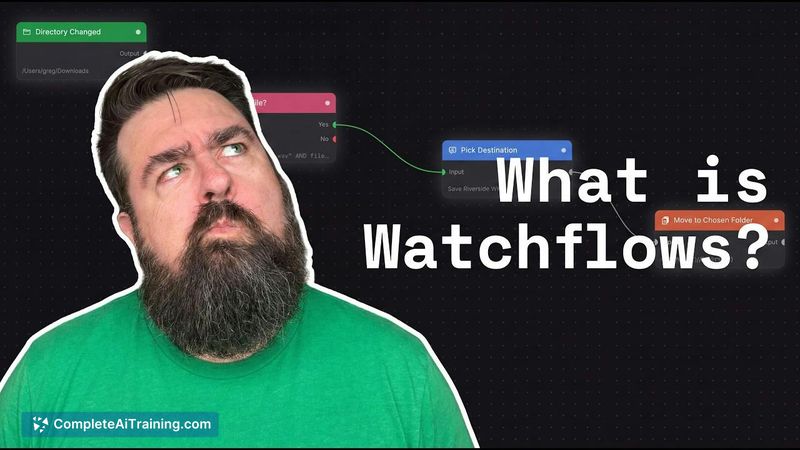
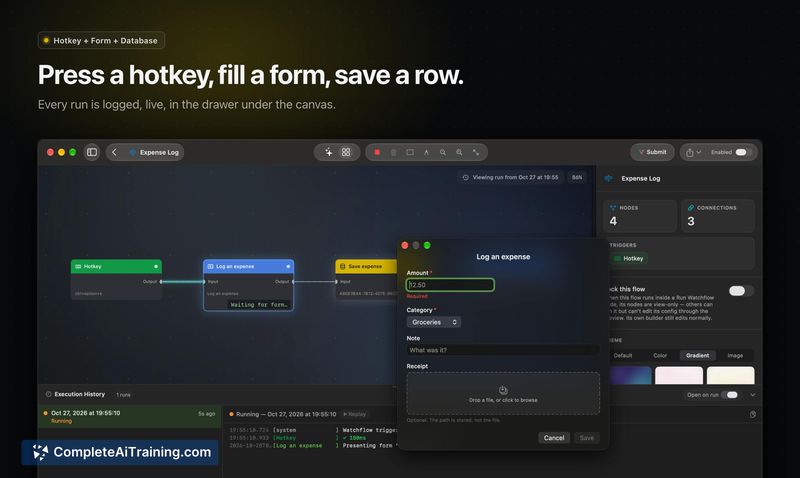
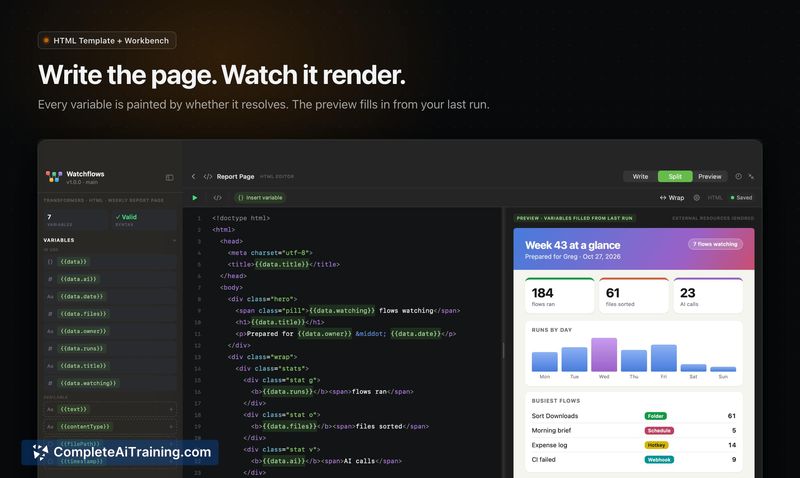
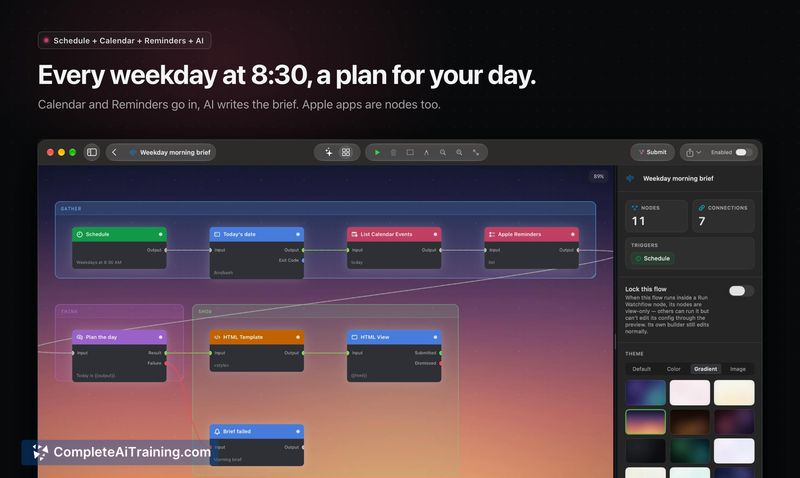
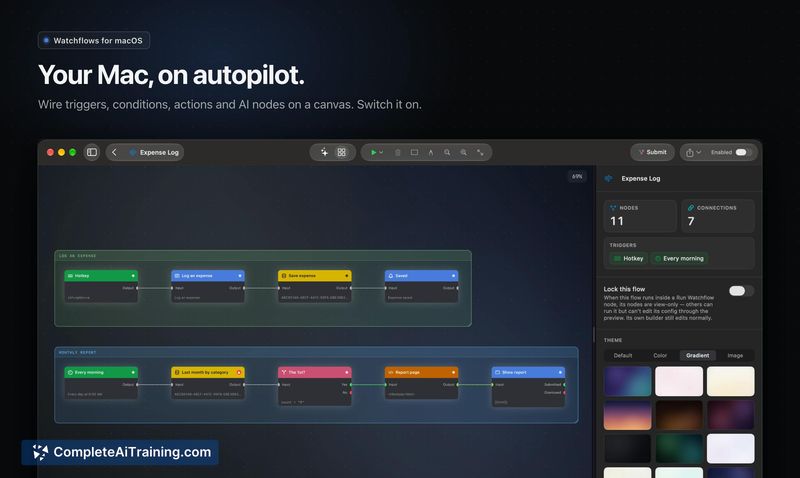
Watchflows approaches Mac automation with a node-based canvas that incorporates AI directly into the flow - not as a separate chat window, but as a block that reads, classifies, and routes data alongside other actions. The tool ships with roughly 80 nodes covering files, folders, Calendar, Reminders, Notes, scripts, webhooks, and Linear. A free 14-day trial is available, after which a one-time $49 license applies, with a $12/month subscription option for hosted AI.
Key Features
- Visual canvas with 80+ nodes. Drag triggers, conditions, actions, and AI nodes onto a canvas, wire them together, and run the flow. Nodes span files, folders, Calendar, Reminders, Notes, scripts, webhooks, Linear, and more.
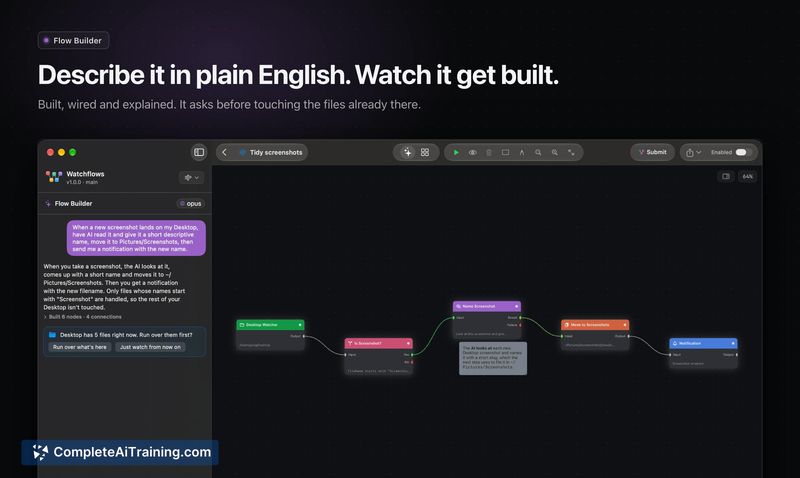
- Flow Builder with plain English input. Describe a workflow in natural language and the system builds the corresponding nodes and connections. Users can bring their own LLM (Claude, Codex, or local models) or subscribe to Watchflows AI.
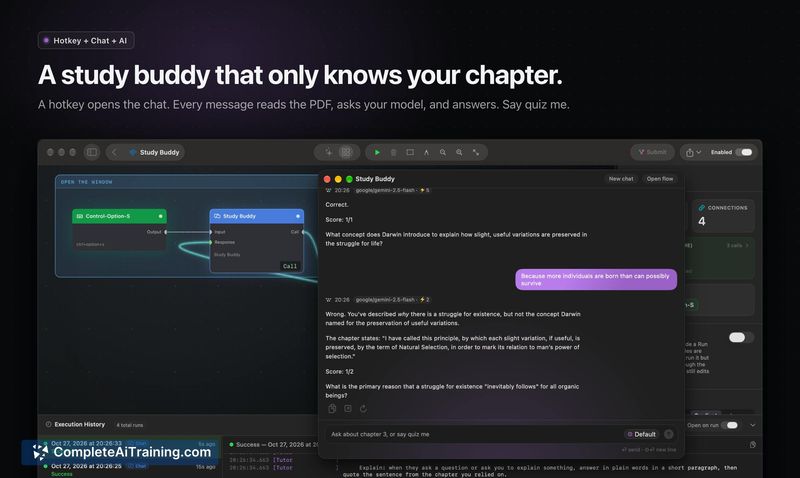
- Interactive flow surfaces. Flows can pause execution to collect input through forms, choosers, chat windows, and notification buttons - a flow stops and waits for a sentence or a selection before continuing.
- Jev decision nodes with confidence scoring. AI decision nodes return a confidence score, and the flow routes based on that score. This requires a TypeSafe AI key.
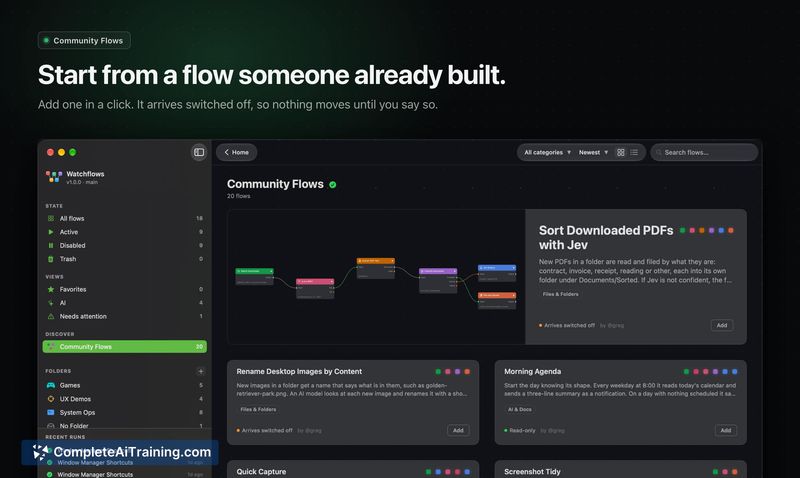
- Community Flows library. 21 pre-built automations are available to add in one click. They arrive switched off and can be modified. Submissions are reviewed for safety by a security-focused AI and a human reviewer.
Pricing and Value
The tool offers a 14-day free trial. After the trial, the one-time license costs $49, which includes perpetual use of the application. A $12/month subscription is available for users who prefer hosted AI included. Watchflows is also available through Setapp, with Setapp AI built in. A launch coupon takes $10 off the one-time license through November 30. The free trial does not require an account.
Pros
- Local-first architecture means flows and data remain on the user's Mac, with no account creation required.
- Multiple AI backend options: Apple's on-device model, Ollama, LM Studio, Claude, ChatGPT, or custom API keys.
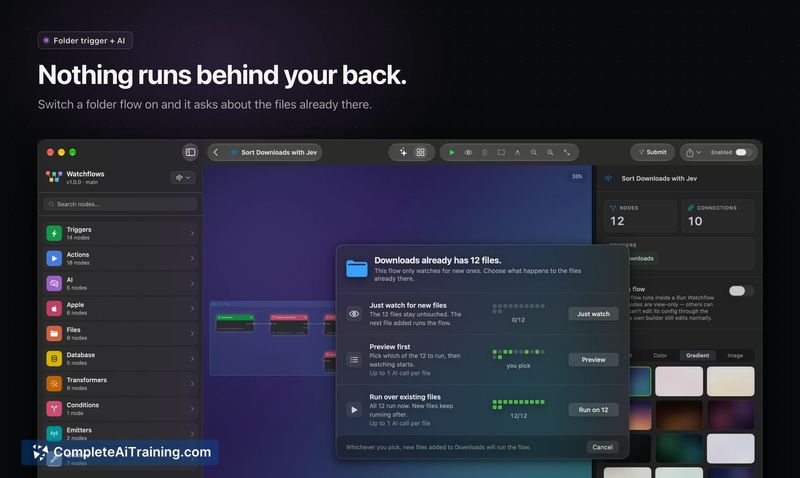
- Flows can handle edge cases like mid-download files - the tool waits for browser temp-file renames and applies a settle window to avoid duplicate runs.
- Control surfaces (forms, choosers, chat windows) let flows pause for human input, which can replace separate utility apps.
- Community Flows are reviewed for safety before publication, reducing risk when importing shared automations.
Cons
- macOS-only - users on Windows, Linux, or mobile platforms cannot run the tool.
- The Jev decision node's confidence-based routing depends on a third-party API (TypeSafe), adding an external dependency for that feature.
- Not well suited for users who need cross-platform automation or cloud-based workflow execution outside their local machine.
Watchflows fits Mac users who want a local-first automation tool that treats AI as a configurable node rather than a separate assistant. The visual canvas and Flow Builder lower the barrier for non-programmers, while the support for local models and custom API keys gives technical users control over cost and data privacy. People who rely on cross-platform or mobile automation will need to look elsewhere, but for single-machine Mac workflows that combine file events, app data, and occasional human input, the tool covers a practical range of use cases.