
AI tool
Weather mini 3
Weather mini 3 delivers trip forecasts showing all your stops at once with new illustrations and on-device Apple Intelligence for faster, more private weather insights across more devices.
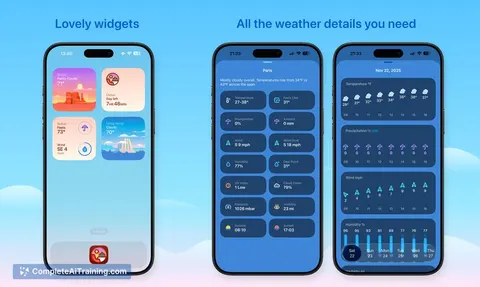
About Weather mini 3
Weather mini 3 is a lightweight weather app focused on quick, glanceable information and simple trip planning. It combines refreshed illustrations and concise forecasts to help you see conditions for multiple stops at once.
Review
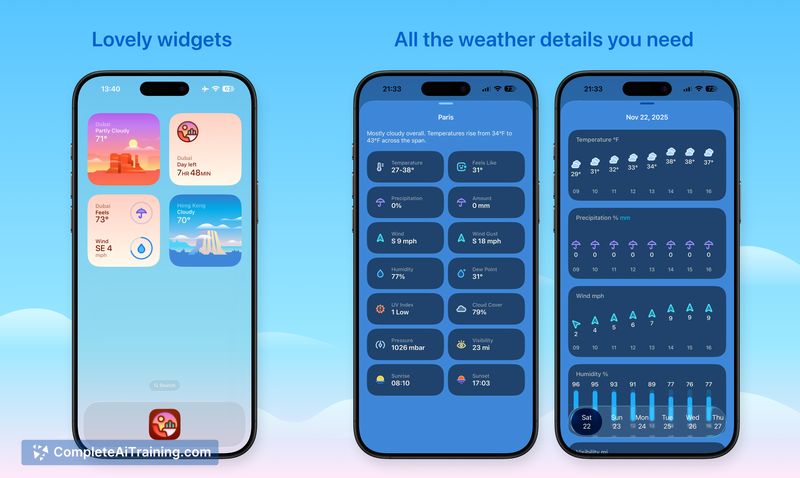
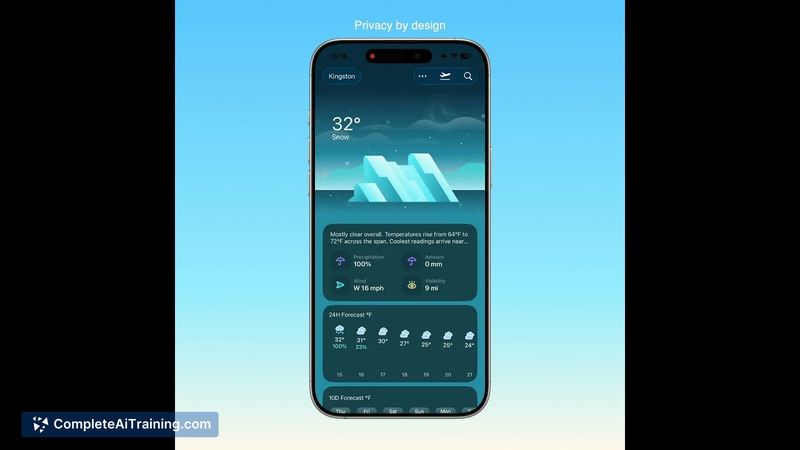
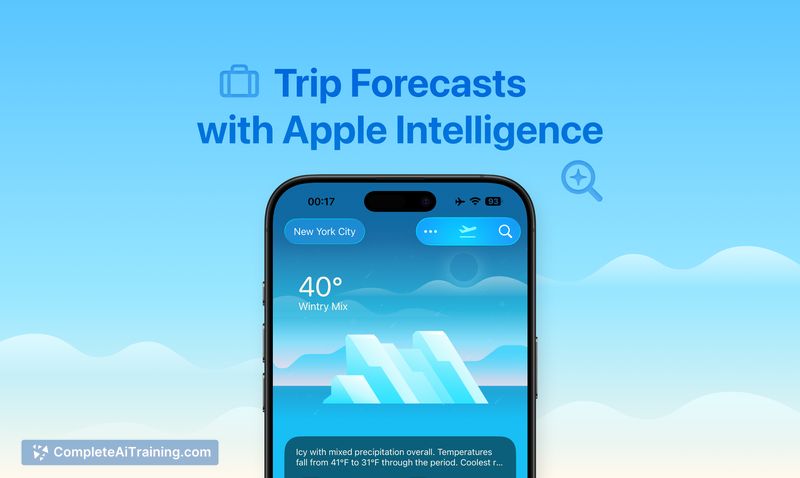
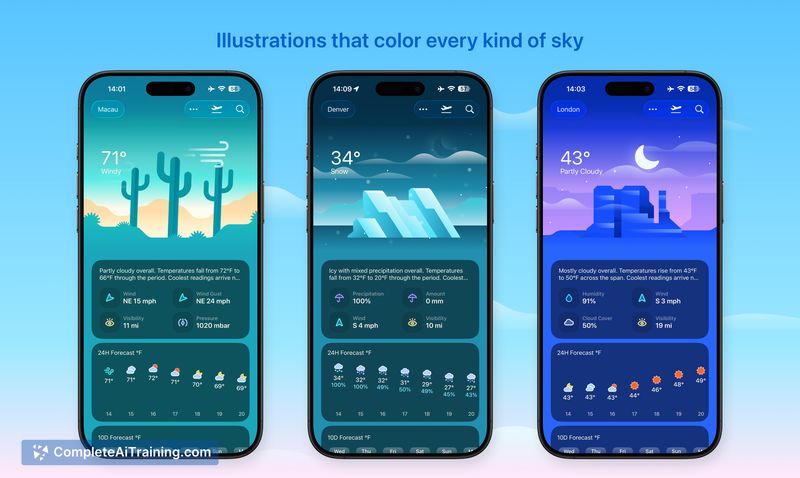
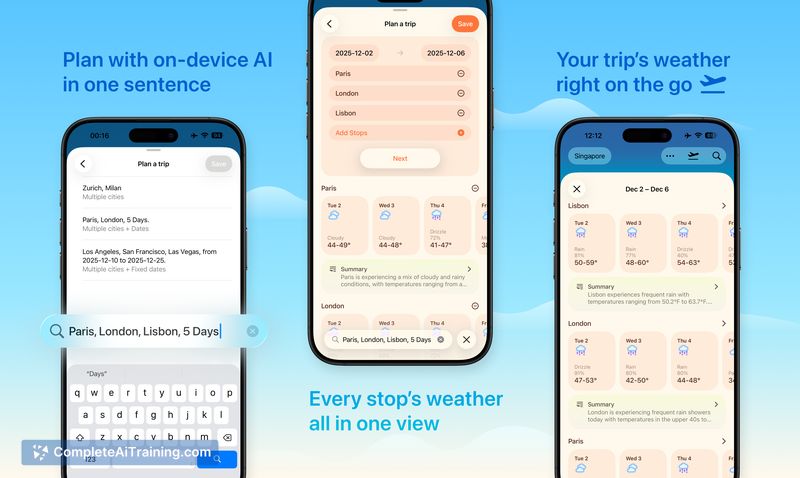

This release expands the app to more device types and introduces multi-stop trip forecasts that present all stops in a single view. On-device intelligence generates brief trip summaries, daily weather, notes, and clothing suggestions without sending data off the device.
Key Features
- Trip forecasts that display all stops for a trip together, reducing the need to check cities one by one.
- On-device intelligence for quick trip insights and context, keeping processing local for privacy and speed.
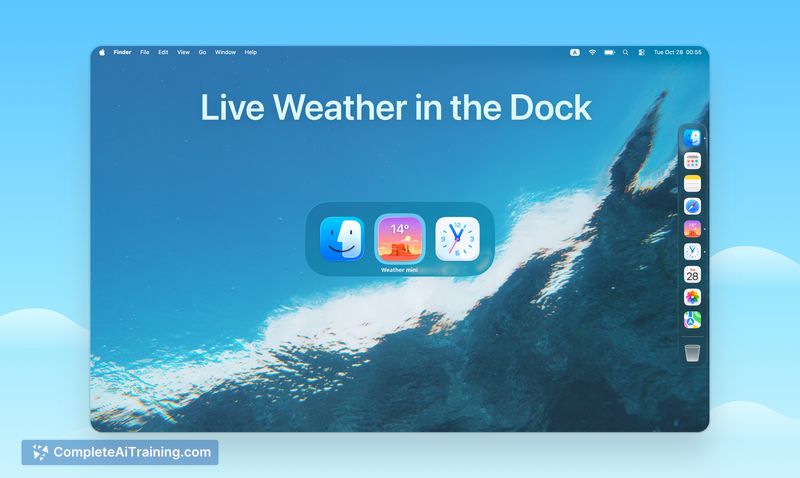
- All-new weather illustrations with subtle animations and updated widgets and dock icons for a cohesive look.
- No third-party services or large model downloads required - no accounts or extra configuration needed.
- Available across multiple device types so you can access forecasts on phone, tablet, desktop, and a spatial headset platform.
Pricing and Value
The core app is free to download, and there is a one-month free trial available for any optional premium features. Its value proposition centers on fast, private on-device forecasting and a simple, low-friction setup that suits users who prefer unobtrusive utilities over feature-heavy weather platforms.
Pros
- Clear, glanceable presentation that works well from the dock or home screen widgets.
- Useful multi-stop trip view that simplifies travel planning.
- On-device processing improves privacy and avoids large downloads or cloud dependencies.
- Simple setup with no required accounts or complex configuration.
- Polished visual design with animated illustrations and modern widgets.
Cons
- Some advanced forecasting tools and deeper customization options are limited compared with full-featured weather apps.
- Certain features are rolling out to different device types at different times, so platform parity may be incomplete initially.
- Users who rely on third-party integrations or specialized meteorological data may find the app intentionally minimal.
Overall, Weather mini 3 is a good fit for travelers and everyday users who want quick, private weather summaries and a simple trip overview without clutter. It works best for people who value glanceable design and minimal setup rather than a large set of advanced forecasting tools.
Jobs Weather mini 3 suits
We checked Weather mini 3 against 500+ jobs; these get the most out of it.



