
Learning path
Learning AI as an Executive Assistant
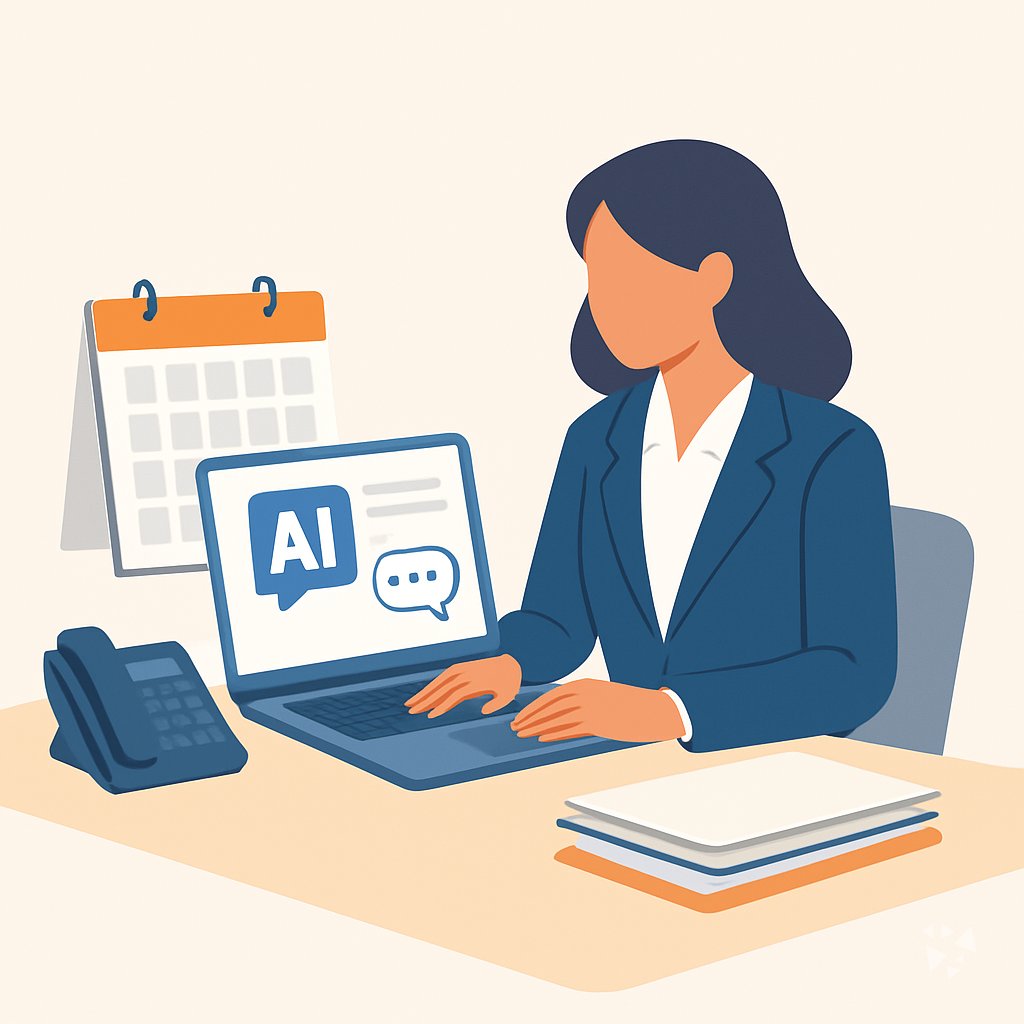
This path helps executive assistants use AI for calendars, inboxes, meetings, travel, and confidential work. You start with setup and simple prompts, then practice with video lessons chosen for your daily tasks.
Your path
Everything in the Executive Assistant AI kit, in the order that makes sense. Members tick off each step and see their progress.
Set up your AI
We guide you through each click.
Let skills do your everyday tasks
Connect your apps and pick your AI apps
Hand whole tasks to AI agents
Build your own tools
Keep growing
Everything for executive assistants
All the courses, certifications, AI tools, MCP servers and apps for executive assistants, most relevant first. Open any list to see more.
Take the prompt courses
A short framework course to learn how to ask, then 9 lessons with ready-to-use prompts for executive assistants.
Start with this framework: how to talk to AI
SCQA helps you turn messy meeting notes into a clear vendor approval brief your executive can decide on quickly.
Then your prompt course for executive assistants- 1Calendar and Scheduling3 prompts
- 2Email Triage and Replies3 prompts
- 3Meeting Agendas and Minutes7 prompts
- 4Travel Itineraries and Briefings3 prompts
- 5Executive Briefings and Research2 prompts
- 6Correspondence and Reports3 prompts
- 7Event and Logistics Coordination2 prompts
- 8Gatekeeping and Sensitive Communication3 prompts
- 9Admin, Confidentiality, and Systems2 prompts
Watch the video courses or add them to your Favorites for later
108 video courses our AI picked for executive assistants, most useful first. Save the ones you want to watch later with the heart.
Favorites are saved to your account: sign in or get your AI kit first.
Show all 108 video courses
Get certified, or add certifications to your Favorites
Every course ends in an exam and a certificate you can add to LinkedIn. Save the certifications you are aiming for with the heart.
Favorites are saved to your account: sign in or get your AI kit first.
More certifications for executive assistantsShow all 24 certifications
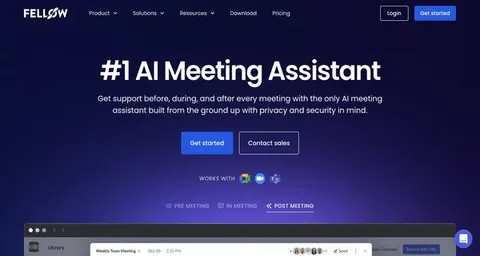
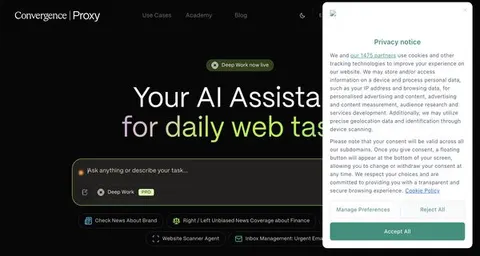
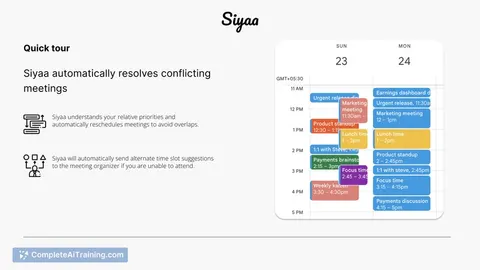
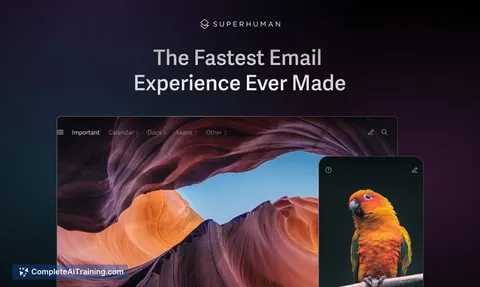
Try the AI tools for executive assistants
24 AI tools our AI matched to the work of executive assistants, best fit first. Each review shows what it does, its alternatives and the jobs it suits.
Favorites are saved to your account: sign in or get your AI kit first.
Show all 24 AI tools
Connect your AI to the apps executive assistants use
MCP servers let ChatGPT, Claude or Copilot look things up and get work done in other apps, like your email, calendar or bookkeeping software. These 12 fit the work of executive assistants best, well-known apps first.

Google Workspace MCP server
by taylorwilsdonLets your AI read and write your Gmail, Calendar, Drive, Docs, Sheets and more, all from one chat.

Gmail MCP server
by A1-x-TechLet your AI read, search, draft and send your Gmail, and keep labels and trash tidy, from the chat.

Temporal Cortex MCP server
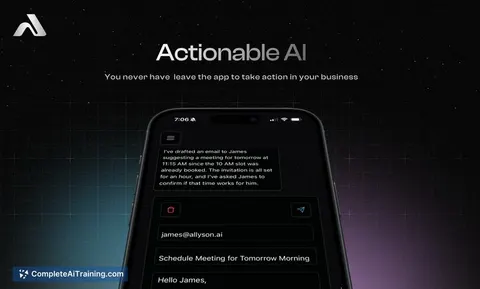
by temporal-cortexLet your AI check calendars, find free slots, and book meetings without double-booking.
ProductivityMeetingsNo install
Fluxmail MCP server
by churichardLet your AI read, search, draft, send and organize email across your mailboxes.
Email Official
MCP Emails server
by AlbretsenLet your AI read, search, send and organize email in your own mailbox.
EmailNo install
Microsoft Graph MCP server
by nitin27mayLets your AI read your Outlook mail and calendar, Teams chats, files and notes inside Microsoft 365.
Show all 12 MCP servers

Microsoft 365 MCP server
by softeriaLets your AI read and send Outlook mail, check your calendar, and work with OneDrive and Excel files.

Outlook Assistant MCP server
by littlebearappsLets your AI read, search, send, and organise your Outlook email, calendar, and contacts from the chat.

GigaMail MCP server
by adecubedLet your AI read, search and draft your email, with you approving every send or delete.

Mailwarden Gmail MCP server
by csitteLet your AI read, search, label, archive, trash and snooze your Gmail without opening a browser.
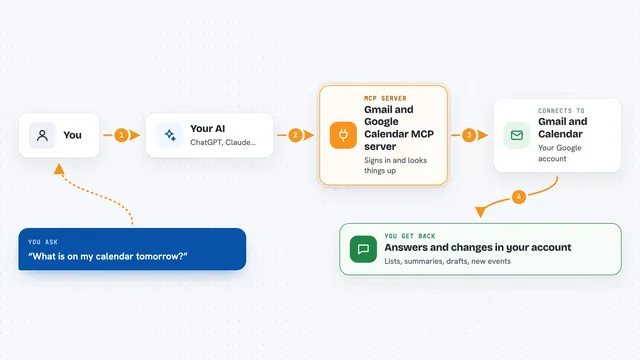
Gmail and Google Calendar MCP server
by MarkusPfundsteinLet your AI read your Gmail, write drafts, and check or create Google Calendar events for you.

Google Calendar MCP server
by takumi0706Lets your AI read, create, change, and delete events in your Google Calendar for you.









































































































About this learning path
6 topicsPractical AI Skills for Executive Assistants
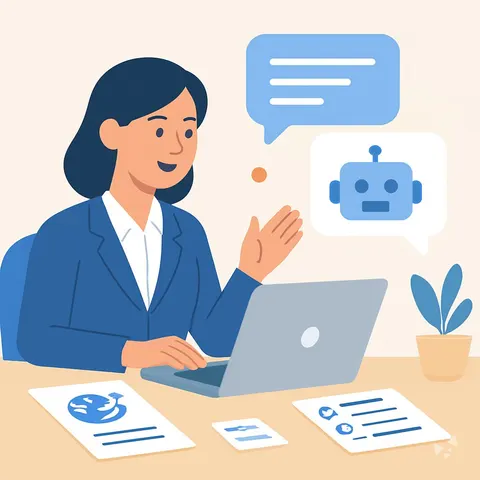
Executive assistants keep many moving parts in view: calendars, messages, meetings, trips, and private details. AI can help you draft, summarize, and organize that work so you spend less time on repetitive writing and more time on judgment and relationships.
This learning path walks you through setup questions, connecting your AI, and job skills inside your AI. It includes this prompt course and short video courses picked for executive assistants, with certificates for each video course you finish.
Why AI Matters Now
Executives expect fast, clear support. AI tools can turn a messy inbox or rough notes into a clean first draft, but they do not replace your eye for what matters.
The assistants who use AI well will have more room for the parts of the job that need a human: trust, discretion, and calm under pressure.
What the Path Includes
You begin with setup questions and connecting your AI so it fits your daily tools. Then you practice skills for the job inside your AI, such as drafting calendar notes, triaging email, and preparing travel briefings.
The path also includes this prompt course and video courses chosen for executive assistants. Each video course comes with a certificate you can keep for your records.
How It Saves Time
You learn prompts for the tasks that eat your day: rescheduling, reply drafts, meeting minutes, and itinerary checks. The goal is a strong first draft you can refine, not more tabs to manage.
Over a week, those small savings add up. You finish routine writing sooner and protect time for the executive's priorities.
How It Protects Your Career
AI does not make decisions about confidential matters or sensitive relationships. You stay the gatekeeper, using AI for drafts and summaries while you handle tone, judgment, and trust.
The course includes safety and privacy habits for this job, so you know what to share, what to remove, and when to keep work offline.
How to Start
Start with the setup questions and connect one AI tool you already have access to. Pick one task today, like a reschedule email or a meeting agenda, and try a prompt from the course.
Then move through the video courses at your own pace. You can add each certificate to your profile as you go.
Frequently asked questions
Do I need technical experience to start?
No. The path begins with setup questions and simple steps to connect your AI. If you can write an email, you can learn these prompts.Will AI replace executive assistants?
No. AI can draft and summarize, but it cannot build trust, read a room, or protect confidential information the way you do. Your judgment becomes more valuable, not less.Can I use AI with confidential executive information?
Only with care and within your company rules. The course teaches you to remove names, dates, and private details before using AI, and to keep sensitive work offline when needed.How long does the path take?
You can move at your own pace. Most lessons are short, and you can practice one prompt at a time between your regular tasks.