About Xcode 26.3
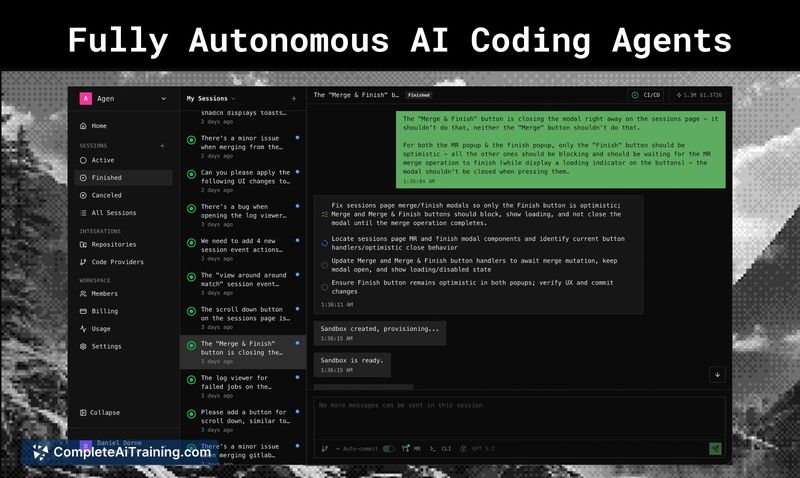
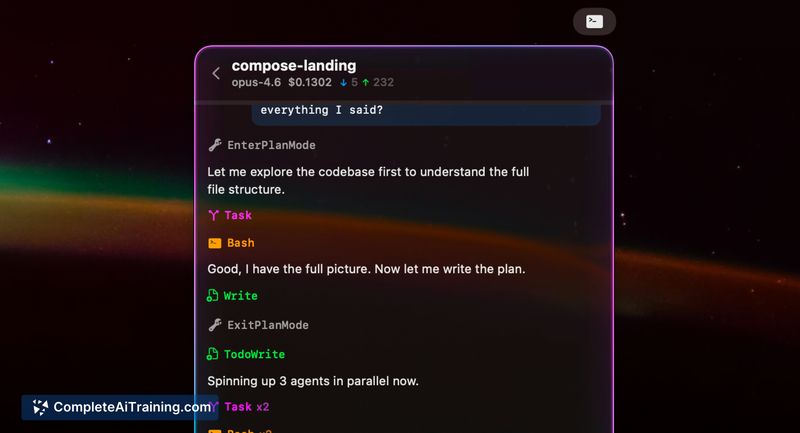
Xcode 26.3 is an integrated development environment for building, testing, and distributing native apps across desktop and mobile platforms. This release introduces agentic coding support, letting code assistants operate with greater autonomy over tasks such as exploring project structure, updating settings, and verifying UI previews.
Review
Xcode 26.3 continues the tool's role as an all-in-one IDE with tighter workflows for code, testing, and distribution. The headline feature is agentic coding support, paired with iterative improvements to editor assistance, previews, and test reporting that aim to speed routine development tasks.
Key Features
- Agentic coding: enable external code assistants to work across the project lifecycle, including reading documentation, navigating files, and interacting with build artifacts.
- Improved editor assistance: enhanced code completion and context-aware suggestions to reduce repetitive work.
- Interactive UI previews and live animations: quicker visual feedback for interface changes without full builds.
- Git staging inside the editor: stage changes and craft commits without switching tools.
- Redesigned test reports with video capture: richer test diagnostics and visual recordings to help diagnose UI or integration failures.
Pricing and Value
Xcode 26.3 is available at no cost. Its value is strongest for developers creating native apps who need a single environment for coding, testing, and distributing builds. The integrated agent features add potential productivity gains, especially for teams that adopt automated assistants. That said, users should weigh those gains against local resource demands and any enterprise policy considerations for automated agents.
Pros
- Comprehensive, end-to-end toolset that covers editing, debugging, testing, and deployment.
- Agentic coding support can reduce repetitive tasks and assist with large changes across a codebase.
- Interactive previews and live animations speed UI iteration cycles.
- Integrated Git staging keeps version control workflows within the IDE.
- Improved test reports with video recording make reproducing issues easier.
Cons
- Large install footprint and significant resource usage on local machines.
- Occasional sluggishness during indexing or heavy builds, which can interrupt flow.
- Agent permissions and safety controls may require careful configuration before using in sensitive projects.
Ideal for developers and teams building native applications who want a single environment for the full development lifecycle, Xcode 26.3 is particularly useful when visual feedback and integrated testing are priorities. Teams planning to use automated coding agents should pilot permissions and workflows to ensure they meet project security and quality needs before broad adoption.
Open 'Xcode 26.3' Website
Your membership also unlocks: