AI tool
Xmind 2027
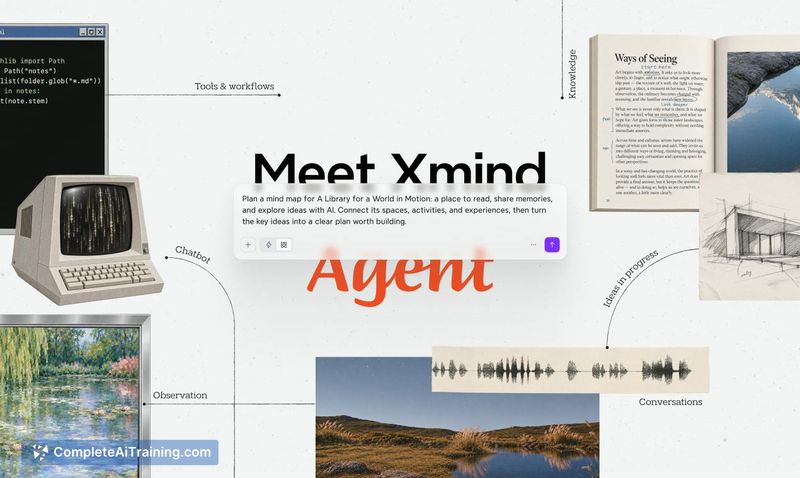
Xmind 2027 gives you and AI a shared visual space to work through ideas. Use Xmind Agent to research and develop ideas from your local documents, and bring that context into ChatGPT or Claude via MCP.
About Xmind 2027
Xmind 2027 is the ninth launch from Xmind, a mind mapping and brainstorming tool marking its 20th year. This release centers on Xmind Agent, which works with your local documents and maps to research, develop ideas, and weigh possibilities through conversation. MCP support connects your maps to ChatGPT, Claude, and other AI tools.
Review

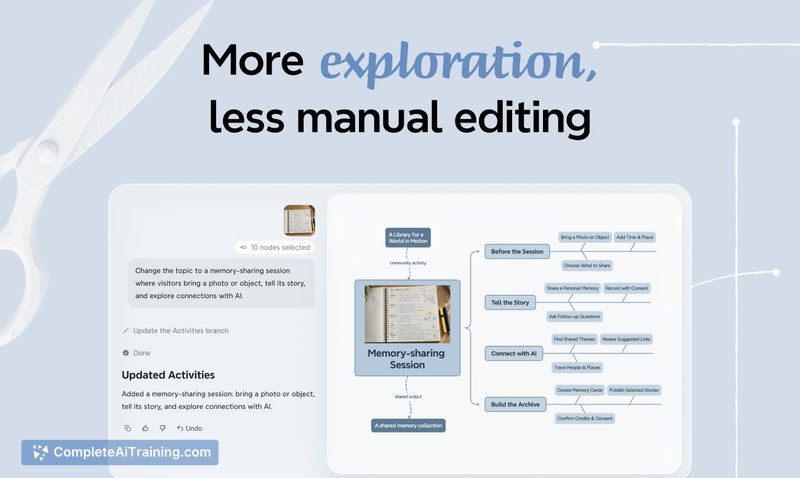


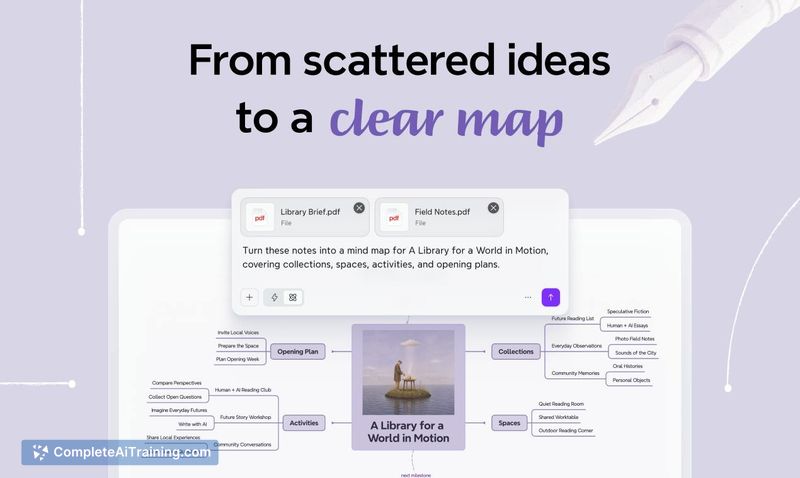

Most AI mind mapping tools generate a map from a prompt. Xmind 2027 starts from your own notes, documents, or an existing map, then refines it through conversation with Xmind Agent. The approach fits research, planning, and brainstorming work where the map changes as the thinking does.
Key Features
- Xmind Agent: uses your question and existing map as context to develop key ideas, clarify relationships, and surface areas that need further exploration. It can reorganize an existing map around a new angle while keeping the details, and compare perspectives across multiple uploaded documents, with source information kept in topic notes.
- Xmind MCP: lets ChatGPT, Claude, and other AI assistants read and update your existing Xmind maps, so you can keep building on context developed outside the app.
- AI-selected layouts: Agent picks structures that fit the content, such as a matrix for comparing options or a timeline for milestones, and different parts of a project can use different structures. Separate Zones on the canvas hold categories that need their own space. Everything remains editable.
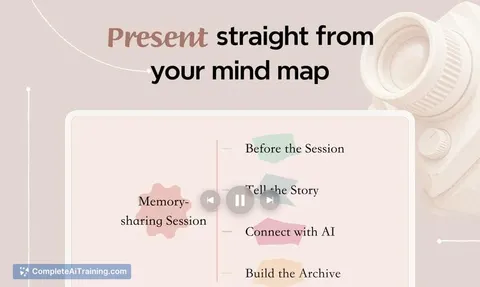
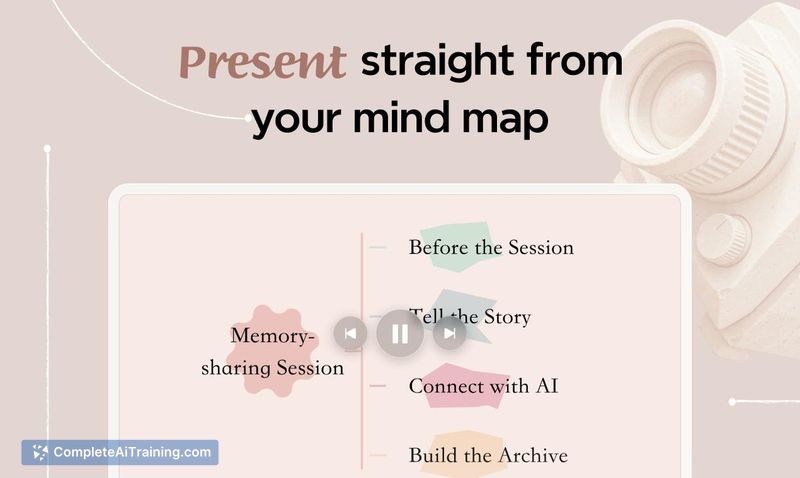
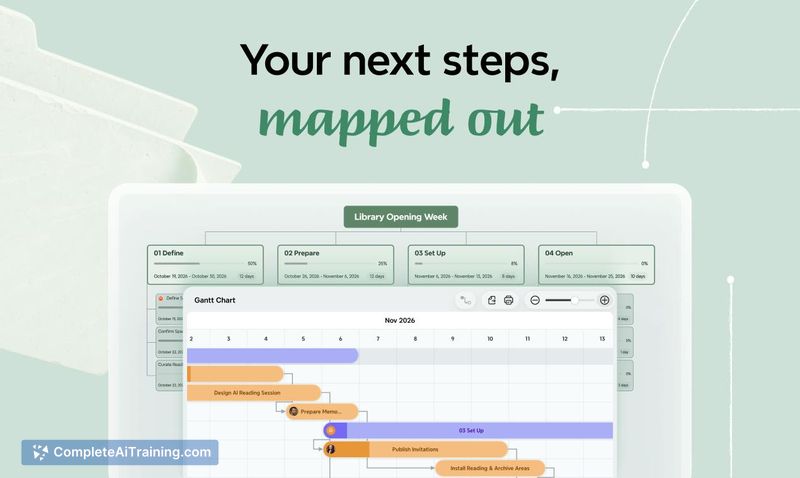
- Topics to tasks: turn map topics into tasks, track progress, and present directly from your map.
- Cross-platform sync: maps and Agent chat history sync between desktop and mobile through My Works with a single Xmind account.
Pricing and Value
Xmind 2027 launched with a 20% discount code for annual purchases. The code doesn't apply to monthly plans or to free trials. A launch comment thread shows the discount working on the premium plan but returning an error on the 1 Year Xmind Pro (All Platforms) plan; the team directed that user to support. Beyond this, pricing isn't detailed in the reference material, so plan tiers and their costs aren't confirmed here.
Pros
- Agent works from your own documents and maps rather than a bare prompt, so the output builds on context you already have.
- Source information can sit in topic notes, which keeps findings checkable against the original documents.
- Agent is already available on Android; desktop and mobile sync maps and chat history.
- MCP support lets you update maps from inside ChatGPT or Claude instead of switching apps.
- Maps can be restructured around a new perspective without losing the details already gathered.
Cons
- iOS support for Agent is listed as coming soon, so iPhone users don't have it yet.
- The launch discount failed for at least one user buying the 1 Year Xmind Pro plan, and the thread ended with a support handoff rather than a confirmed fix.
- Not well suited to people who want a map generated from a single prompt with no documents or existing map to start from, or to anyone who needs Agent on iOS now.
Xmind 2027 fits researchers, planners, and teams who already keep notes, documents, or working maps and want AI to help develop them rather than replace them. If your process lives in ChatGPT or Claude, the MCP connection keeps the map in step with that work. iPhone-only users should wait for iOS support before committing.