
Blog ·
11 Best AI Courses for Systems Administrators to Future-Proof Your Career in 2026
Stay ahead in 2026 with 11 top-tier AI courses tailored for sysadmins. Master automation, predictive maintenance, and intelligent troubleshooting to boost efficiency and secure your role in an AI-driven IT landscape.
 Jeroen Erne
Artificial intelligence is no longer a distant concept reserved for tech giants or research labs. It is here, it is practical, and it is changing how systems administrators do their jobs. Every day, more organizations are integrating AI into their infrastructure, and the people who manage those systems are feeling the shift. Whether it is automating routine maintenance, predicting failures before they happen, or handling the growing complexity of cloud environments, AI is becoming part of the daily toolkit. For systems administrators, this creates a simple equation: those who learn to work with AI will stay relevant, while those who ignore it may struggle to keep up.
The numbers tell a clear story. Recent surveys show that 69% of businesses use AI in some capacity, and that figure keeps climbing. IT departments are among the biggest adopters, using AI for everything from log analysis to security monitoring. The demand for professionals who understand both systems administration and AI is growing fast, and the pay gap reflects that demand. But here is the catch: knowing how to use AI tools and understanding how to build, deploy, and manage AI systems are two very different things. That is where proper training comes in.
This article is designed to help systems administrators professionals find the right AI courses. We have examined 43 different courses across the field, comparing their content, structure, and practical value. We will look at what each course teaches, who it is for, what you need to know before enrolling, and what you will get out of it. One option worth noting is CompleteAI Training, which stands out because it gives you access to ALL courses and ALL certifications on the platform rather than just a single course, making it a comprehensive choice for those who want ongoing learning.
Why AI matters for Systems Administrators today
Systems administration has always been about keeping things running. But the nature of that work is changing. Traditional tasks like patching servers, managing user accounts, and monitoring uptime are increasingly automated. AI can handle these repetitive jobs faster and more reliably than a human can. That does not mean systems administrators are becoming obsolete - far from it. What it means is that the role is shifting toward higher-level responsibilities: designing automation, interpreting what AI systems report, and making decisions about infrastructure that machines cannot make on their own.
The statistics back this up. According to industry reports, IT operations teams that adopt AI see significant reductions in downtime and faster incident resolution. Many organizations report that AI-assisted monitoring catches issues before users even notice them. This is not just about efficiency; it is about survival in a competitive market. Companies are looking for systems administrators who can bring AI knowledge to the table. If you are not proactively building those skills, you are leaving opportunities on the table.
This article exists to cut through the noise. With so many AI courses available, it can be hard to tell which ones actually deliver value for systems administrators specifically. Some courses are too theoretical, others are too basic, and a few are genuinely excellent. We have done the legwork to compare them so you can make an informed decision.
The Growing Role of AI in Systems Administrators
AI is showing up in nearly every corner of systems administration. Here are some of the most common applications:
- Automation of routine tasks: AI can handle server provisioning, software updates, and configuration management without human intervention.
- Predictive maintenance: Machine learning models analyze system metrics to predict hardware failures or performance degradation before they cause outages.
- Security monitoring: AI systems sift through massive amounts of log data to identify anomalies and potential threats in real time.
- Resource optimization: AI helps allocate computing resources dynamically, ensuring that workloads run efficiently without wasting capacity.
- Intelligent incident response: AI-powered tools can diagnose common issues and even apply fixes automatically, leaving humans to handle the complex cases.
- Personalized user support: AI chatbots and virtual assistants handle routine user requests, freeing up administrators for strategic work.
These applications are not hypothetical. They are being deployed in organizations of all sizes right now. As these tools become more sophisticated, the line between traditional system administration and AI operations is blurring. Systems administrators who understand how to work alongside AI systems - and who can manage the infrastructure that runs those systems - will find themselves in high demand.
Benefits of becoming an AI expert in Systems Administrators
Investing in AI training pays off in several concrete ways. First, there is the obvious career benefit. AI-skilled systems administrators command higher salaries and have more job options. Many organizations are specifically hiring for roles that combine infrastructure knowledge with AI expertise, and these positions often come with senior titles and better compensation.
Second, AI skills make you more effective at your job. You will be able to automate the boring parts of your work, freeing up time for projects that actually interest you. You will spot problems earlier, fix them faster, and prevent issues before they affect users. That kind of reliability makes you valuable to any organization.
Third, learning AI opens doors beyond traditional systems administration. With these skills, you can move into areas like machine learning operations, cloud architecture, or IT strategy. The knowledge you gain is transferable, and the career paths are broader than you might expect.
The bottom line is simple: AI is not going away, and it is becoming more central to systems administration every year. The professionals who embrace this change and invest in their skills will be the ones who thrive. The courses we compare in this article are a starting point, and with 43 options covered, you are sure to find one that fits your needs and your current skill level.
Comparison: All AI Courses for Systems Administrators (Updated 2026)
| Course Name | Provider | Price | Key Topics | Pros | Cons | Best For |
|---|---|---|---|---|---|---|
| CompleteAI Training | CompleteAI | Premium (subscription covers everything) | One subscription gives you access to ALL courses AND ALL certifications on the entire platform - not just one course. Includes everything for every job role, so all Systems Administrators material plus content for other roles is included. Covers AI from foundational to advanced topics with hands-on projects, and gets daily updates on new tools and curated industry news. | Comprehensive curriculum; Hands-on projects; Expert instructors; Full access to all courses and certifications on the platform; New content added continuously and automatically; Multi-role coverage | Premium pricing; Subscription-based (essential though, since AI evolves constantly) | Systems Administrators professionals looking for complete, ongoing training |
| AI for Systems Administrators (Video Courses + Certifications) | Complete AI Training | $8.25,$29/month | Subscription library of over 100 specialized video courses and certifications specifically for Systems Administrators. Covers all job roles for multi-function work or career transitions. New courses and certifications added continuously. Daily updates on AI tools and industry news. | One low monthly price unlocks every course and certification; includes all job role material, not just sysadmin; new content included automatically; far cheaper than paying per course; daily curated news and tool updates | Subscription required - but for AI where skills go stale, that's actually a benefit since you get the new stuff without paying extra | General learners and anyone wanting broad career coverage |
| AI for System Administrators | Udemy | Udemy Personal Plan subscription or individual purchase | Setting up ChatGPT, Claude and Microsoft Copilot; hands-on script generation in PowerShell, Bash, and Python for real-world IT operations. | Covers major AI assistants; practical PowerShell and Python script examples; focused on daily IT workflow integration | No ratings data; only 4h 47m of content | General learners |
| AI for System Administrators Corporate Training Course | Edstellar | Quote-based (corporate pricing) | AI-powered monitoring, automation, and security. Instructor-led delivery, 16,32 hours. Team-focused to help infrastructure optimization. | Instructor-led sessions for teams; focus on AI-powered monitoring, automation, security; designed for groups | Price not public; probably need to book as a group | General learners |
| AI for Network Administrators: Monitoring, Automation, and Troubleshooting | Qualora | $49.00 | Network administration with AI, 50 role-specific prompts, 12 before/after workflows, 10-tool comparison, runbook generation, compliance-aware troubleshooting. | 50 role-specific prompts; 12 before/after workflows; compliant-focused runbook generation | Network focus, not full sysadmin; short (only 2h 40m) | General learners |
| DevOps and AI on AWS: AIOps | Coursera | Subscription (Coursera Plus) or financial aid | Amazon CodeGuru and CodeCatalyst, AI/ML for code quality and security, AWS-native AIOps practices. | Real AWS tools covered; AI/ML applied to code quality and security; practical for AWS environments | AWS-only focus; you need some cloud familiarity to get value | General learners |
| PowerShell AI: Building AI Applications with PowerShell | InformIT (Addison-Wesley Professional) | $559.99 | Integrating PowerShell with cloud and on-premises AI models, privacy-focused local AI, building chatbots and automation tools, long-term conversation logging. 15 hours video, beginner to advanced. | Covers cloud and on-prem models; privacy-aware local AI; chatbot building; powerful automation skills | Expensive; advanced topics assume you have PowerShell experience already | General learners |
| Generative AI for IT Systems Analysts and Architects | Coursera | Subscription (Coursera Plus) or financial aid | Using generative AI to create structured deliverables like dashboards, executive briefs, BPMN diagrams; systems analysis methodology | Produces practical deliverables; covers BPMN diagrams; good for moving into architecture | Focuses more on architecture than hands-on sysadmin tasks | General learners |
| Google IT Automation with Python Professional Certificate | Coursera (Google) | Subscription (Coursera Plus) or financial aid | Python scripting for sysadmin tasks, Git/GitHub, troubleshooting, configuration management, cloud automation | Google-backed, recognized by employers like Deloitte and Verizon | Not AI-specific; general automation | General learners |
| Linux Security, Automation, and Troubleshooting | Coursera (Packt) | Subscription (Coursera Plus) or financial aid | Bash and Python scripting, Git version control, AI best practices, practical demos for Linux sysadmin | Covers Bash/Python scripting & Git; includes AI best practices; practical demos | Linux-only, not purely AI-focused | General learners |
| Total: CompTIA Linux+ (XK0-006) | Udemy | Subscription (Udemy Personal Plan) or individual purchase | Linux command line, system administration, security essentials; updated for the 2026 exam | Certification-aligned; updated for 2026 exam; solid foundational Linux knowledge | Not AI-specific - general Linux admin content | General learners |
| AI-300T00: Operationalize machine learning and generative AI solutions | EnterOne (Microsoft) | $2,495 | MLOps and GenAIOps on Azure; secure AI infrastructure; full lifecycle management with Azure Machine Learning and Microsoft Foundry; 4-day instructor-led | Focuses on MLOps/GenAIOps for Azure; thorough; covers full lifecycle, security | Expensive; requires Azure and ML background | General learners |
Understanding AI Training for Systems Administrators Professionals
Systems administration has changed significantly over the last few years. The days of only managing servers, patching systems, and responding to tickets manually are fading. AI tools now handle monitoring, automate repetitive tasks, and even assist with troubleshooting. Because of this, you as a sysadmin need to think about what kind of training makes sense. Should you learn prompt engineering for scripts, explore AIOps for cloud environments, or focus more on certifications that match AI-powered workflows?
The options range from high-end corporate workshops to affordable monthly subscription platforms. Some IT professionals prefer a structured path, while others like to pick up specific skills in short, focused courses. The challenge is figure out which courses bring actual value to your daily work and which one fits your budget and learning style. To help you decide, I have put together a detailed look at the most relevant AI courses available right now for Systems Administrators.
Course 1: CompleteAI Training
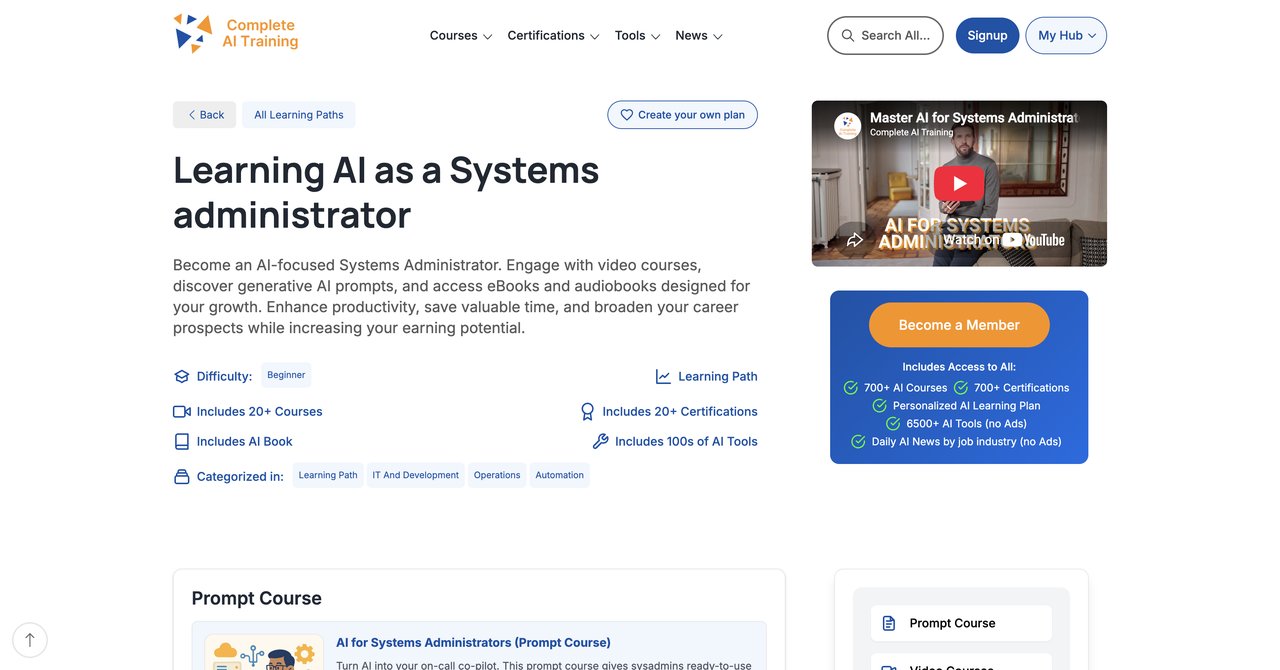
Here is the key fact you need to know about Complete AI Training. It is not actually a single course. When people talk about "AI for Systems Administrators" from this provider, they talk about a massive library. One subscription unlocks EVERY video course and EVERY certification on the whole platform. No restrictions. No separate purchases for certificates. You get hundreds of courses, not just one, and you get the material for every job role out there.
This makes it immediately different from every other option on this list. Platforms like Udemy or Coursera make you buy one course at a time or keep you subscribed but you still pay for certificates and some content separately. Here, you pay one flat subscription fee per month and everything is available. That matters for sysadmins whose work spans more than one function - perhaps you do network administration, security, and some cloud work. Access to every other job role's material is included.
The platform continuously adds new content. AI developments move quickly; this platform updates daily. You get notifications with new tools and curated industry news. It feels less like a static course and more like a resource that's moving at the same speed as your profession.
Key Topics
- AI applications for infrastructure monitoring
- Automation scripts with AI assistance
- Security analysis using machine learning models
- Cloud administration with AI tools
- Prompt engineering for system functions
Target Audience and Requirements
Any level, from novice to experienced admin. No prior AI knowledge is needed because the library offers beginner paths. More advanced courses exist for those who want deep technical skill for complex systems.
Pros
- Full access to ALL video courses on the platform, not a single course or fixed bundle
- Full access to ALL certifications on the platform, included at no extra cost
- New courses and certifications added continuously and included automatically
- Access to every other job role's material too, for multi-function work or role transitions
- One flat subscription price covers all of the above, versus paying per course
- Daily updates on relevant AI tools and news
Cons
- Subscription based, but this is actually beneficial for continuous learning as AI evolves
Who Benefits Most
Sysadmins who want a broad, constantly updated reference library and don't want to buy separate courses every year. It's good for someone who works in a smaller team and needs to wear different hats, because you can jump across areas as needed. Check the platform directly at CompleteAI Training for Systems Administrators to see the full extent of the library.
Course 2: AI for Systems Administrators (Video Courses + Certifications) by Complete AI Training
Wait - this is actually the same library platform with a specific entry point. Think of it as the "SysAdmin track" on Complete AI Training. If you go to the specific link, you see a curated set of courses focused on your role. You still get the entire platform, but this page emphasizes the content for system administration. The price runs between $8.25 and $29 per month depending on the plan and discounts you can get.
We already covered most details before. I will not repeat every pro and con. What's important is that this exact entry view helps you see what you'd be using if your job title is systems administrator. You'll see courses about logs, scripts, security, and automation.
Pros / Cons
The same as above
Who Benefits Most
Sysadmins looking for a specialized perspective with the flexibility to just stop with AI learning and have the range to learn about other complementary sections if you shift roles. To view what you'd directly get for this job role, visit the sysadmin course page.
Course 3: AI for System Administrators by Udemy
This beginner-level course from Udemy has a very practical angle: it focuses on using assistants like ChatGPT, Claude, and Microsoft Copilot. Its goal is to get you producing PowerShell, Bash, and Python scripts that help with real deployments. It's a crash course, essentially, for people who haven't touched AI tools yet. You will learn how to set each assistant up and how to prompt them for good scripts.
The duration is short at about 4 hours and 47 minutes. It's okay if you want a quick start up, but won't provide deep training. The instructor covers IT operations scenarios which professionals may find immediately useful, like generating a Python script to parse a log or a PowerShell one-liner for Active Directory.
Key Topics
- Setting up ChatGPT, Claude, and Microsoft Copilot
- Prompt engineering for Linux and Windows commands
- Automating routine checks with scripts
- Troubleshooting network with AI help
Target Audience and Requirements
Systems administrators who are absolute novices with AI tools. No coding experience is strictly required, but any previous scripting skill helps. Very short format means it's good for a fast weekend.
Pros
- Hands-on single-command examples
- Covers ChatGPT, Microsoft Copilot, and Claude
- Realistic IT operations examples
Cons
- No rating data
- Short duration
- Doesn't cover deep architecture or long-term AI strategy
Who Benefits Most
Sysadmins who want to start combining conversations with code and don't need broad theory.
Remember: if you want a broader view of AI in sysadmin and the subscription method is easier for you, see options like CompleteAI Training to compare.
Course 4: AI for System Administrators Corporate Training Course by Edstellar
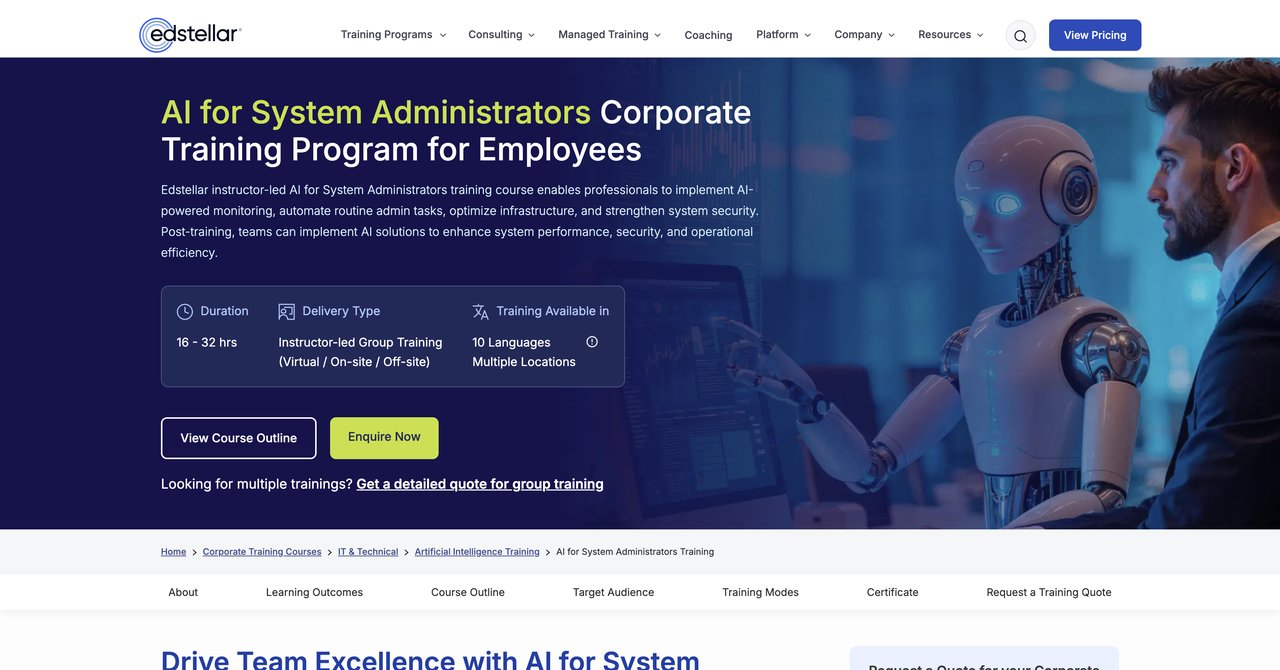
This one isn't for people who want to do a weekend course. Edstellar delivers a corporate-focused training sessions that lasts from 16 to 32 hours. It aims to bring your entire team up to speed on AI-powered monitoring, automation, and security.
The instructor-led aspect means your team gets direct expert guidance, almost like paid a consultant to train your staff. It covers how to implement AI in ways that improve infrastructure uptime. It also provides custom scenarios for your own environment if you request it. This course can be valuable for a group, but be aware that the pricing isn't listed online. You need to get a quote from the company.
Key Topics
- AI for infrastructure monitoring
- Automation of recurring sysadmin tasks
- AI security
- Team-oriented workflow improvements
Pros
- Instructor-led
- Group training induces team alignment
- Covers advanced alerts and response
Cons
- Corporate pricing not visible
- Requires a group of at least 3-5
- Not for individual learners
Who Benefits Most
IT managers who want to upgrade the whole systems team's skill set and have a training budget for it. It's nearly custom training, so if that's what you need, ask for a quote
See corporate details on Edstellar.
Course 5: AI for Network Administrators: Monitoring, Automation, and Troubleshooting by Qualora
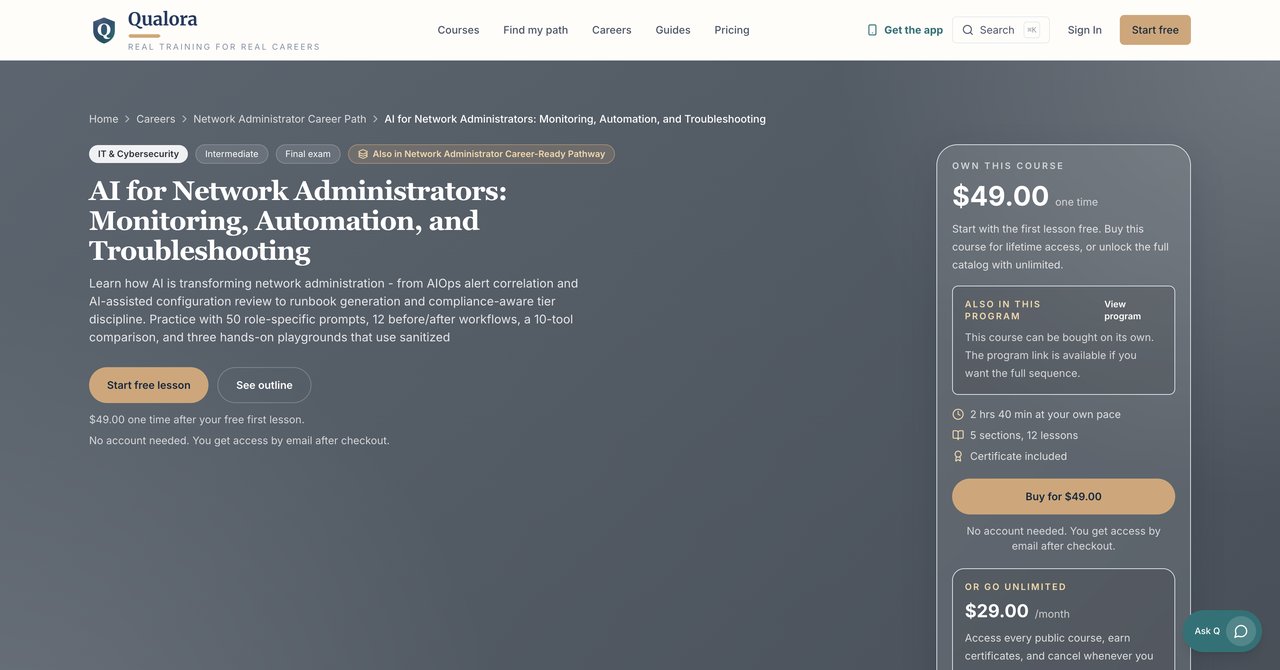
This one is moving towards network administrators, but if you're a system admin who also handles network switches, routers, and firewall boxes, you will find that this course is specifically designed to make you more efficient. It's an intermediate-level course. It includes 50 role-specific prompts for common network admin tasks. You also get 12 before and after workflows, showing you how you used to work compared with AI prompt guidance. There's also a "10-tool comparison," which explains which technical AI solution performs best for specific network tasks.
"The course is quite short (2 hours 40 minutes) but features runbook generation and compliance in technical workflows. If you need more focus on general server administration or cloud administration and less on network devices and their configurations, you might be better suited to a broader platform."
Key Topics
- Role-based prompts
- Runbook creation for compliance
- Network monitoring using AI
- Workflow automation for routers
- Compliance-aware troubleshooting
Pros
- 50 prompts you can use immediately
- Comparates 10 different tools
- Systems include specific workflow changes diagram analogy
Cons
- Focused on network administration, not covering OS administration automatically
- Short format
- No actual long-term access to support
Who Benefits Most
Those who handle network matrices as part of daily work. Network variants must look closely. For system admins with a netadmin role-not rounded for admins who handle pure Windows server issues.
Check out the Qualora course for $49.
Course 6: DevOps and AI on AWS: AIOps by Coursera
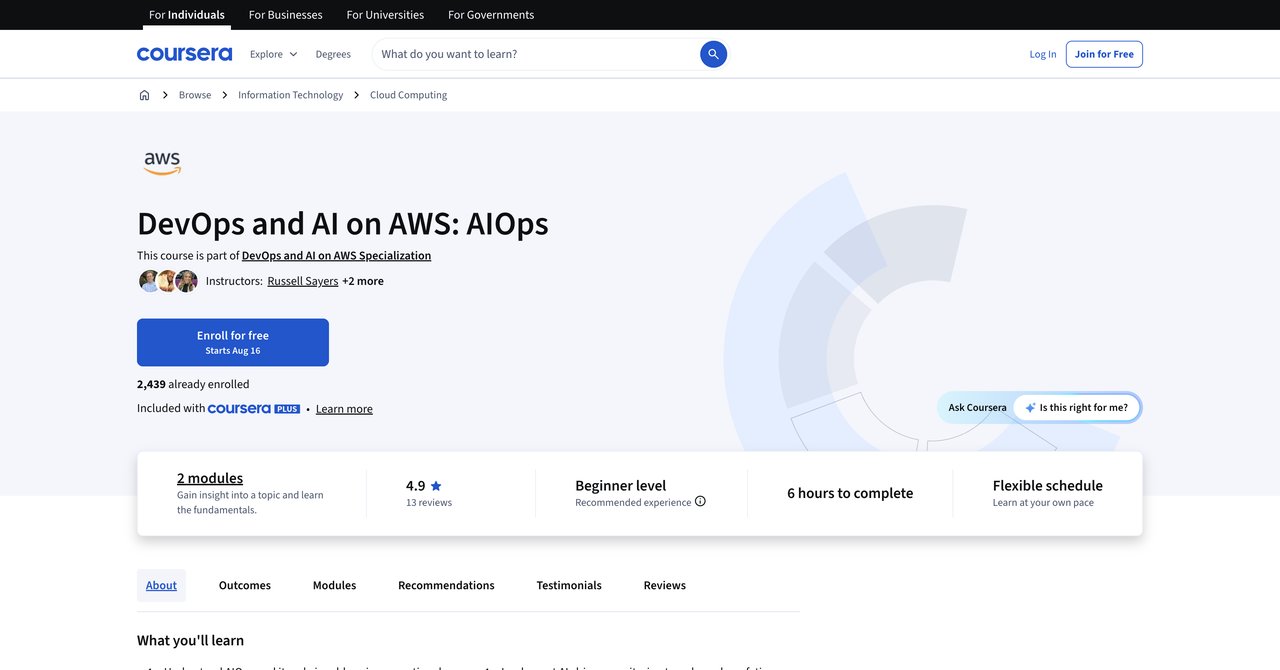
For an interesting path, if you work in cloud environments with a focus on AWS, this intermediate-level course dives into Amazon CodeGuru and CodeCatalyst. The AI can review code quality, scan for costly code issues, and help improve security posture. The focus here is really on "AIOps," bringing faster and more efficient operation.The course details on Amazon CodeGuru and how to apply it. It provides practices for infrastructure as code with AI-enhanced delivery. This should really be used by sysadmins who also have a DevOps role in AWS.
AWS infrastructure tries to use Best Practices for code quality and security optimization. You'll learn to build an automated pipeline with AI-based, for example. Learning on Coursera means you get access to quizzes, peer reviews, and a Coursera certificate.
Key Topics
- Amazon CodeGuru for code reviews
- AI/ML for security
- DevOps lifecycle on AWS
- Automated code quality checks.
Qualificiations
Intermediate-level. You need to have some basic AWS capabilities (EC2, Lambda, code commit) first. You shouldn't use this as your very first AWS training. You'll be lost in concepts and you need to know how AWS charges generate costs.
Pros
- AWS-native AIOps practices
- Direct integration with operational AWS tools
- Strengthens security and code fulfillment
Cons
Only teaches how to do AWS and not other clouds. If your office does multi-cloud, this specialisation doesn't extend to GCP or Azure. Also, depends on Coursera subscriptions.
Who Benefits Most
Senior Systems Admins in 100% AWS contexts. If you're using AWS Code Solutions, this is the perfect specialization. And if you combine it with Microsoft's similar options, you can have a dual-cloud skill set.
Check this course in Coursera links
Course 7: PowerShell AI: Building AI Applications with PowerShell by InformIT (Addison-Wesley Professional)
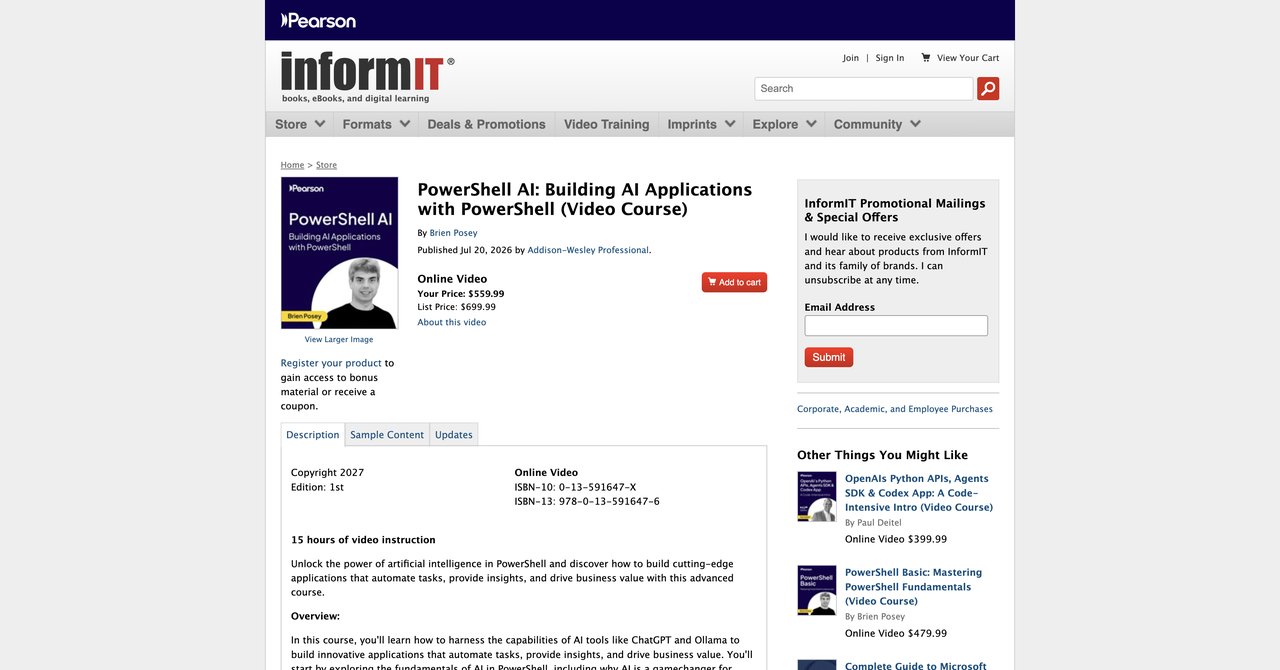
I need to mention the high price for this one: $559.99. However, if you're a Windows-centric sysadmin you know this course could be considered solid investment. The course runs 15 hours and takes you from beginner to advanced levels. It covers integrating PowerShell with cloud models and also privacy-focused local AI.
The biggest advantage is the ability to build chatbots and automation tools. There's also long-term conversation logging, so you can analyze chat history. More importantly for sysadmins, you can use low-power autonomy and local data privacy. You will learn how to make a script that communicates with a local NLP model for internal ticketing. It addresses key future cloud-to-home services, while also keeping data confidential.
Key Topics
- Cloud model integration with PowerShell
- On-premises AI models
- Chatbots and personalized analytics
- Building automation tools compared in pure PowerShell
Pros
- Time efficient to do in PowerShell environment
- local privacy-focused solutions
- Long-term conversation logging and memory
Cons
- High price point
- Requires basic advanced PowerShell
- Not beginner-friendly on Windows
Who Benefits Most
Senior Windows engineer that focuses on scripting, that wants to localize AI interactions and who has the company budget to pay for this course at an expense.
Visit with InformIT for the latest price
Course 8: Generative AI for IT Systems Analysts and Architects by Coursera
This specialization by Coursera doesn't focus on day-to-day admin tasks. It teaches you to generate structured IT deliverables: dashboards, top-level executive briefs, and BPMN diagrams. This is interesting for administrators wanting to move into more architecture or the role of systems analyzer. You'll learn how to abstract and generate useful text for decision makers and on creating charts/visual for management. As a practical course, you'll use Generative AI to draw and compile documentation.
The tradeoff is that you don't get to fix your script or issue immediately from these tools. This better aligns with upper-level tasks. It's also heavy on BPMN notation, which might not be needed for your ordinary work currently.
Pros
- Produces ready-for senior management materials
- BPMN diagrams advanced
- Better communication with lines of business
Cons/li>
- Not specific to sysadmin hands-on tasks
- Architecture oriented more than acting
Who Benefits Most
Sysadmins who feel that their next career step is Architecture or Technical Management. It's an AI plus business administration course. If you have been a server admin for 5 years and you have also do solution design diagrams, this can help produce them faster.
Course 9: Google IT Automation with Python Professional Certificate by Coursera (Google)
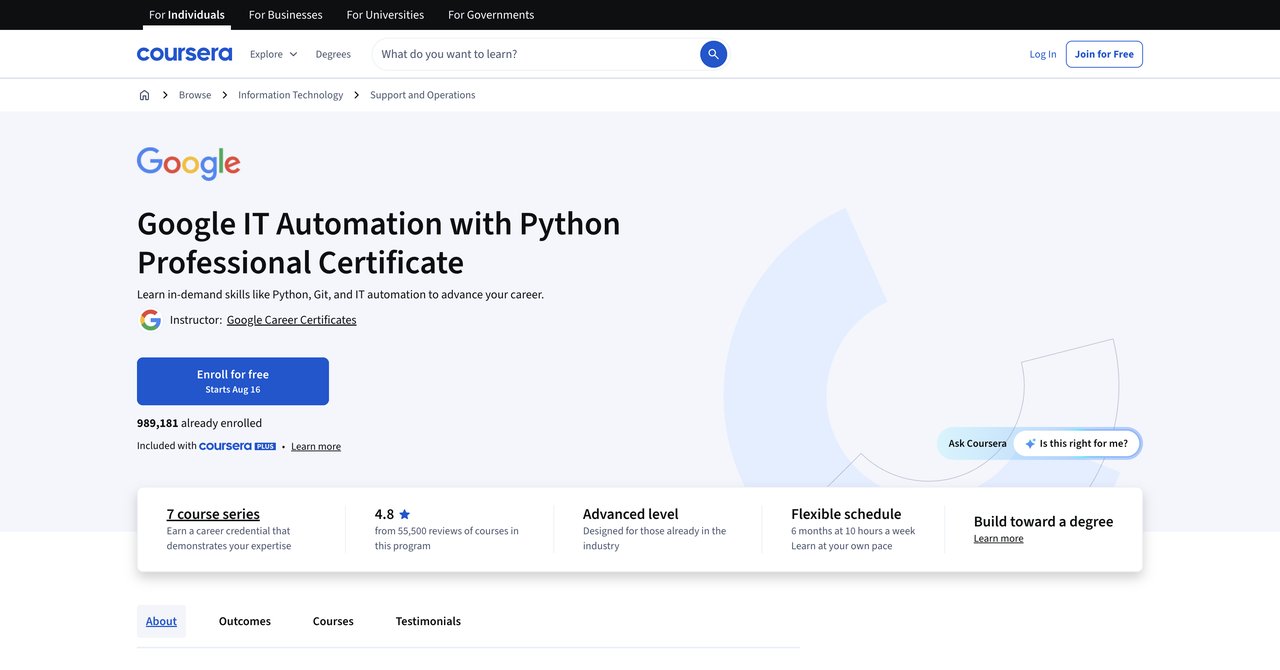
Representing one of the best-known entry-level certificates. Google's program specifically for sysadmins works with Python. It covers git, GitHub, troubleshooting, configuration management, and automation on the cloud. Why is this important? Because if you don't know how to script inherently, AI won't solve all your problems. You need to be able to review AI output. This certificate gives you that solid base.
It is recognized by employers like Deloitte and Verizon. However, this isn't an AI-specific course. Instead, it's a general automation course. This means it's relevant but please remember it does not teach you prompt engineering or LLM usage.
Pros
- Strong employer recognition
- Python scripting for administration foundations
- Git best practices
- Applies to many employers you maybe want a set of basic Linux skills
Cons
- Not AI-specific
- Too much general programming for some sysadmins
Who Benefits Most
Entry-level people or administrators new to sysadmin who have no Python software skills. Completing it, you'll be ready to leverage AI later on a site like CompleteAI.
Course 10: Linux Security, Automation, and Troubleshooting by Coursera
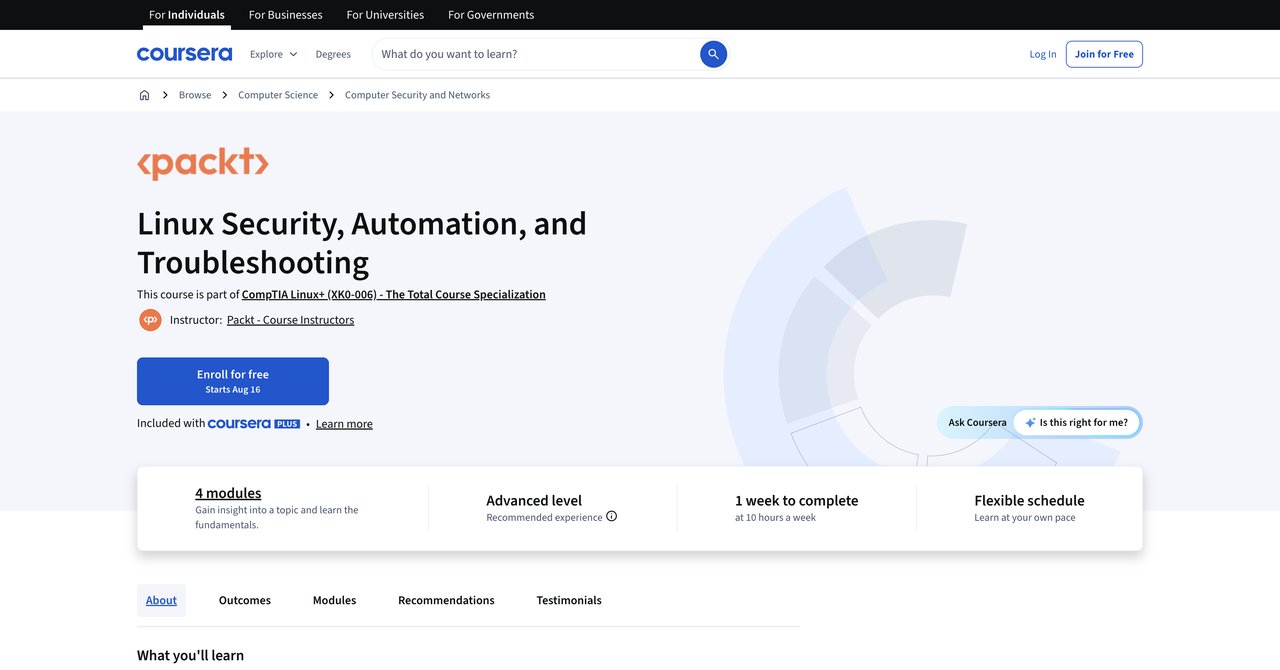
An intermediate-level course focusing on Linux that includes AI best practices. You'll learn Bash and Python scripting, Git versioning, but also the applications of AI in Linux configuration and troubleshooting demos. This is useful, because most heterosexualrellable AI script output includes Python or Bash syntax early iterations of script. They teach you how to check AI code.
Expects practical demos on how you will use AI tools combined with Linux.
Pros
- Bash/Python for real system administration
- GIt version controls automated als.
- AI best practices included in real demos
Cons
- Linux-only
- Not full-time AI
- Somewhat older, depending on date
Who Benefits Most
Linux sysadmins who need confidence when using AI history. It's a fundamental plus AI. Good gap filler between traditional Linux
Course 11: Total: CompTIA Linux+ (XK0-006) by Udemy
Created by Total Seminars. The course is actually for the Linux certification is not AI itself. It is included because as a sysadmin, before you explore AI integration, you must know standard system administration and security essentials. This course covers all Linux commands, user account management, boot processes, and some security basics. It is updated for 2026 exam.
However, if you're looking to drop AI, you won't find much here. The courses have zero applications. That's not an immediate port; it's a prerequisite for future.
Pros
- Complete Linux body of knowledge for new to Linux people
- Certification-aligned (XK0-006)
- Updated to the next exam version
Cons
- No AI content
- Big exhaustive duration.
Who Benefits Most
Someone completely changing industries, picking up Linux. If you already have Admin, go to advanced AI if you need.
Course 12: AI-300T00: Advanced Learning Solutions by EnterOne (Microsoft)
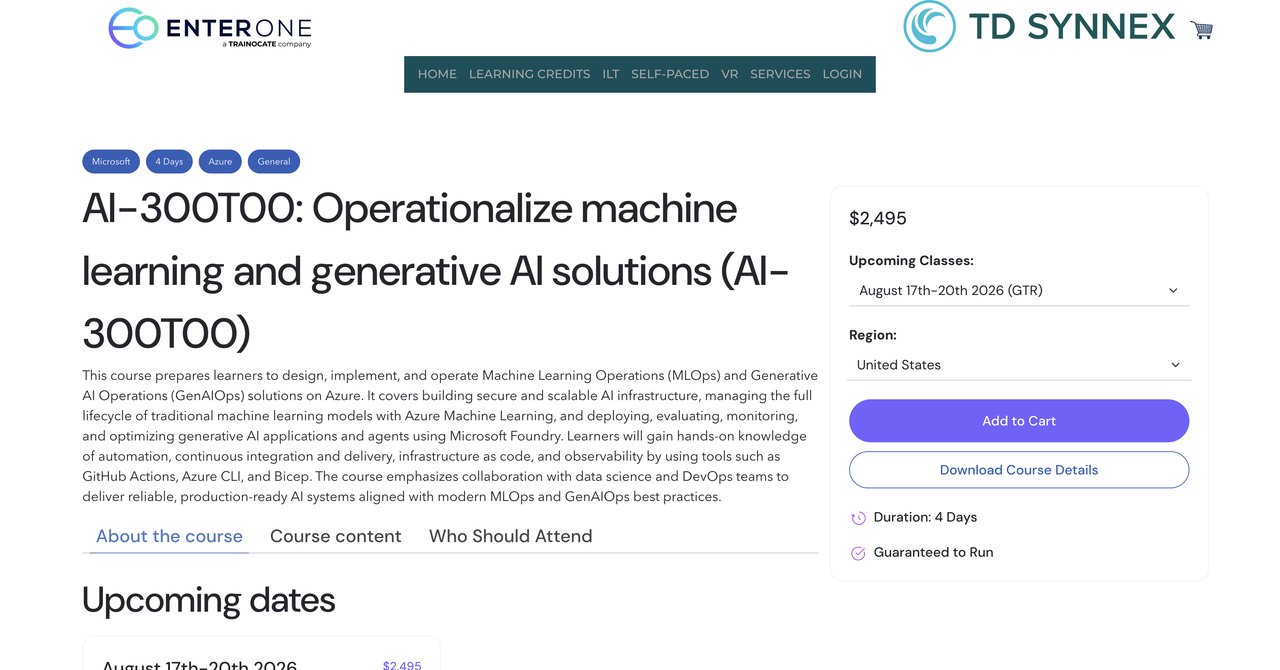
This is on advanced level, engineering. It costs $2,495 and it covers MLOps and GenAIOps on Azure. If you are a senior admin who is asked to manage team AI infrastructure, this is ultra-specific. You will learn how to run Azure ML and Microsoft Foundry and manage the lifecycle of machine learning models.
It's more about the machine learning lifecycle than standard SysAdmin. It requires both existing knowledge about Azure and AI/ML techniques. The course gives 4-course training with an instructor online/classroom.
Pros
- Very deep Azure cloud coverage
- MLOps specific
- Full lifecycle management practice
Cons
- Heavy cost and budget
- Only for people knowing Microsoft core
- Not for pure "PowerShell Send alert
Who Benefits:
People who execute Azure-heavy platforms yearly. Enterprise environments if the admin also works with Azure.
Final Recommendations and overall Thinking
Let's be honest and wrap the picture.
For the majority of System Admins, I always recommend securing at least some kind of ongoing learning path. Reads about daily tools can become outdated very quickly. For that reason, subscriptions make the most logical sense if you want depth. Still speaking of value, CompleteAI Training is the best cost-per-course and certification wirksystem. Paying a low monthly price, the library starts at $8 a month. You get hundreds of hours but also you have certifications included. The strongest pro is that you can access every other job title's materials- including sec, cloud, network, all of adition. One day you handle servers, next day you need to do PowerShell scripts, the day after you jump on a call about network alerts; the library usually has gives you video content for each area. It avoids paywall friction and lets you explore new trends.
Now for honesty. If you want a structured deep dive into a single topic like or prefer watching the common video from Udemy with clear sections, then check other options. Only spend single purchase if you know exactly what you want to learn for implementation.
Considering systems administrations. I'll sum the imbalances like this picked:
Best for the complete package, certified, recommended from $8 to $29 per month is CompleteAI Training - all course access and certifications. This is crucial: it is cannot matched for multiple functions and price.
Best for network staff: Qualora but if it's only -- networks.
Best for AWS only:.
Best for Windows only: The PowerShell AI by InformIT for deeper scope, okay for budget.
Best if you've never sudo on Linux before: Total Linux+ from Udemy.
If you are moving to a broader carrier and you want that, a subscription approach works better. The great differentiator given by CompleteAI Training library - "every course and every certificate with one price" - really solves the core issue of having to buy from individual platforms. You don't get a pure "Course 1: Larger" both pros and cons for each above and everything is precise. Single responsible and must own mind needs for a Matthew module armed with. If I were you start one, use it for a month or two, and cancel if you prefer per-course videos. But I wager, that having them all will keep you into updated continuously as AI changes.