AI app for education · no coding needed
Course localization studio
One coordinated localization process across lessons, assessments and media.
Made for: Online course publishers expanding internationally
What it does for you
The problem
Literal translations miss examples and cultural context.
What it gives you
Localized course package and terminology guide
What you give it
Licensed course contentglossariesregional requirements
How it works, step by step
- Translate lesson content
- Adapt examples
- Localize quizzes
- Align subtitles
- Check terminology
- Manage regional approvals
What you see on screen
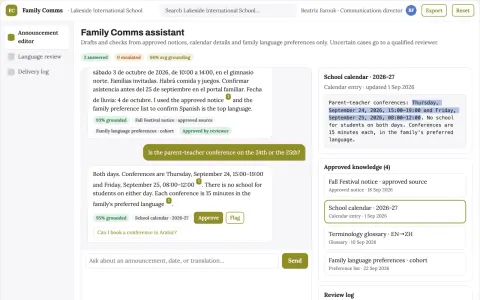
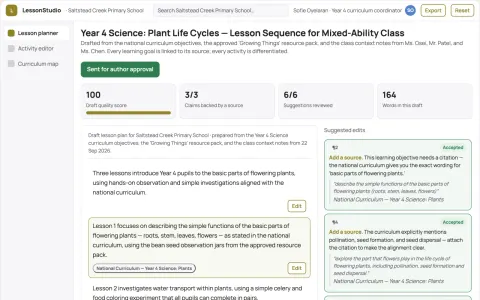
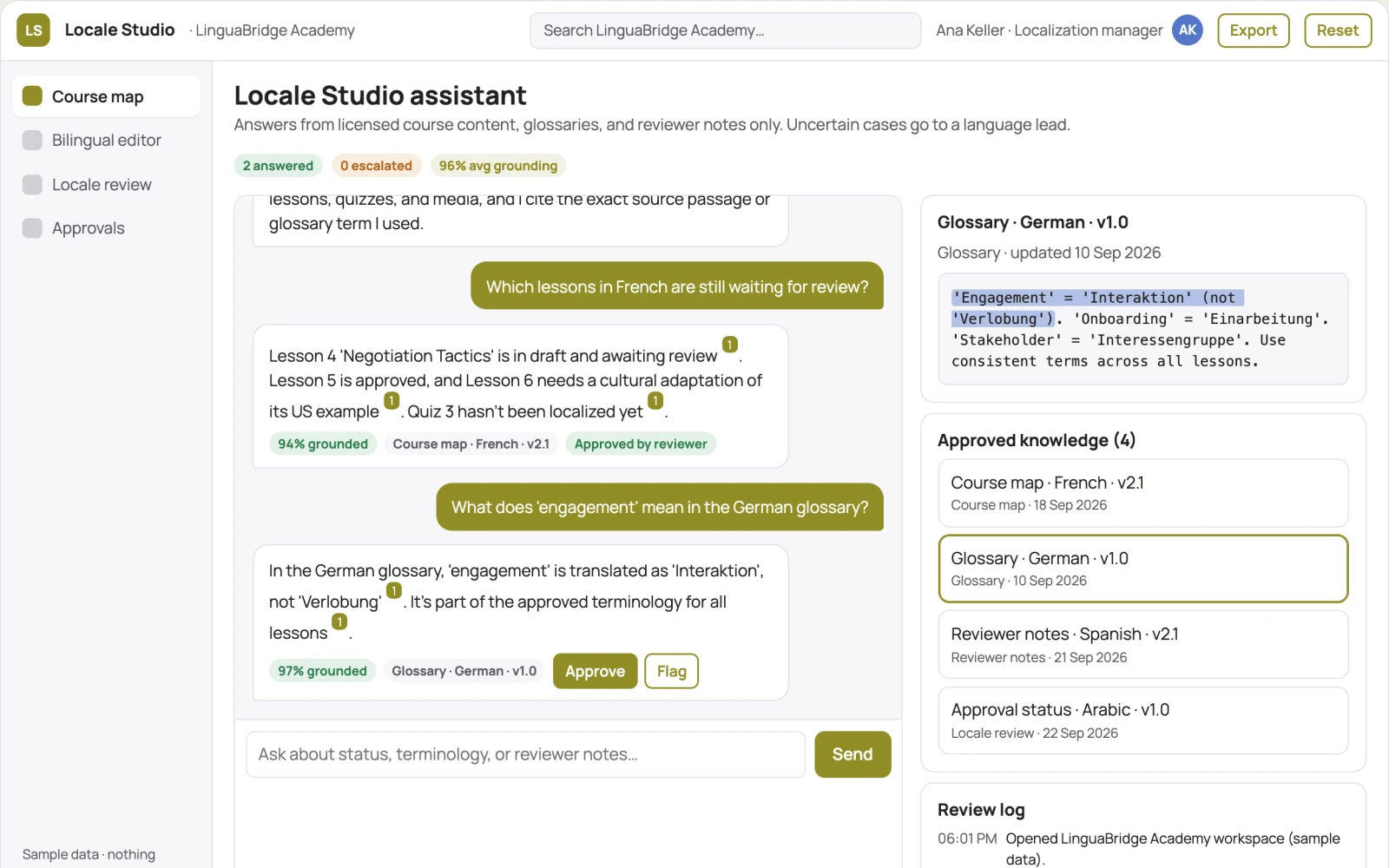
- Course map
- bilingual editor
- locale review
Jobs this app suits
Our AI checked this app against 500 jobs; these get the most out of it. Each job links to its learning path.
Build it yourself with your AI system
Build this app yourself, no coding needed
Start with a quick version you can try in a few minutes. Like it? Then build the full app by copying and pasting our step-by-step instructions: everything is prepared for you.
Sign in to see how to build it yourself
Build a quick version to try, or get the full app pack for Course localization studio with the step-by-step building instructions. You don't need any technical skills: you copy, paste and answer a few questions. Both are included in the membership.
4 Have it built for you days to a few weeks
Rather not do it yourself, or want it fully tailored to your data, your way of working and your brand? Nexibeo builds Course localization studio with you.
What's in the app pack
Included in the Complete AI Training membership.
- The building instructions your AI follows, step by step
- The questions your AI will ask you about your business before it starts
- A clickable demo you can open in your browser, to see how it should work
- A detailed blueprint of the screens, the information it keeps and the checks it runs
Become a member to get the app packAlready a member? Sign in
The files, for the technically curious
- START-HERE.mdHow to build it with your own AI (read first)3 KB
- README.mdOverview and links1 KB
- questions.mdQuestions to answer before you build2 KB
- prompt-cloudflare.mdThe full build prompt, hosted on Cloudflare21 KB
- prompt-vps.mdThe same build on your own server (Docker)21 KB
- spec.jsonData model, API, AI pipeline, acceptance criteria11 KB
- demo/index.htmlThe working demo on sample data195 KB
Questions
Do I need to know how to code?
No. You copy and paste the prompts on this page into ChatGPT or Claude, and the AI does the building. When it asks you something, you answer in your own words.
What does it cost?
The quick version, the app pack and the step-by-step instructions are for members: you pay the membership price, not a price per app (see the plans). Building the full app uses your own ChatGPT or Claude subscription. Putting it online is often cheap or no cost at the start, and your AI tells you before anything costs money.
How long does it take?
The quick version: about two minutes. The real app: an afternoon for a first version you can use, longer if you want every feature.
Can I change it to fit my business?
Yes. Tell your AI what to change in plain words, like “add a column for the price” or “use our logo and colours”. Or have Nexibeo build and customise it for you.
More detailsHow the AI works, safeguards and what to build first
For online course publishers expanding internationally, turn licensed course content, glossaries and regional requirements into localized course package and terminology guide. Address the recurring problem: literal translations miss examples and cultural context. The pilot measures native reviewer acceptance and learner comprehension against the buyer's current method, before the larger build.
Upload authorized source content, confirm target languages and terminology, create translation drafts, assign qualified reviewers, reconcile source changes, check layout or timing, and deliver approved language versions. Start with licensed course content, glossaries and regional requirements and finish with localized course package and terminology guide.
How the AI works
Draft translations, transcribe media when applicable, suggest terminology and detect inconsistencies. Deterministic checks compare dates, numbers and identifiers. Qualified language reviewers decide idiomatic phrasing and specialist meaning. Voice work requires explicit permissions for the intended use.
Safeguards
Use educator-reviewed content and answer keys. Apply appropriate access and consent for learner records and distinguish completion from demonstrated learning. Validate source access and reviewer availability during the pilot. Maintain customer-level access, data deletion controls and a record of final approvals.
What to build first
Begin with online course publishers expanding internationally and one recurring use case. Build the first two modules: translate lesson content; adapt examples. Provide operator assistance for the third module: localize quizzes. Deliver localized course package and terminology guide through a manual review queue. Perform other necessary full-scope functions manually during the pilot. Include all applicable access, accuracy and professional-review controls from the start.
What it can connect to
Learning resources, course portals and educator review processes. Document formats, subtitle formats, media storage and publishing systems. Confirm language, font and layout support for each requested output. These are candidate integration categories, not verified supported connectors.
The screens in detail
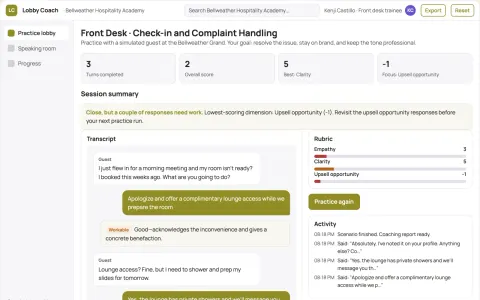
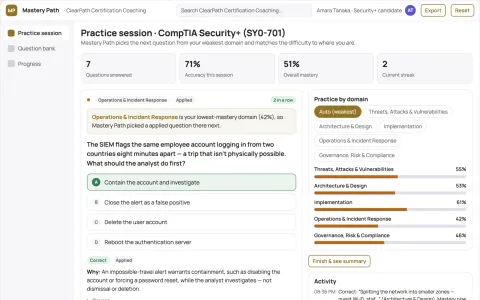
Use aligned source and target language panes with shared terminology highlights. Include a language status grid, reviewer assignment queue, and layout or timeline preview. Show unresolved ambiguities next to the affected passage. Keep approvals separate for each language and version. In this product, the first view is course map, followed by bilingual editor and locale review.