
Learning path
Learning AI as an Online Course Creator
This learning path helps online course creators use AI to plan lessons, write scripts, answer students, and improve courses. It fits around a busy production schedule and starts with simple setup steps.

Your path
Everything in the Online Course Creator AI kit, in the order that makes sense. Members tick off each step and see their progress.
Set up your AI
We guide you through each click.
Let skills do your everyday tasks
Connect your apps and pick your AI apps
Hand whole tasks to AI agents
Build your own tools
Keep growing
Everything for online course creators
All the courses, certifications, AI tools, MCP servers and apps for online course creators, most relevant first. Open any list to see more.
Take the prompt courses
A short framework course to learn how to ask, then 8 lessons with ready-to-use prompts for online course creators.
Start with this framework: how to talk to AI
CRAFT fits course creators because context, role, action, format, and tone shape copy, like a warm welcome email for your photography course.
Then your prompt course for online course creatorsWatch the video courses or add them to your Favorites for later
154 video courses our AI picked for online course creators, most useful first. Save the ones you want to watch later with the heart.
Favorites are saved to your account: sign in or get your AI kit first.
Show all 154 video courses
Get certified, or add certifications to your Favorites
Every course ends in an exam and a certificate you can add to LinkedIn. Save the certifications you are aiming for with the heart.
Favorites are saved to your account: sign in or get your AI kit first.
More certifications for online course creatorsShow all 24 certifications
Try the AI tools for online course creators
24 AI tools our AI matched to the work of online course creators, best fit first. Each review shows what it does, its alternatives and the jobs it suits.
Favorites are saved to your account: sign in or get your AI kit first.
Show all 24 AI tools
Connect your AI to the apps online course creators use
MCP servers let ChatGPT, Claude or Copilot look things up and get work done in other apps, like your email, calendar or bookkeeping software. These 12 fit the work of online course creators best, well-known apps first.
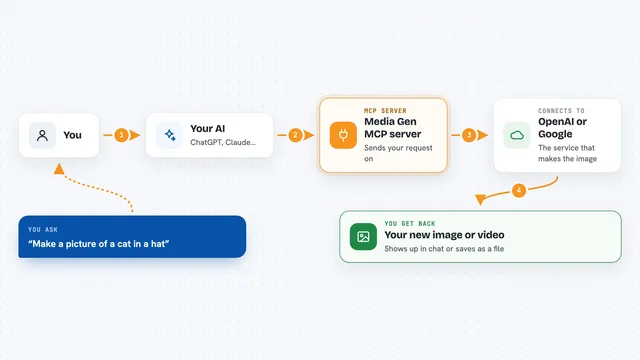
Media Gen MCP server
by strato-spaceCreate and edit images and videos with OpenAI and Google tools, right from your AI chat.
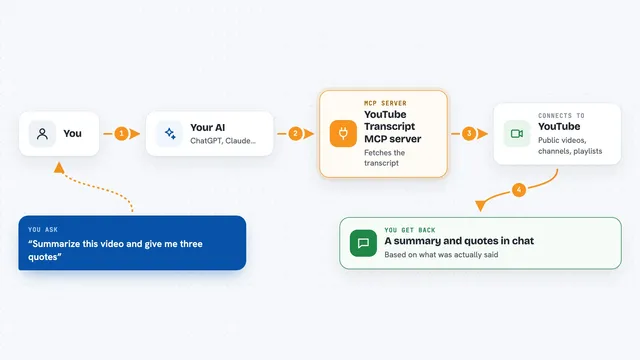
YouTube Transcript MCP server
by artemchuikinLet your AI read YouTube videos, pull transcripts, and search videos, channels, and playlists for you.
Social mediaResearch Official
YouTube Uploader MCP server
by anwerjLet your AI upload videos to YouTube and fill in the title, description, and tags for you.

CobroYa MCP server
by dan1dLet your AI create Mercado Pago payment links, look up payments, and issue refunds for you.
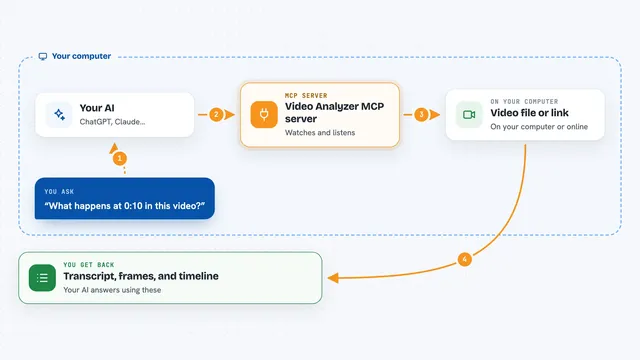
Video Analyzer MCP server
by guimatheus92Lets your AI watch a video link and pull out the transcript, key frames, on-screen text, and a timeline.

Google Workspace MCP server
by taylorwilsdonLets your AI read and write your Gmail, Calendar, Drive, Docs, Sheets and more, all from one chat.
Show all 12 MCP servers

Pixel Surgeon MCP server
by j-eastLet your AI make pictures and short videos, fix messy text inside images, and remove backgrounds just by asking.

VE Google Workspace MCP server
by HuntsDeskLet your AI read and write your Google Docs, Sheets, Slides, Drive, Gmail and Calendar for you.

Google Drive MCP server
by A1-x-TechLet your AI search, organize, upload, download, export and share your Google Drive files for you.

Gemini Media MCP server
by mordor-forgeLets your AI make images, videos, voice clips and music through Google's Gemini and Veo models.

Presentations.AI MCP server
by slidecraft-inLet your AI build and edit slide decks for you, then export them as PPTX, PDF, images or a share link.
Productivity Official
Google Slides MCP server
by A1-x-TechLets your AI look at and edit your Google Slides decks, from adding slides to exporting them as PDF.
Build your own AI apps for online course creators
Apps you build yourself with your own AI, no coding needed and no monthly fee. Our AI picked the 12 that fit the work of online course creators.
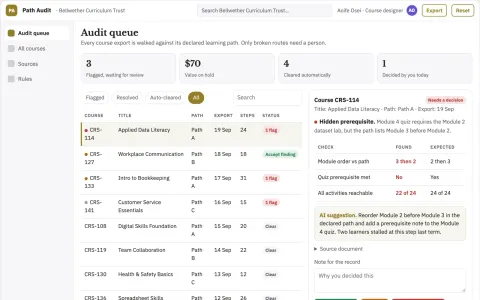
Online course navigation audit
Check the learner route through existing content.
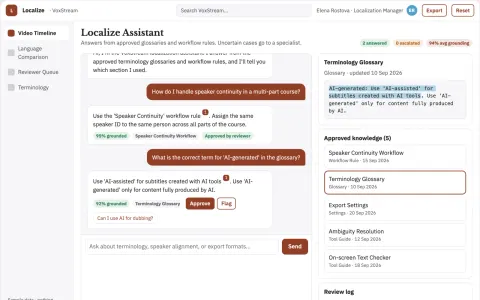
Video localization service
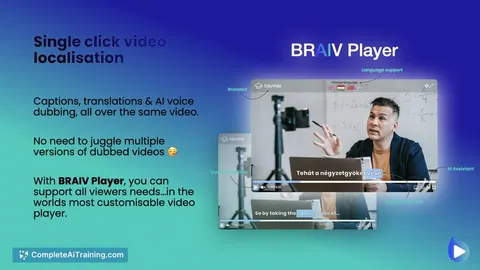
Terminology and speaker continuity across a full course library.
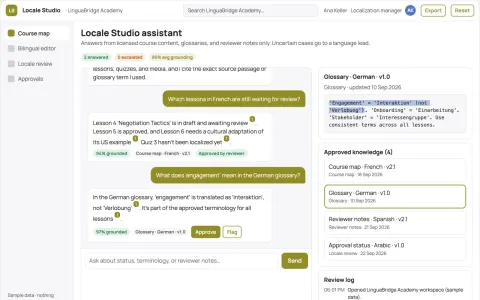
Course localization studio
One coordinated localization process across lessons, assessments and media.
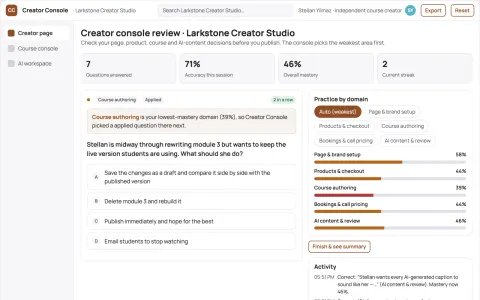
Creator link-in-bio monetization and course console
Reduce tool sprawl while keeping the creator's audience, content and revenue in one owned account.
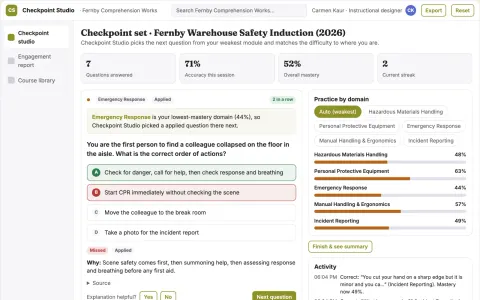
Interactive video and document learning checkpoint studio
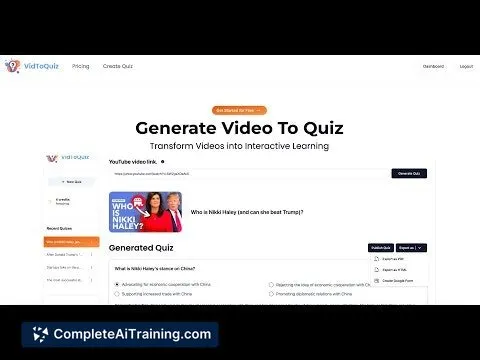
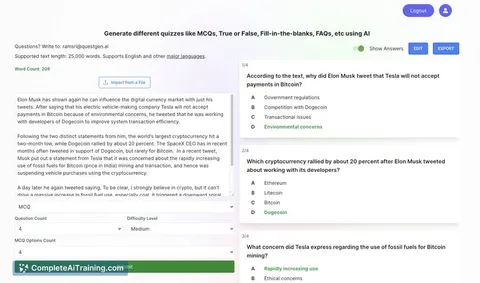
Turn existing videos and documents into interactive quizzes and checkpoints and track how viewers engage with them.
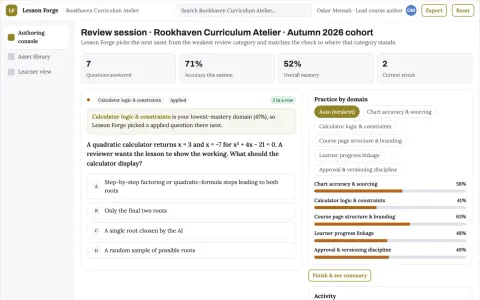
Role-based data visualization and course authoring workbench
Reduce tool sprawl and manual rebuild work while keeping learner data and course branding under the institution's control.
Show all 12 apps
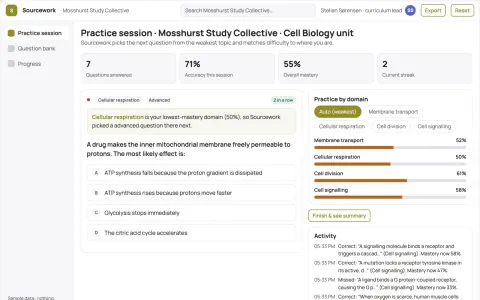
Role-based study material and course authoring workbench
Reduce the number of separate study tools a course team rents while keeping every generated item linked to its source.
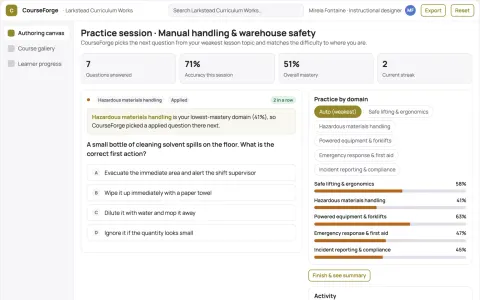
Role-based course authoring and delivery console
Reduce tool sprawl and manual course assembly while keeping one owned source of truth.
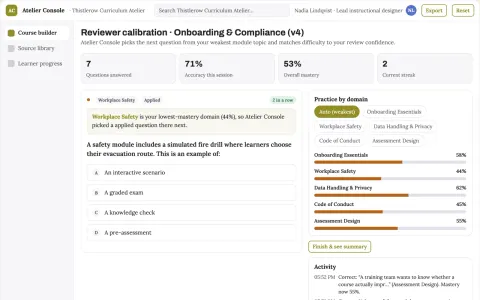
Role-based course authoring and delivery console
Reduce course production and maintenance effort while keeping one reviewed source of truth.
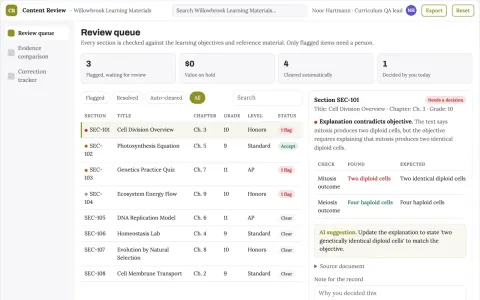
Educational content quality review
Checks the relationship between explanations, objectives and assessments.
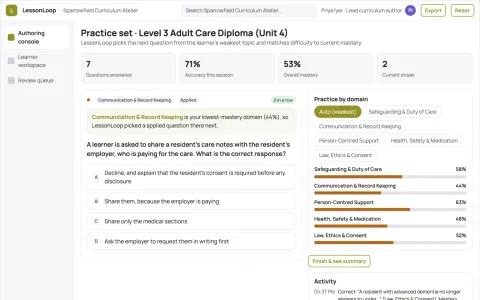
Role-based learning and course authoring workspace
Reduce duplicated authoring and tutoring effort while keeping every learner answer and course change under named human review.
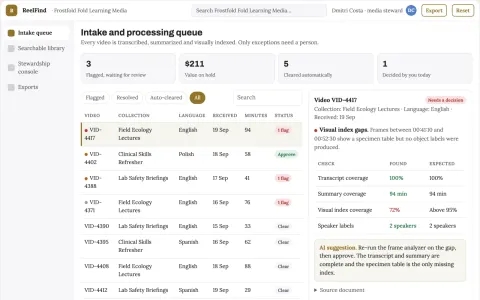
Searchable video knowledge library and stewardship console
Reduce time spent locating and reusing video content while keeping the source material under the owner's control.


























































































































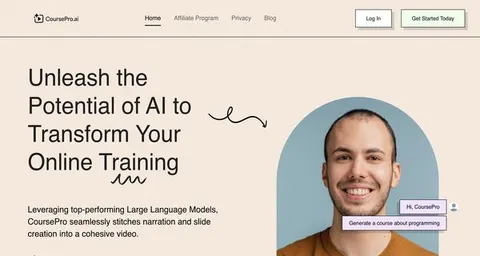
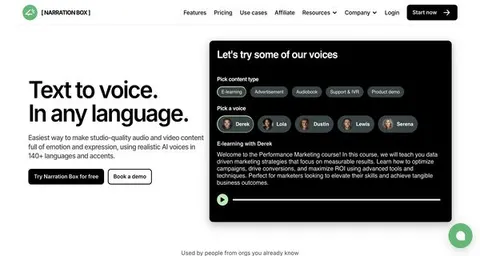
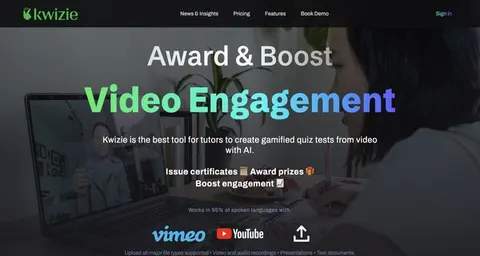
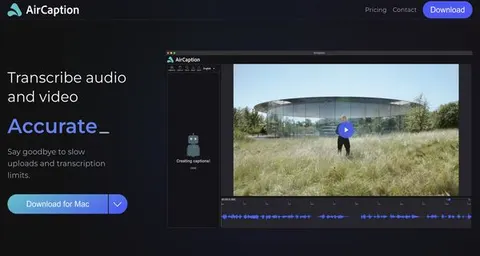
About this learning path
6 topicsAI Skills For Online Course Creators
Online course creators wear many hats: teacher, writer, producer, host, and marketer. This path shows where AI can help with each part without taking over your voice or your teaching judgment.
First you answer a few setup questions and connect your AI tool. Then you build job skills inside your AI, work through this prompt course, and choose video courses picked for online course creators. Each video course lists the certifications it prepares you for, so you can see what you earn as you go.
Why AI Matters Now
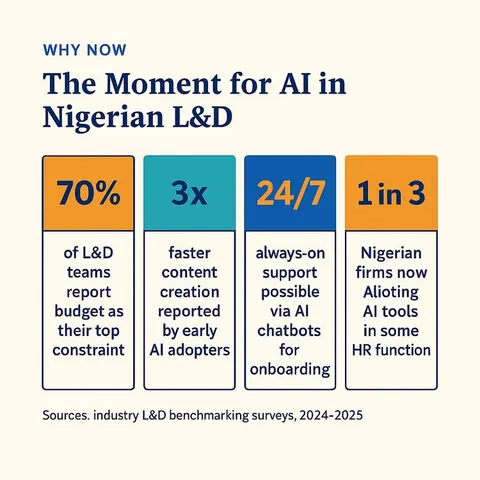
Students expect clear lessons, quick answers, and a course that feels alive. AI can help you draft faster, spot gaps, and keep your materials consistent when your to-do list is long.
Used well, AI handles the first pass so you can focus on teaching, story, and the moments only you can create.
What The Path Includes
Your path starts with setup questions and connecting your AI. You then practice skills for the job inside your AI, take this prompt course, and pick video courses chosen for online course creators.
Those video courses come with the certifications they prepare you for. You can follow the order or jump to the part you need most.
How It Saves Time
AI can turn a rough outline into a lesson plan, a transcript into notes, and a blank page into a draft you can improve. It can also help you answer common student questions and write launch emails without starting from zero.
The time you save goes back into recording, community, and rest. Small daily wins add up across a full course launch.
How It Protects Your Career
Course creators who use AI well can take on more work without losing quality. You stay responsible for accuracy, tone, and student privacy, which makes your courses stronger and your reputation safer.
You also learn to review AI output instead of trusting it blindly. That habit protects your students and your business.
How To Start
Begin with the setup questions and connect the AI tool you already use. Then open the prompt course and try one prompt on a real task, such as your next module outline or a welcome email.
Pick one video course that matches your current project. Finish a small step today, then return tomorrow.
Frequently asked questions
Do I need to be technical to use this path?
No. The path uses plain language and step-by-step setup. If you can write an email and follow a recipe, you can use these prompts.Which AI tools will I use?
You can use ChatGPT, Claude, Gemini, or another assistant you prefer. The prompts are written to work across common tools, and you can adjust them to fit yours.How long does the path take?
You can move at your own pace and fit short sessions around course production. Many creators start with one prompt course lesson and one video course at a time.Will AI replace my teaching voice?
No. AI helps with drafts, structure, and repetitive tasks. You decide what stays, what changes, and how your course sounds.