AI app for management · no coding needed
Remote team onboarding service
Practical team operating agreements embedded into onboarding.
Made for: Founders hiring their first distributed team
What it does for you
The problem
Remote hires lack clear communication norms and role expectations.
What it gives you
Remote onboarding program
What you give it
Role briefscollaboration toolsteam interviews
How it works, step by step
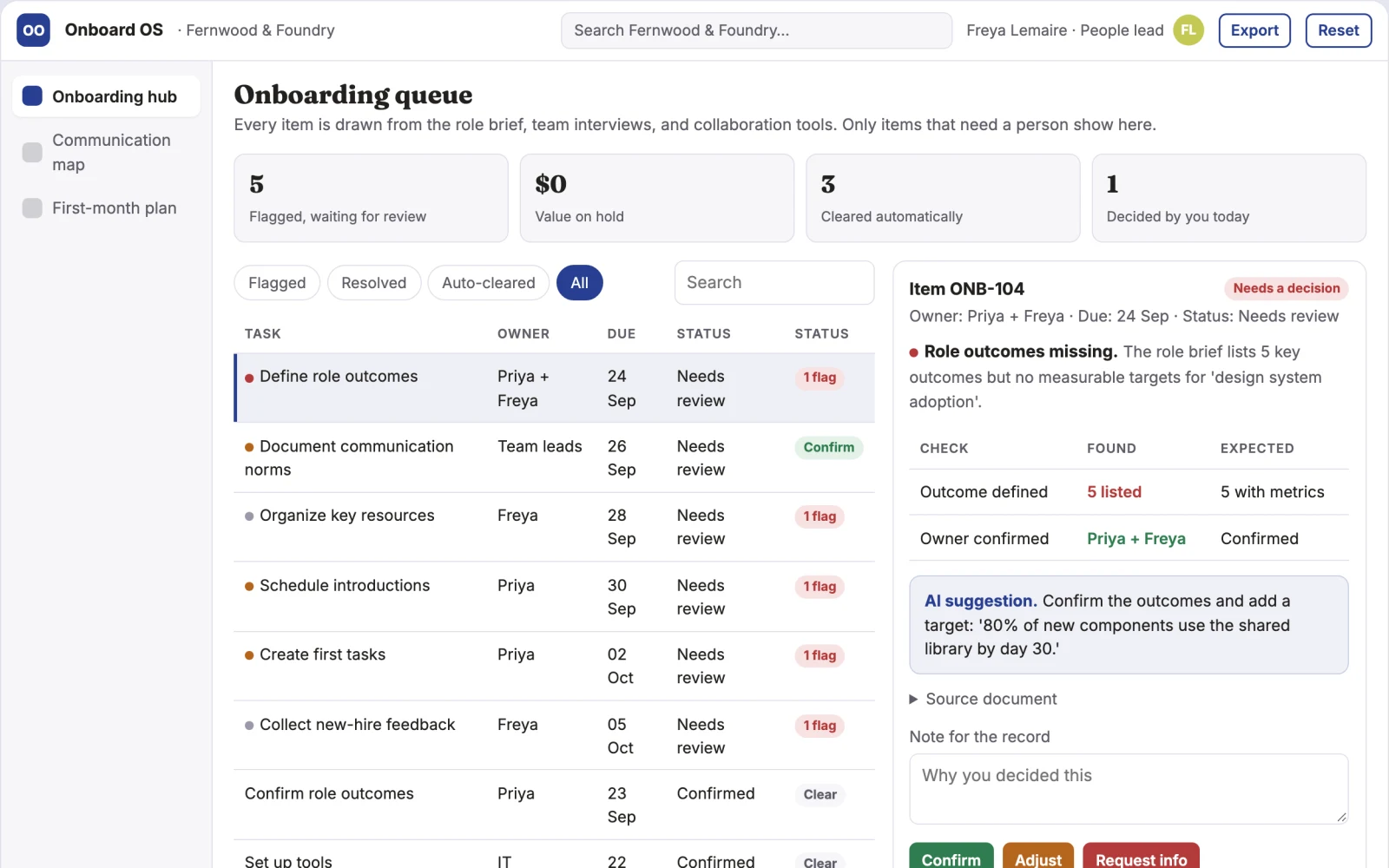
- Define role outcomes
- Document communication norms
- Organize key resources
- Schedule introductions
- Create first tasks
- Collect new-hire feedback
What you see on screen
- Onboarding hub
- communication map
- first-month plan
Jobs this app suits
Our AI checked this app against 500 jobs; these get the most out of it. Each job links to its learning path.
Build it yourself with your AI system
Build this app yourself, no coding needed
Start with a quick version you can try in a few minutes. Like it? Then build the full app by copying and pasting our step-by-step instructions: everything is prepared for you.
Sign in to see how to build it yourself
Build a quick version to try, or get the full app pack for Remote team onboarding service with the step-by-step building instructions. You don't need any technical skills: you copy, paste and answer a few questions. Both are included in the membership.
4 Have it built for you days to a few weeks
Rather not do it yourself, or want it fully tailored to your data, your way of working and your brand? Nexibeo builds Remote team onboarding service with you.
What's in the app pack
Included in the Complete AI Training membership.
- The building instructions your AI follows, step by step
- The questions your AI will ask you about your business before it starts
- A clickable demo you can open in your browser, to see how it should work
- A detailed blueprint of the screens, the information it keeps and the checks it runs
Become a member to get the app packAlready a member? Sign in
The files, for the technically curious
- START-HERE.mdHow to build it with your own AI (read first)3 KB
- README.mdOverview and links1 KB
- questions.mdQuestions to answer before you build2 KB
- prompt-cloudflare.mdThe full build prompt, hosted on Cloudflare21 KB
- prompt-vps.mdThe same build on your own server (Docker)21 KB
- spec.jsonData model, API, AI pipeline, acceptance criteria11 KB
- demo/index.htmlThe working demo on sample data196 KB
Questions
Do I need to know how to code?
No. You copy and paste the prompts on this page into ChatGPT or Claude, and the AI does the building. When it asks you something, you answer in your own words.
What does it cost?
The quick version, the app pack and the step-by-step instructions are for members: you pay the membership price, not a price per app (see the plans). Building the full app uses your own ChatGPT or Claude subscription. Putting it online is often cheap or no cost at the start, and your AI tells you before anything costs money.
How long does it take?
The quick version: about two minutes. The real app: an afternoon for a first version you can use, longer if you want every feature.
Can I change it to fit my business?
Yes. Tell your AI what to change in plain words, like “add a column for the price” or “use our logo and colours”. Or have Nexibeo build and customise it for you.
More detailsHow the AI works, safeguards and what to build first
For founders hiring their first distributed team, turn role briefs, collaboration tools and team interviews into remote onboarding program. Address the recurring problem: remote hires lack clear communication norms and role expectations. The pilot measures new-hire clarity and time to independent tasks against the buyer's current method, before the larger build.
Create a case from approved inputs, identify required actions, confirm owners and dates, request missing information, approve proposed communications or changes, track completion, and retain a handover record. Start with role briefs, collaboration tools and team interviews and finish with remote onboarding program.
How the AI works
Extract candidate actions and relevant context, classify requests and draft communications. Use explicit rules for scheduling, state transitions and permissions. People confirm obligations and approve consequential actions before execution.
Safeguards
Confirm owners, decisions and commitments. Keep employee discussion notes access-controlled and avoid covert individual performance inference. Validate source access and reviewer availability during the pilot. Maintain customer-level access, data deletion controls and a record of final approvals.
What to build first
Begin with founders hiring their first distributed team and one recurring use case. Build the first two modules: define role outcomes; document communication norms. Provide operator assistance for the third module: organize key resources. Deliver remote onboarding program through a manual review queue. Perform other necessary full-scope functions manually during the pilot. Include all applicable access, accuracy and professional-review controls from the start.
What it can connect to
Team updates, calendars, project records and agreed management routines. Calendars, email, task managers and relevant business records. Use draft actions and supervised handoffs first, then enable only specifically authorized writes. These are candidate integration categories, not verified supported connectors.
The screens in detail
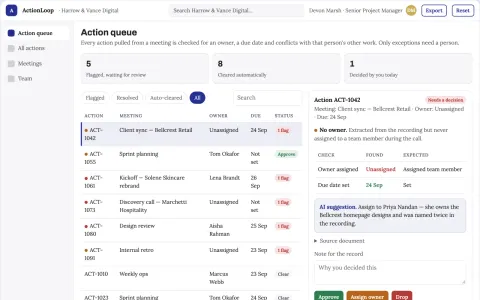
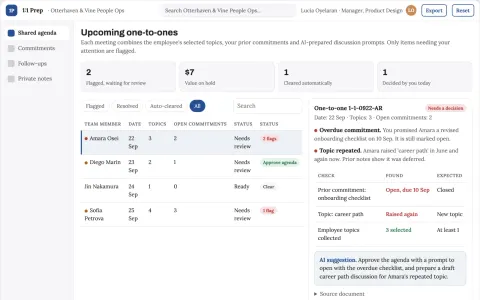
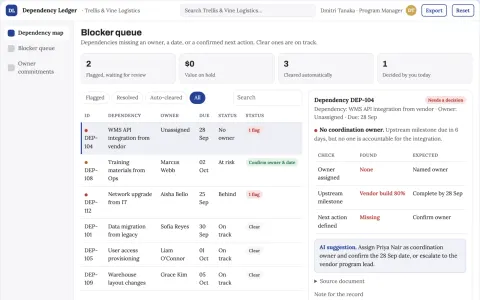
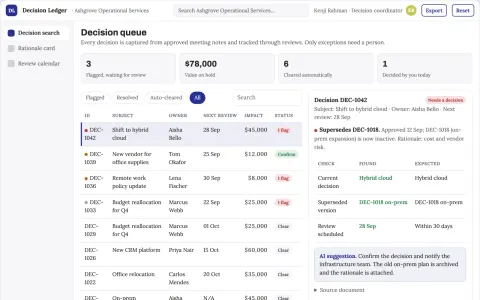
Use a queue or timeline as the opening view, with clear owners, dates and current states. Each case opens into its source context, proposed actions and discussion. Give external participants a limited form or status page. Make the next required action visible without opening every record. In this product, the first view is onboarding hub, followed by communication map and first-month plan.