
Learning path
AI for team leads
Be the AI expert in your job. Always up to date.
Your first AI Expert certificate this week. Your AI set up in 15 minutes.

This is exactly what happens after you join. Try it: everything below reacts to your choices.
Only stored for members. Join to keep the courses you choose in your account and favorites; until then only this browser remembers them. Start for Free






Picked by our course-matching AI for team leads, your level and your AI, from 700+ courses. Each course ends in a short exam and an AI Expert certificate. New courses arrive every week and your suggestions update with them. Your choices are kept in this browser until you join.
For members: your personal setup prompt, with your sign-in built in. Here's what's inside.
What the setup does
- Connects your AI to your AI Coach: ChatGPT, Claude, Cowork, Microsoft Copilot and more
- Asks you a few questions about your work and saves your profile
- Gives your AI the skills, prompts and tools for team leads
- Writes your personal instructions and gives you today's first suggestion
What your AI gets: the team lead AI kit
See everything in your team lead AI kit: log in or sign up first → · Start for Free
Like "Build a Team Metrics Tracker"
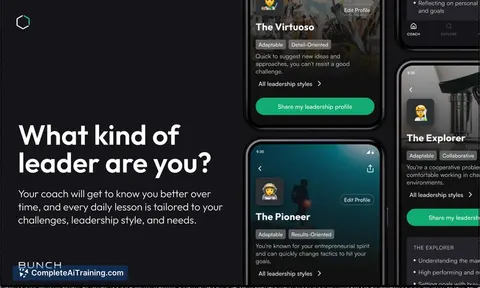
A new idea from your AI Coach every day
Let your AI look up, create, and update Jira issues, sprints, and comments for you.
From 4,600+ connections, after a short interview about the apps you use
The store opens with every required task done or a clear decision on what is not
From 3,900+ AI agents: hand a whole task to AI
Build this to keep decisions and shared drafts in one place so follow-ups stop slipping.
From 2,400+ apps you can build, with step-by-step prompts
Not connected? The same suggestions wait for you on your dashboard under Today, with prompts to copy into any AI.
All the courses, certifications, AI tools, connections and apps for team leads, most relevant first. Tap the heart on anything to save it for later.
All prompt courses for team leads
How to talk to AI, then 9 lessons with ready-to-use prompts for team leads.
- 1Daily Team Communication2 prompts
- 2Set Team Goals3 prompts
- 3Assign Tasks And Delegate3 prompts
- 4Monitor Progress And Report3 prompts
- 5Run Effective Team Meetings7 prompts
- 6Give Feedback And Coach3 prompts
- 7Resolve Team Conflicts2 prompts
- 8Coordinate With Management2 prompts
- 9Track Performance Metrics3 prompts
All video courses for team leads
114 video courses our AI picked for team leads, most useful first. Tap the heart to save one for later.
Favorites are saved to your account: sign in or get your AI kit first.
All certifications for team leads
Every course ends in a short exam and an AI Expert certificate you can add to LinkedIn. Tap the heart to save the ones you're aiming for.
Favorites are saved to your account: sign in or get your AI kit first.
More certifications for team leadsAll AI tools for team leads
24 AI tools our AI matched to the work of team leads, best fit first. Each review shows what it does, its alternatives and the jobs it suits.
Favorites are saved to your account: sign in or get your AI kit first.
All connections for team leads
Connections let ChatGPT, Claude or Copilot look things up and get work done in other apps, like your email, calendar or bookkeeping software. These 12 fit the work of team leads best, well-known apps first.
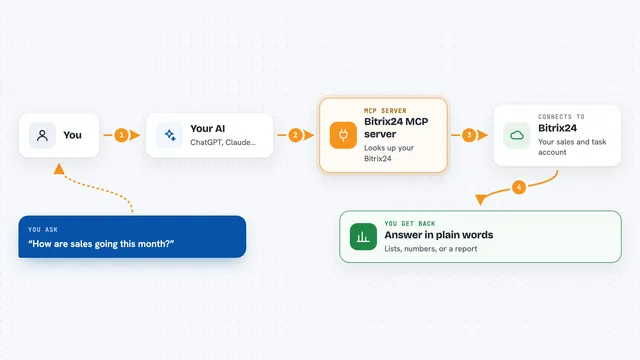
Bitrix24 MCP server
by penmadebykisssLet your AI read and update Bitrix24 deals, leads, contacts and tasks, and build sales reports for you.

Google Chat MCP server
by A1-x-TechLets your AI read, search, and send messages in your Google Chat spaces and direct messages.

Eodly MCP server
by layergenAsk your AI who shipped, who is silent and who is slipping, using your team's Eodly reports.
ProductivityAnalyticsNo install
amoCRM / Kommo MCP server
by penmadebykisssConnect your AI to amoCRM or Kommo so it can look up deals, contacts and tasks, and report on sales.
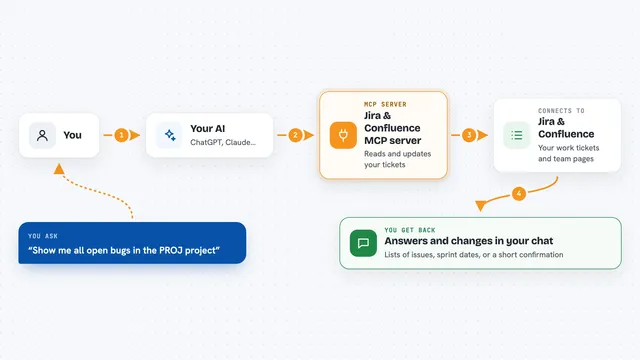
Jira & Confluence MCP server
by raalarcon9705Lets your AI read and update Jira issues, sprints, comments and Confluence pages for you.

Asana MCP server
by roychriAsk your AI about your Asana tasks, projects and comments, and let it create or update tasks for you.

WayStation MCP server
by waystation-aiConnect your AI to Notion, Slack, Jira, Airtable and other work apps so it can look things up and update them for you.
ProductivityNo install
Slack MCP server
by korotovskyLets your AI read, search, and post in your Slack channels, threads, and DMs for you.

Trello MCP server
by agrathLet your AI read and update your Trello boards, lists and cards for you.

ClickUp MCP server
by nicholasbesterLets your AI read and update your ClickUp tasks, lists, comments, and time entries for you.

Microsoft Teams MCP server
by InditexTechLet your AI read and post Microsoft Teams messages, reply in threads, and mention people for you.
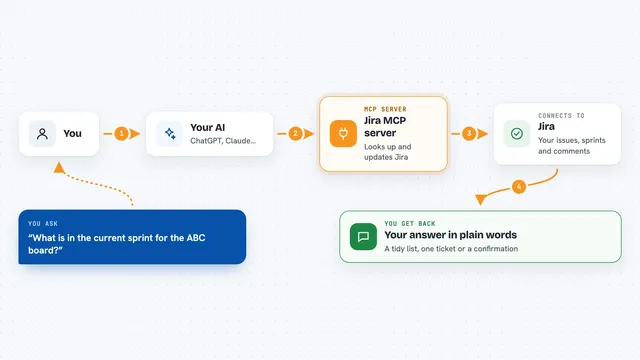
Jira MCP server
by nguyenvanduocitLet your AI look up, create, and update Jira issues, sprints, and comments for you.
All apps you can build for team leads
Apps you build yourself with your own AI, no coding needed and no monthly fee. Our AI picked the 12 that fit the work of team leads.
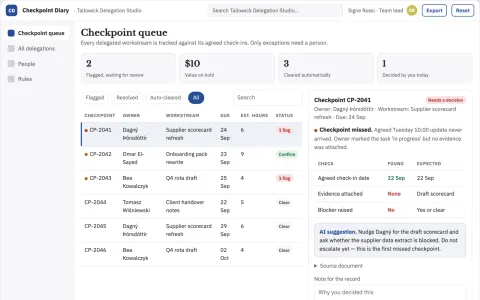
Manager delegation follow-through diary
Explicit check-ins without employee surveillance.
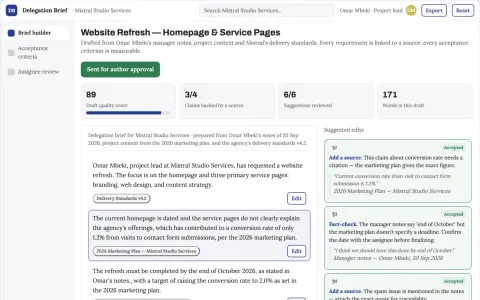
Delegation assistant
A shared task agreement with measurable completion criteria.
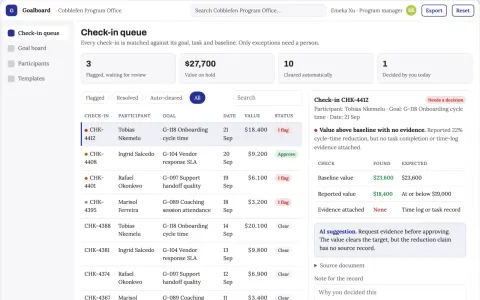
Goal-to-task accountability coordination portal
Reduce manual chasing while keeping every goal, task and check-in in one owned system.
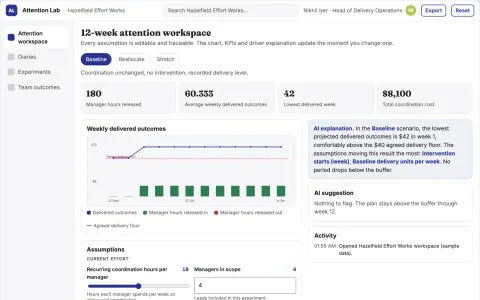
Manager attention allocation experiment lab
Test where manager involvement produces useful results.
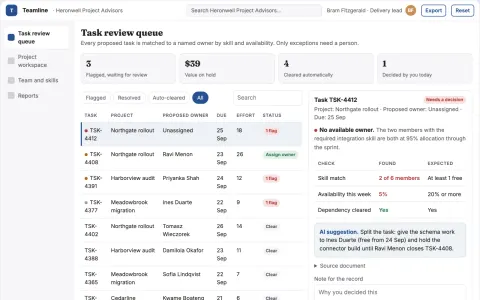
Team project coordination and communication portal
Reduce coordination overhead while keeping task ownership and project records in one place.
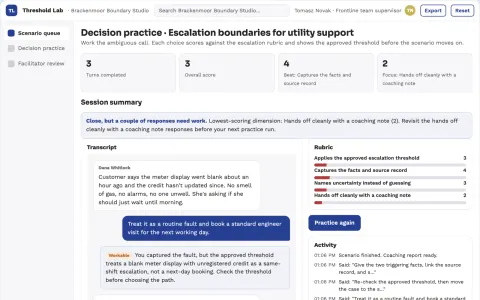
Escalation threshold rehearsal
Practice ambiguous escalation boundaries before live incidents.
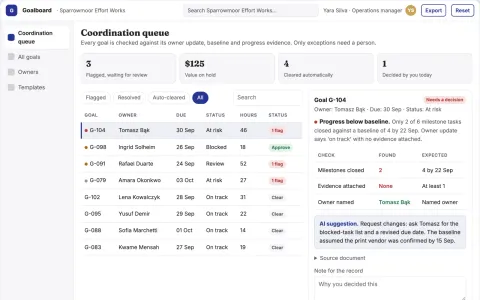
Team goal and task coordination portal
Reduce coordination overhead while keeping every goal and task traceable to a named owner.
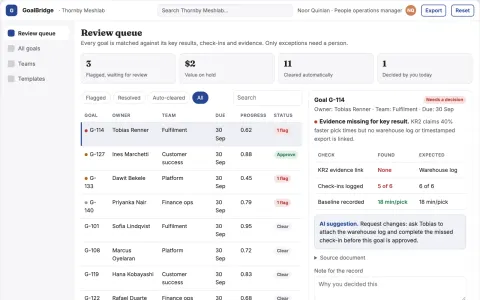
Goal alignment and performance review portal
Reduce manual coordination while keeping goal and review decisions with named managers.
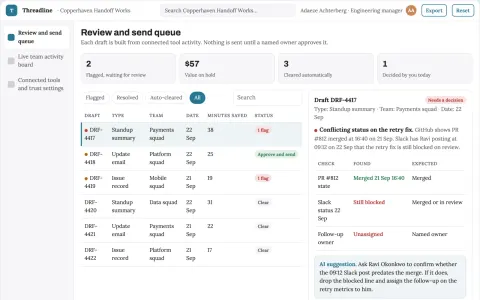
Team progress and conversation operations portal
Reduce manual status writing while keeping an accurate, reviewable record of team work.
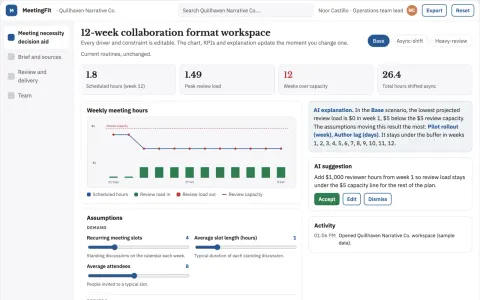
Meeting necessity decision aid
Match collaboration format to stated purpose.
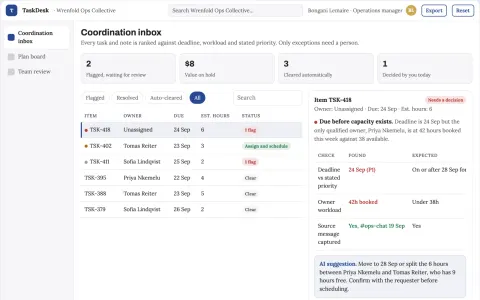
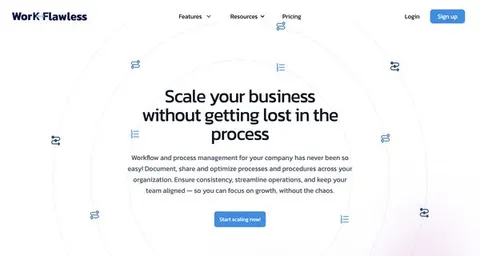
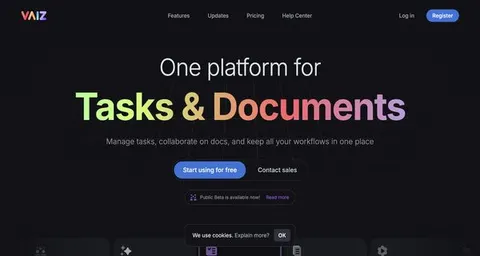
AI task and note coordination workspace
Reduce coordination overhead while keeping one owned record of tasks, notes and schedules.
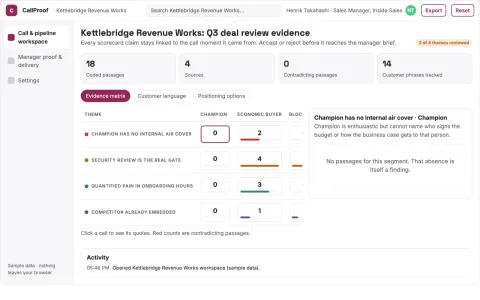
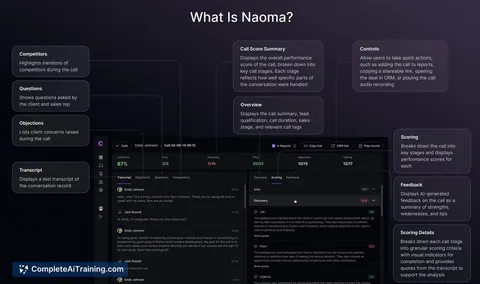
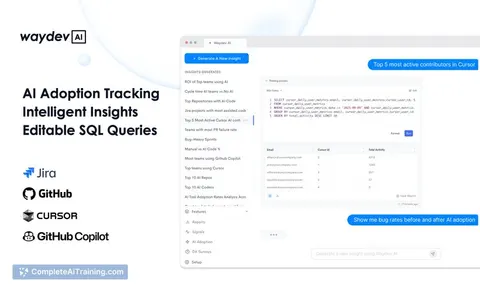
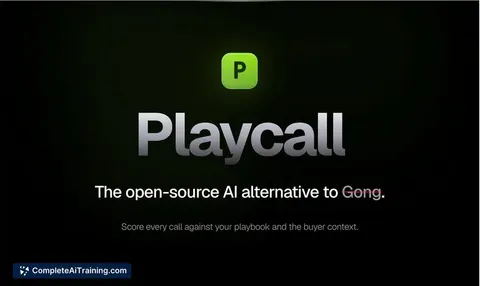
Evidence-backed sales call and pipeline workbench
Reduce deal review effort while keeping coaching tied to recorded buyer evidence.























































































About this learning path
6 topicsA Practical AI Path for Team Leads
Team leads juggle many tasks, from daily messages to performance reviews. AI can help you draft these faster and clearer, so you can focus on your team. It does not replace your judgment, but it gives you a head start.
This path starts with simple setup questions. Then you connect your AI tool. You learn skills for your job inside your AI. Next, this prompt course walks you through real team lead scenarios. Finally, video courses picked for team leads, with certifications when you complete them.
Why AI Matters Now
Team leads spend a lot of time on communication and coordination. Messages, updates, meeting notes, and reports can fill the day. AI can help you draft these faster and clearer, so you can focus on your team. It does not replace your judgment, but it gives you a head start.
What the Path Includes
You begin with a few setup questions to match the path to your work. Then you connect your AI tool, like ChatGPT, Claude, or Gemini.
Next, you learn skills for your job inside your AI, such as how to ask for a team update. The path then guides you through this prompt course, with lessons on daily communication, goals, delegation, and more. You also get video courses picked for team leads, and certifications when you finish them.
How It Saves You Time
AI can turn a rough note into a clear team message in seconds. It can draft a task brief, summarize a meeting, or organize metrics. You still review and adjust, but you start from a draft instead of a blank page. That saves minutes on each task, and those minutes add up.
How It Protects Your Career
Using AI well makes you more effective as a lead. You communicate clearly, delegate smarter, and spot issues earlier. That helps your team and shows leadership you can adapt. The path also gives you certifications to show you are learning new tools. This keeps your skills current and valuable.
How to Start
Start with the setup questions. They are quick and help tailor the path. Then connect your AI tool and try one prompt from this course. Pick a task you do every day, like your morning team message. See how it feels. Then move to the next lesson. Take your time and practice.
Frequently asked questions
Do I need to be technical to use AI?
No. The path is designed for team leads who are not technical. You will learn simple steps to connect your AI and use prompts. Everything is explained in plain language.How long does the path take?
You can go at your own pace. Most team leads finish the prompt course in a few weeks, spending a little time each day. The video courses are short and focused.Will AI replace my role as a team lead?
No. AI helps with drafting and organizing, but your judgment, empathy, and leadership are still essential. The path shows you how to use AI as a helper, not a replacement.What if I already use AI sometimes?
That is great. This path will give you more structured prompts and specific ways to use AI for team lead tasks. You can skip what you know and focus on new skills. The certifications can also show your progress.
At a glance
What you get
- 3 step setup process
- Relevant courses for your job (700+ available)
- A certificate per course
- AI Coach
- 15-minute AI setup in ChatGPT, Claude, Copilot and more