AI app for operations · no coding needed
Automated Process Correction Agent
A single agent reads every signal and drafts the exact fix, removing the need for a committee and weekly meetings
Made for: Operations leads at direct-to-consumer brands
What it does for you
The problem
Customer complaints land in support tickets and surveys but fixes are delayed by weekly meetings and roadmaps causing repeated friction.
What it gives you
Implemented process corrections, updated knowledge base articles, automated workflow triggers, daily digest of resolved issues
What you give it
Unstructured textimagesvoice transcriptsexisting helpdeskCRM data
How it works, step by step
- Aggregate unstructured feedback from multiple sources
- Identify root causes rather than keywords
- Draft backend configuration changes
- Generate knowledge base articles
- Trigger automated workflows like refunds
- Manage approval requests for changes
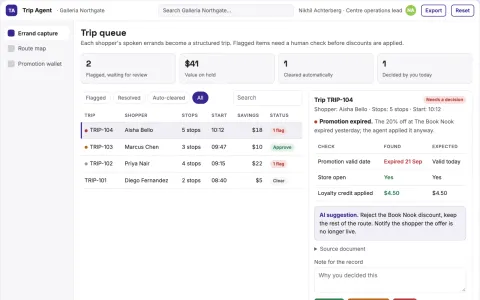
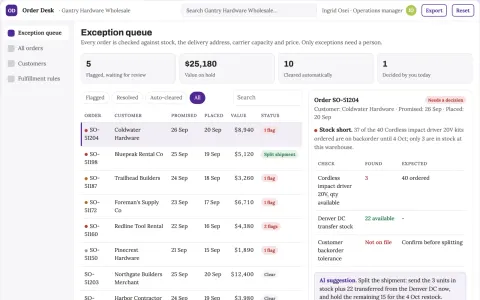
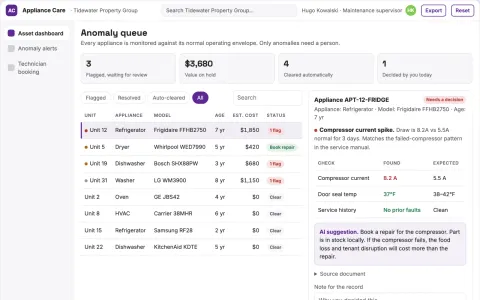
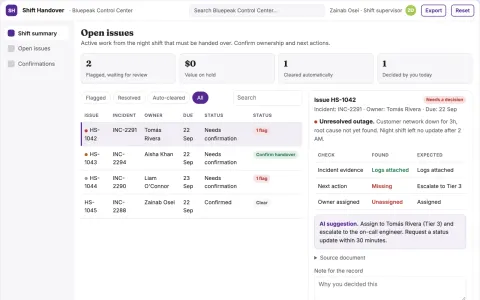
What you see on screen
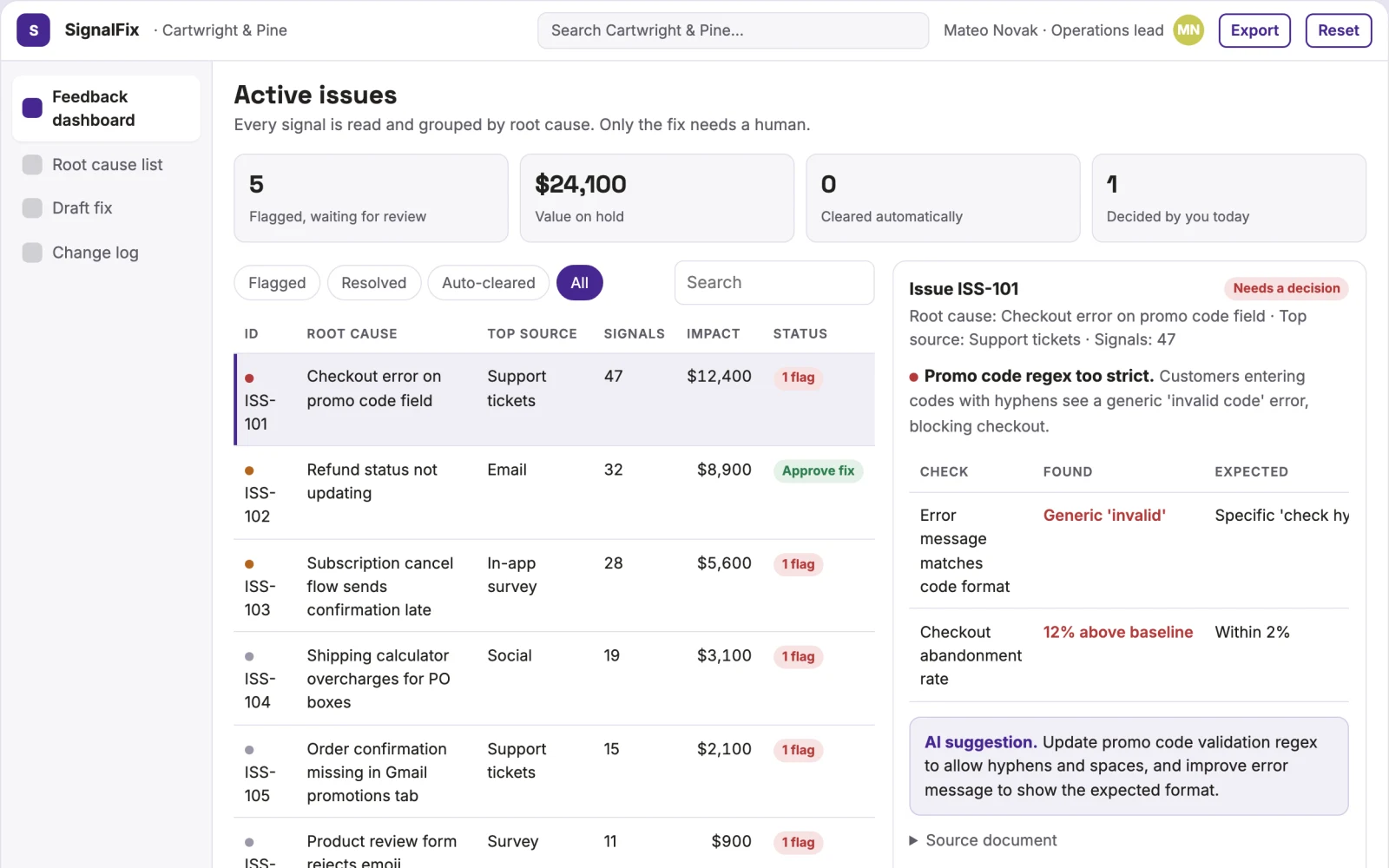
- Feedback dashboard
- root cause analysis
- approval workflow
- change log
Jobs this app suits
Our AI checked this app against 500 jobs; these get the most out of it. Each job links to its learning path.
Build it yourself with your AI system
Build this app yourself, no coding needed
Start with a quick version you can try in a few minutes. Like it? Then build the full app by copying and pasting our step-by-step instructions: everything is prepared for you.
Sign in to see how to build it yourself
Build a quick version to try, or get the full app pack for Automated Process Correction Agent with the step-by-step building instructions. You don't need any technical skills: you copy, paste and answer a few questions. Both are included in the membership.
4 Have it built for you days to a few weeks
Rather not do it yourself, or want it fully tailored to your data, your way of working and your brand? Nexibeo builds Automated Process Correction Agent with you.
What's in the app pack
Included in the Complete AI Training membership.
- The building instructions your AI follows, step by step
- The questions your AI will ask you about your business before it starts
- A clickable demo you can open in your browser, to see how it should work
- A detailed blueprint of the screens, the information it keeps and the checks it runs
Become a member to get the app packAlready a member? Sign in
The files, for the technically curious
- START-HERE.mdHow to build it with your own AI (read first)3 KB
- README.mdOverview and links1 KB
- questions.mdQuestions to answer before you build2 KB
- prompt-cloudflare.mdThe full build prompt, hosted on Cloudflare22 KB
- prompt-vps.mdThe same build on your own server (Docker)22 KB
- spec.jsonData model, API, AI pipeline, acceptance criteria13 KB
- demo/index.htmlThe working demo on sample data196 KB
Questions
Do I need to know how to code?
No. You copy and paste the prompts on this page into ChatGPT or Claude, and the AI does the building. When it asks you something, you answer in your own words.
What does it cost?
The quick version, the app pack and the step-by-step instructions are for members: you pay the membership price, not a price per app (see the plans). Building the full app uses your own ChatGPT or Claude subscription. Putting it online is often cheap or no cost at the start, and your AI tells you before anything costs money.
How long does it take?
The quick version: about two minutes. The real app: an afternoon for a first version you can use, longer if you want every feature.
Can I change it to fit my business?
Yes. Tell your AI what to change in plain words, like “add a column for the price” or “use our logo and colours”. Or have Nexibeo build and customise it for you.
More detailsHow the AI works, safeguards and what to build first
For operations leads at direct-to-consumer brands, turn unstructured feedback into process corrections and knowledge base updates. Address the recurring problem of slow feedback loops causing repeated customer frustration. The value hypothesis is a faster resolution cycle that reduces churn; the pilot must establish whether that benefit is real.
Connect data sources, ingest feedback, group by root cause, draft the fix, request approval, implement change, log resolution. Start with unstructured feedback and finish with implemented process corrections and updated knowledge bases.
How the AI works
Use NLP to read text, images and voice transcripts. Identify intent and root cause. Draft code or configuration changes. A human checks the logic and safety of the draft before execution.
Safeguards
Limits on the types of changes the agent can make, mandatory human approval for financial actions, audit logs to track AI decisions
What to build first
Connect to one helpdesk and one order system. Focus on one high-volume complaint type like wrong delivery addresses. Read tickets, group them, draft the backend rule change, and send a daily digest with one approval button.
What it can connect to
Helpdesk software, CRM, Order Management System, Knowledge Base
The screens in detail
Use a dashboard to aggregate signals, a list view to group by root cause, a form to draft the fix, and a history log. The first view is the feedback dashboard showing active issues.