
Learning path
Learning AI as an Operations Analyst
This path shows operations analysts how to use AI for data checks, weekly reports, process maps, and forecasts. You start with setup, connect your AI tool, then practice prompts built for your daily work.

Your path
Everything in the Operations Analyst AI kit, in the order that makes sense. Members tick off each step and see their progress.
Set up your AI
We guide you through each click.
Let skills do your everyday tasks
Connect your apps and pick your AI apps
Hand whole tasks to AI agents
Build your own tools
Keep growing
Everything for operations analysts
All the courses, certifications, AI tools, MCP servers and apps for operations analysts, most relevant first. Open any list to see more.
Take the prompt courses
A short framework course to learn how to ask, then 9 lessons with ready-to-use prompts for operations analysts.
Start with this framework: how to talk to AI
As an operations analyst, RACE helps you define role, action, context, and expected quality when analyzing weekly fulfillment delays to recommend fixes.
Then your prompt course for operations analysts- 1Understand Operational Data3 prompts
- 2Draft Weekly Reports3 prompts
- 3Design Performance Dashboards3 prompts
- 4Map And Improve Processes3 prompts
- 5Forecast Demand And Capacity2 prompts
- 6Run Cost-Benefit Analysis3 prompts
- 7Present Findings To Stakeholders2 prompts
- 8Automate Reporting And Analysis3 prompts
- 9Document Ops Procedures And Admin4 prompts
Watch the video courses or add them to your Favorites for later
118 video courses our AI picked for operations analysts, most useful first. Save the ones you want to watch later with the heart.
Favorites are saved to your account: sign in or get your AI kit first.
Show all 118 video courses
Get certified, or add certifications to your Favorites
Every course ends in an exam and a certificate you can add to LinkedIn. Save the certifications you are aiming for with the heart.
Favorites are saved to your account: sign in or get your AI kit first.
More certifications for operations analystsShow all 24 certifications
Try the AI tools for operations analysts
24 AI tools our AI matched to the work of operations analysts, best fit first. Each review shows what it does, its alternatives and the jobs it suits.
Favorites are saved to your account: sign in or get your AI kit first.
Show all 24 AI tools
Connect your AI to the apps operations analysts use
MCP servers let ChatGPT, Claude or Copilot look things up and get work done in other apps, like your email, calendar or bookkeeping software. These 12 fit the work of operations analysts best, well-known apps first.

Excel MCP server
by sbroenneLet your AI assistant open and work inside real Microsoft Excel on your Windows PC.
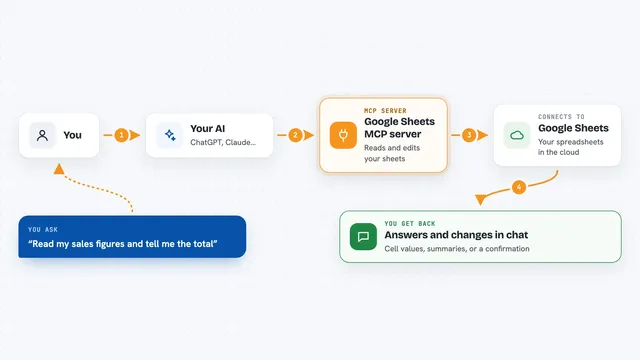
Google Sheets MCP server
by freemaLets your AI read, write, and format your Google Sheets for you, right from the chat.

Snowflake MCP server
by isaacwassermanLet your AI ask questions of your Snowflake data and get real answers back in the chat.

BigQuery MCP server
by ergutAsk your AI questions in plain English and it reads your BigQuery data to answer them.

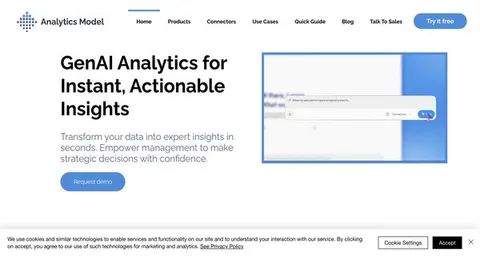
MCP Analytics server
by embeddedlayersAsk your AI to run real statistical analysis on your data and get back a chart-filled report you can cite.
AnalyticsNo install
Excel Vision MCP server
by VOYAGER-IncLet your AI read Excel files fully, including the images and colors inside them.
Show all 12 MCP servers

Algenta MCP server
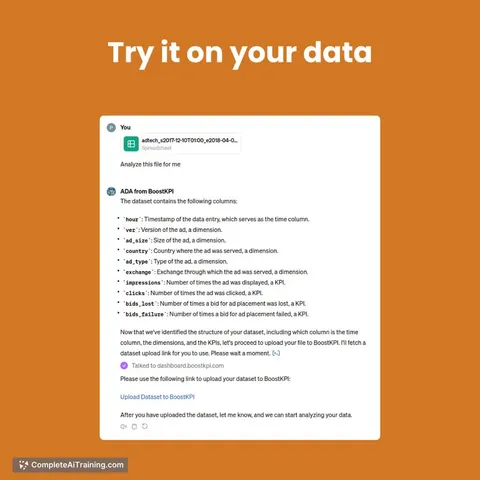
by thyn-aiLets your AI look up your datasets, run exact queries, and start agent runs that need your approval.
Analytics Official
Microsoft SQL Server MCP server
by wenermeAsk your AI questions about your SQL Server database and get answers, tables, and reports back.

MySQL MCP server
by benborlaLets your AI look inside a MySQL database and run queries for you, safely and read-only by default.

Metabase MCP server
by 1luvc0d3Ask your AI to explore Metabase dashboards, run safe SQL queries, and explain your data in plain words.

DataCharter MCP server
by datacharterLets your AI query your files and databases locally, with only the columns you allow and private details hidden.

Redash MCP server
by seob717Ask your AI questions in plain English and it runs the SQL in Redash, then shows you the answer.
Build your own AI apps for operations analysts
Apps you build yourself with your own AI, no coding needed and no monthly fee. Our AI picked the 12 that fit the work of operations analysts.
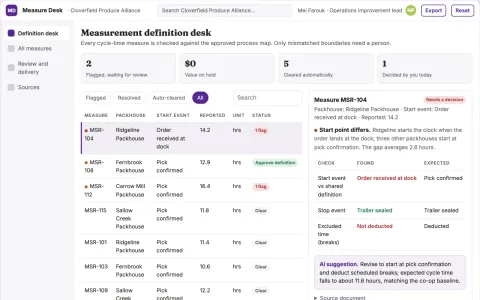
Process measurement definition desk
Comparable process metrics through explicit boundaries.
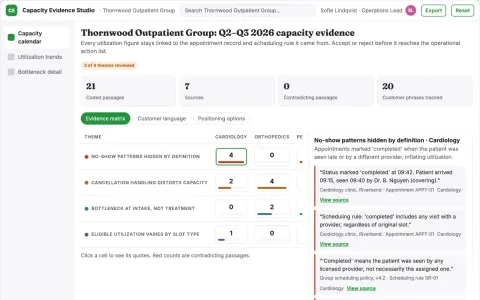
Clinic capacity reporting
Transparent scheduling definitions prevent misleading capacity comparisons.
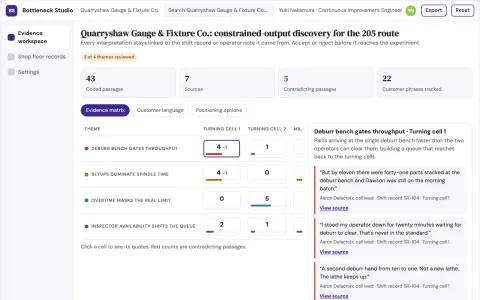
Operational process bottleneck discovery studio
Test the cause of constrained output before buying equipment.
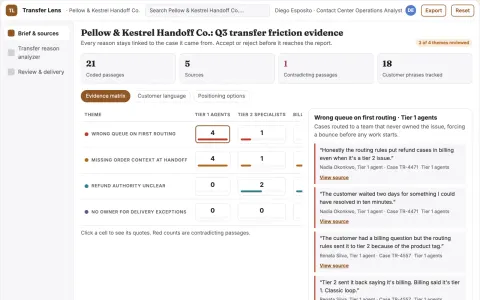
Support transfer reason analyzer
Understand why cases bounce between teams.
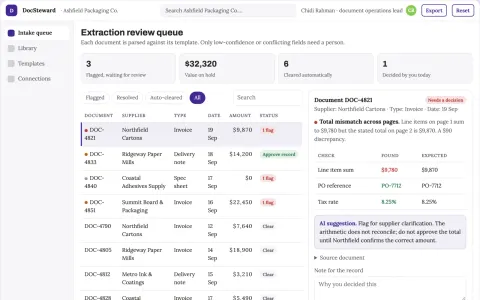
Document data extraction and stewardship console
Cut manual rekeying while keeping a reviewable record of every extracted field.
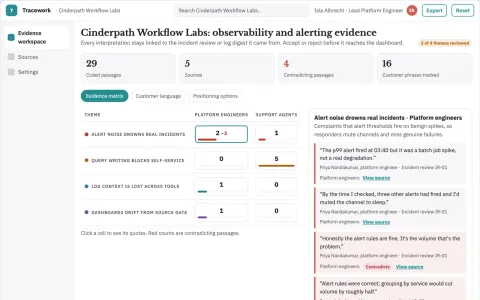
Evidence-backed search and dashboard workspace
Reduce tool switching and manual query work while keeping every reported number traceable to its source.
Show all 12 apps
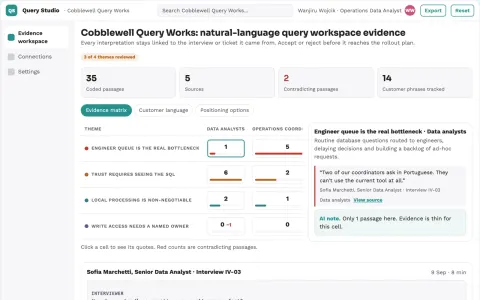
Natural-language database query and reporting workspace
Reduce the queue of ad-hoc query requests while keeping data access under the owner's control.
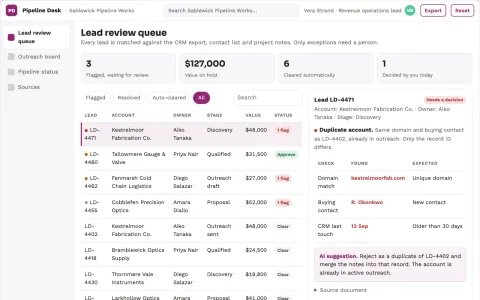
Sales data and pipeline coordination portal
Reduce manual re-entry and reporting while keeping one traceable record from question to outreach to pipeline.
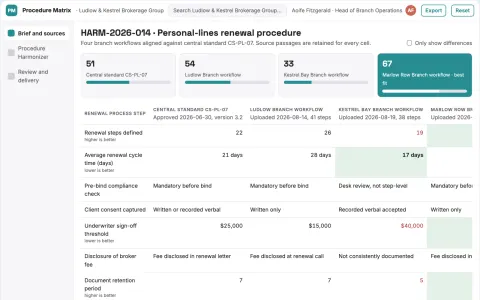
Broker branch procedure harmonizer
Compare process variants before standardization.
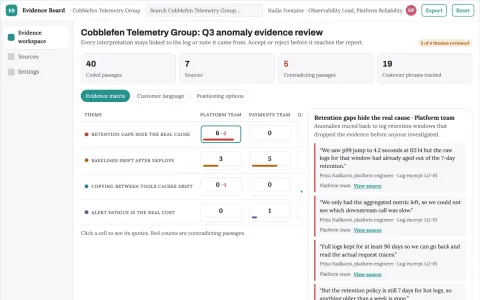
Evidence-backed dashboard and anomaly reporting workspace
Reduce tool sprawl and manual data handling while keeping one owned workspace for dashboards and anomaly evidence.
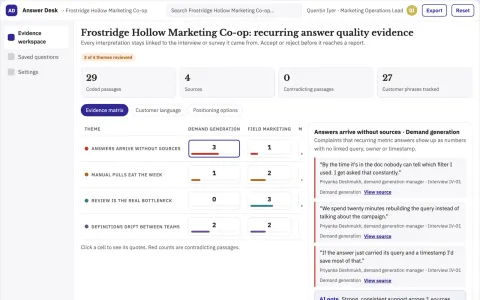
Evidence-backed data question and reporting workspace
Reduce repeated manual data pulls while keeping every answer traceable and reviewed.
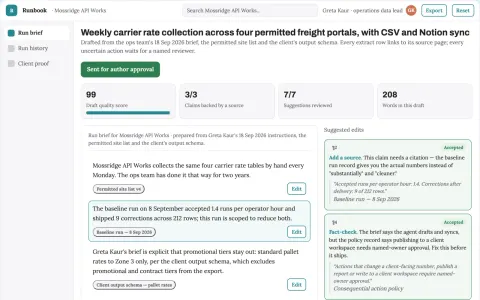
Managed web task automation workspace
Reduce manual browsing and reporting effort while keeping a named owner in control of every consequential action.




















































































































About this learning path
6 topicsAI for Operations Analysts: A Practical Path
Operations analysis runs on data, reports, and clear recommendations. AI can help you move through that work faster while keeping your judgment in charge.
This path is built for the tools you already use. You will set up your AI, connect it to your work, and practice prompts that match the tasks on your desk.
Why AI matters for this job now
Operations teams are asked to do more with the same time. AI helps you read data, draft updates, and test ideas without adding hours to your day.
Managers want faster answers and clearer stories. Analysts who can use AI well become the person others turn to for the first draft and the second opinion.
What the path includes
You begin with setup questions and connecting your AI tool. Then you build skills for your job inside your AI, including the prompt course for operations analysts.
Video courses picked for operations work come next, along with the certifications those courses offer. Everything is chosen to fit the tasks you already do.
How it saves you time
Recurring reports, data checks, and meeting notes take less effort when you have prompts ready. You spend less time formatting and more time thinking about what the numbers mean.
The path also shows you how to automate small steps, so weekly work does not pile up at the end of the month.
How it protects your career
AI changes how operations work, but it does not replace the analyst who understands the business. This path helps you stay ahead by making AI a tool you direct, not a threat you avoid.
You learn to check AI output, explain your reasoning, and keep sensitive data safe. Those habits make you more valuable, not less.
How to start
Start with the setup questions and connect one AI tool you already have access to. Then take the prompt course and try one lesson on a real task this week.
Pick the video course that matches your biggest time drain, and keep a note of what works. Small steps add up quickly.
Frequently asked questions
Do I need to know how to code?
No. The path focuses on writing clear prompts and using AI tools that work in plain language. Some lessons show formulas and queries, but you can copy, adjust, and learn as you go.Which AI tool should I use?
ChatGPT, Claude, and Gemini all work for the lessons in this path. Pick the one your company allows, or try more than one to see which fits your tasks.How long does the path take?
Most people move through the setup and prompt course in a few sittings. The video courses are short and can be watched around your workday.Will AI make my analysis less accurate?
AI can make mistakes, so the path teaches you to check data, question assumptions, and verify results. Your judgment stays at the center of every recommendation.