
Learning path
Learning AI as a Customer Experience Manager
Learn how to use AI to map journeys, analyze feedback, and plan improvements. This path includes setup help, prompt lessons, and video courses chosen for customer experience managers.

Your path
Everything in the Customer Experience Manager AI kit, in the order that makes sense. Members tick off each step and see their progress.
Set up your AI
We guide you through each click.
Let skills do your everyday tasks
Connect your apps and pick your AI apps
Hand whole tasks to AI agents
Build your own tools
Keep growing
Everything for customer experience managers
All the courses, certifications, AI tools, MCP servers and apps for customer experience managers, most relevant first. Open any list to see more.
Take the prompt courses
A short framework course to learn how to ask, then 8 lessons with ready-to-use prompts for customer experience managers.
Start with this framework: how to talk to AI
As a customer experience manager, RACE clarifies roles and expected quality, like asking your team to analyze churn reasons and define success.
Then your prompt course for customer experience managersWatch the video courses or add them to your Favorites for later
124 video courses our AI picked for customer experience managers, most useful first. Save the ones you want to watch later with the heart.
Favorites are saved to your account: sign in or get your AI kit first.
Show all 124 video courses
Get certified, or add certifications to your Favorites
Every course ends in an exam and a certificate you can add to LinkedIn. Save the certifications you are aiming for with the heart.
Favorites are saved to your account: sign in or get your AI kit first.
More certifications for customer experience managersShow all 24 certifications
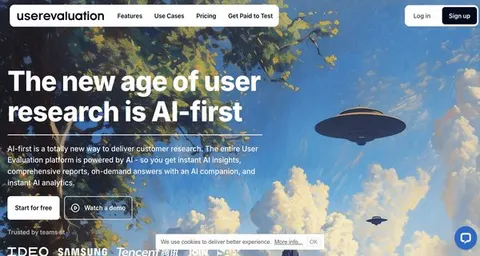
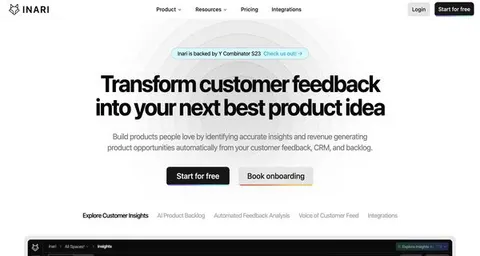
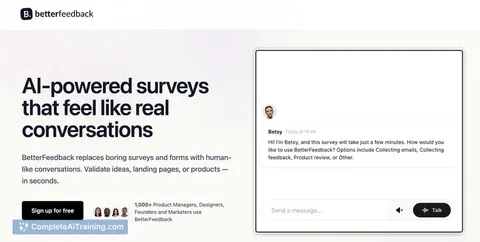
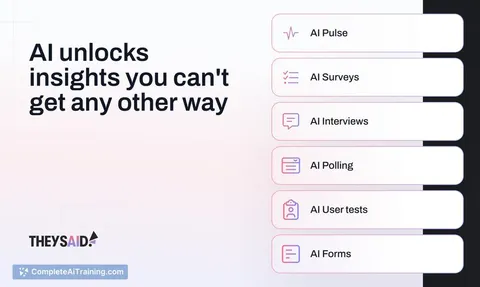
Try the AI tools for customer experience managers
24 AI tools our AI matched to the work of customer experience managers, best fit first. Each review shows what it does, its alternatives and the jobs it suits.
Favorites are saved to your account: sign in or get your AI kit first.
Show all 24 AI tools
Connect your AI to the apps customer experience managers use
MCP servers let ChatGPT, Claude or Copilot look things up and get work done in other apps, like your email, calendar or bookkeeping software. These 12 fit the work of customer experience managers best, well-known apps first.

Google Forms MCP server
by A1-x-TechLet your AI build Google Forms, add questions, publish them, and read the answers for you.

Perspective AI MCP server
by Perspective-AILet your AI build and manage Perspective AI conversation agents, then read and act on what people said.
Customer communicationChat Official
Gmail MCP server
by A1-x-TechLet your AI read, search, draft and send your Gmail, and keep labels and trash tidy, from the chat.

Google Workspace MCP server
by taylorwilsdonLets your AI read and write your Gmail, Calendar, Drive, Docs, Sheets and more, all from one chat.

Twitter MCP server (Twikit)
by adhikaspLets your AI search Twitter and read your home timeline, then sum it up for you.
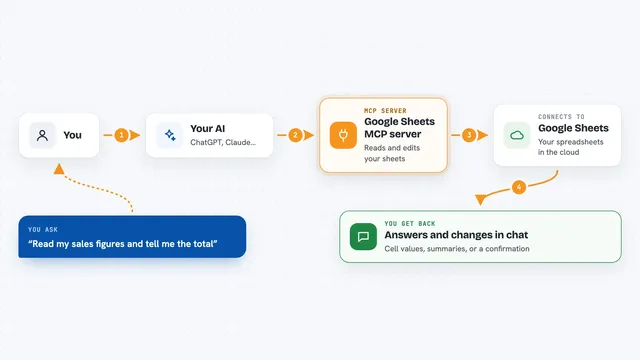
Google Sheets MCP server
by freemaLets your AI read, write, and format your Google Sheets for you, right from the chat.
Show all 12 MCP servers

Outlook Assistant MCP server
by littlebearappsLets your AI read, search, send, and organise your Outlook email, calendar, and contacts from the chat.

Fluxmail MCP server
by churichardLet your AI read, search, draft, send and organize email across your mailboxes.
Email Official
Ragie MCP server
by ragieaiLet your AI search your Ragie knowledge base and pull back the right passages when you ask a question.

MCP Emails server
by AlbretsenLet your AI read, search, send and organize email in your own mailbox.
EmailNo install
Quackback MCP server
by QuackbackIOLets your AI search, sort, and update customer feedback in Quackback for you.

Mail MCP server
by tecnologicachileLets your AI read, search, send, reply to and forward email across several accounts for you.
Build your own AI apps for customer experience managers
Apps you build yourself with your own AI, no coding needed and no monthly fee. Our AI picked the 12 that fit the work of customer experience managers.
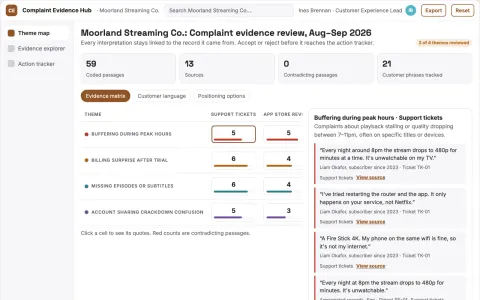
Customer complaint analyst
Complaint evidence connects directly to accountable operational changes.
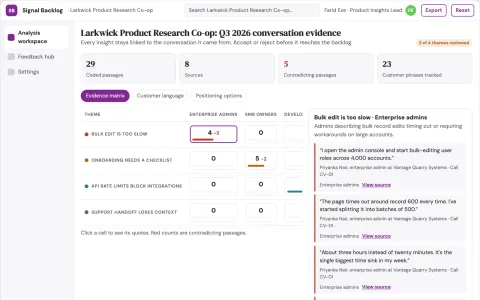
Customer conversation insight and backlog workbench
Reduce manual feedback triage while keeping every insight linked to its source conversation.
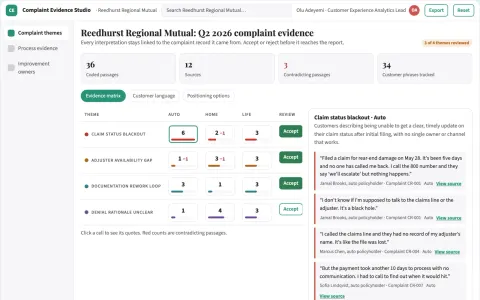
Insurance complaint analyzer
Connects complaints to specific administrative process stages.
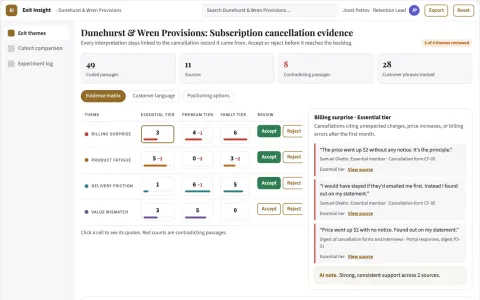
Subscription cancellation insights
Explains why customers leave without equating correlation with causation.
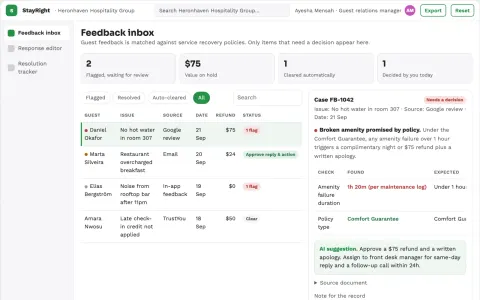
Guest feedback follow-up service
Connects the guest response to an internal action and completion record.
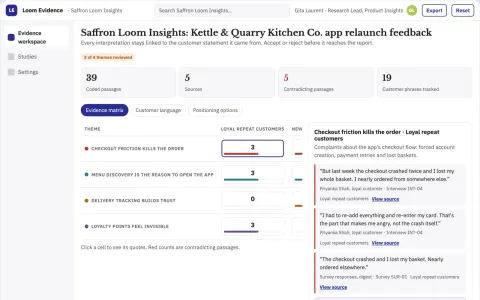
Customer feedback evidence and reporting workspace
Reduce the effort to turn collected feedback into reviewed, source-linked findings.
Show all 12 apps
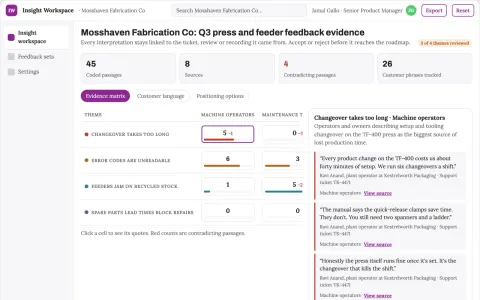
Customer feedback insight and prioritization workspace
Reduce manual consolidation while keeping every insight traceable to its source.
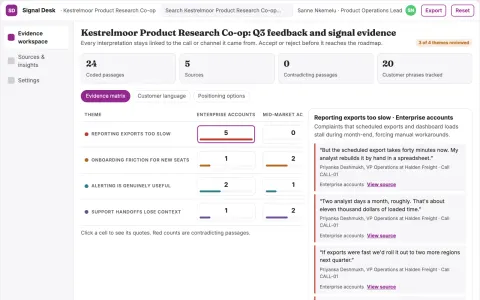
Customer signal evidence and action workspace
Reduce missed feedback and late action while keeping every insight traceable to its source.
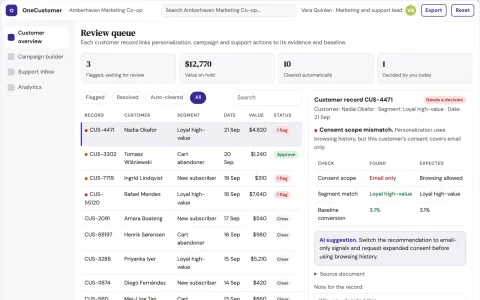
Personalized marketing and support coordination portal
Run personalization, campaigns, support and analytics from one owned portal instead of several subscriptions.
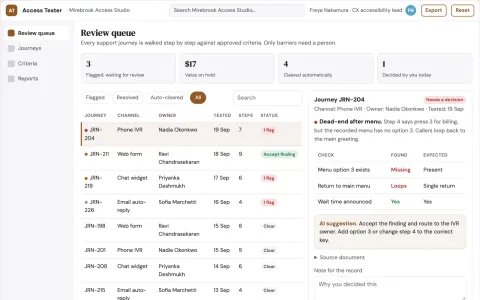
Service channel accessibility tester
End-to-end access to support rather than page checks.
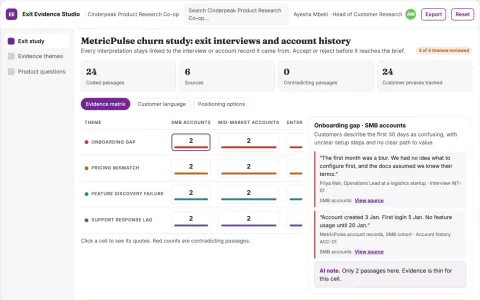
Churn research service
Combines customer explanations with account chronology without assuming causation.
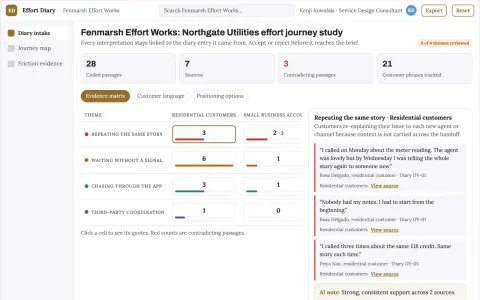
Customer effort journey diary
Customer-recorded effort across the whole resolution journey.






















































































































About this learning path
6 topicsA Practical AI Path for Customer Experience Managers
Customer experience managers juggle feedback from many places. AI can help you sort that feedback, see patterns, and spend more time on the human parts of the job.
This path starts with setup questions and connecting your AI tool. Then you take a prompt course and pick video courses that fit your role, with certificates when you finish.
Why AI Matters Now
Customers share feedback in surveys, reviews, emails, and calls. AI helps you read more of it and spot what matters without losing your judgment.
It also helps you draft plans and updates faster, so you can focus on decisions and relationships.
What This Path Includes
You begin with setup questions and connecting your AI. Then you get a prompt course for customer experience managers, plus video courses picked for this job and the certifications that come with them.
Everything is built for non-technical professionals. No coding, no jargon.
How It Saves You Time
You will learn to summarize survey comments, cluster complaints, draft journey maps, and write team updates with AI. Tasks that took an afternoon can take minutes, leaving you time for strategy and coaching.
How It Protects Your Career
AI fluency is becoming a practical skill for customer experience roles. When you can guide AI and check its work, you bring more value to your team.
You stay in charge of decisions and relationships, which are hard to replace.
How to Start
Start with the setup questions and connect your AI tool. Then take the prompt course and choose one video course that fits your current challenge.
You can begin today and move at your own pace.
Frequently asked questions
Do I need technical skills to start?
No. The path is designed for customer experience managers who are not technical. You will learn plain steps for using AI in your daily work.Which AI tool should I use?
You can use ChatGPT, Claude, or Gemini. Pick one you have access to at work, and the lessons will show you how to prompt it.How long does the path take?
It is self-paced. Most people can finish the prompt course in a few short sessions and add video courses as their schedule allows.How do I protect customer data?
Never paste personal or private customer details into an AI tool. Follow your company rules and use approved tools. The safety lesson covers this in plain language.