AI app for operations · no coding needed
Morning Brief Video
A personalized, calendar-aware video brief that synthesizes overnight information into a single, watchable narrative.
Made for: Operations leads and chiefs of staff at companies with 50 to 200 people
What it does for you
The problem
Every morning, you lose 45 minutes scanning Slack, email, news, and dashboards to piece together what happened overnight.
What it gives you
Two-minute narrated video brief with chapter markers and direct source links
What you give it
CalendarSlackemailpublic sources (competitorsregulatorsclientsmarkets)
How it works, step by step
- Connect calendar, Slack, email, and public sources
- Schedule nightly scraping and analysis
- Generate a script from top three to five relevant items
- Create a narrated video with synthetic voice and avatar
- Deliver via private link at a set time
- Allow follow-up questions that return clipped source segments
What you see on screen
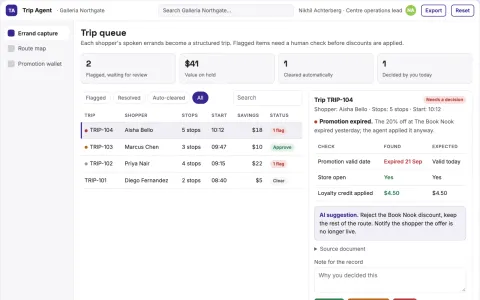
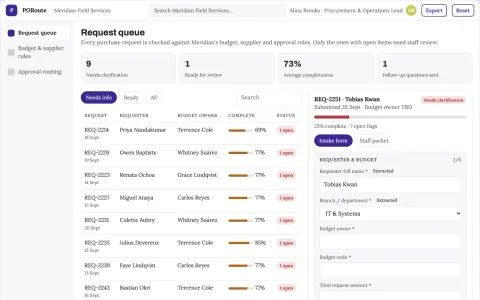
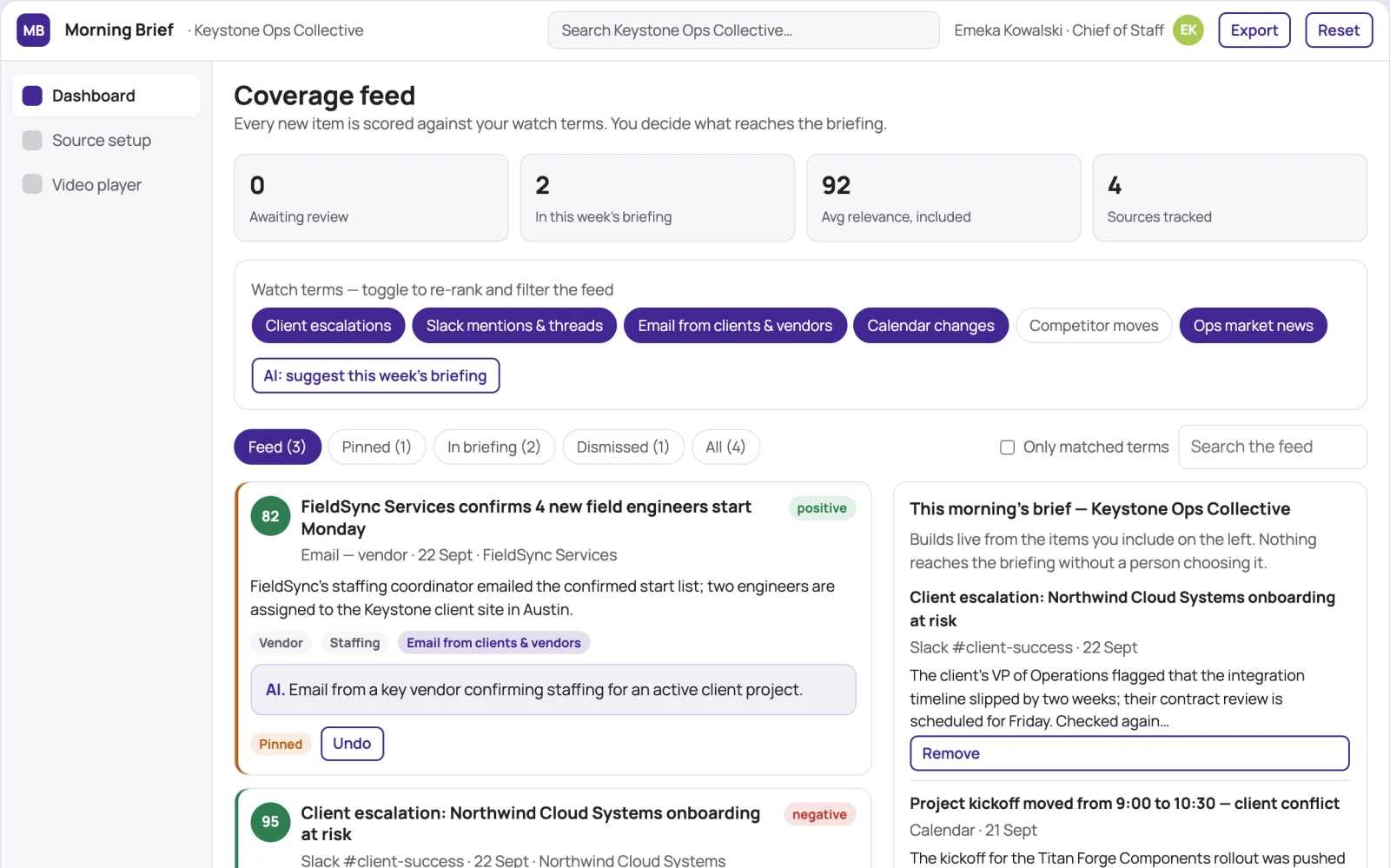
- Dashboard
- Source setup
- Video player
Jobs this app suits
Our AI checked this app against 500 jobs; these get the most out of it. Each job links to its learning path.
Build it yourself with your AI system
Build this app yourself, no coding needed
Start with a quick version you can try in a few minutes. Like it? Then build the full app by copying and pasting our step-by-step instructions: everything is prepared for you.
Sign in to see how to build it yourself
Build a quick version to try, or get the full app pack for Morning Brief Video with the step-by-step building instructions. You don't need any technical skills: you copy, paste and answer a few questions. Both are included in the membership.
4 Have it built for you days to a few weeks
Rather not do it yourself, or want it fully tailored to your data, your way of working and your brand? Nexibeo builds Morning Brief Video with you.
What's in the app pack
Included in the Complete AI Training membership.
- The building instructions your AI follows, step by step
- The questions your AI will ask you about your business before it starts
- A clickable demo you can open in your browser, to see how it should work
- A detailed blueprint of the screens, the information it keeps and the checks it runs
Become a member to get the app packAlready a member? Sign in
The files, for the technically curious
- START-HERE.mdHow to build it with your own AI (read first)3 KB
- README.mdOverview and links1 KB
- questions.mdQuestions to answer before you build2 KB
- prompt-cloudflare.mdThe full build prompt, hosted on Cloudflare20 KB
- prompt-vps.mdThe same build on your own server (Docker)20 KB
- spec.jsonData model, API, AI pipeline, acceptance criteria11 KB
- demo/index.htmlThe working demo on sample data193 KB
Questions
Do I need to know how to code?
No. You copy and paste the prompts on this page into ChatGPT or Claude, and the AI does the building. When it asks you something, you answer in your own words.
What does it cost?
The quick version, the app pack and the step-by-step instructions are for members: you pay the membership price, not a price per app (see the plans). Building the full app uses your own ChatGPT or Claude subscription. Putting it online is often cheap or no cost at the start, and your AI tells you before anything costs money.
How long does it take?
The quick version: about two minutes. The real app: an afternoon for a first version you can use, longer if you want every feature.
Can I change it to fit my business?
Yes. Tell your AI what to change in plain words, like “add a column for the price” or “use our logo and colours”. Or have Nexibeo build and customise it for you.
More detailsHow the AI works, safeguards and what to build first
For operations leads and chiefs of staff, turn calendar, Slack, email, and public sources into a two-minute narrated video brief with chapter markers and source links. Address the problem of scattered information and time lost to manual scanning each morning.
Connect sources, set preferences, nightly analysis, script generation, video creation, delivery, and follow-up. Start with calendar, Slack, email, and public sources and finish with a two-minute video brief with source links.
How the AI works
AI watches videos, reads documents, and listens to audio to extract relevant items based on calendar and projects. It generates a script and synthesizes a presenter. A human checks relevance and accuracy of the script and video before delivery.
Safeguards
Users control which sources are included and can exclude sensitive data. The AI must not access private messages without explicit permission, and all data is encrypted in transit and at rest. Human review ensures no misinformation is delivered.
What to build first
One buyer (operations lead), one use case (daily morning brief), first two modules (source connection and video generation), manual review of script and video before delivery.
What it can connect to
Google Calendar, Outlook, Slack, Gmail, Microsoft 365, and public RSS feeds.
The screens in detail
Use a dashboard showing today's brief and a list of past briefs. The source setup screen lets users connect calendar, Slack, email, and select public sources. The video player shows the narrated brief with chapter markers and clickable source links. In this product, the first view is the dashboard, followed by source setup and video player.