
Learning path
Learning AI as a Chief of Staff
This learning path shows Chiefs of Staff how to use AI for schedules, briefings, action tracking, and communication. You will practice with everyday tools and keep judgment in your hands.
Your path
Everything in the Chief of Staff AI kit, in the order that makes sense. Members tick off each step and see their progress.
Set up your AI
We guide you through each click.
Let skills do your everyday tasks
Connect your apps and pick your AI apps
Hand whole tasks to AI agents
Build your own tools
Keep growing
Everything for chief of staffs
All the courses, certifications, AI tools, MCP servers and apps for chief of staffs, most relevant first. Open any list to see more.
Take the prompt courses
A short framework course to learn how to ask, then 8 lessons with ready-to-use prompts for chief of staffs.
Start with this framework: how to talk to AI
SCQA fits your chief of staff role because it turns messy updates into decision memos, like a CEO briefing on budget cuts.
Then your prompt course for chief of staffsWatch the video courses or add them to your Favorites for later
133 video courses our AI picked for chief of staffs, most useful first. Save the ones you want to watch later with the heart.
Favorites are saved to your account: sign in or get your AI kit first.
Show all 133 video courses
Get certified, or add certifications to your Favorites
Every course ends in an exam and a certificate you can add to LinkedIn. Save the certifications you are aiming for with the heart.
Favorites are saved to your account: sign in or get your AI kit first.
More certifications for chief of staffsShow all 24 certifications
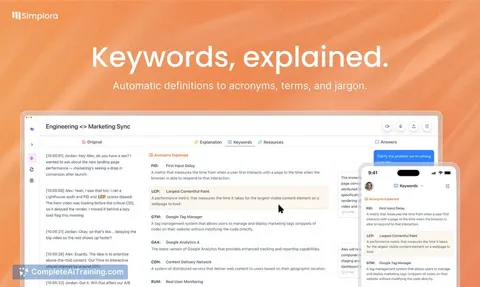
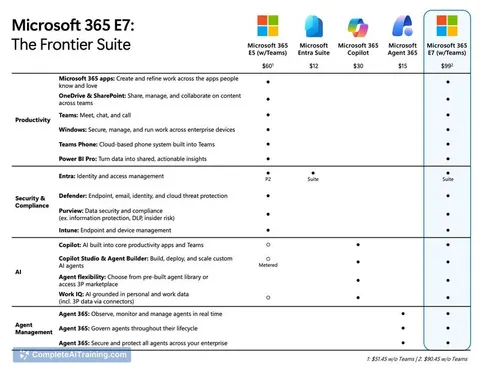
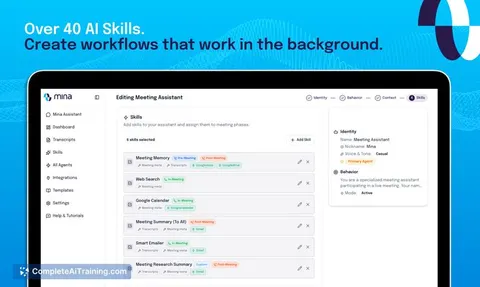
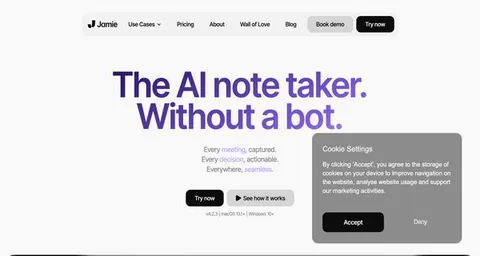
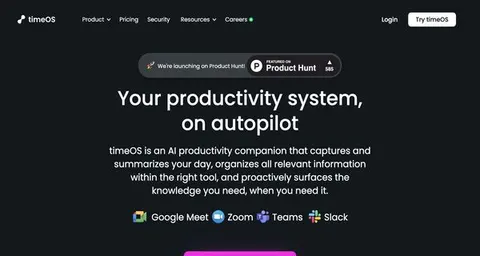
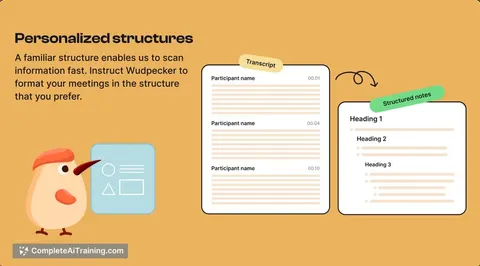
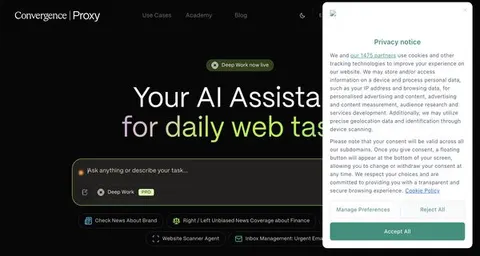
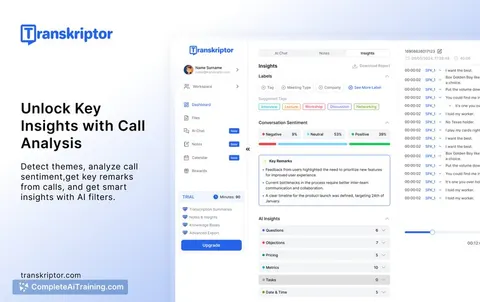
Try the AI tools for chief of staffs
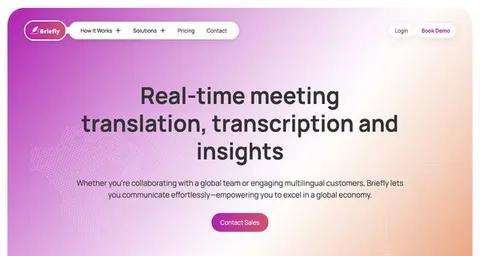
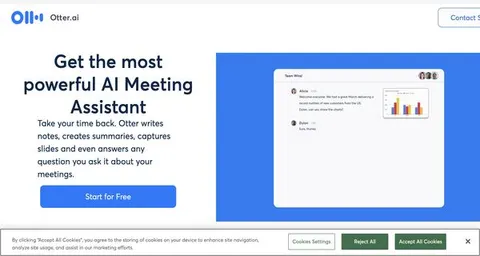
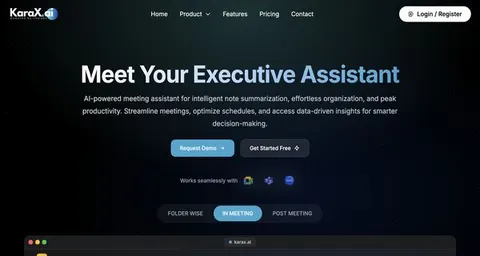
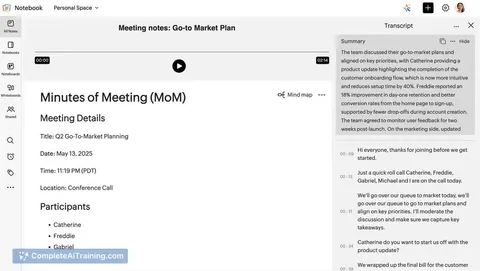
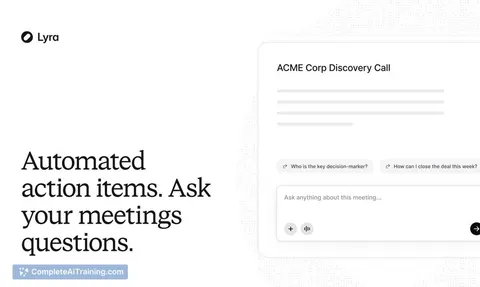
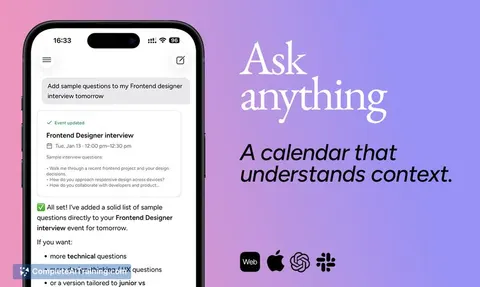
24 AI tools our AI matched to the work of chief of staffs, best fit first. Each review shows what it does, its alternatives and the jobs it suits.
Favorites are saved to your account: sign in or get your AI kit first.
Show all 24 AI tools
Connect your AI to the apps chief of staffs use
MCP servers let ChatGPT, Claude or Copilot look things up and get work done in other apps, like your email, calendar or bookkeeping software. These 12 fit the work of chief of staffs best, well-known apps first.

Google Workspace MCP server
by taylorwilsdonLets your AI read and write your Gmail, Calendar, Drive, Docs, Sheets and more, all from one chat.

Outlook Assistant MCP server
by littlebearappsLets your AI read, search, send, and organise your Outlook email, calendar, and contacts from the chat.

Temporal Cortex MCP server
by temporal-cortexLet your AI check calendars, find free slots, and book meetings without double-booking.
ProductivityMeetingsNo install
MCP Emails server
by AlbretsenLet your AI read, search, send and organize email in your own mailbox.
EmailNo install
Gmail MCP server
by A1-x-TechLet your AI read, search, draft and send your Gmail, and keep labels and trash tidy, from the chat.

Outlook MCP server
by dockndevaiLets your AI read, search, draft and send Outlook email and browse your OneDrive files for you.
Show all 12 MCP servers

Box MCP server
by boxLet your AI search your Box files, answer questions about them, and pull out details for you.
Productivity Official
Microsoft Graph MCP server
by nitin27mayLets your AI read your Outlook mail and calendar, Teams chats, files and notes inside Microsoft 365.

Outlook Local MCP server
by desekLets your AI read your Outlook calendar and mail, and write draft emails for you.

Microsoft 365 MCP server
by softeriaLets your AI read and send Outlook mail, check your calendar, and work with OneDrive and Excel files.

Google Chat MCP server
by A1-x-TechLets your AI read, search, and send messages in your Google Chat spaces and direct messages.

OfficeAgent MCP server
by ilia-sokolovLet your AI edit Word, PowerPoint and Excel files, with changes you can review before saving.
Productivity OfficialBuild your own AI apps for chief of staffs
Apps you build yourself with your own AI, no coding needed and no monthly fee. Our AI picked the 12 that fit the work of chief of staffs.
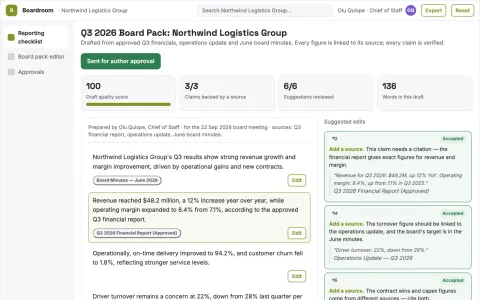
Board briefing service
Traceable board narratives built from an agreed reporting structure.
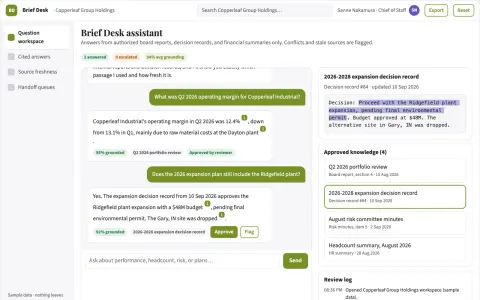
Company knowledge briefing assistant
Short executive answers with visible evidence conflicts and source freshness.
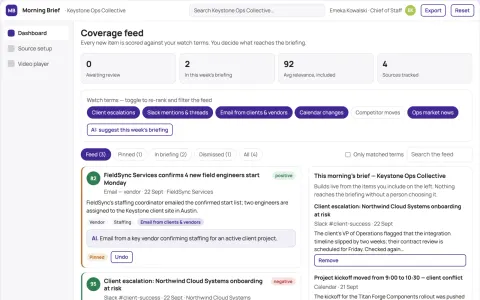
Morning Brief Video
A personalized, calendar-aware video brief that synthesizes overnight information into a single, watchable narrative.
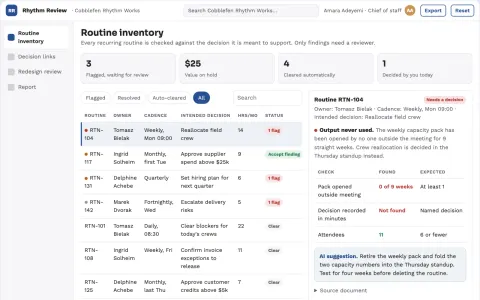
Operating rhythm health review
Test whether management routines produce useful decisions.
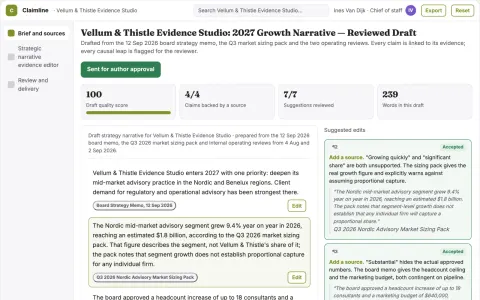
Strategic narrative evidence editor
Persuasive clarity with visible evidence limits.
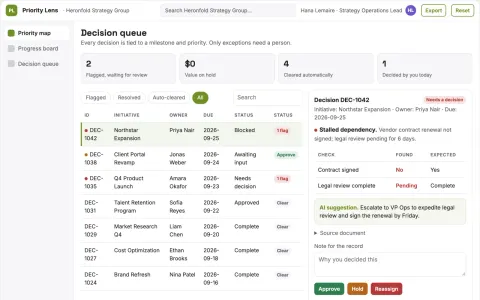
Strategic initiative tracker
Shows what leadership must decide to unblock strategic work.
Show all 12 apps
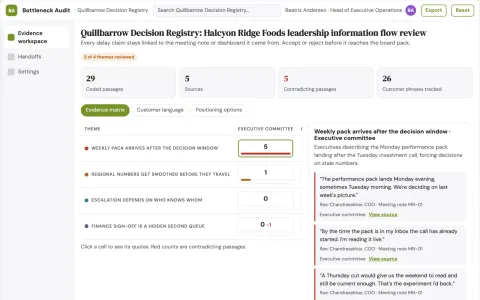
Leadership information bottleneck audit
Trace decision delays to information handoffs.
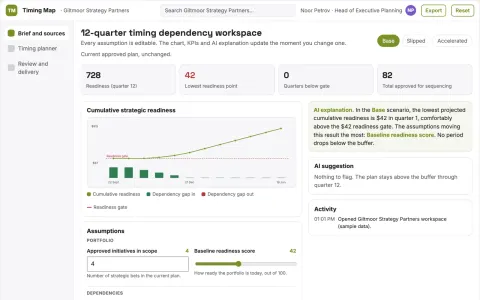
Strategic timing dependency planner
Show timing dependencies across strategic bets.
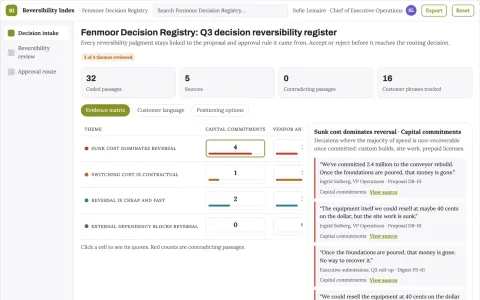
Strategy decision reversibility index
Match decision process to documented reversal costs.
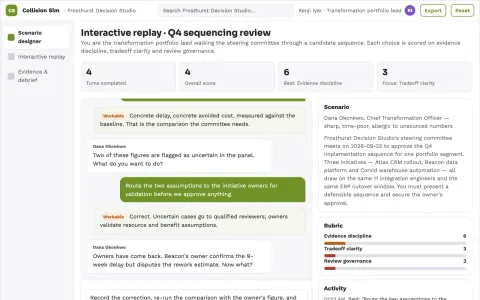
Enterprise initiative collision simulator
Reduce costly collisions between strategic programs.
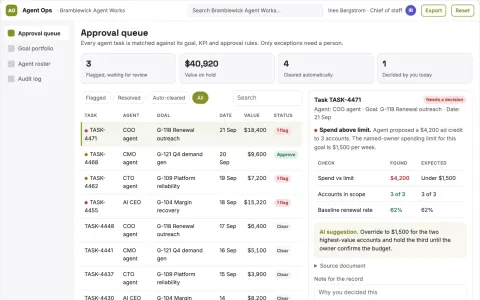
Autonomous agent operations coordination portal
Run business work autonomously with AI agents that plan, execute and collaborate on tasks.
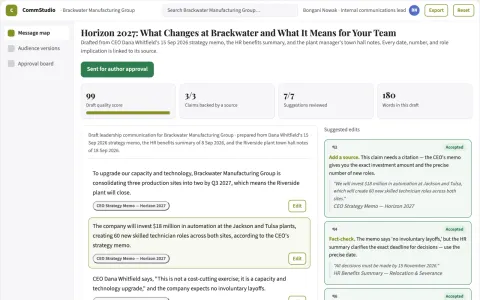
Leadership communication studio
Every audience version explains practical implications and next steps.























































































































About this learning path
6 topicsAI Skills for Chiefs of Staff
Your day runs on details that move quickly: calendars, briefings, commitments, and messages that keep teams aligned. AI can help you draft, sort, and prepare faster without taking over the judgment that makes you effective.
This path is built for the real work of a Chief of Staff. You will learn setup, connect your AI, practice job-specific skills, and use prompts that fit executive operations.
Why AI Matters Now
Executives are asked to decide faster, and teams expect clear updates sooner. AI helps you gather context, compare options, and prepare materials so you can spend more time on relationships, judgment, and follow-through.
What the Path Includes
You start with setup questions and connecting your AI to the tools you already use. Then you work through skills for the job inside your AI, this prompt course, and video courses chosen for Chiefs of Staff, along with the certifications those courses offer.
How It Saves You Time
Small prompts can turn a messy calendar thread into clear options, pull action items from notes, and shape a board pre-read before the end of the day. The time saved goes back into the work only you can do: reading the room, advising, and connecting people.
How It Protects Your Career
AI does not replace the Chief of Staff. It changes which tasks take your attention. When you can prepare faster and spot risks earlier, your value grows because you are trusted with harder problems and more sensitive conversations.
How to Start
Begin with one recurring task, such as Monday schedule coordination or weekly action tracking. Use a few prompts, review every output, and adjust the wording until it sounds like you. Then add another task when you feel ready.
Frequently asked questions
Do I need technical experience?
No. The path starts with plain setup questions and simple examples. If you can write an email and use a calendar, you can learn these prompts.Will AI make decisions for the executive?
No. AI helps you frame choices, gather context, and draft messages. The executive still decides, and you still apply judgment.Which AI tools will I use?
The lessons work with common tools such as ChatGPT, Claude, and Gemini. You can use the one your company already allows.What about privacy and sensitive information?
Use the tools your company approves and follow your workplace rules. Keep sensitive details out of prompts unless your organization has a secure setup.