AI app for operations · no coding needed
Returns Triage Console
The automation reads photos and order history together and drafts a policy-based reply, so staff approve rather than investigate, and the system learns from every approved edit.
Made for: Operations leads at mid-sized online retailers
What it does for you
The problem
A returns inbox fills with blurry photos, missing labels and long threads, so staff open every box just to confirm what the photo already shows, then retype the same reply.
What it gives you
Approved outcome with reason and customer reply
What you give it
Return requestsphotosorder historycustomer notes
How it works, step by step
- Match order and pull return window and purchase history
- Classify outcome as refund, repair or reject with reason
- Draft a customer reply using policy and tone
- Queue draft for staff approval or edit
- Generate refund or repair label on approval
- Log every decision for audit and policy refinement
What you see on screen
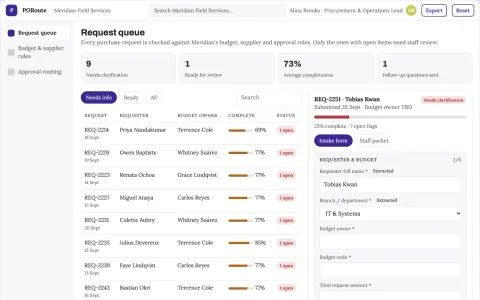
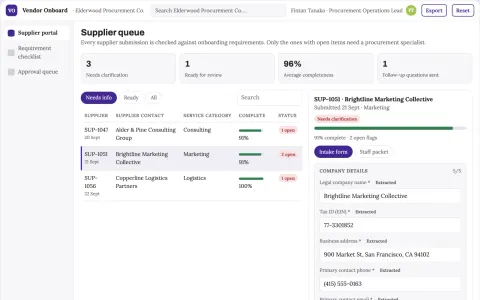
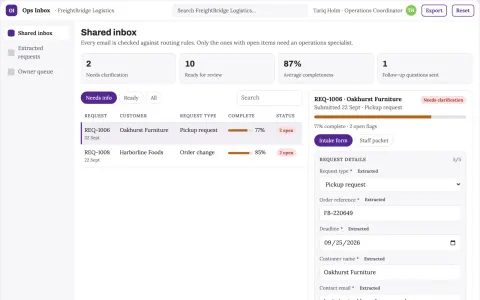
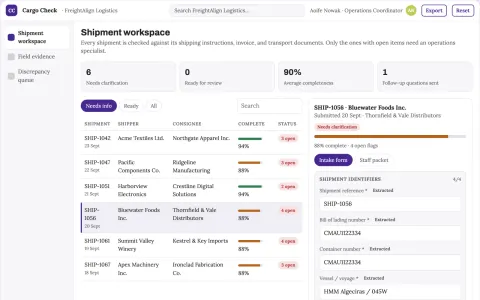
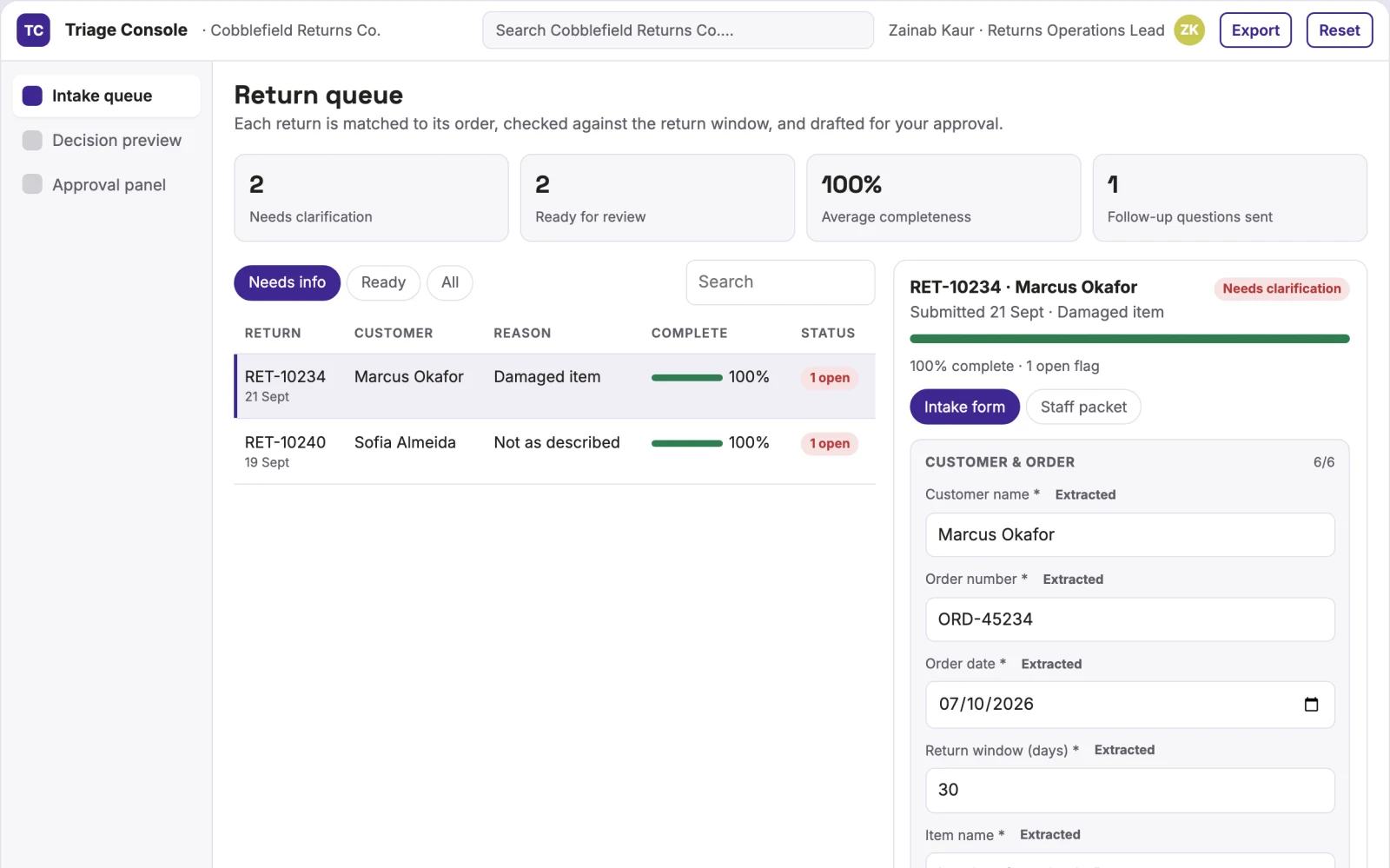
- Intake queue
- decision preview
- approval panel
Jobs this app suits
Our AI checked this app against 500 jobs; these get the most out of it. Each job links to its learning path.
Build it yourself with your AI system
Build this app yourself, no coding needed
Start with a quick version you can try in a few minutes. Like it? Then build the full app by copying and pasting our step-by-step instructions: everything is prepared for you.
Sign in to see how to build it yourself
Build a quick version to try, or get the full app pack for Returns Triage Console with the step-by-step building instructions. You don't need any technical skills: you copy, paste and answer a few questions. Both are included in the membership.
4 Have it built for you days to a few weeks
Rather not do it yourself, or want it fully tailored to your data, your way of working and your brand? Nexibeo builds Returns Triage Console with you.
What's in the app pack
Included in the Complete AI Training membership.
- The building instructions your AI follows, step by step
- The questions your AI will ask you about your business before it starts
- A clickable demo you can open in your browser, to see how it should work
- A detailed blueprint of the screens, the information it keeps and the checks it runs
Become a member to get the app packAlready a member? Sign in
The files, for the technically curious
- START-HERE.mdHow to build it with your own AI (read first)3 KB
- README.mdOverview and links1 KB
- questions.mdQuestions to answer before you build2 KB
- prompt-cloudflare.mdThe full build prompt, hosted on Cloudflare21 KB
- prompt-vps.mdThe same build on your own server (Docker)21 KB
- spec.jsonData model, API, AI pipeline, acceptance criteria11 KB
- demo/index.htmlThe working demo on sample data198 KB
Questions
Do I need to know how to code?
No. You copy and paste the prompts on this page into ChatGPT or Claude, and the AI does the building. When it asks you something, you answer in your own words.
What does it cost?
The quick version, the app pack and the step-by-step instructions are for members: you pay the membership price, not a price per app (see the plans). Building the full app uses your own ChatGPT or Claude subscription. Putting it online is often cheap or no cost at the start, and your AI tells you before anything costs money.
How long does it take?
The quick version: about two minutes. The real app: an afternoon for a first version you can use, longer if you want every feature.
Can I change it to fit my business?
Yes. Tell your AI what to change in plain words, like “add a column for the price” or “use our logo and colours”. Or have Nexibeo build and customise it for you.
More detailsHow the AI works, safeguards and what to build first
For operations leads at mid-sized online retailers, turn return requests, photos, order history and customer notes into a predicted outcome with a draft reply queued for staff approval. Address the recurring problem: exceptions sit for days because only a supervisor knows the warranty or restock rules. The value hypothesis is faster triage with less manual opening and retyping; the pilot must establish whether the prediction is accurate enough to save time.
Customer submits a return request with photos and order number, automation matches the order, pulls the return window and item condition, classifies the outcome, writes a draft reply, staff approves or edits, and the reply and any label send. Start with return requests, photos, order history and customer notes and finish with approved outcome and customer reply.
How the AI works
Use vision models to read photos and language models to draft replies and classify outcomes. Keep policy rules in structured fields. Validate order matches and return windows through deterministic checks. A staff member approves or edits before anything is sent to the customer.
Safeguards
Staff must approve every reply before send. The system must not auto-approve refunds or rejections. It logs all decisions and edits, and flags out-of-policy cases for supervisor review.
What to build first
One buyer: operations leads at mid-sized online retailers. One use case: simple returns with clear photos and order history. First two modules: intake queue and decision preview. Manual review of every draft before send.
What it can connect to
Order management system, returns portal, email or Slack inbox, and refund or label generation service.
The screens in detail
Use a list of return requests needing a decision, each showing the predicted outcome, the reason and a draft reply. Let staff open a detail view with photos, order history and policy notes. Display approve, edit or escalate actions. Show a status filter for pending, approved and rejected. In this product, the first view is intake queue, followed by decision preview and approval panel.