
Certification
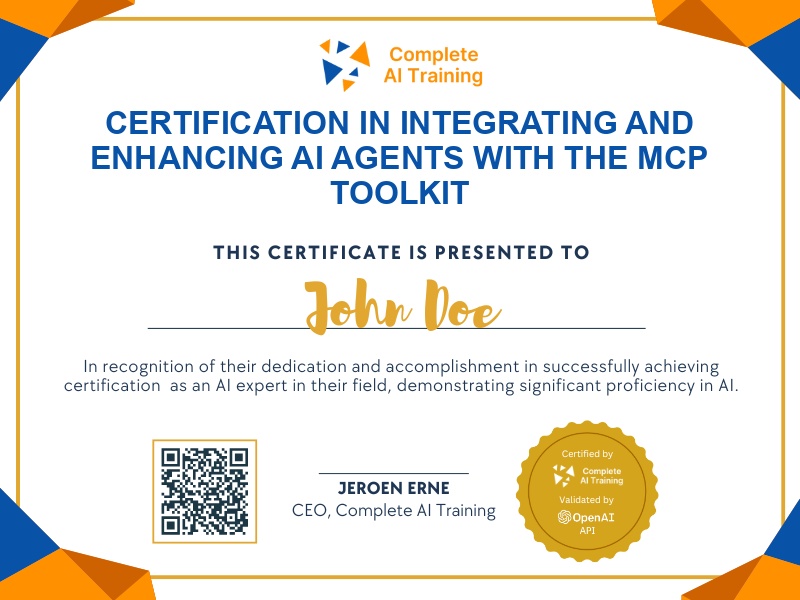
Certification in Integrating and Enhancing AI Agents with the MCP Toolkit
Get certified in Advanced AI Agent Integration with MCP Toolkit,prove your ability to configure Claude for automated research, content creation, and seamless workflow collaboration, driving real productivity and innovation for any organization.
The exam
Take the certification exam
Multiple-choice questions about the course. Pass with 70% or more and your certificate is issued at once, with a public page and an "Add to LinkedIn" button.
What the exam covers
2 questions from each of the 7 chapters of the course
14 multiple-choice questions, drawn fresh for every attempt. Pass with 70% or more.
- 01Introduction3:13
- 02What MCPs are and aren't2:33
- 03Integration tokens1:14
- 04A database for agents1:42
- 05Notion MCP tools in Claude4:43
- 06Claude Projects for MCP tasks2:33
- 07Image generator tool4:56
The "Boost Claude’s Power: MCP Toolkit Guide for Advanced AI Agent Integration (Video Course)" certification empowers professionals to transform Claude into a dynamic digital teammate through strategic MCP toolkit integrations. Gain valuable skills for increased productivity, adaptability, and a future-proof career by mastering advanced workflows, smart automations, and collaborative AI solutions. Enroll today to unlock new levels of efficiency and set yourself apart in the evolving world of AI-driven work.
This certification covers the following topics:
- Claude vs. ChatGPT: The Core Difference
- Understanding “AI Agent” vs. “Automation”
- Setting Up the Foundation: Essential Tools and Configuration
- Integrating Notion: Enabling Claude as a Knowledge Worker
- Customizing Claude’s Personality and Skills for Projects
- Expanding Claude’s Capabilities with Additional Tools
- Advanced Workflows: Real-World Examples and Use Cases
- Underlying Principles: Context Awareness and Tool Access
- Security and Permissions: Best Practices for Safe Integration
- Practical Tips, Best Practices, and Troubleshooting
Jobs this certification suits
Our AI checked this certification against 500 jobs; these get the most out of it. Each job links to its learning path.