
Learning path
Learning AI as an AI Engineer
AI engineers build and maintain systems that learn from data. This path helps you use AI tools to write, debug, and deploy models with more confidence and less busywork.
Your path
Everything in the AI Engineer AI kit, in the order that makes sense. Members tick off each step and see their progress.
Set up your AI
We guide you through each click.
Let skills do your everyday tasks
Connect your apps and pick your AI apps
Hand whole tasks to AI agents
Build your own tools
Keep growing
Everything for ai engineers
All the courses, certifications, AI tools, MCP servers and apps for ai engineers, most relevant first. Open any list to see more.
Take the prompt courses
A short framework course to learn how to ask, then 8 lessons with ready-to-use prompts for ai engineers.
Start with this framework: how to talk to AI
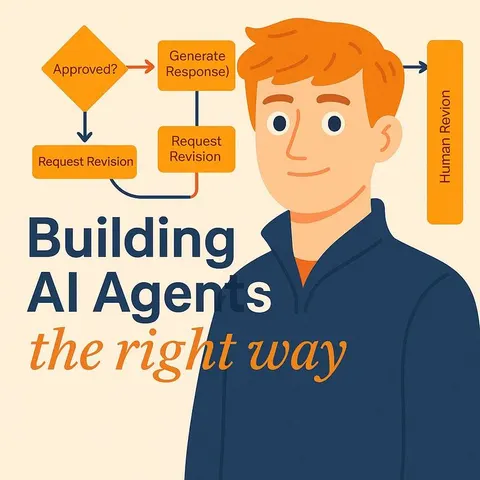
This framework helps you build reliable AI agents by structuring context, like a support ticket triage assistant that cites retrieved docs.
Then your prompt course for ai engineersWatch the video courses or add them to your Favorites for later
180 video courses our AI picked for ai engineers, most useful first. Save the ones you want to watch later with the heart.
Favorites are saved to your account: sign in or get your AI kit first.
Show all 180 video courses
Get certified, or add certifications to your Favorites
Every course ends in an exam and a certificate you can add to LinkedIn. Save the certifications you are aiming for with the heart.
Favorites are saved to your account: sign in or get your AI kit first.
More certifications for ai engineersShow all 24 certifications
Try the AI tools for ai engineers
24 AI tools our AI matched to the work of ai engineers, best fit first. Each review shows what it does, its alternatives and the jobs it suits.
Favorites are saved to your account: sign in or get your AI kit first.
Show all 24 AI tools
Connect your AI to the apps ai engineers use
MCP servers let ChatGPT, Claude or Copilot look things up and get work done in other apps, like your email, calendar or bookkeeping software. These 12 fit the work of ai engineers best, well-known apps first.

Jungle Grid MCP server
by Jungle-GridLets your AI estimate, run and check GPU jobs on Jungle Grid, then fetch the results.
Developer tools Official
TurboQuant MCP server
by ShipItAndPrayLet your AI shrink big language models into smaller files and send them to Hugging Face.
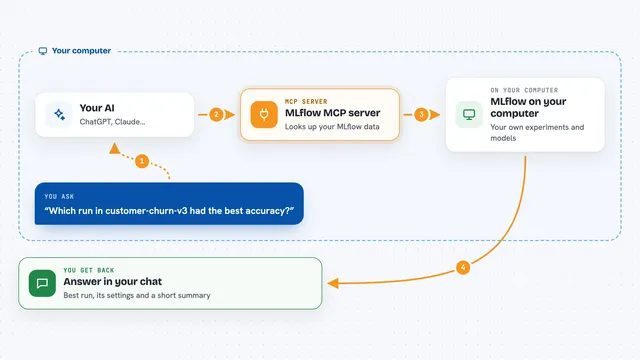
MLflow MCP server
by us-allLets your AI look up MLflow experiments, runs, models, and traces and summarize them for you.

Google AI Search MCP server
by shariqriazzLets your AI search the web and pull answers from official docs using Google's AI models.

Tech Trend MCP server
by salwksYour AI can gather fresh research papers, trending code, and FDA device news, then write you a short newspaper-style briefing.

Jupyter MCP server
by datalayerLet your AI open, edit and run Jupyter notebooks for you while you watch.
CodingNo installShow all 12 MCP servers

Optuna MCP server
by optunaLet your AI run optimization experiments and show you the results as charts.
Analytics Official
Papers with Code MCP server
by hbgLets your AI search research papers and find the code, datasets, and results linked to them.

Google Colab MCP server
by SebastianGilPinzonLet your AI open a Google Colab notebook, add and run code cells, and pick a GPU for you.

pcq MCP server
by playidea-labLets your AI run, check and compare machine learning experiments in your project and report back what happened.

Jupyter Notebook MCP server
by jjsantos01Let your AI write and run code inside your Jupyter Notebook, cell by cell, and read the results.

arXiv MCP server
by andybrandtLets your AI search arXiv for research papers and pull up their details and full text.
ResearchNo installBuild your own AI apps for ai engineers
Apps you build yourself with your own AI, no coding needed and no monthly fee. Our AI picked the 12 that fit the work of ai engineers.
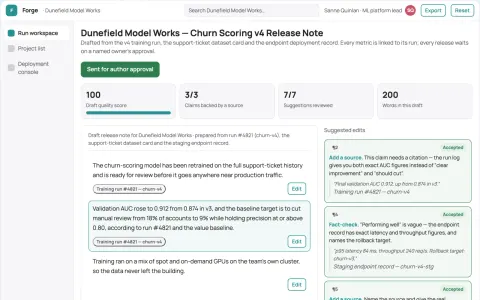
Managed model training and deployment workspace
Reduce tool switching and manual handoffs while keeping models and data under the team's control.
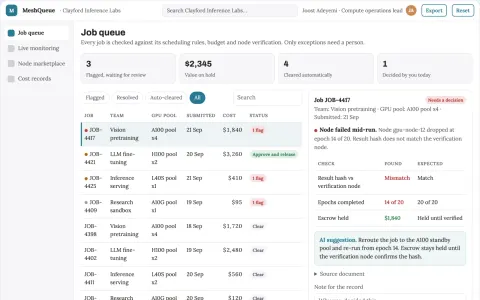
GPU compute job coordination portal
Run training and inference jobs on pooled GPU capacity through one owned portal.
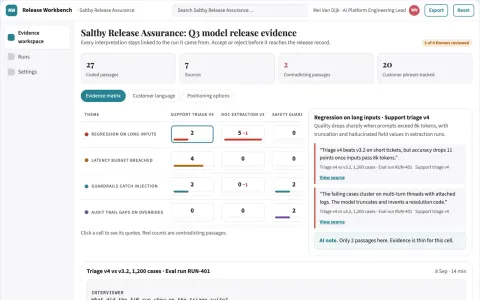
AI model test and monitoring workbench
Reduce release risk while keeping a defensible test record.
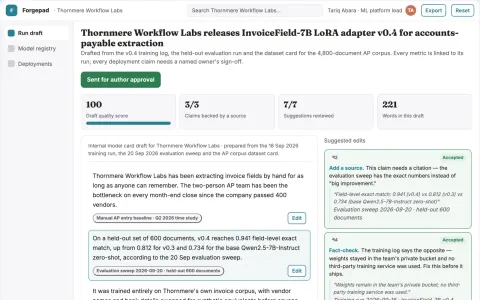
Private fine-tuning and workflow automation workspace
Reduce tool sprawl and manual training work while keeping data and model weights under the team's control.
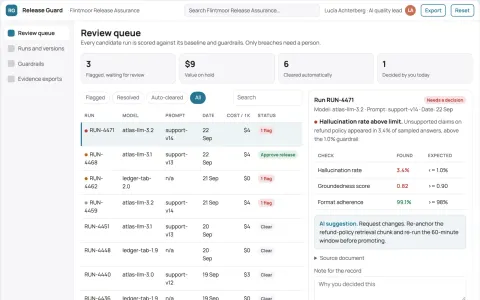
AI output evidence review and release workspace
Reduce unreviewed model releases while keeping a defensible record of what was checked.
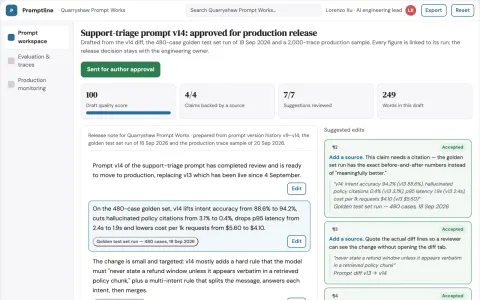
Prompt lifecycle and LLM evaluation workbench
Reduce prompt release risk while keeping evaluation evidence and production traces in one owned workspace.
Show all 12 apps
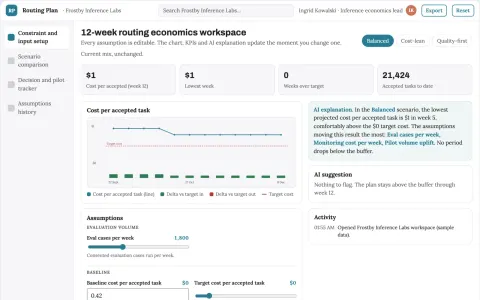
AI inference economics workbench
Reduce serving cost while preserving measured task quality.
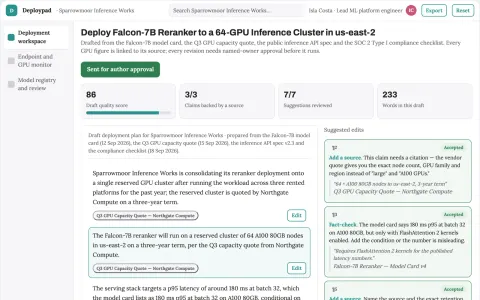
Managed GPU model deployment control plane
Reduce the number of rented platforms and manual handoffs needed to deploy and run AI models.
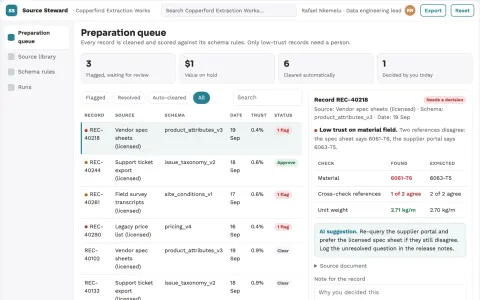
Raw-source data preparation and stewardship library
Reduce repeated data-preparation work while keeping source rights and review visible.
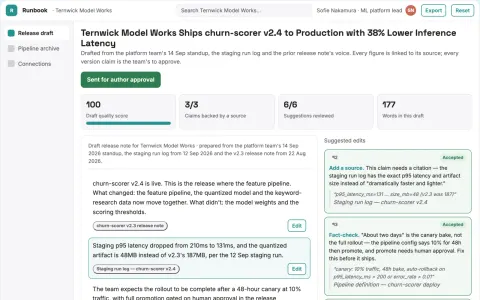
AI delivery workspace with managed implementation
Reduce tool sprawl and handoff effort while keeping project data and workflow under the team's control.
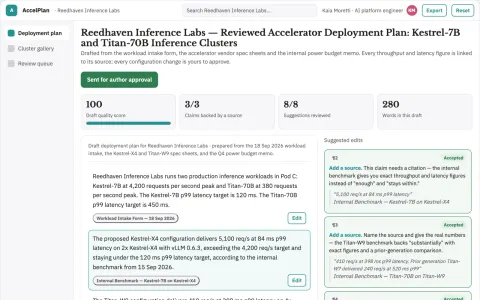
Managed AI accelerator deployment workspace
Reduce the time and coordination needed to run training and inference on specialized accelerators.
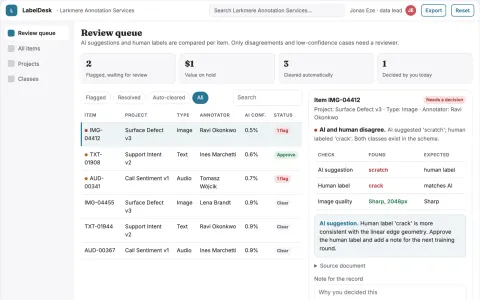
Human-reviewed training data labeling workspace
Reduce tool sprawl and rework while keeping one reviewable record of every label.




























































































About this learning path
6 topicsYour learning path as an AI engineer
AI engineering is moving fast. The tools you use to write, test, and ship models now include AI assistants that can help with the routine parts and the hard parts.
This path is for working AI engineers who want practical help without leaving their job. It starts with setup questions and connecting your AI, then adds skills for the job inside your AI, this prompt course, and video courses picked for the job and the certifications of those courses.
Why AI matters now
Your models are growing, your data is messy, and your team wants results sooner. AI assistants can help you move through code, errors, papers, and deployment tasks with less time lost to searching.
The engineers who use these tools well still own the thinking. They just spend less time on blank pages and repetitive checks.
What the path includes
First, setup questions help you choose an assistant and connect it to your work in a safe way. Then you get skills for the job inside your AI, so prompts fit the daily tasks of an AI engineer.
The path also includes this prompt course and video courses picked for the job, along with the certifications of those courses. You can follow the order or jump to what you need today.
How it saves time
You will learn prompts for drafting Python, reading error messages, planning training runs, and writing deployment notes. Small saves add up across a week.
You can also use AI to explain a paper before a meeting or turn a messy experiment into a clear summary for your team.
How it protects your career
AI tools do not replace judgment, system design, or responsibility for what ships. This path helps you build those habits while you use AI, so your work stays reviewable and trustworthy.
You stay current with the tools your team is already trying, and you learn to check outputs instead of trusting them blindly.
How to start
Begin with the setup questions and connect one assistant you already have access to. Pick one lesson from the prompt course, such as debugging or data preparation, and try it on a real but low-risk task.
Keep notes on what worked. Then choose one video course from the path and its certification if it fits your goals.
Frequently asked questions
Do I need to be an expert coder to use this path?
No, but you should be comfortable reading and writing code as an AI engineer. The path assumes you know the basics of Python, models, and your team's tools.Which AI assistant should I use?
You can use ChatGPT, Claude, Gemini, or another approved tool at work. The prompts in the course are written to work across assistants, so you can switch as needed.Will the course write my code for me?
It will help you draft, debug, and explain code, but you remain the engineer. You review every line, run tests, and decide what goes into production.How do I protect private data?
Follow your company rules first. Do not paste secrets, keys, customer data, or private model code into tools that are not approved for that data.