
Video course · 15 chapters · 22 min · certificate
Grok AI Essentials: Clear Prompting, Features, and Practical Strategies
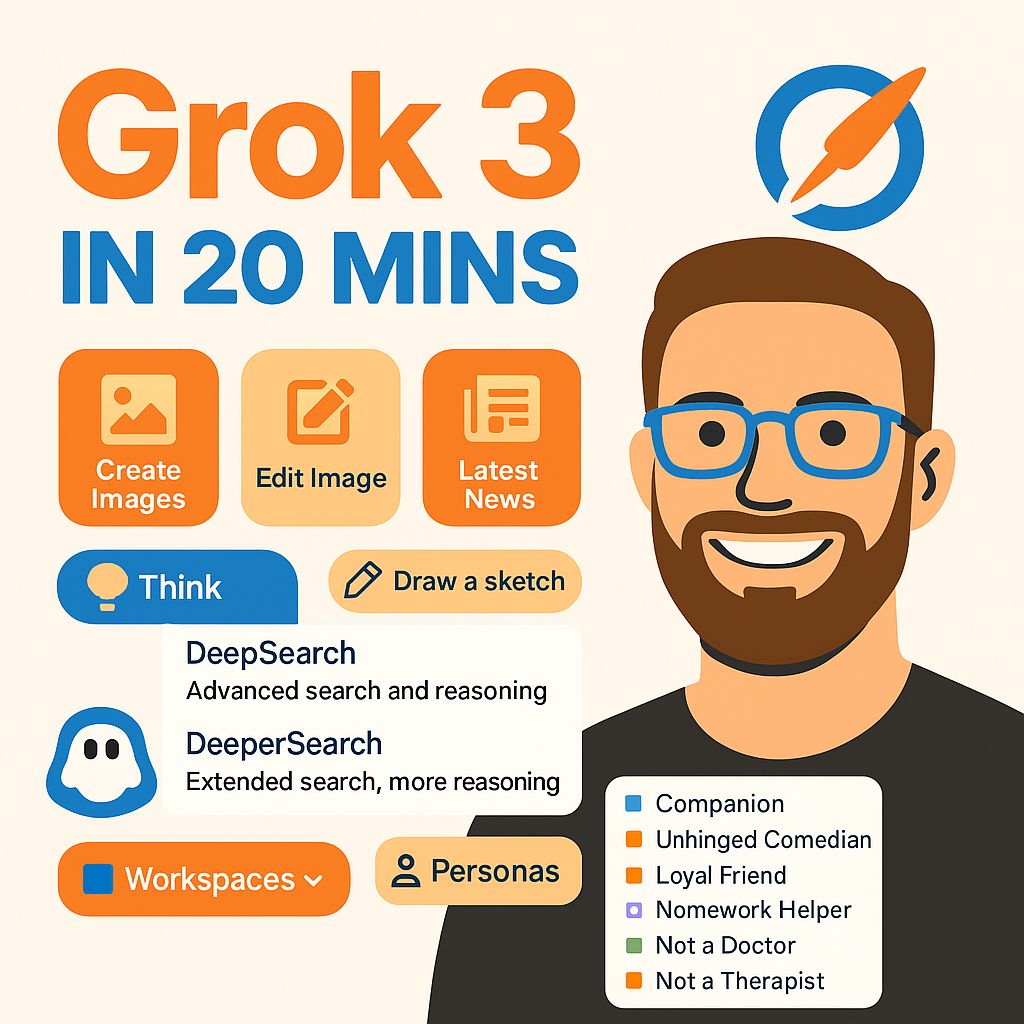
Thirty practical Grok tips: setup and memory, structured prompts (task, style, format, restrictions), giving context and examples, style matching, web search, cutting fluff, image prompts and editing, DeepSearch, breaking questions down, scenarios, summaries, personas and workspaces.
What you'll learn
- Set up Grok and manage memory
- Write structured prompts
- Match your writing style
- Use web search and DeepSearch well
- Create and edit images with Grok
- Use personas, scenarios and workspaces
Chapters
15 chapters · 22:02-
 1:27
01Setup Members
Setup and first tip
Grok as a ChatGPT rival and initial setup.
1:27
01Setup Members
Setup and first tip
Grok as a ChatGPT rival and initial setup.
-
 1:01
02Setup Members
Memory
Personalization with history (beta).
1:01
02Setup Members
Memory
Personalization with history (beta).
-
 2:44
03Prompting Members
Structured prompts
Task, style, format and restrictions.
2:44
03Prompting Members
Structured prompts
Task, style, format and restrictions.
-
 1:43
04Prompting Members
Specifics and context
Share as many specifics as possible.
1:43
04Prompting Members
Specifics and context
Share as many specifics as possible.
-
 1:12
05Style Members
Writing in your style
Paste a sample so Grok matches your voice.
1:12
05Style Members
Writing in your style
Paste a sample so Grok matches your voice.
-
 1:22
06Search Members
Web search and hidden features
Grok pulls web results itself.
1:22
06Search Members
Web search and hidden features
Grok pulls web results itself.
-
 1:26
07Prompting Members
Cutting fluff
Asking for direct answers.
1:26
07Prompting Members
Cutting fluff
Asking for direct answers.
-
 1:25
08Images Members
Image prompts
Describing scenes, actions and backgrounds.
1:25
08Images Members
Image prompts
Describing scenes, actions and backgrounds.
-
 1:01
09Images Members
Image editing panel
Editing generated images.
1:01
09Images Members
Image editing panel
Editing generated images.
-
 1:34
10Images Members
Image edits
Brightness, time of day, redraws.
1:34
10Images Members
Image edits
Brightness, time of day, redraws.
-
 1:44
11Research Members
DeepSearch
Precise deep searches.
1:44
11Research Members
DeepSearch
Precise deep searches.
-
 1:26
12Prompting Members
Breaking questions down
Small parts over jumbo prompts.
1:26
12Prompting Members
Breaking questions down
Small parts over jumbo prompts.
-
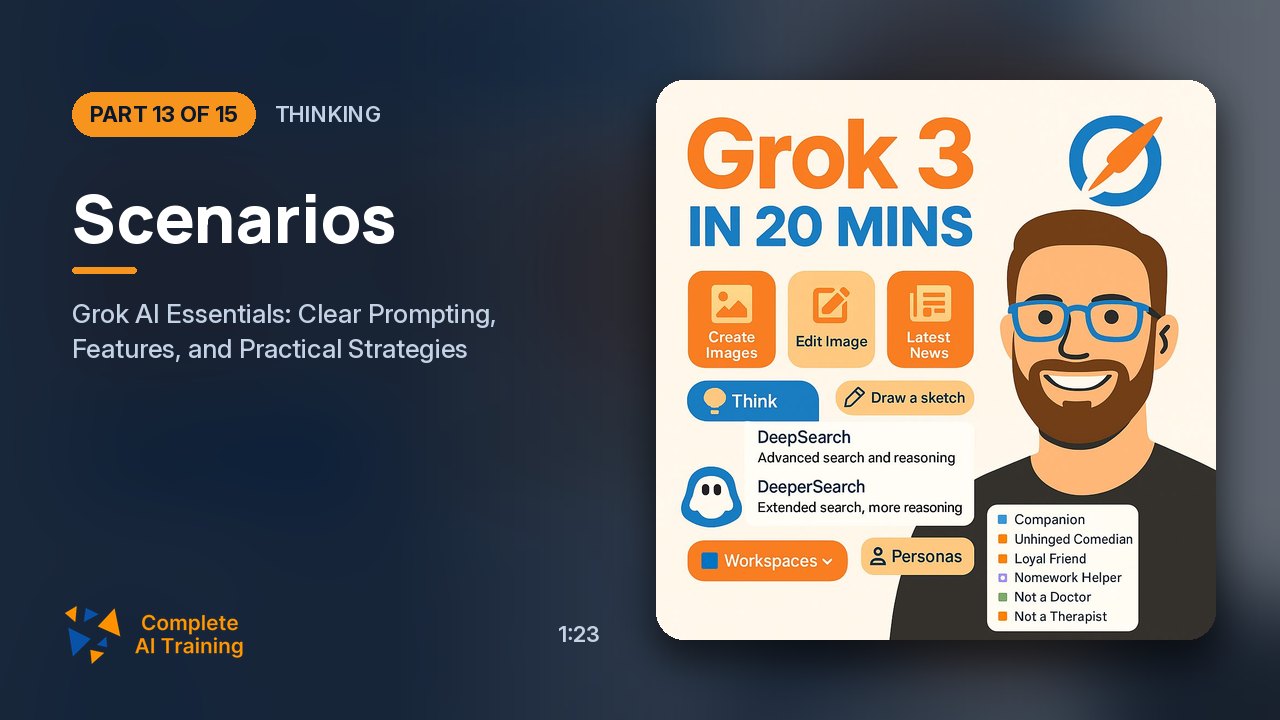 1:23
13Thinking Members
Scenarios
Imagining outcomes over time.
1:23
13Thinking Members
Scenarios
Imagining outcomes over time.
-
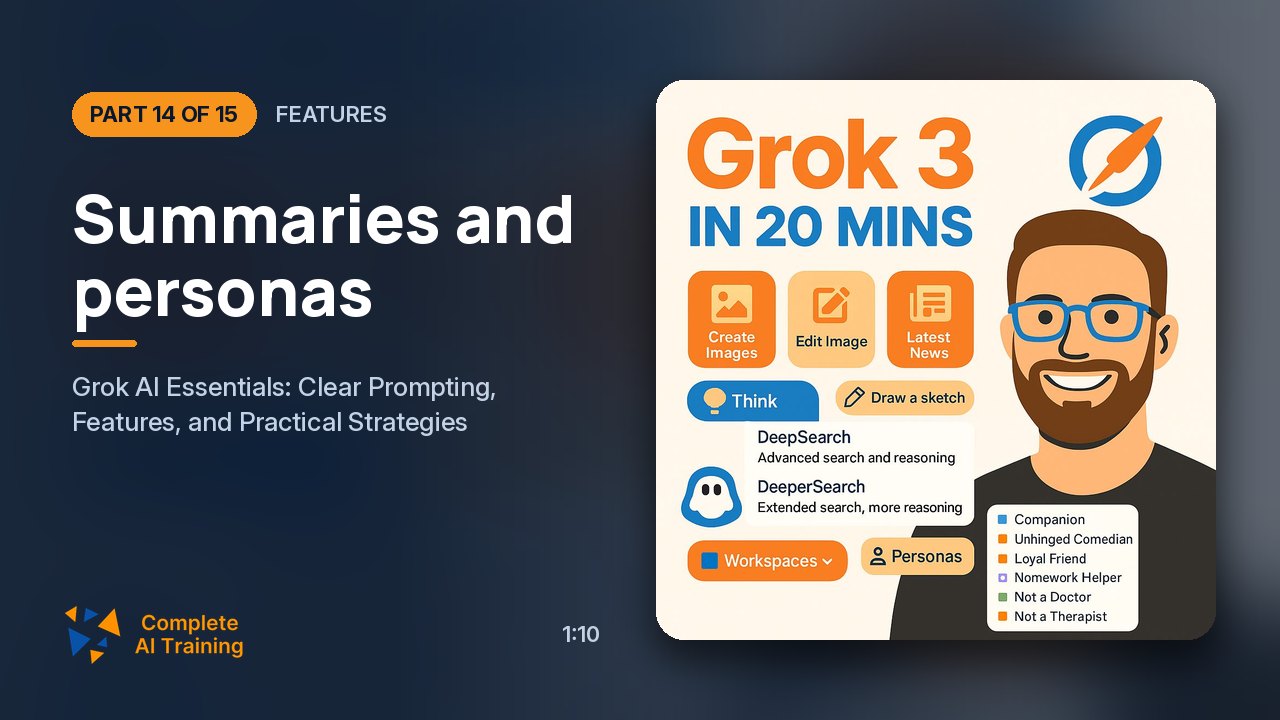 1:10
14Features Members
Summaries and personas
Tight summaries and personas.
1:10
14Features Members
Summaries and personas
Tight summaries and personas.
-
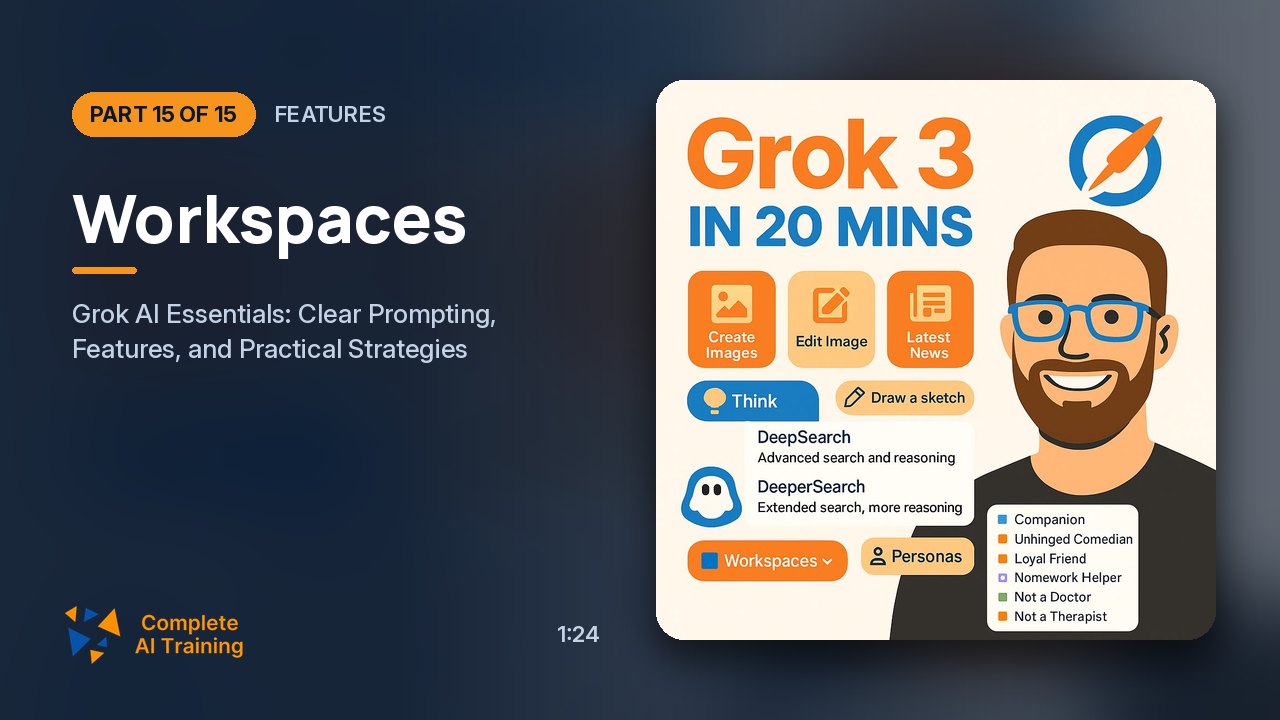 1:24
15Features Members
Workspaces
Projects with default instructions.
1:24
15Features Members
Workspaces
Projects with default instructions.
Jobs this course suits
Our AI checked this course against 500 jobs; these get the most out of it. Each job links to its learning path.