
Video course · 8 chapters · 27 min · certificate
Master AI Video Editing with Astra, Hixfield and DaVinci
Dan Kieft teaches a practical workflow for editing videos with AI tools. The chapters cover basic edits, multi-angle shots, generated B-roll, motion graphics, VFX, color grading, and sound design.
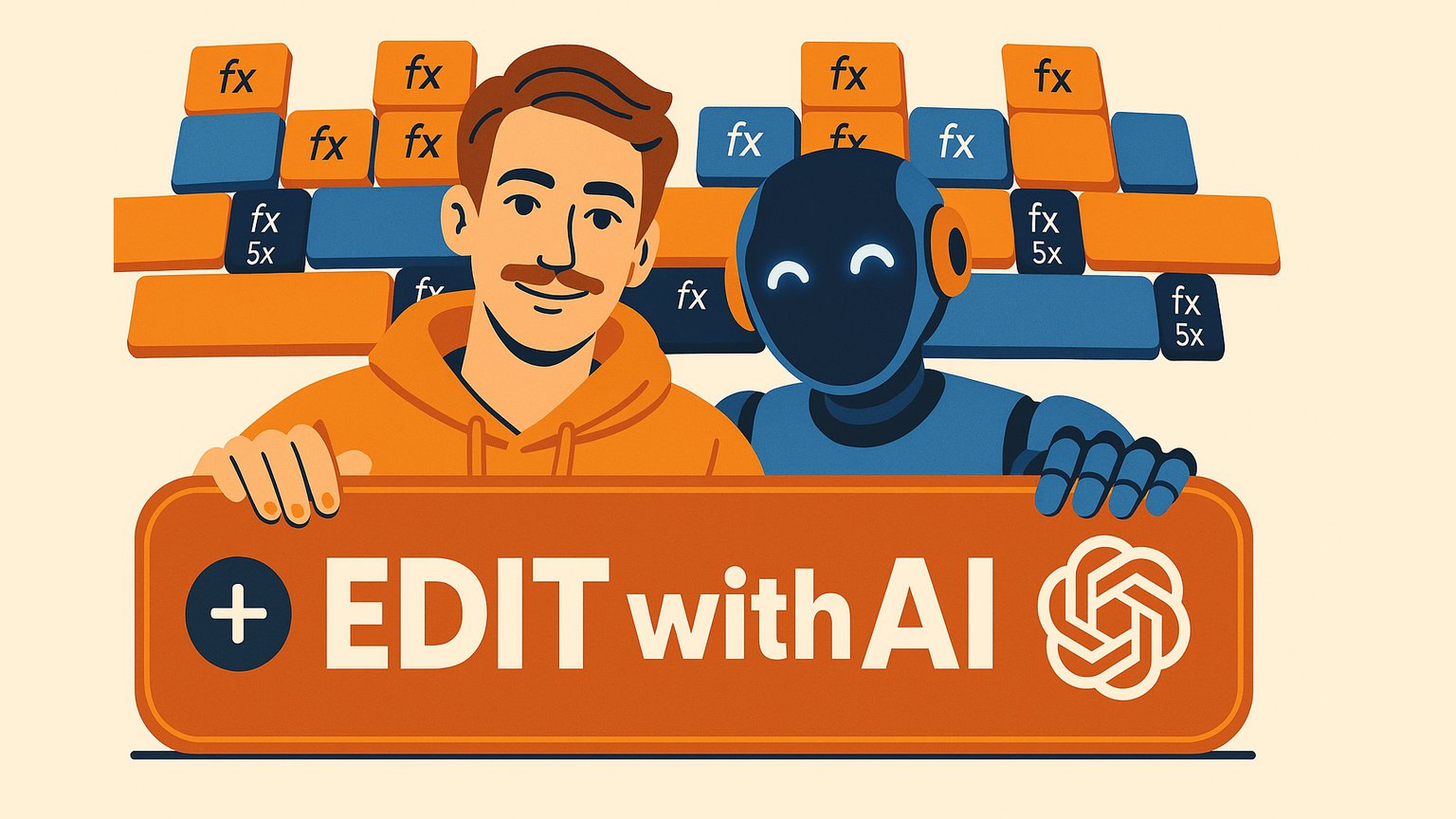
What you'll learn
- Use Astra and Hixfield to automate timeline editing and trimming
- Generate realistic B-roll and alternate camera angles from reference images
- Create motion graphics and custom visual assets with AI assistance
- Produce frame-accurate VFX by marking key frames and prompting with references
- Apply AI-assisted color grading using LUTs and DaVinci integration
- Replace or generate synchronized sound effects and audio tracks with AI
Chapters
8 chapters · 26:39-
2:04
01Getting Started Free preview
Intro
Overview of AI video editing tools and what the course covers.
-
3:20
02AI Trimming Members
Basic Editing
Use a structured prompt to clean up footage and add edits.
-
4:20
03AI Camera Angles Members
Multiple Angles
Create B-cam and C-cam angles from one reference clip.
-
3:13
04AI B-Roll Members
Generating B-Roll
Generate custom B-roll using character references and simple prompts.
-
4:37
05AI Graphics Members
Motion Graphics
Build motion graphics with AI-generated references and manual control.
-
4:14
06AI Visual Effects Members
Generating VFX
Create frame-accurate VFX by marking key frames and using references.
-
1:44
07AI Color Members
Color Grading
Use Astra and DaVinci to grade S-Log footage with LUTs.
-
3:07
08AI Audio Members
Sound Design
Generate synchronized sound effects from an existing video.
Jobs this course suits
Our AI checked this course against 500 jobs; these get the most out of it. Each job links to its learning path.