
Learning path
Learning AI as a Graphic Designer
Transform your graphic design skills with a focus on AI. Engage in video courses, utilize generative AI prompts, and access eBooks, and essential tools designed for your growth. Enhance productivity, save time, elevate your income, and broaden your career options.
Your path
Everything in the Graphic Designer AI kit, in the order that makes sense. Members tick off each step and see their progress.
Set up your AI
We guide you through each click.
Let skills do your everyday tasks
Connect your apps and pick your AI apps
Hand whole tasks to AI agents
Build your own tools
Keep growing
Everything for graphic designers
All the courses, certifications, AI tools, MCP servers and apps for graphic designers, most relevant first. Open any list to see more.
Take the prompt courses
A short framework course to learn how to ask, then 14 lessons with ready-to-use prompts for graphic designers.
Start with this framework: how to talk to AI
Use CRAFT to brief a logo redesign, defining context, role, action, format, and tone so your designs match client voice.
Then your prompt course for graphic designers- 1Typography Guidance20 prompts
- 2Color Theory Insights6 prompts
- 3Layout and Composition Techniques8 prompts
- 4Brand Identity Development10 prompts
- 5Feedback Interpretation and Refinement20 prompts
- 6Digital Asset Management22 prompts
- 7Social Media Graphics5 prompts
- 8Animation Basics5 prompts
- 9Print Preparation and Formats22 prompts
- 10User Interface Design Basics13 prompts
- 11Portfolio Development19 prompts
- 12Trend Analysis and Adaptation18 prompts
- 13Client Communication and Negotiation21 prompts
- 14Ethical Design and Accessibility18 prompts
Watch the video courses or add them to your Favorites for later
167 video courses our AI picked for graphic designers, most useful first. Save the ones you want to watch later with the heart.
Favorites are saved to your account: sign in or get your AI kit first.
Show all 167 video courses
Get certified, or add certifications to your Favorites
Every course ends in an exam and a certificate you can add to LinkedIn. Save the certifications you are aiming for with the heart.
Favorites are saved to your account: sign in or get your AI kit first.
Main certification for graphic designers
More certifications for graphic designersShow all 22 certifications
Try the AI tools for graphic designers
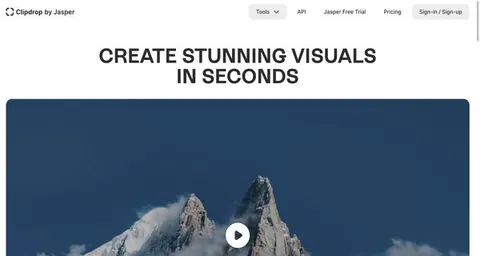
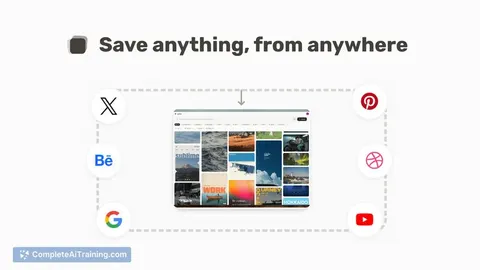
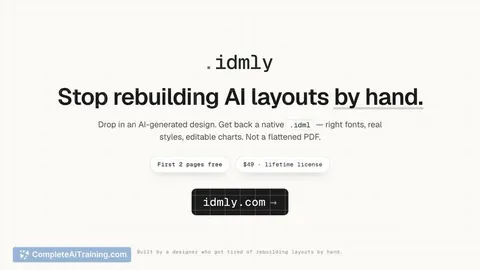
24 AI tools our AI matched to the work of graphic designers, best fit first. Each review shows what it does, its alternatives and the jobs it suits.
Favorites are saved to your account: sign in or get your AI kit first.
Show all 24 AI tools
Connect your AI to the apps graphic designers use
MCP servers let ChatGPT, Claude or Copilot look things up and get work done in other apps, like your email, calendar or bookkeeping software. These 12 fit the work of graphic designers best, well-known apps first.

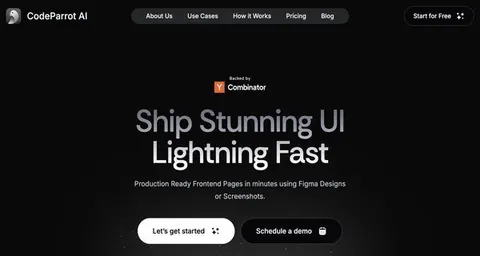
RNV Color MCP server
by RNVizionMix, convert, and match colors, build palettes, and save them by name, right from your chat.
Design toolsNo install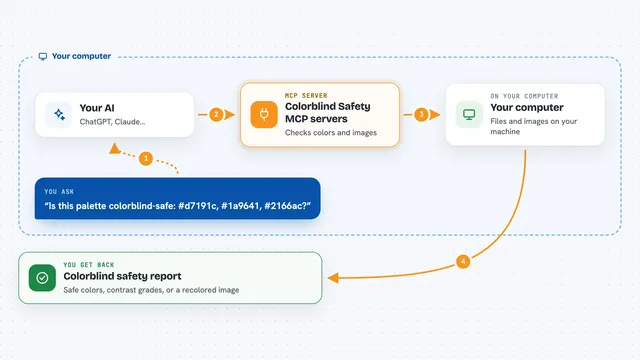
Colorblind Safety MCP servers
by vince-gonzalezCheck if your colors and images are colorblind-safe, and see them the way a colorblind person does.
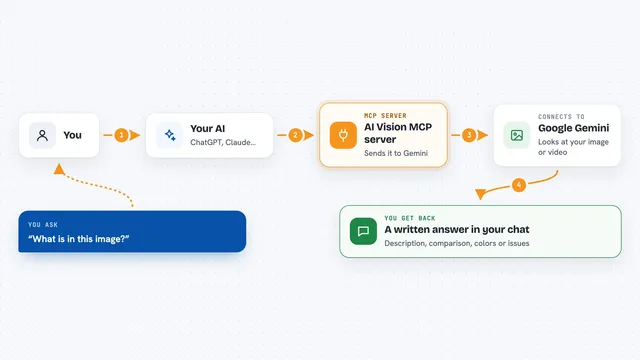
AI Vision MCP server
by tan-yong-shengLets your AI look at images and videos, describe them, compare them, and check design quality.

StudioMCPHub MCP server
by codex-curatorLets your AI make and edit images, prep print files, and look up museum artworks for you.
Generative artNo install
CoDesign MCP server
by imglyYour AI can create, edit and export branded designs like social posts, flyers and print PDFs.

Unsplash MCP server
by hanoakLets your AI search Unsplash photos, collections and topics, with ready-made photo credits.
Show all 12 MCP servers

Pexels MCP server
by afshinatorYour AI can search free Pexels stock photos and videos and bring back links and credits.

webfetch MCP server
by ashlraiYour AI can search for images across many sources and tell you the license and credit line for each one.
ResearchNo install
Google Images MCP server
by HasDataLets your AI search Google Images and bring back picture links, source pages and sizes.
ResearchNo install
Brand System MCP server
by Brand-SystemYour AI can read your brand guidelines, make on-brand content, and check drafts against your rules.

Stocky stock photo MCP server
by joelioSearch and download free stock photos from Pexels and Unsplash right from your AI chat.

Topaz Labs MCP server
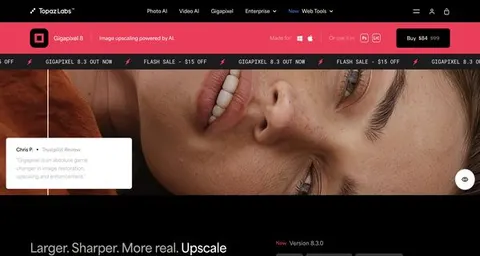
by TopazLabsLet your AI improve your photos with Topaz Labs: upscale, sharpen, and clean up images for you.
Build your own AI apps for graphic designers
Apps you build yourself with your own AI, no coding needed and no monthly fee. Our AI picked the 12 that fit the work of graphic designers.
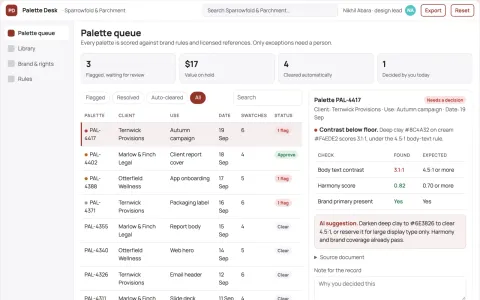
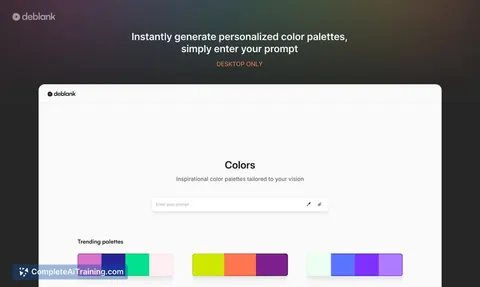
Design palette library and stewardship console
Reduce palette search and rework time while keeping one approved brand record.
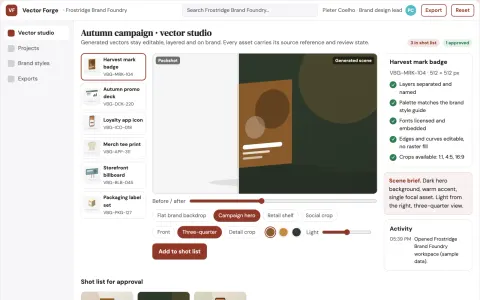
Brand vector asset production studio
Reduce tool switching and manual export work while keeping every vector asset on brand.
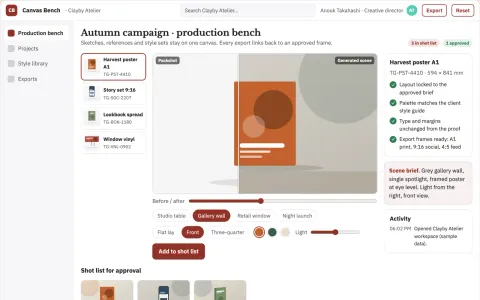
Managed visual canvas production workbench
Reduce tool switching and style drift while keeping one reviewed visual pipeline.
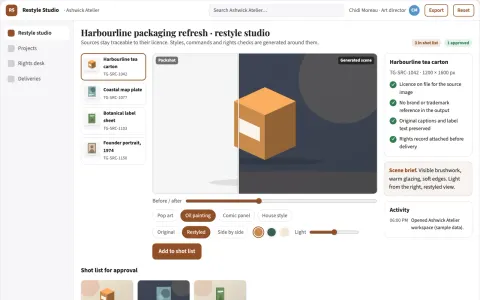
Brand-safe image restyle and rights-clearance studio
Reduce tool switching and manual cleanup while keeping the source image's intent and clearing rights before use.
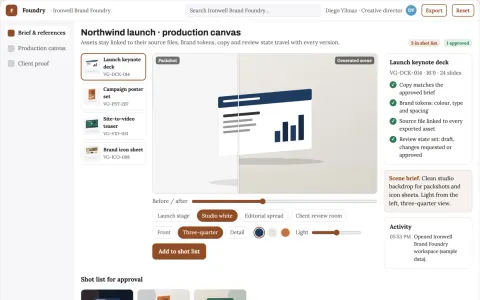
Brand visual production and review platform
Reduce tool sprawl and review cycles while keeping one brand system.
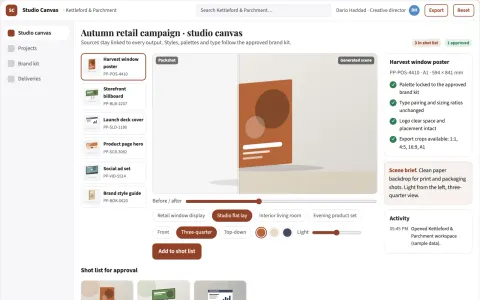
Managed visual design and rendering studio
Reduce tool switching and manual restyling while keeping one owned visual workflow.
Show all 12 apps
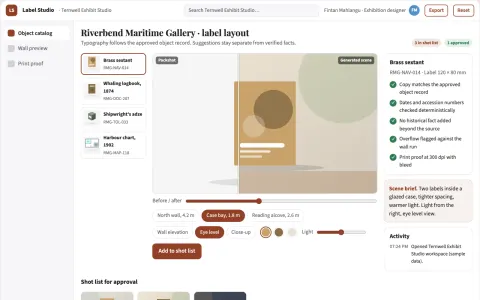
Museum label layout studio
Consistent exhibition typography linked to approved object records.
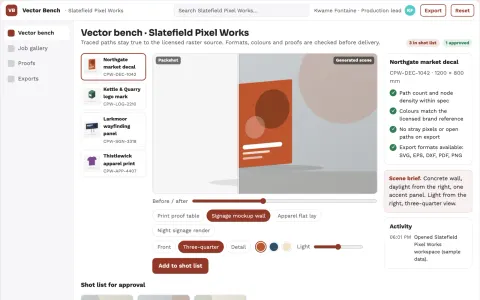
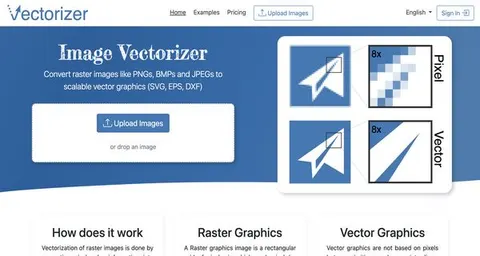
Managed raster-to-vector production workbench
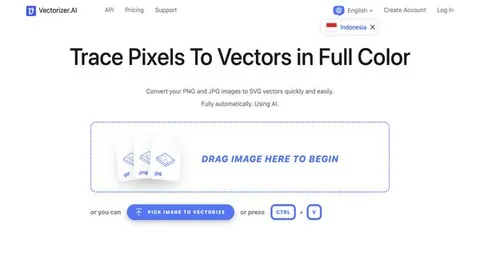
Reduce manual vector cleanup while preserving the artwork's intended shapes and colors.
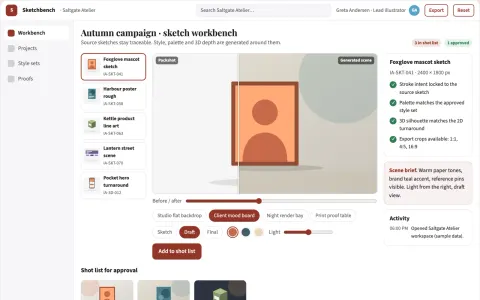
Sketch-to-production visual workbench
Reduce manual redraw and tool-switching work while keeping the artist's intent.
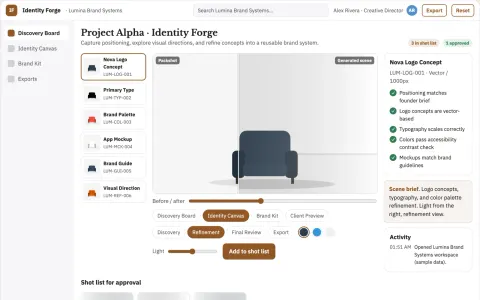
Brand identity studio
A usable identity system tied to positioning and real customer touchpoints.
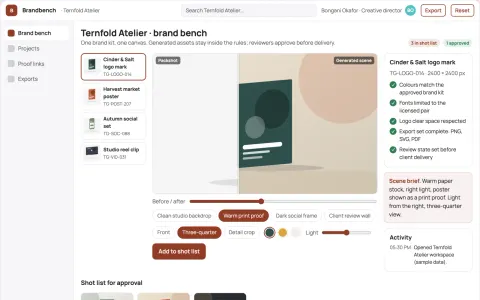
Branded visual design generation workbench
Reduce tool switching and rework while keeping brand and approval control.
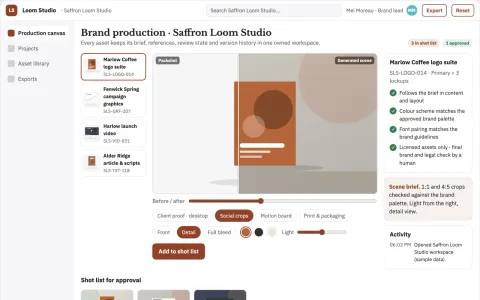
Brand content production and review workspace
Reduce tool sprawl and review cycles while keeping brand assets in one owned workspace.
Read the handbook























































































About this learning path
16 topicsHow to Become an AI Expert as a Graphic Designer
You're a graphic designer, a creative mind always seeking fresh perspectives. But here's the truth: creativity alone isn't enough anymore. Artificial Intelligence is changing the landscape, and those who adapt will thrive. Understanding AI doesn't mean losing your creative control—it means amplifying your vision and capabilities with cutting-edge tools and techniques.
This course is your roadmap to becoming an AI-powered graphic designer. We'll cover everything you need to transition smoothly from traditional design methods to leveraging AI tools in your daily workflow. Here's what you'll dive into:
- The practical reasons why AI matters for graphic designers.
- Common questions graphic designers have about integrating AI into their craft.
- The exact steps and resources you need to master to become an AI expert.
You could spend hours digging through online tutorials, articles, and forums. But we've done the heavy lifting for you, organizing everything specifically tailored to graphic designers like you.
Why Do Graphic Designers Need to Embrace AI?
Here's the reality: AI isn't optional anymore—it's essential. It influences how clients perceive your value, how efficiently you produce work, and how effectively you can transform ideas into reality. Here are four key reasons you should embrace AI:
- Future-Proof Your Career:
Adaptability is survival. Integrating AI ensures your design skills remain relevant and sought-after in a rapidly evolving market. - Save Hours Every Week:
AI tools automate repetitive and mundane design tasks, giving you more time to focus on creative, high-impact projects. - Boost Your Earning Potential:
Designers skilled in AI command higher salaries and attract premium clients. Learning AI is investing in your financial future. - Elevate Your Professional Value:
Clients and employers value designers who innovate. Leveraging AI positions you as a leader, not just a participant, in the design community.
- Future-Proof Your Career:
How to Get Started? What You Need to Become an AI Expert Graphic Designer
Mastering AI as a graphic designer doesn't happen overnight. It requires structured, intentional learning. Here's your clear pathway from beginner to AI-proficient designer:
Dive Deep into Video Courses
Our curated video lessons tackle everything from foundational AI knowledge to advanced design-specific applications. You'll learn:
- The fundamentals of Generative AI: Understanding how AI creates original visuals.
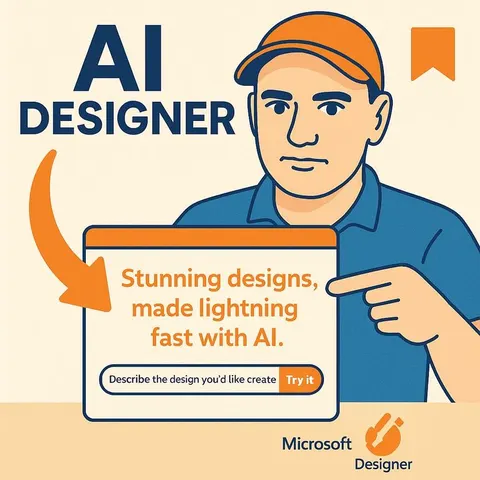
- AI-assisted design workflows using popular tools like Canva, Adobe Express, and Microsoft Designer.
- Practical guidance on AI-driven image editing and enhancement techniques.
- Leveraging AI to automate asset creation, branding consistency, and layout optimization.
- AI-powered typography and color theory integration.
Master the Art of AI Prompts for Graphic Design
Learning to craft effective prompts is like learning the language of AI. You'll unlock AI's true power by communicating clearly and effectively. Our prompt courses include:
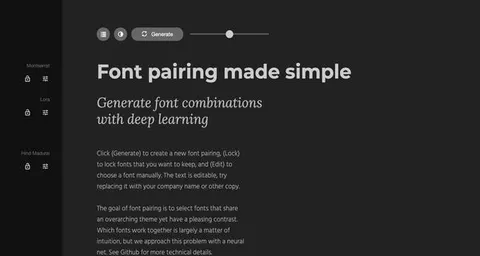
- AI-Powered Typography: Crafting prompts to generate unique font pairings and type treatments.
- Color Theory with AI: How to prompt AI to suggest harmonious color palettes and visually appealing gradients.
- Layout & Composition Optimization: Utilizing AI to quickly explore and refine layout options, ensuring maximum visual impact.
Stay Ahead with Continuous Learning
AI evolves daily. Staying relevant means continuously updating your knowledge base. Our platform makes this easy with regular updates on the latest tools, trends, and best practices in AI-driven design.
Explore Comprehensive AI Books & Resources
Supplement your video learning with in-depth guides and books like "The Artificial Intelligence Handbook for Graphic Designers," providing you with deeper insights, examples, and practical exercises.
Leverage the Latest AI Tools
Gain exclusive access to our regularly updated list of powerful AI tools designed specifically for graphic designers. Discover resources that simplify your workflow, enhance creativity, and elevate your designs.
Frequently Asked Questions from Graphic Designers
Is learning AI difficult for graphic designers?
No—especially not when approached with clear guidance. AI tools are designed with user-friendly interfaces. Our structured courses break down complex concepts into straightforward, actionable steps, making AI accessible to everyone.
Can I trust AI to produce quality design work?
Yes, when used effectively. AI is a tool, much like Photoshop or Illustrator. It enhances your design capabilities rather than replaces your creative judgment. Your expertise and vision remain central to every project.
Will AI eventually replace graphic designers?
No, it won't. AI handles repetitive tasks, freeing you to focus on creativity, innovation, and strategy. Designers who embrace AI become more valuable, not less.
How can I keep pace with rapid AI developments?
Continuous learning is the key. Our platform provides ongoing updates, curated resources, and actionable insights, ensuring you remain at the forefront of AI innovation in graphic design.
Is AI just a passing trend or is it here to stay?
AI isn't a trend—it's a fundamental shift in how creative work is produced. Its capabilities will only grow, becoming a standard part of every designer's toolkit.
How much control do I have when using AI in design?
Complete control. AI serves as your assistant, not your replacement. Every creative decision remains yours, with AI tools simply enhancing your speed, precision, and creative capabilities.
What's the first step to becoming an AI expert?
Begin with foundational concepts, then gradually move toward more specialized AI design applications. Our structured pathway clearly outlines each step, ensuring manageable and systematic progress.
How to Start Your Journey as an AI Specialized Graphic Designer Today?
Our comprehensive AI training platform offers everything you need, customized specifically for graphic designers. When you join, you'll get unlimited access to:
- In-depth Video Courses tailored for graphic designers
- Curated AI Tools and Resources
- AI Prompt Libraries for design-specific tasks
- AI-focused eBooks, Guides, and Cheat Sheets
- Regular updates on emerging trends and tools in AI
- Community support from fellow AI-driven designers
If your goal is to future-proof your career, enhance your creative output, streamline your workflow, and position yourself as an indispensable asset to clients and employers—this is your starting point. Welcome to the intersection of creativity and technology, where your potential is limitless.