
Video course · 11 chapters · 33 min · certificate
Train Concept Slider LoRA for AI Image Generation with AI Toolkit
Train a concept slider LoRA with AI Toolkit: configuring the slider, training parameters, how concept sliders work, prompts and dataset prep, launching and monitoring training, adjusting prompts and settings, iterating, fixing contrast and colour, and finalizing.
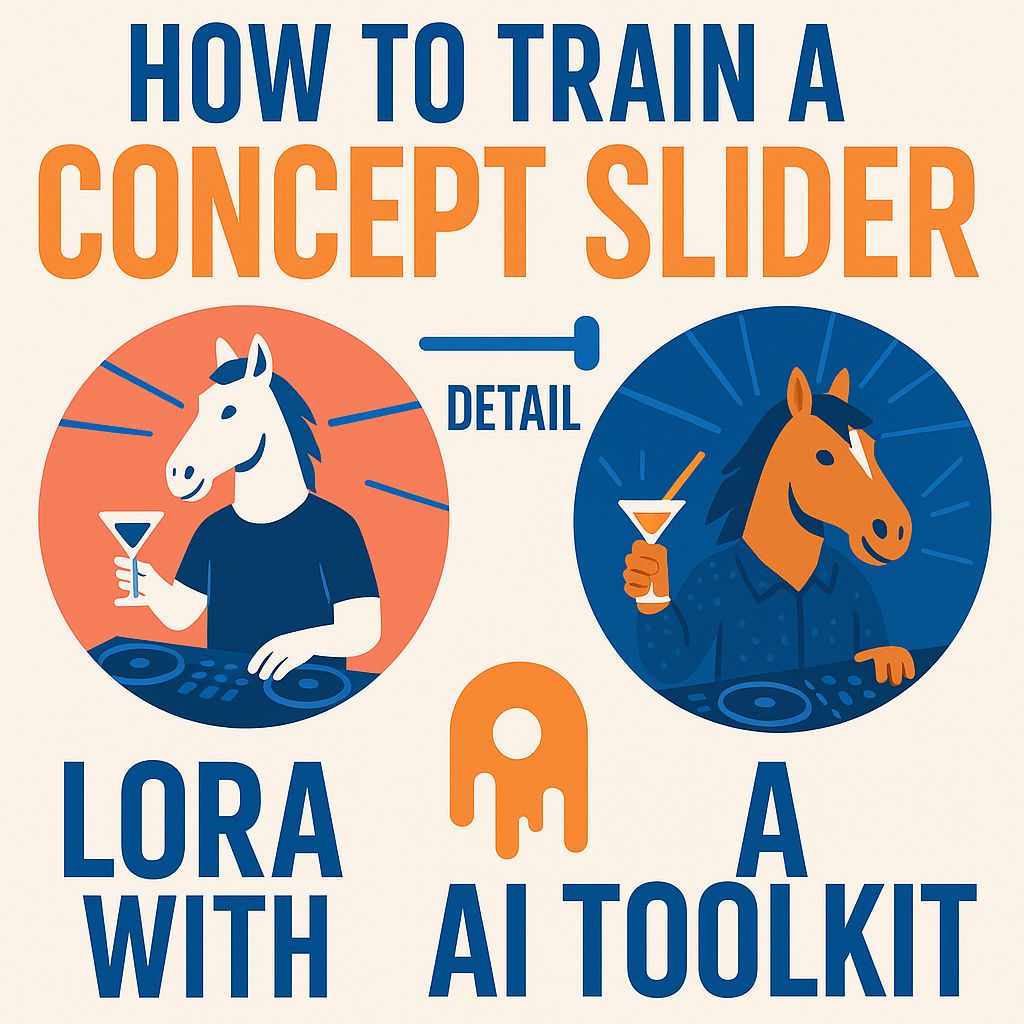
What you'll learn
- Set up a concept slider job in AI Toolkit
- Choose training parameters
- Understand how concept sliders train
- Write slider prompts
- Monitor and iterate on training
- Fix side effects like contrast and colour
Chapters
11 chapters · 32:52-
 3:21
01Intro Free preview
Introduction to AI Toolkit
New slider features in AI Toolkit.
3:21
01Intro Free preview
Introduction to AI Toolkit
New slider features in AI Toolkit.
-
 2:51
02Setup Members
Configuring the slider
How the slider job differs from normal training.
2:51
02Setup Members
Configuring the slider
How the slider job differs from normal training.
-
 2:23
03Parameters Members
Training parameters
Steps, save intervals and speed.
2:23
03Parameters Members
Training parameters
Steps, save intervals and speed.
-
 4:29
04Theory Members
How concept sliders work
Predictions with the LoRA detached.
4:29
04Theory Members
How concept sliders work
Predictions with the LoRA detached.
-
 4:26
05Data Members
Prompts and dataset prep
Setting target class and prompts for detail.
4:26
05Data Members
Prompts and dataset prep
Setting target class and prompts for detail.
-
 4:00
06Training Members
Starting training
Picking samples and starting the job.
4:00
06Training Members
Starting training
Picking samples and starting the job.
-
 2:32
07Training Members
Monitoring progress
First samples and changes over steps.
2:32
07Training Members
Monitoring progress
First samples and changes over steps.
-
 1:18
08Iteration Members
Adjusting prompts and settings
When images become dull, adjust.
1:18
08Iteration Members
Adjusting prompts and settings
When images become dull, adjust.
-
 1:45
09Iteration Members
Iterative refinement
Regularization and repeated runs.
1:45
09Iteration Members
Iterative refinement
Regularization and repeated runs.
-
 3:12
10Iteration Members
Fixing contrast and colour
Adding prompts to counter contrast and colour shifts.
3:12
10Iteration Members
Fixing contrast and colour
Adding prompts to counter contrast and colour shifts.
-
 2:35
11Wrap-up Members
Finalizing
Testing the slider range and closing.
2:35
11Wrap-up Members
Finalizing
Testing the slider range and closing.
Jobs this course suits
Our AI checked this course against 500 jobs; these get the most out of it. Each job links to its learning path.