
Learning path
Learning AI as an Illustrator
This learning path helps illustrators use AI for concept work, client notes, and project planning. You will set up your AI, practice job-ready prompts, and earn certificates from video courses chosen for illustrators.
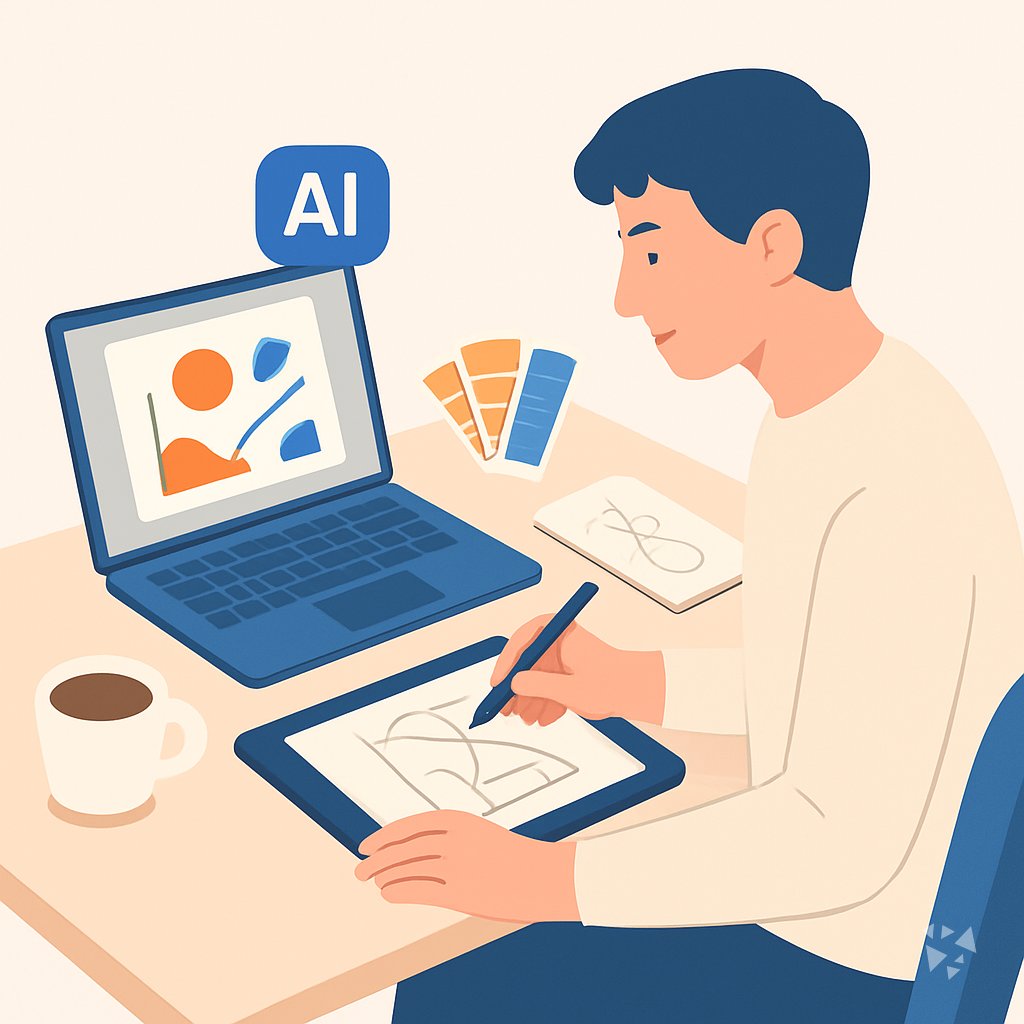
Your path
Everything in the Illustrator AI kit, in the order that makes sense. Members tick off each step and see their progress.
Set up your AI
We guide you through each click.
Let skills do your everyday tasks
Connect your apps and pick your AI apps
Hand whole tasks to AI agents
Build your own tools
Everything for illustrators
All the courses, certifications, AI tools, MCP servers and apps for illustrators, most relevant first. Open any list to see more.
Take the prompt courses
A short framework course to learn how to ask, then 8 lessons with ready-to-use prompts for illustrators.
Start with this framework: how to talk to AI
As an illustrator, CRISPE helps you explore options by generating several variants, like three dragon cover sketches, to compare.
Then your prompt course for illustrators- 1Concept Development Basics2 prompts
- 2Character Design and World Building5 prompts
- 3Color and Composition Planning3 prompts
- 4Writing Prompts and Visual Descriptions3 prompts
- 5Client Communication and Feedback2 prompts
- 6Project Planning and Deadlines2 prompts
- 7Print and File Preparation3 prompts
- 8Style Consistency and Advanced Techniques3 prompts
Watch the video courses or add them to your Favorites for later
94 video courses our AI picked for illustrators, most useful first. Save the ones you want to watch later with the heart.
Favorites are saved to your account: sign in or get your AI kit first.
Show all 94 video courses
Get certified, or add certifications to your Favorites
Every course ends in an exam and a certificate you can add to LinkedIn. Save the certifications you are aiming for with the heart.
Favorites are saved to your account: sign in or get your AI kit first.
More certifications for illustratorsShow all 24 certifications
Try the AI tools for illustrators
24 AI tools our AI matched to the work of illustrators, best fit first. Each review shows what it does, its alternatives and the jobs it suits.
Favorites are saved to your account: sign in or get your AI kit first.
Show all 24 AI tools
Connect your AI to the apps illustrators use
MCP servers let ChatGPT, Claude or Copilot look things up and get work done in other apps, like your email, calendar or bookkeeping software. These 12 fit the work of illustrators best, well-known apps first.

AetherWave Studio MCP server
by AetherWave-StudioLets your AI make music, images, videos and comics through one account and one key.
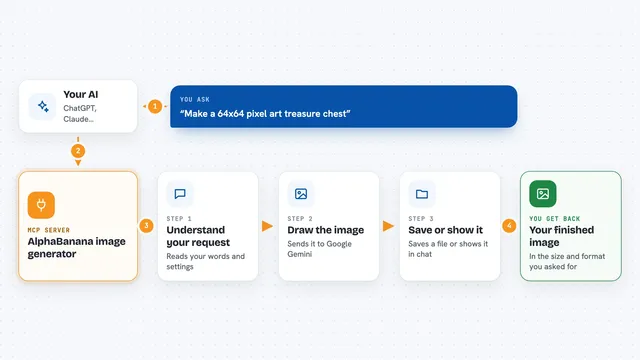
AlphaBanana image generator
by tasopenLet your AI create images with Google Gemini, including transparent PNGs and exact sizes.

OpenRouter Multimodal MCP server
by stabganLets your AI read and create text, images, audio and video through OpenRouter models.

OpenAI GPT Image MCP server
by SureScaleAILets your AI create and edit images with OpenAI's image models, right from the chat.

ClarifyPrompt MCP server
by LumabyteCoYour AI rewrites your rough prompt into a polished one tuned for the exact tool you're using.

PromptPilot MCP server
by doctorm333Let your AI make images, video, and audio for you, right inside the chat.
Show all 12 MCP servers

StudioMCPHub MCP server
by codex-curatorLets your AI make and edit images, prep print files, and look up museum artworks for you.
Generative artNo install
RNV Color MCP server
by RNVizionMix, convert, and match colors, build palettes, and save them by name, right from your chat.
Design toolsNo install
Hugging Face Spaces MCP server
by evalstateLets your AI generate images, chat, read images, and make audio using free Hugging Face Spaces.

Seedream Image MCP server
by AceDataCloudLet your AI create and edit images with ByteDance's Seedream models, right inside your chat.
Generative artNo install
Fal.ai MCP server
by raveenbLets your AI make images, videos, and music using Fal.ai models like FLUX and MusicGen.

Guaardvark AI Studio server
by guaardvarkLets your AI make images, video, music and voice on your own computer, and search your files.
Build your own AI apps for illustrators
Apps you build yourself with your own AI, no coding needed and no monthly fee. Our AI picked the 12 that fit the work of illustrators.
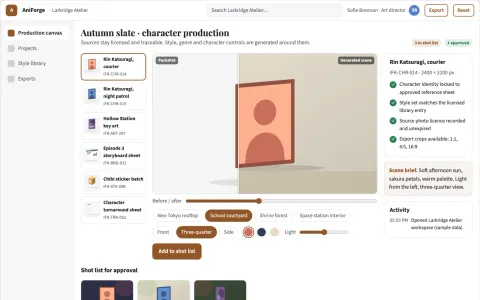
Managed anime character production workbench
Reduce tool switching and rework while keeping one owned library of approved anime-style assets.
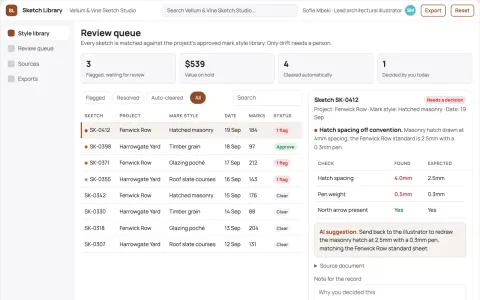
Architectural sketch style library
Project-specific visual conventions.
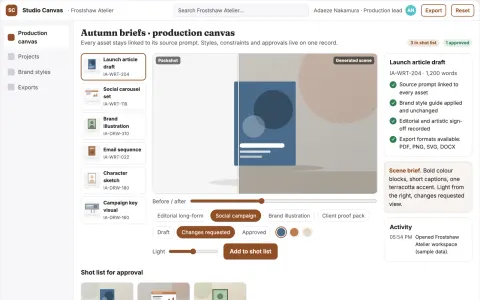
Managed AI writing and drawing production platform
Reduce tool sprawl while keeping one reviewed production record.
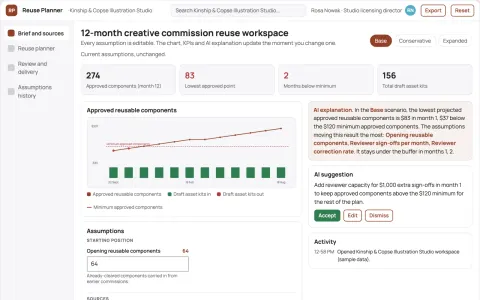
Creative commission reuse planner
Reuse planning bounded by client permissions.
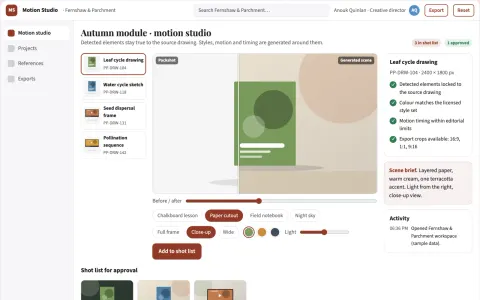
Drawing-to-animation studio with managed creative review
Reduce the steps between a static drawing and a reviewed animated visual.
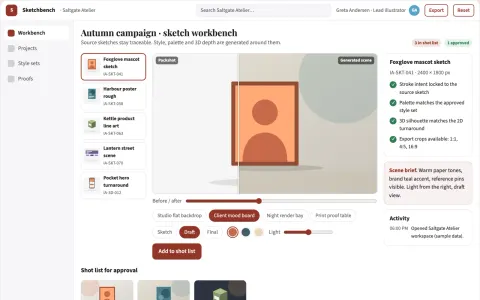
Sketch-to-production visual workbench
Reduce manual redraw and tool-switching work while keeping the artist's intent.
Show all 12 apps
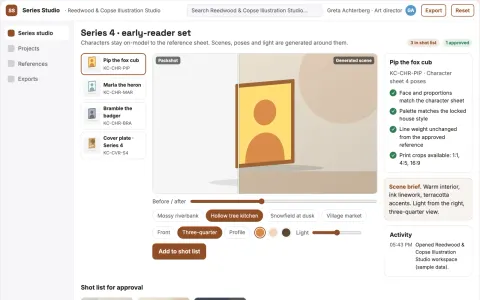
Consistent character and style image production studio
Reduce rework across a content series while keeping characters and styles consistent.
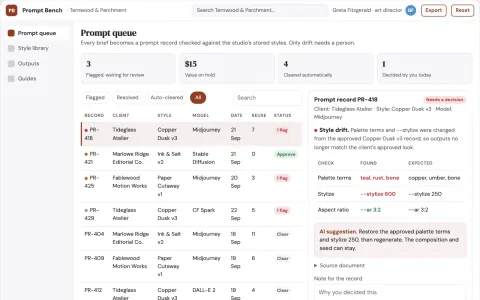
Prompt library and generation workbench
Reduce prompt rebuilding while keeping the team's own style library.
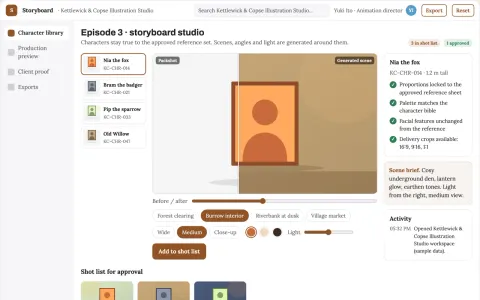
Character animation and storyboard production studio
Reduce tool handoffs and visual drift while keeping one approved character set.
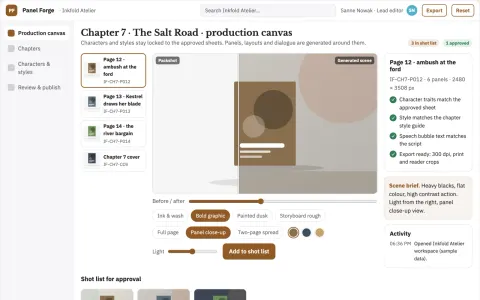
Comic production and review workspace
Reduce production time per approved chapter while keeping characters and story consistent.
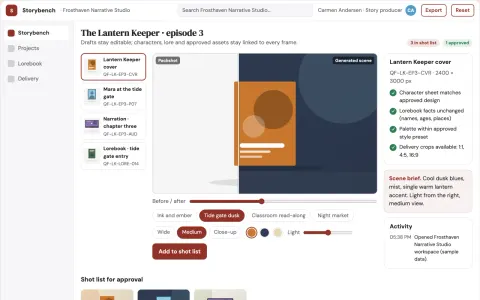
Prompt-to-story visual production workbench
Reduce tool switching and continuity errors while keeping the creator's voice.
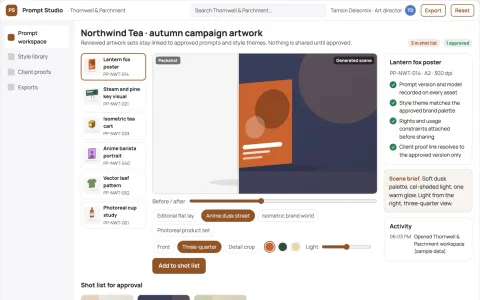
Prompt-to-artwork production studio
Reduce tool switching and rework while keeping one owned record of prompts, styles and approved artwork.
























































About this learning path
7 topicsA practical AI path for working illustrators
You already know how to draw, pitch, and meet a brief. This path adds AI to the parts of the job that slow you down: early ideas, client emails, color planning, and file checks.
You will answer a few setup questions, connect your AI, and work through short lessons made for illustrators. The path includes the prompt course below, video courses picked for your job, and the certifications that come with those courses.
Why AI matters now
Clients ask for more options, faster. AI can help you explore directions, write clear descriptions, and keep projects moving without losing your style.
You do not need to become a tech person. You need a calm way to use the tools that are already part of many studios and briefs.
What the path includes
First, setup questions help you choose the right AI and connect it to your work. Then you practice skills for the job inside your AI, take this prompt course, and move into video courses chosen for illustrators.
Each video course comes with a certification you can add to your profile. The path is built for real illustration work, not abstract theory.
How it saves you time
AI takes the blank-page sting out of concept work and the drag out of admin. You can draft a client update, plan a palette, or break a project into steps before your coffee goes cold.
The time you win back goes into drawing, rest, or the parts of the job you actually love.
How it protects your career
AI does not replace your eye or your client relationships. It helps you show your thinking, meet deadlines, and stay competitive while keeping your personal style at the center.
When you can explain your choices and move quickly, clients trust you more, not less.
How to start
Start with the setup questions and connect the AI you already use, such as ChatGPT, Claude, or Gemini. Then take one lesson, try one prompt on a live project, and notice what gets easier.
Small steps count. One saved hour this week is a real result.
What you will have at the end
By the end, you will have a working AI setup, a set of illustrator prompts you trust, and certificates from the video courses. You will also have a simple routine for using AI without letting it flatten your voice.
Frequently asked questions
Do I need to be technical?
No. You will answer setup questions, connect your AI, and follow plain steps. The path assumes you draw, not code.Which AI tools will I use?
You can use ChatGPT, Claude, or Gemini. Lessons show how to work with the one you choose and keep your own voice.How long does the path take?
You can move at your own pace. Most lessons are short and made for working illustrators with deadlines.Will AI replace illustrators?
AI does not replace your eye, taste, or client trust. It helps with thinking, planning, writing, and file checks so you can spend more time making art.