
Learning path
Learning AI as an Art Director
This path helps art directors use AI for visual concepts, briefs, shoots, team feedback, and client presentations. You will set up your tools, learn prompts for the job, and pick video courses that fit your creative work.
Your path
Everything in the Art Director AI kit, in the order that makes sense. Members tick off each step and see their progress.
Set up your AI
We guide you through each click.
Let skills do your everyday tasks
Connect your apps and pick your AI apps
Hand whole tasks to AI agents
Build your own tools
Keep growing
Everything for art directors
All the courses, certifications, AI tools, MCP servers and apps for art directors, most relevant first. Open any list to see more.
Take the prompt courses
A short framework course to learn how to ask, then 9 lessons with ready-to-use prompts for art directors.
Start with this framework: how to talk to AI
For an art director, CRAFT aligns written tone with visual direction on projects like exhibit signage so every touchpoint feels unified.
Then your prompt course for art directorsWatch the video courses or add them to your Favorites for later
159 video courses our AI picked for art directors, most useful first. Save the ones you want to watch later with the heart.
Favorites are saved to your account: sign in or get your AI kit first.
Show all 159 video courses
Get certified, or add certifications to your Favorites
Every course ends in an exam and a certificate you can add to LinkedIn. Save the certifications you are aiming for with the heart.
Favorites are saved to your account: sign in or get your AI kit first.
More certifications for art directorsShow all 24 certifications
Try the AI tools for art directors
24 AI tools our AI matched to the work of art directors, best fit first. Each review shows what it does, its alternatives and the jobs it suits.
Favorites are saved to your account: sign in or get your AI kit first.
Show all 24 AI tools
Connect your AI to the apps art directors use
MCP servers let ChatGPT, Claude or Copilot look things up and get work done in other apps, like your email, calendar or bookkeeping software. These 12 fit the work of art directors best, well-known apps first.

RNV Color MCP server
by RNVizionMix, convert, and match colors, build palettes, and save them by name, right from your chat.
Design toolsNo install
Google Images MCP server
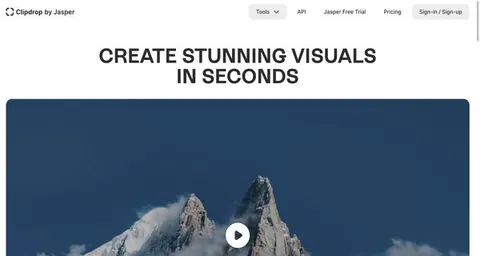
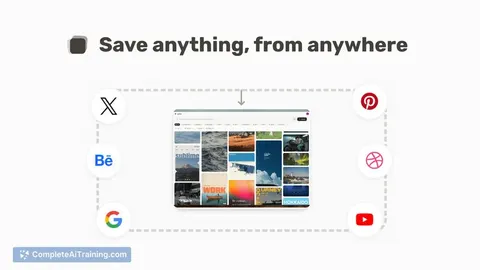
by HasDataLets your AI search Google Images and bring back picture links, source pages and sizes.
ResearchNo install
CoDesign MCP server
by imglyYour AI can create, edit and export branded designs like social posts, flyers and print PDFs.

Unsplash MCP server
by hanoakLets your AI search Unsplash photos, collections and topics, with ready-made photo credits.

Pexels MCP server
by afshinatorYour AI can search free Pexels stock photos and videos and bring back links and credits.
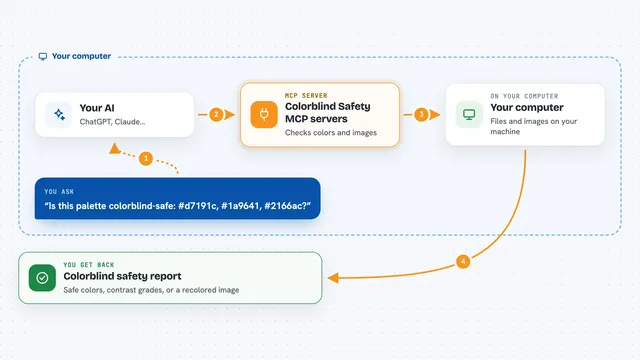
Colorblind Safety MCP servers
by vince-gonzalezCheck if your colors and images are colorblind-safe, and see them the way a colorblind person does.
Show all 12 MCP servers

webfetch MCP server
by ashlraiYour AI can search for images across many sources and tell you the license and credit line for each one.
ResearchNo install
StudioMCPHub MCP server
by codex-curatorLets your AI make and edit images, prep print files, and look up museum artworks for you.
Generative artNo install
OpenAI GPT Image MCP server
by SureScaleAILets your AI create and edit images with OpenAI's image models, right from the chat.
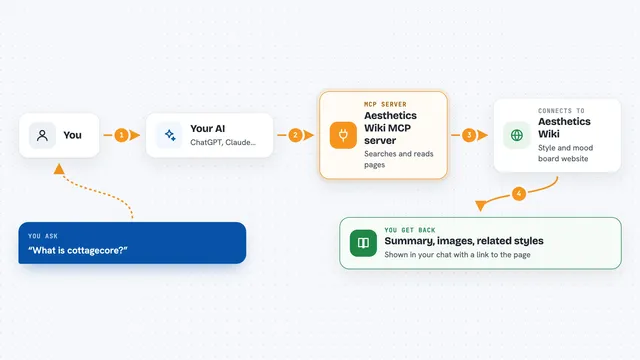
Aesthetics Wiki MCP server
by leonardoca1Lets your AI look up visual aesthetics like cottagecore, dark academia and Y2K, with images and related styles.
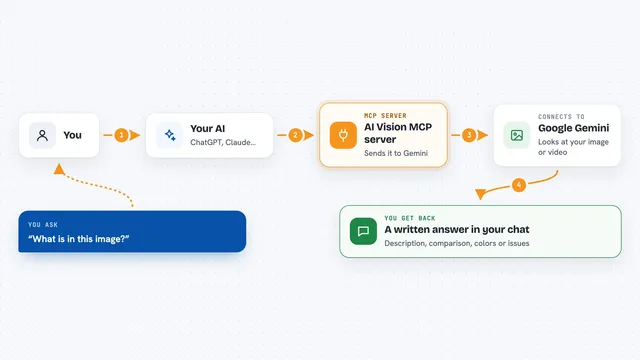
AI Vision MCP server
by tan-yong-shengLets your AI look at images and videos, describe them, compare them, and check design quality.

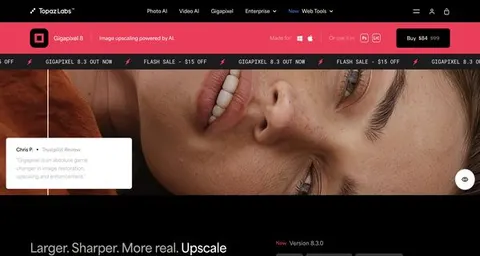
Topaz Labs MCP server
by TopazLabsLet your AI improve your photos with Topaz Labs: upscale, sharpen, and clean up images for you.
Build your own AI apps for art directors
Apps you build yourself with your own AI, no coding needed and no monthly fee. Our AI picked the 12 that fit the work of art directors.
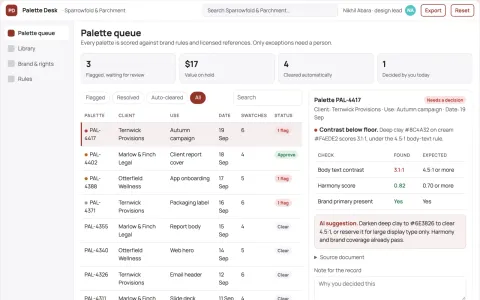
Design palette library and stewardship console
Reduce palette search and rework time while keeping one approved brand record.
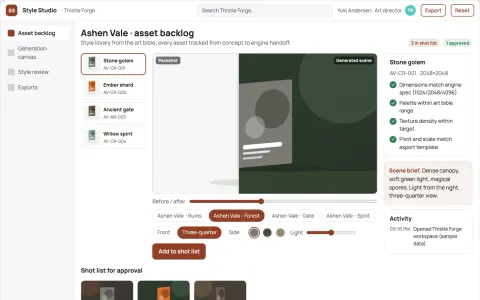
Game asset studio
A game-specific style library and human art direction throughout production.
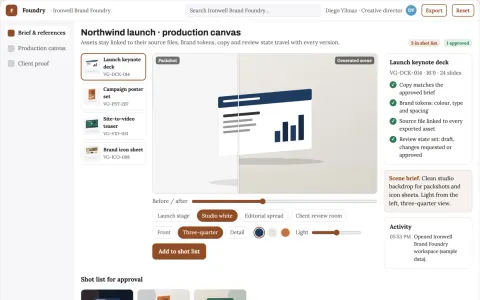
Brand visual production and review platform
Reduce tool sprawl and review cycles while keeping one brand system.
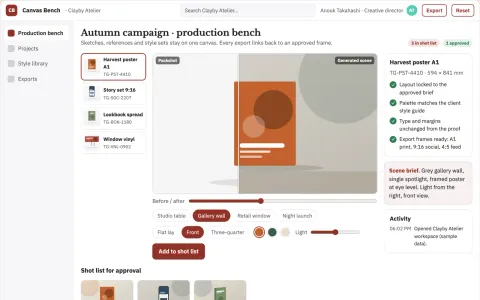
Managed visual canvas production workbench
Reduce tool switching and style drift while keeping one reviewed visual pipeline.
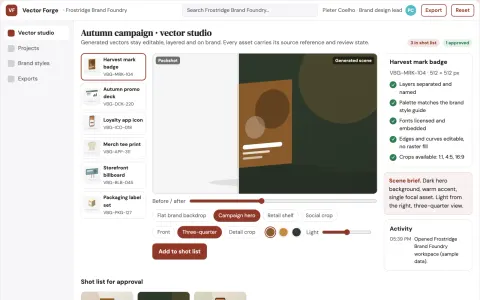
Brand vector asset production studio
Reduce tool switching and manual export work while keeping every vector asset on brand.
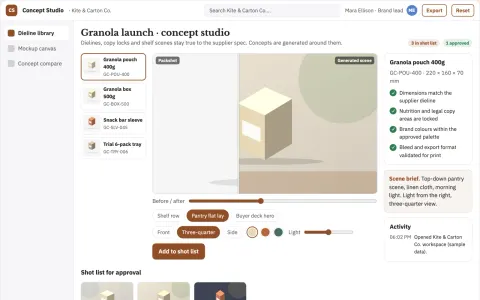
Packaging concept studio
Concept exploration constrained by actual packaging dimensions and required text.
Show all 12 apps
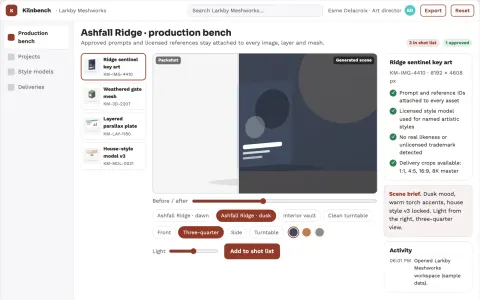
Photorealistic image and 3D asset production workbench
Reduce tool switching and rework while keeping one reviewed asset history.
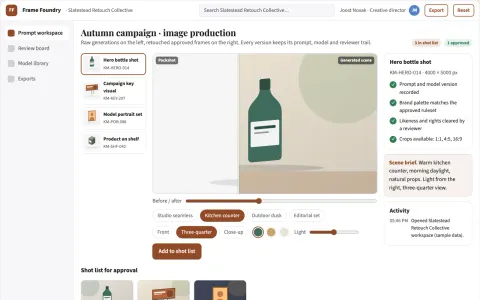
Managed AI image production and review platform
Consolidate generation, editing, review and publishing into one owned platform.
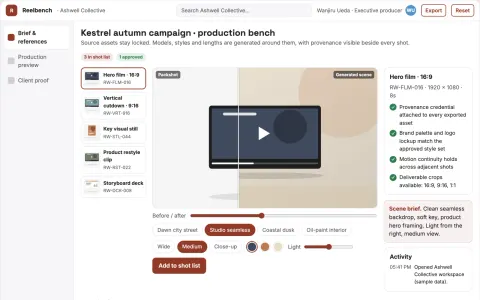
Managed AI visual production workbench
Reduce tool sprawl and review cycles while keeping one owned visual pipeline.
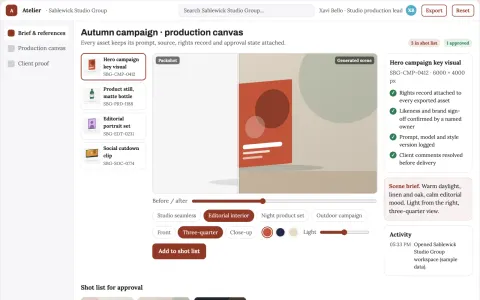
Managed AI visual production workspace
Consolidate image generation, editing and review into one owned workspace.
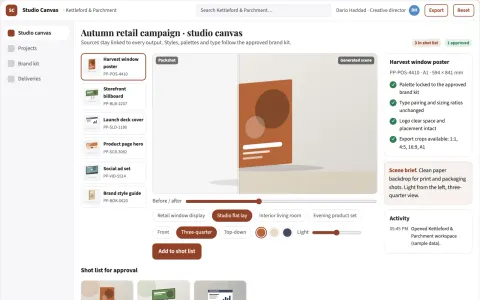
Managed visual design and rendering studio
Reduce tool switching and manual restyling while keeping one owned visual workflow.
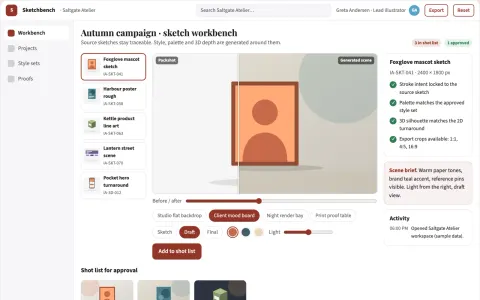
Sketch-to-production visual workbench
Reduce manual redraw and tool-switching work while keeping the artist's intent.











































































About this learning path
6 topicsAI for Art Directors: Lead Creative Work with Confidence
As an art director, your day is a mix of creative choices and practical coordination. AI can help you move through both with more clarity, so your team gets better direction and your clients get a smoother process.
This path starts with simple setup questions, then shows you how to connect AI tools to your work. You will learn prompts for briefs, drafts, shoots, guidelines, budgets, and presentations, plus video courses chosen for art directors and the certifications that come with them.
Why AI matters for this job now
Art directors are asked to do more with tighter timelines. AI can help you turn rough ideas into clear direction, review work faster, and keep everyone aligned without losing the creative thread.
It is not about replacing taste or leadership. It is about giving you a faster way to organize thoughts, communicate decisions, and protect the quality of the final work.
What the path includes
First, a short setup to help you choose the right AI tool and connect it to your daily work. Then you get skills for the job inside your AI, followed by this prompt course with nine lessons built around art direction tasks.
The path also includes video courses picked for art directors and the certifications of those courses, so you can keep learning in a format that fits your schedule.
How it saves time
AI can draft the first version of a brief, shot list, or style guide section while you focus on the choices that need your eye. It can also turn scattered client notes into clear next steps, so fewer hours go to rewriting and chasing details.
The time you win back can go to mentoring your team, visiting a set, or simply thinking through the concept before the next meeting.
How it protects your career
Art directors who can guide AI thoughtfully become more valuable because they connect creative vision to practical delivery. You will learn how to keep your judgment in charge, check privacy and rights, and use AI in ways that support your team instead of adding noise.
These habits help you stay current without pretending that tools replace experience.
How to start
Begin with the setup questions and connect one AI tool you already have access to, such as ChatGPT, Claude, or Gemini. Then take the prompt course in order and try one lesson on a real project this week.
Pick a video course that matches a current need, like client presentations or budget planning, and keep the certification details for your own record.
Frequently asked questions
Do I need to be technical?
No. The path is written for working art directors, not programmers. You will use plain language prompts and simple setup steps.Will AI make my creative decisions?
No. AI helps you draft, organize, and review. You still set the visual direction and make the final call.How long does the path take?
You can move at your own pace. Most people start with the setup and prompt course, then add video courses when a project needs them.Is my client work safe to use with AI?
You should follow your company rules and client contracts. The course covers privacy basics and how to avoid sharing sensitive material in prompts.