MCP server · Privacy
shotbox MCP server
by mishan
Lets your AI open a graphical program in a sealed session, look at it, click, type, and check what it finds.
shotbox is a helper for AI agents that work with programs that have a window. It runs the program in a private, sealed session of its own, so nothing it does shows up on your desktop or plays through your speakers. It is handy if you are testing a desktop app, checking accessibility, or need your AI to actually see and use a graphical program.
What is an MCP server? The 30-second version
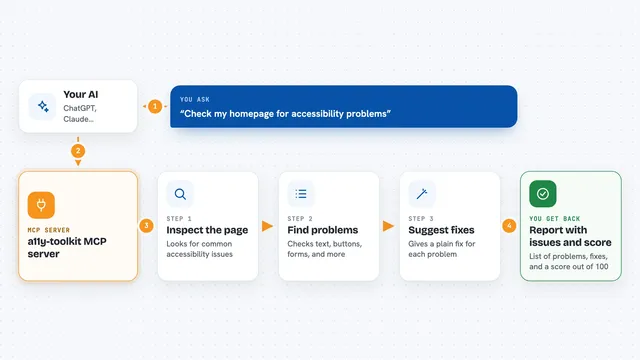
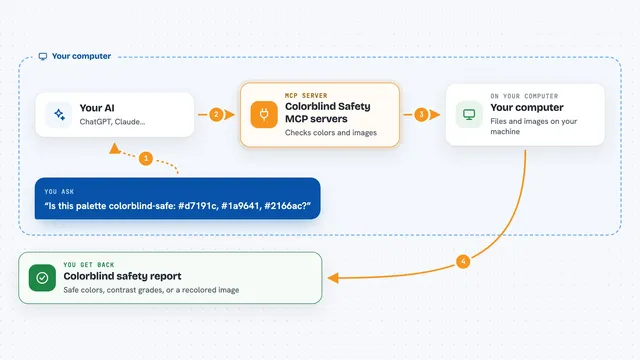
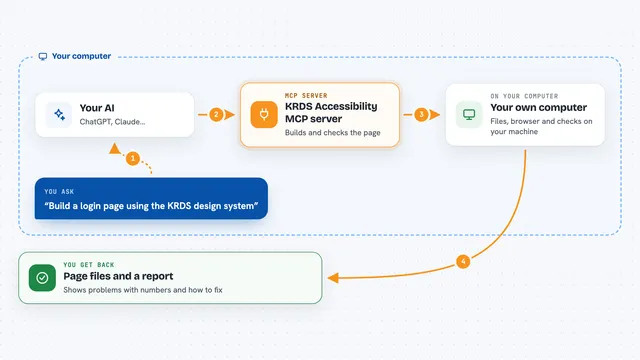
On its own, your AI can only chat. An MCP server is a small helper program that gives your AI a new skill or a connection to an app or service. Here, it connects your AI to a sealed graphical session, so the AI can start a program, look at its window, click buttons, type, and check what it finds. You just ask in plain words, and the AI uses shotbox behind the scenes.
What this MCP server does
You ask your AI to check a program or test something in a window. The AI uses this helper to start the program in a sealed session, separate from your desktop. The helper lets the AI read the program's accessible tree, take screenshots, click by a button's name, type, and even work a gamepad. It can also wait for windows to appear, measure contrast, check Tab order, and record sound. You get back images, text summaries, and answers about what the AI found.
What you can do with it
- Take a screenshot of a program's window
- Click a button by its name
- Type text into a field
- Read the accessible tree to see what a screen reader would say
- Check color contrast and Tab order
- Record a video or sound from the session
- Wait for a window to appear or for the picture to stop changing
Try asking your AI
- “Open the text editor in a sealed session and take a screenshot”
- “Click the Open button in my app and tell me what happens”
- “Check if the Save button has a name a screen reader can say”
- “Record a short video of the game running and tell me if the sound drops out”
What it gives back to you
You get back screenshots as images, text summaries of the accessible tree, and answers about what the AI found. For example, it might say 'The Save button has no name' or show you a picture of the window. It can also give you numbers like contrast ratios or pixel differences.
Before you start
What you need
- A Linux computer (shotbox runs on Linux)
- Python 3 and pipx to install shotbox
- Some system tools like xvfb, dbus, and imagemagick (the README lists them)
- An AI client that supports MCP, like Claude Desktop
Good to know
The AI can only run programs you list in the allowed file, but it can still click, type, and change things inside those programs, so review what it does.
Install it with your AI
Add shotbox MCP server to your AI, no technical skills needed
You don't install anything by hand. You copy one prompt, paste it into an AI that can work on your computer, and it checks, installs and connects the server for you, asking you when it needs something.
Sign in to get the install prompt
Members get a ready-made prompt that lets the Claude desktop app check shotbox MCP server, install it and connect it for them, step by step. You don't need any technical skills: you copy, paste and answer a few questions. Your connected AI can also find and install any of the 4,611 MCP servers here for you.
Who it's for
Developers, testers, and accessibility specialists who need an AI to interact with graphical programs.