1Password integrates with Cursor to secure AI-driven development workflows
Updated 09:00 EST / December 19, 2025
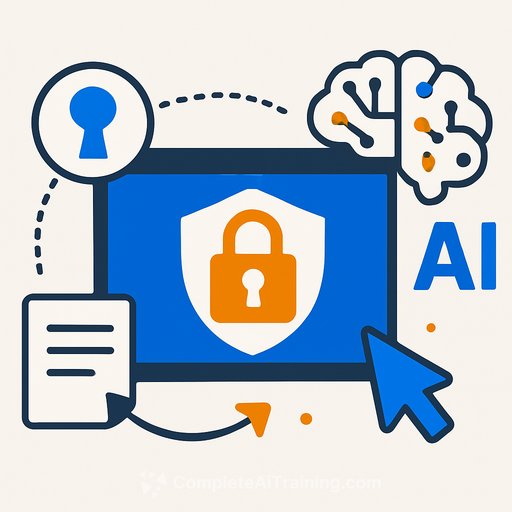
1Password and Cursor are partnering to bring just-in-time secrets to AI-assisted Coding without exposing raw credentials. Using a new Hooks Script and 1Password Environments, secrets are pulled at runtime, authorized by the user, and never hardcoded or stored on disk.
The result: AI agents can run commands, call APIs, and execute tasks with the credentials they need-only when they need them-while keeping keys out of source, history, and local files.
What problem this solves
Developers shouldn't paste tokens into config files or keep long-lived credentials on laptops. And AI agents in editors shouldn't have blanket access to secrets. This integration enforces those boundaries by making access temporary, explicit, and auditable by team policy.
How it works
- Teams configure Cursor Hooks via a hooks.json file at the project, user, or system level.
- The 1Password Hooks Script makes 1Password the secure source of secrets for Cursor's AI agents.
- When an action requires a credential, the secret is provided at runtime via 1Password Environments, only after user authorization.
- No plaintext keys hit disk, no credentials are hardcoded as environment variables, and no tokens linger in terminal history.
- Existing 1Password policies, vaults, and user permissions carry over-no policy rewrites needed.
Why this matters for engineering teams
- Stops secret sprawl across .env files, local machines, and shell history.
- Gives project owners a consistent way to enforce secret handling across the team.
- Keeps AI useful without giving it unrestricted access to credentials.
- Improves your security posture without slowing down development.
Implementation notes
Cursor Hooks define what should happen at specific lifecycle stages during AI-assisted interactions. From day one, you can validate required .env files managed by 1Password at runtime, version control your hooks, and roll this into existing workflows without touching current vaults or permissions.
- Declare required environment variables in 1Password Environments instead of local .env files.
- Use hooks.json to block runs until required secrets are available and authorized.
- Keep credentials short-lived and centrally managed to reduce blast radius if a token is ever exposed elsewhere.
Roadmap
- Richer policies and permissions
- Broader support for Model Context Protocol (MCP)
- Automated secret rotation
- Enhanced visibility
Security posture, without the friction
AI-assisted development is most useful when it's trusted. By keeping secrets out of source and off disk-and making access explicit at runtime-teams get the benefits of AI while reducing credential risk. The safest secret is the one that never sits on your machine in the first place.
Quick start checklist
- Update Cursor and enable Hooks for your project.
- Set up 1Password Environments with the secrets your services require.
- Create a hooks.json to fetch and validate secrets at the right lifecycle stages.
- Install the 1Password Hooks Script and test a command that needs credentials.
- Commit your hooks to version control and roll out to the team.
Level up your AI dev workflow
If you're formalizing AI-assisted coding across your org and want structured training for leaders, check out this resource: AI Learning Path for Business Unit Managers.
Your membership also unlocks: