AI can aid your creative process, but the human touch stays non-negotiable
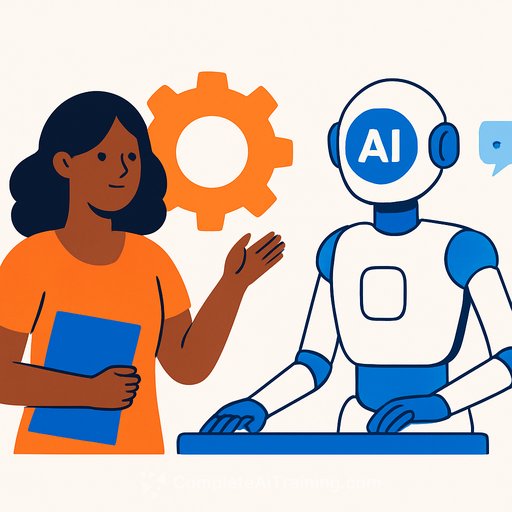
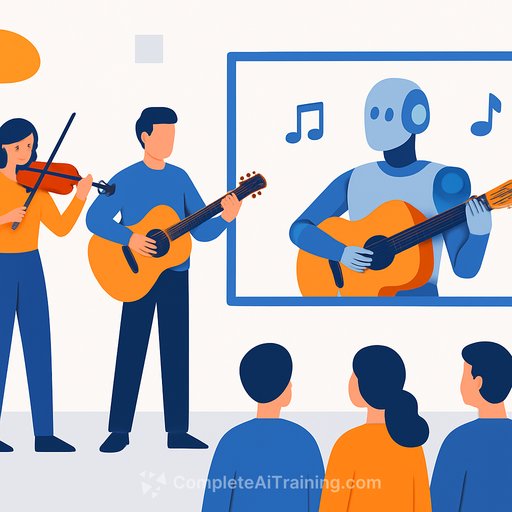
AI can streamline the messy middle. It can help you move from point A to point B faster. But the vision, the concept, and the final judgment call still need you.
As Maria Sharon M. Arriola, dean of the School of New Media Arts at De La Salle-College of Saint Benilde, put it: "AI has definitely become a tool to go from point A to point B in the design process, but the final output should still be the students' own." She's clear on the boundaries: AI can polish and organize your thoughts, but the core idea must be yours.
Where AI helps (and where it doesn't)
- Great for: exploration, moodboards, style variations, draft copy, reference search, and quick cleanups.
- Not for: concept decisions, design hierarchy, composition, color choices, narrative intent, and taste.
Arriola's stance is direct: you can't outsource fundamentals. Composition, color theory, and basic art principles aren't skills an algorithm teaches you. You still have to translate a vision into form with your own hands and eyes.
A practical framework for responsible use
- Define the problem first. Write a tight creative brief in your own words before opening any tool.
- Lock the core concept. Use AI only to explore options that support your idea, not to invent it for you.
- Set constraints. Feed style guides, grids, palette limits, and brand rules so outputs stay on-brief.
- Keep a process log. Save prompts, references, and sources for transparency and review.
- Manual final pass. Redraw, re-typeset, repaint, or recut. Make the work unmistakably yours.
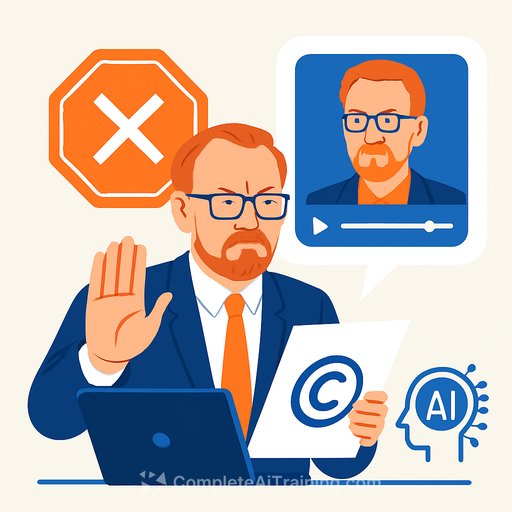
- Disclose and check rights. Flag AI-assisted assets and verify licenses before client delivery.
For educators and creative leads
Resistance exists, but the industry won't pause. Arriola stresses that teachers don't need to force AI on anyone-but they do need to explain where the industry is heading and train students to adapt.
Blend theory with situational tasks. Example: require a concept board built from first principles, allow AI for variant exploration, then grade on concept clarity, design fundamentals, and the quality of the final human pass. This keeps standards high while reflecting current workflows.
Why this matters for your career
The AI in media and entertainment market is projected to reach $99.48 billion by 2030, up from $25.98 billion in 2024. Source: Grand View Research.
With growth comes friction: job displacement fears, skills atrophy, and messy copyright issues. The answer isn't to avoid the tools-it's to keep your fundamentals sharp and use AI with intent.
Actionable next steps for creatives
- Audit your workflow. Mark steps where you waste time and test AI only there.
- Schedule fundamentals practice weekly: composition drills, color studies, layout iterations.
- Create an AI-use policy for yourself or your team: what's allowed, what must be original, what must be disclosed.
- Build a feedback loop. Share process files with peers or mentors and iterate fast.
Want structured upskilling?
If you're aligning your skills with industry demand, these resources can help:
- AI courses by job role to map learning directly to your day-to-day.
- Generative art tools overview to test workflows without guesswork.
Use AI like a sharp pencil: useful, fast, replaceable. Your taste, judgment, and concept-those are the assets clients hire and audiences feel.
Your membership also unlocks: