AI in the classroom: Enhance learning without replacing it
AI is now part of daily life in schools. The question isn't "should we use it?"-it's "how do we use it well without losing what makes teaching work?" Educators across districts agree: AI should support person-to-person learning, not stand in for it.
Two educators leading the way-Aaron Romoslawski in Forest Hills and Michael Kennedy in Grandville-are showing how thoughtful use and clear policies can boost engagement, differentiate instruction, and keep academic integrity intact.
The core principle: augment, don't outsource
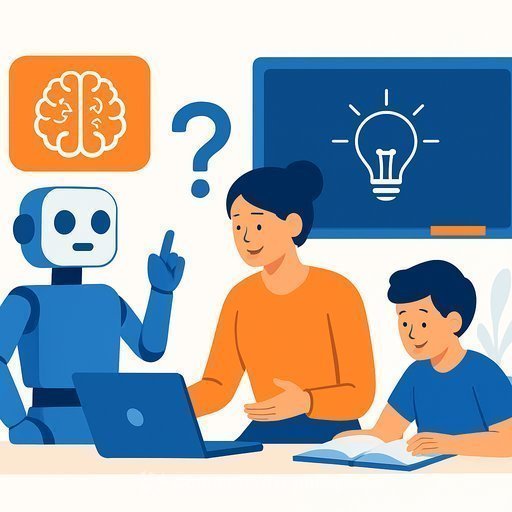
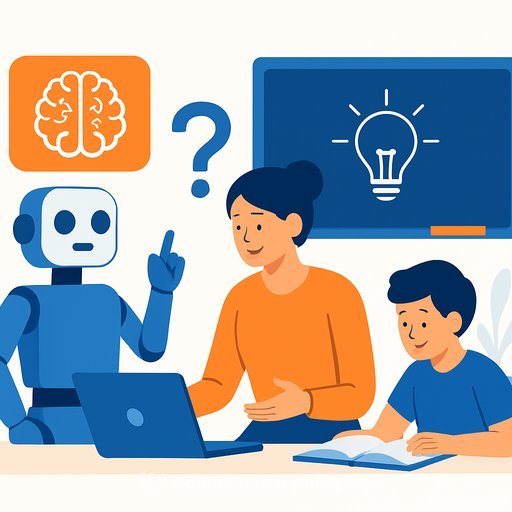
Human connection drives learning. AI is a tool to extend teacher capacity-generating options, saving time, and offering feedback-while teachers handle judgment, context, and care. Students should use AI to think better, not to avoid thinking.
Practical classroom uses that work
- Create tiered practice questions and quick feedback for mixed-ability groups.
- Draft exemplars, rubrics, and success criteria to clarify expectations.
- Adapt readings to different levels and add glossaries for key terms.
- Support multilingual learners with translations plus plain-language summaries.
- Brainstorm lab variations, materials lists, and safety checks for science.
- Generate exit tickets and retrieval prompts aligned to unit goals.
Keep AI outputs transparent. Treat them as drafts you review, edit, and align with standards and your students' needs.
Keep learning authentic and reduce cheating
- Use in-class drafting, oral defenses, and process portfolios to show thinking.
- Write prompts that require personal context, local data, or class-only texts.
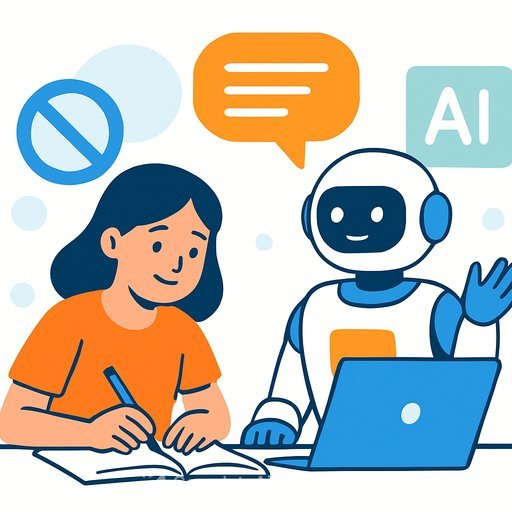
- Adopt a "first draft disclosure" rule: students label where and how AI helped.
- Have students keep prompt logs or screenshots for major assignments.
- Do not rely on AI detectors alone; use multiple evidence sources and your professional judgment.
Sample AI use policy (adaptable)
- Permitted: brainstorming, outlining, language support, feedback on clarity.
- Not permitted: submitting AI-generated work as original or using it to bypass assigned readings or problem sets.
- Disclosure: students must note any AI assistance and include prompts used.
- Privacy: no uploading of student PII or copyrighted materials without permission.
- Equity: provide school-managed tools so access isn't limited to who can pay.
- Consequences: align with existing academic integrity policies.
Teacher workflow upgrades
- Plan faster: generate lesson outlines, anticipatory sets, and formative checks mapped to standards-then refine.
- Differentiate: produce choice boards and scaffolded tasks for varied readiness levels.
- Feedback: draft comments tied to rubrics and specific next steps.
- Communication: draft family updates in multiple languages, with teacher edits.
- Data use: summarize exit ticket trends and suggest reteach groups.
Equity, access, and privacy
Offer district-approved tools and accounts to level access. Train students to avoid sharing personal or sensitive data. Communicate with families about what AI is, how it's used, and how their child's information is protected.
What districts are learning from early pilots
Educators in Forest Hills and Grandville report quick wins in time savings and clearer learning targets. The biggest pitfalls show up when expectations are vague or detectors are used as the sole evidence of misuse.
- Start with a few high-impact lessons and co-create norms with students.
- Build a bank of teacher-vetted prompts and exemplars for your department.
- Keep a reflective loop: what worked, what didn't, what to adjust next week.
A simple 30/60/90-day rollout
- Days 1-30: Pick two units. Pilot AI for lesson planning and exit tickets. Draft a class AI policy and practice disclosure.
- Days 31-60: Add differentiation supports and feedback workflows. Run one authentic assessment with process evidence.
- Days 61-90: Review student work quality and integrity data. Refine policy, share exemplars, and scale to a second course.
Teach students to use AI like a scientist
- Frame a clear task and criteria for success before prompting.
- Test multiple prompts, compare outputs, and check sources.
- Revise with constraints: "shorter," "evidence-based," "aligned to rubric."
- Cite AI assistance, reflect on what changed in their thinking, and submit artifacts.
Quick starter prompts (edit to fit your class)
- "Create three practice questions on [topic] at basic, proficient, and advanced levels. Include answer keys and a one-sentence rationale for each."
- "Rewrite this paragraph for a 7th-grade reading level and add a three-term glossary: [paste text]."
- "Suggest two scaffolds and one extension for this task aligned to these standards: [standards]."
- "Draft feedback for this student work tied to this rubric. Focus on next-step actions, not grades: [paste excerpt + rubric]."
Recommended resources
- AI Learning Path for Teachers - practical tools, lesson ideas, and prompts you can use this week.
- AI for Education - articles on classroom integration and policy templates.
- U.S. Department of Education: AI and the Future of Teaching and Learning - guidance on opportunities, risks, and assessment.
- ISTE: AI in Education - educator-focused frameworks and examples.
Bottom line
Use AI to extend great teaching, not replace it. With clear guardrails and purposeful tasks, students learn more, teachers save time, and integrity holds.
Your membership also unlocks: