AI writes fast. Sounding human is harder.
TL;DR: A new "Humanizer" plugin for Claude Code promises to remove AI tells using tips from a Wikipedia guide. In testing, it still read like AI and was flagged by detectors. For writers, the real edge is a process that adds proof, specificity, and voice-not another filter.
What happened
Wikipedia editors have cataloged classic AI tells for years: generic phrasing, inflated claims, thin detail, and a weirdly promotional tone. Think lines like "the move underscores a broader shift" or verbs like "delve" and "pivotal."
A plugin called Humanizer uses that list to edit text so it "sounds human." It swaps vague words, trims filler, and nudges tone. On paper, smart. In practice, the output still reads templated and gets flagged by detectors.
Why this matters for writers
There is money pouring into both sides: tools that hide AI and tools that detect it. Neither is reliable. Some schools pay significant fees for detectors that miss AI and mislabel human work.
Clients, editors, and platforms care about authenticity. If everyone trains models (and plugins) to avoid the same phrases, that avoidance becomes the new tell. The surface changes; the sameness stays.
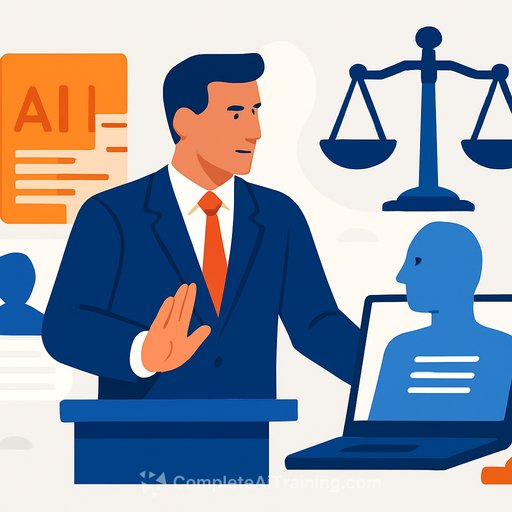
The real test: Can you explain your editorial choices?
Wikipedia's shortest, sharpest point is this: humans can explain why they wrote it that way. That is your moat. If you can show the sources you pulled, the tradeoffs you made, and why a sentence sits where it does, you're on solid ground.
Make AI-assisted writing feel human
Use AI for speed-research, outlines, first drafts-but put your fingerprints on the piece. Here's the process.
1) Ground every claim
- Replace broad statements with a concrete example, number, or quote.
- Add time, place, and stakes. Who did what, when, where, and why it matters now.
- Prefer one sharp detail over three airy sentences.
2) Add friction and perspective
- Note uncertainty and tradeoffs. Real writing tolerates gray areas.
- Include a constraint you faced or a decision you made. Briefly tell the "why" behind a cut.
- Use lived examples, not stock metaphors.
3) Break the template
- Vary sentence length. Use one-liners next to layered sentences.
- Avoid the usual openers: "As technology advances," "It's important to note," "This underscores a broader trend."
- Swap cliché transitions for specificity. Instead of "on the other hand," show the counterexample.
4) Edit like a human, not a filter
- Read it out loud. Mark the spots where you run out of breath or feel nothing.
- Cut hedging that adds no truth. Keep hedging that signals real uncertainty.
- Replace abstract nouns with verbs and objects. "Leads to improvement" becomes "cuts response time by 12%."
Quick checklist for the final pass
- One fresh fact or example every 150-200 words.
- At least one surprising contrast or tension.
- Numbers where possible, sources when helpful, and a clear "why now."
- Zero empty phrases: "move forward," "paradigm shift," "pivotal development," "delve," "underscores a broader shift."
About "humanizers" and detectors
Humanizers can catch obvious tells, but they often swap one template for another. The voice still feels generic because the ideas are generic. Detectors are inconsistent: they produce false negatives and false positives, and they over-index on style patterns.
Use these tools as signals, not verdicts. Your better investment is a repeatable edit process and a stash of specifics you can defend.
If you're asked to prove authorship
- Keep drafts, timestamps, sources, and notes. Version history beats vibes.
- Be prepared to explain structure, angle, and key edits. Two minutes of process talk often settles the question.
- If you used AI, say where and how. Transparency builds trust; secrecy invites suspicion.
A practical workflow for writers
- Outline with AI: get 5 angles, pick 1, merge 2 for contrast.
- Gather five specifics: numbers, quotes, a short case, a timeline, a failure mode.
- Draft fast, then inject those specifics where the draft is soft.
- Read aloud, cut filler, and add one sentence that only you could write.
The bigger loop to watch
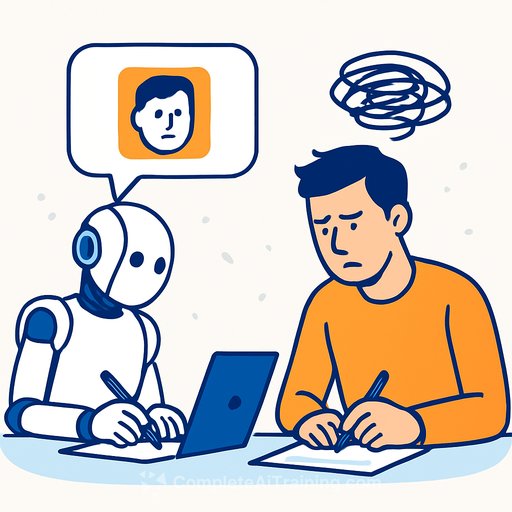
Machines imitate humans. Humans start imitating machines. Phrases like "on balance," "meaningful impact," and overuse of certain punctuation become tells. If every guide says "avoid the em dash," mass avoidance becomes its own pattern.
Keep a personal lexicon-words you reach for, and words you retire. Refresh it monthly. It keeps your voice yours.
Bottom line
Speed without voice gets ignored. Voice without proof gets dismissed. Build a system that gives you both, and make sure you can explain your choices.
Want structured practice?
If you're using AI in your writing workflow and want to sharpen prompts, revision loops, and sourcing, explore these resources:
Your membership also unlocks: