AI in Construction: Builder Beware
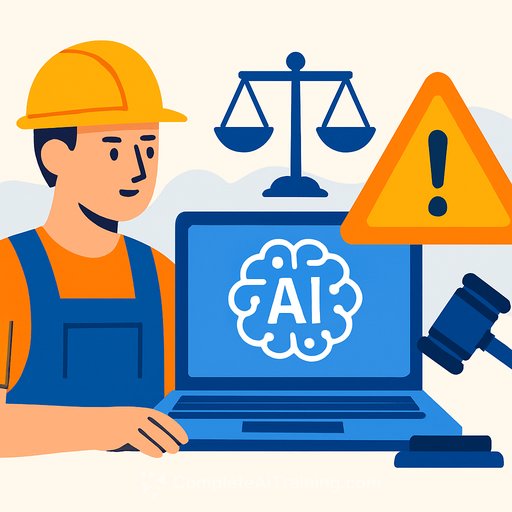
AI is landing on job sites and in project offices fast. It can tighten schedules, flag safety risks, spot procurement gaps, and surface insights you'd miss scrolling through spreadsheets. It can also leave you with defects, blown budgets, and legal headaches if you hand it the keys. Here's how to use it without getting burned.
Where AI Actually Helps
- Preconstruction: draft takeoffs, early estimates, and bid comparisons for human review.
- Scheduling: detect clashes, resequence tasks, and stress test timelines with "what-ifs."
- Field oversight: camera-based site monitoring, safety alerts, and progress tracking.
- Asset management: predictive maintenance from sensor data and service logs.
- Document control: search RFIs, specs, and addenda to speed up answers.
The risks you can't ignore
- Bad outputs, real costs: flawed layouts, wrong quantities, or unsafe recommendations.
- Liability gaps: who pays when an AI-driven decision causes rework or injury?
- Data exposure: tenant, resident, and employee data mishandled by third-party tools.
- IP questions: unclear rights to AI-generated content and training data sources.
- Bias: models trained on skewed data can drive unfair or unsafe calls (including tenant screening and safety alerts).
Bias and data gaps
Models are only as good as the data behind them. Niche scopes, unique site conditions, or small sample sizes cause shaky predictions. If your project doesn't look like the data the tool learned from, expect misses and plan for manual checks.
Contracts and compliance
Bake AI into your paperwork. Define scope, standards, and sign-off points where a qualified human validates outputs. Lock down indemnity, warranties, IP ownership of deliverables, service levels, uptime, support, and the right to audit the vendor's controls.
Require transparency: what data was used, known limitations, and where your data is stored. Add a data-processing addendum, breach notification timelines, and deletion commitments. Keep an eye on evolving standards like the NIST AI Risk Management Framework here and align safety programs with OSHA guidance here.
Governance that works in the field
- Human-in-the-loop: AI drafts; people decide. No exceptions on safety and structural items.
- Validation: create checklists for takeoffs, schedules, and design suggestions. Log what was reviewed and by whom.
- Change control: track model versions, prompts, datasets, and material decisions influenced by AI.
- Pilots before scale: test on a low-risk scope, measure errors and rework, then expand.
- Controls: set thresholds, confidence scores, and require manual overrides when outputs fall below them.
- Incident response: define who investigates, how you pause the tool, and how you fix, document, and learn.
- People: train field and office teams on proper use, limits, and red flags. If you need structured upskilling, see courses by job.
Insurance and budgeting
Talk to your broker. Confirm how AI use affects professional liability, CGL, and cyber. Some carriers offer endorsements that address tech-driven decisions; some exclude them. Budget for validation time, audits, and data labeling-the hidden costs that keep AI honest.
When to say no
- The task has near-zero tolerance for error (e.g., life safety, structural design).
- Your data is sparse, noisy, or inconsistent.
- The vendor can't explain data sources, testing, or failure modes.
- AI would make decisions in regulated areas (like tenant screening) without airtight oversight.
- The tool replaces, rather than supports, qualified professional judgment.
Quick checklist for builders and developers
- Define where AI assists and where humans must approve.
- Document training data, model limits, and use cases.
- Validate outputs with written checklists and sign-offs.
- Include AI-specific clauses in contracts and vendor agreements.
- Protect sensitive data; restrict access and set retention rules.
- Test for bias and edge cases; monitor results over time.
- Keep audit trails: prompts, versions, decisions, and outcomes.
- Set an incident plan for AI-related errors or breaches.
- Review insurance coverage and exclusions related to AI use.
- Train teams; track ROI, rework, and claim reduction.
Outlook
AI can move the needle on cost, speed, and safety-if you treat it like a junior analyst, not a foreman. Let it surface options; let qualified people sign off. Keep receipts, keep humans in charge, and you'll capture the upside without inviting avoidable risk.
Your membership also unlocks: