Chatbots, "brain atrophy," and the illusion of learning
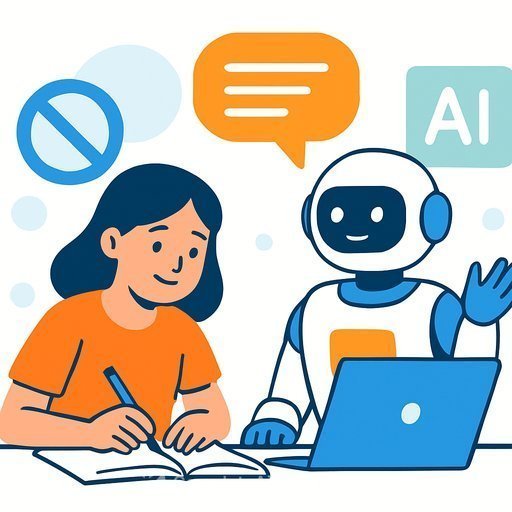
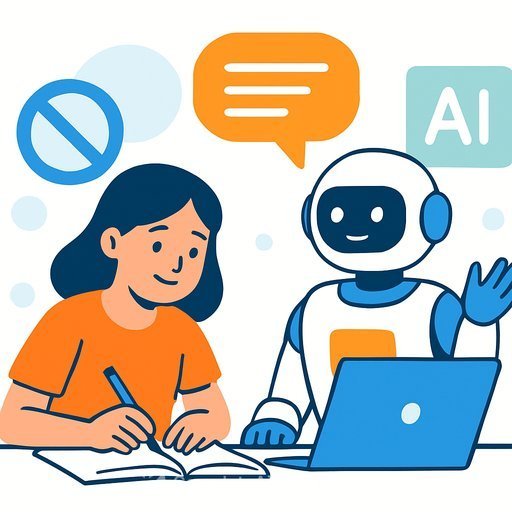
A new report warns that students leaning on chatbots for school work may be getting an illusion of learning. The answers look polished, but the thinking muscles aren't doing the reps.
That's the real risk: offloading too much cognition too early. If students skip retrieval, sense-making, and feedback loops, the work feels easy-and the gains are shallow.
What's actually happening
Heavy chatbot use can push students into passive consumption. They read, copy, and submit without wrestling with ideas or recalling prior knowledge.
Research calls this "cognitive offloading"-outsourcing memory and problem-solving to tools. Used blindly, it lowers effort in the exact moments where learning should be hard (productive struggle). See: Risko & Gilbert on cognitive offloading.
Where it shows up in classrooms
- Fluent answers with no rough work, no drafts, and weak transfer to new problems.
- Essays that read generic, over-polished, and style-inconsistent with past work.
- Poor recall on low-stakes quizzes despite "perfect" homework.
- Shallow explanations when asked to talk through steps or defend choices.
- Overconfidence about topics students can't explain without the tool.
Practical guardrails that protect thinking
Before the task: set intent and friction
- Define allowed vs. disallowed uses by task phase (research brainstorms allowed; final writing not).
- Require a short plan: goal, prior knowledge, questions to answer, and what "good" looks like.
- Provide a checklist for independent thinking steps students must complete before any AI use.
During the task: make thinking visible
- Collect artifacts: notes, outlines, drafts, prompt screenshots, and revision history.
- Use think-alouds or quick oral spot-checks to validate authorship and depth.
- Time-box AI to specific sub-tasks (idea expansion, counterarguments), not whole-task completion.
After the task: verify retention and transfer
- Run short retrieval checks on key concepts without tools.
- Use reflection prompts: What did the AI miss? What did you change and why?
- Assign a related problem with changed numbers, context, or constraints.
Assessment redesign that resists shortcutting
- Oral defenses: 3-5 minute viva on the student's process, trade-offs, and revisions.
- Process-weighted grading: Points for planning, drafts, feedback incorporation, and final.
- Parametric prompts: Same skill, different variables or sources per student.
- Cold checks: In-class writing or whiteboard problem-solving tied to the assignment.
- Portfolio cycles: Revisit a core question across the term with visible growth.
Productive ways to use chatbots-without dulling thinking
- Socratic prompts: Ask the model to question assumptions, not give final answers.
- Counterargument runs: Generate the strongest opposing view, then have students rebut it.
- Rubric-aware revision: Students feed their draft + rubric, then explain each revision choice.
- Retrieval generators: Create quick quizzes, but complete them offline first.
Clear policy and communication
- Publish an AI use policy by subject and task type with concrete examples.
- Train staff on prompt audits, authorship checks, and process-first grading.
- Brief parents on healthy vs. unhealthy AI use, and what support at home looks like.
- Align with sector guidance, like UNESCO's recommendations on AI in education: UNESCO guidance.
Red flags of unhealthy dependency
- Work quality spikes overnight with no intermediate drafts.
- Students can't reproduce key steps or explain choices without the tool.
- Vocabulary and syntax suddenly exceed the student's known range.
- Reflection sections are vague ("it helped a lot") without specifics.
Quick classroom toolkit
- AI use coversheet: list what the tool did, prompts used, and what the student changed.
- Two-phase tasks: research at home, synthesis in class-no devices.
- Weekly retrieval mini-checks to keep knowledge active.
- Process rubrics shared upfront so students know what earns credit.
Sample "AI-aware" rubric snapshot
- Planning (20%): Clear question, prior knowledge, success criteria.
- Process evidence (25%): Notes, drafts, prompt log, rationale for revisions.
- Concept accuracy (25%): Correctness without tool support on spot-checks.
- Transfer (15%): Applies idea to a changed scenario.
- Reflection (15%): Limits of AI output identified; specific learning articulated.
For teachers who want structure and training
If you're building staff capacity to use AI responsibly while protecting thinking, these resources help:
- AI Learning Path for Teachers - practical strategies for lesson design, detection of misuse, and assessment redesign.
- AI for Education - tools, policies, and classroom integrations vetted for schools.
Bottom line
AI can coach thinking, or it can replace it. The difference is structure.
Make students show their process, verify recall without tools, and use AI to challenge-not complete-their work. That's how you prevent "brain atrophy" and build durable knowledge.
Your membership also unlocks: