A.I. Is Moving Into Classrooms. Use It Without Losing What Matters.
Governments are striking deals to bring chatbots into schools at national scale. Microsoft is rolling out tools and training across the United Arab Emirates. OpenAI's education service is being set up for more than a hundred thousand educators in Kazakhstan. And El Salvador is working with xAI to build a tutoring system for over a million students.
The promise is clear: automate routine work, personalize practice, and help students learn the tools they'll see in the workplace. The risk is just as clear: shortcuts that erode teaching, shallow learning, and unknown effects on student development and well-being.
Where A.I. Helps Today
- Drafting admin emails, lesson outlines, worksheets, rubrics, and exit tickets.
- Generating quick formative quizzes and item banks aligned to your standards.
- Translation and language support for families and multilingual learners (AI Translation Courses).
- Data clean-up and simple analysis from gradebooks or benchmark exports.
- Starter code, debugging hints, and pseudocode for computing classes.
- IEP scaffolds, accommodations suggestions, and differentiated prompts.
Where to Pause
- Summative assessment integrity: offloading final writing or problem solving.
- Factual accuracy: confident mistakes and fabricated citations.
- Bias and fairness: outputs that mirror harmful patterns in training data.
- Privacy and safety: student data collection, storage, and re-use.
- Equity: uneven device access, paywalled features, and language gaps.
- Motivation and cognition: overreliance that weakens practice and recall.
Minimum Safeguards to Put in Place This Term
- Clear policy: Define what's permitted, restricted, and prohibited by grade level and assignment type. Require students to disclose A.I. use.
- Assessment redesign: Increase in-class writing, oral defenses, whiteboard problem solving, and process portfolios.
- Evidence of learning: Ask for draft history, notes, citations, and reflection to show thinking, not just final outputs.
- Privacy and contracts: Use district accounts, not personal logins. Require data processing agreements, data deletion timelines, and no training on student data.
- Access controls: Age-appropriate filters, content moderation, and audit logs for educators.
- A.I. literacy: Teach verification, citing A.I. assistance, and how to spot hallucinations and bias.
- Family communication: Share the policy, benefits, risks, and how to opt out where required.
- Professional learning: Short, job-embedded training and coaching cycles with classroom models and templates.
- Incident response: Clear steps for academic misconduct, data mishaps, and harmful content.
Practical Classroom Patterns
- Try: Brainstorm three lesson hooks or analogies, then refine the best one.
- Avoid: Letting the model write full lesson plans you haven't vetted.
- Try: Generate low-stakes practice problems with solutions for homework.
- Avoid: A.I.-written graded essays without process evidence.
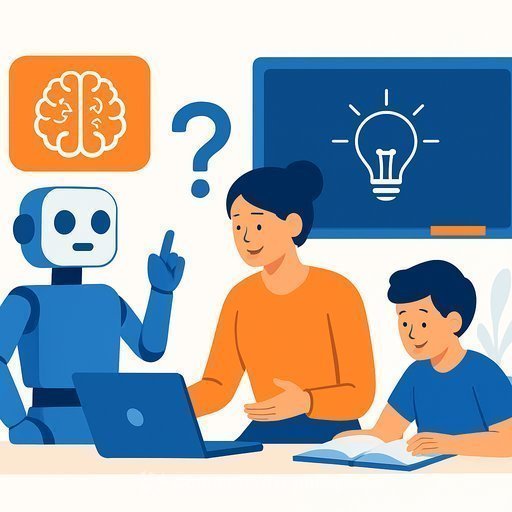
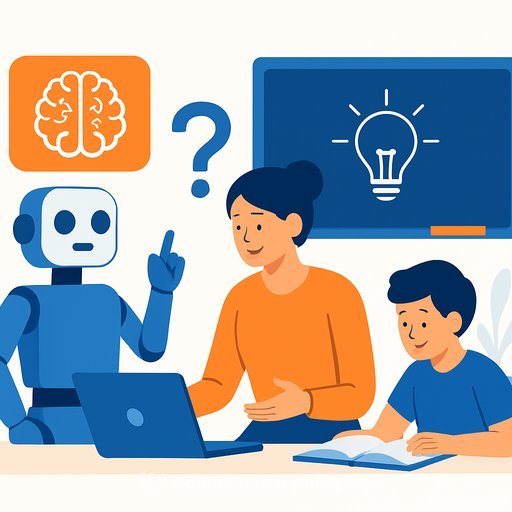
- Try: Use A.I. as a "first pass" tutor that asks guiding questions.
- Avoid: Step-by-step answer reveals without student reasoning.
- Try: Translation for family updates plus a human read-through.
- Avoid: Publishing auto-translated messages without checking tone and accuracy.
What to Measure (So You Keep What Works)
- Teacher time saved per week on prep and feedback.
- Student outcomes on common assessments and writing quality over drafts.
- Equity indicators: access, usage patterns, and support for multilingual learners.
- Incidents: plagiarism, factual errors caught, privacy concerns.
- Student and teacher sentiment: usefulness, clarity, and stress levels.
Questions to Ask Any Vendor
- Do you train on our student data? Can you contractually prohibit this?
- Where is data stored? For how long? How is it deleted?
- What age gates, filters, and admin controls exist? Can we turn off risky features?
- What's your accuracy guidance and known limitations for education use?
- Can we get audit logs and usage analytics by school and class?
- Accessibility: screen readers, captions, languages, offline use.
- Pricing transparency, pilots, and total cost of ownership beyond the first year.
Teach Students How to Use A.I. Without Cheating Themselves
- Start with your own ideas; use A.I. for feedback, structure, and examples.
- Verify facts with credible sources and flag uncertain claims.
- Cite A.I. assistance like any other source; include prompts used.
- Keep a process log: drafts, screenshots, or prompt history.
- Reflect: What did you learn faster? What still needs practice without A.I.?
Policy and Safety References
For high-level guidance on safe, effective classroom use, see UNESCO's recommendations on generative A.I. in education and UNICEF's policy guidance on A.I. for children.
Get Your Staff Ready
If you need structured training that matches roles (teacher, coach, leader), start with focused, short courses and build from there.
Bottom Line
A.I. can reduce busywork and expand practice, but it can also hollow out learning if you hand it the pen. Set clear rules, keep humans in the loop, and assess the process as much as the product. Move forward, measure impact, and adjust fast.
Your membership also unlocks: