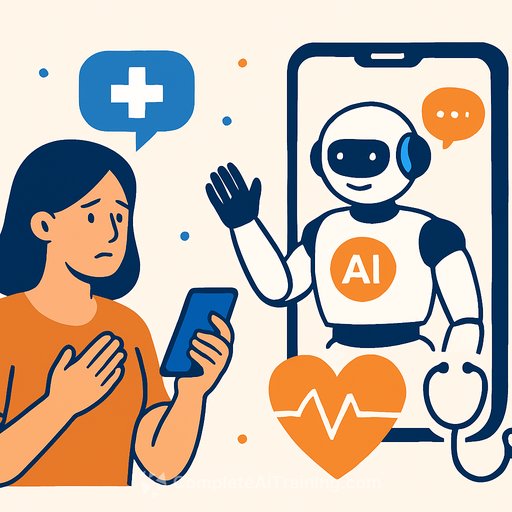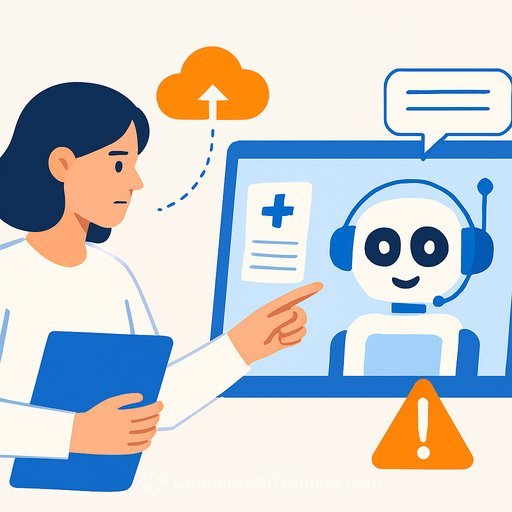
ChatGPT Health: A dedicated, secure space for everyday health questions
Health questions dominate chat usage every week. People are trying to make sense of labs, prepare for appointments, and pull insights from a mess of portals, PDFs, and app data. ChatGPT Health brings that context into one protected place so patients and care teams can work through information with less friction.
It's built to support care-not diagnose or treat. Think of it as a way to help people get organized, spot patterns, and come to you better prepared.
Why this matters for healthcare teams
Based on de-identified analysis, over 230 million people each week ask health and wellness questions in chat. Many are piecing together data from records, wearables, and notes. A single, secure space can reduce confusion and lift the quality of patient questions you see.
- Prep smarter: Summarize recent labs, meds, and visits so patients arrive focused.
- Educate in plain language: Explain test results and care instructions without jargon.
- Reinforce plans: Turn goals into daily checklists, reminders, meal plans, or training blocks.
- Insurance basics: Compare plan tradeoffs based on a person's care patterns.
Privacy and security essentials
Health lives in its own space within ChatGPT. Conversations, connected apps, files, and memories are separated from non-Health chats. Health memories don't flow out, and non-Health chats can't pull Health data in.
- Encryption at rest and in transit by default.
- Conversations in Health are not used to train foundation models.
- Additional isolation and purpose-built encryption for sensitive health data.
- Multi-factor authentication available to harden account access.
- Data controls: temporary chats, the option to delete chats from systems within 30 days, and the ability to view or delete Health memories at any time.
Connect the right data-with clear control
Patients can securely connect medical records and wellness apps so responses reflect their actual health information. U.S. medical record connectivity is enabled through b.well, a large network for consumer health data. You can remove access at any time in Settings.
- Medical Records: Recent labs, visit summaries, and clinical history.
- Apple Health: Movement, sleep, and activity patterns (iOS required). See Apple's guidance on Health data collection here.
- Function: Lab insights and nutrition ideas.
- MyFitnessPal: Macros, recipes, and nutrition advice.
- Weight Watchers: GLP-1 informed meal ideas and food guidance.
- AllTrails: Find hikes that match fitness goals.
- Instacart: Turn meal plans into shoppable lists.
- Peloton: Suggested workout classes and guided meditations.
Apps connect only with explicit permission. All apps meet added privacy and security requirements for Health, collect the minimum data needed, and undergo further review. Disconnect an app at any time and it immediately loses access.
Built with physicians, evaluated for safety
Over two years, more than 260 physicians across 60 countries and dozens of specialties shaped how Health responds. They've reviewed model outputs over 600,000 times with a focus on safety, clarity, and appropriate escalation.
The model behind Health is evaluated using HealthBench, a physician-led framework that checks how well answers handle real tasks: explaining labs, preparing for appointments, interpreting wearable data, and summarizing care instructions. More on this type of evaluation is available in Research. Again, Health supports care. It does not diagnose or treat.
Availability and access
You can sign up for the waitlist. Initial access is rolling out to a small group of early users with ChatGPT Free, Go, Plus, and Pro plans outside the European Economic Area, Switzerland, and the United Kingdom. As the experience improves, access will expand on web and iOS.
Medical record integrations and some apps are available in the U.S. only. Connecting Apple Health requires iOS.
How clinicians and care teams can get started
- Join the waitlist. Once in, select "Health" from the ChatGPT sidebar.
- Bring information in: upload files, connect records and apps from Tools (+) or the Apps section in Settings.
- Enable MFA to reduce account risk.
- Set custom instructions in Health to guide tone, scope, or sensitive topics.
- Create a one-pager for patients on "best use" and what belongs in Health vs. standard chats.
Use cases you can recommend to patients
- "Give me a summary of my overall health. I have my annual physical tomorrow. What should I discuss with my doctor?"
- "I'm getting back into workouts after having a baby. Build a gentle plan and progress it week by week."
- "I started a GLP-1. Create a realistic daily exercise and eating plan for the next 7 days."
- "Based on my medical history, which of these insurance plans might fit me best? Make a pros and cons table."
- "Can you summarize my latest bloodwork before my appointment?"
Practical safeguards to reinforce
- Health is for education and planning-not diagnosis or treatment.
- Urgent symptoms or safety concerns should be escalated to clinical care immediately.
- Patients should verify any medication, dose, or scheduling changes with their clinician.
- Start health-related chats in the Health space to keep sensitive data protected.
Everyday workflow details patients will notice
- Conversations feel like regular chat, with support for photos, files, search, deep research, voice mode, and dictation.
- When helpful, the chat can reference connected health information to keep responses relevant.
- Patients can invoke specific apps by starting a question with the app name or choosing it from Tools (+).
What's next
More connections and insights are on the way. Early access will expand over the coming weeks. If your team supports patient education, care coordination, or benefits counseling, getting familiar now will help you set clear guidance for safe use.
Further learning
If you're building team-wide AI skills for healthcare roles, explore focused training options here.
Your membership also unlocks: