AI note-taking in Madison clinics: more face time, fewer clicks
Madison clinicians are piloting a new AI note-taking tool inside Epic Systems. The goal is simple: keep attention on the patient while the chart writes itself in the background.
Group Health Cooperative's Dr. Matthew Swedlund is among the first in the region to use it during visits. He reports spending more time listening and less time staring at a screen.
How it works in the room
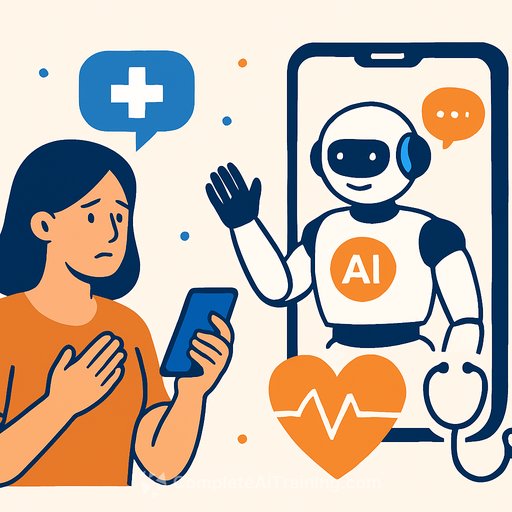
With patient permission, a mobile device records the visit. The AI generates a structured draft of the note, mapping symptoms, history, assessments, and plans into the chart.
The clinician reviews, edits where needed, and signs. Nothing is finalized without a human check.
Why it matters for care teams
Ambient note-taking can reduce after-hours charting and restore direct eye contact-small shifts that compound into better rapport and clearer conversations. For clinicians juggling packed schedules, this can mean cleaner notes and less cognitive load.
It also sets a consistent baseline: the same questions get captured the same way, which helps with continuity, coding accuracy, and handoffs.
Guardrails: consent, accuracy, privacy
Consent first. Make it standard at the start of each encounter and honor opt-outs without friction. Be explicit about what's recorded, how it's used, and that the clinician controls the final note.
Accuracy won't be perfect. Expect occasional mix-ups on medication names, dosing, or negations. The fix is a tight review workflow and fast edits before sign-off.
On privacy, data should stay inside the EHR's secure environment-not a general-purpose cloud. Confirm access controls, audit trails, and your Business Associate Agreements cover the workflow. For reference, see HHS guidance on security standards for protected health information: HIPAA Security Rule.
What this looks like in practice
- Open with a clear consent script and visible device placement.
- Let the conversation flow; avoid over-structuring your questions for the AI.
- Skim the draft note immediately after the visit while context is fresh.
- Correct drug names, dosing, and problem lists first; then add nuance to HPI and plan.
- Use templates and banned-phrases lists to prevent vague language creeping in.
- Document exceptions: pediatric visits, behavioral health, sensitive exams, or when a patient declines recording.
Clinical quality and risk checks
- Define accuracy thresholds and a sampling plan for audits (e.g., 10% of notes per clinician for the first 60 days).
- Track specific error types: negation errors, allergy mismatches, incorrect laterality, and ICD coding drift.
- Create a fast-report path for clinicians to flag model issues and get iterative fixes.
- Establish specialty-specific prompts or templates for cardiology, oncology, OB/GYN, and behavioral health.
Workflow impact to watch
- Time-in-visit vs. after-hours charting (minutes saved per note).
- Note completeness and redundancy scores.
- Patient satisfaction around communication and perceived attentiveness.
- Clinician well-being signals: inbox burden, burnout indicators, and schedule spillover.
Data stewardship reminders
Only capture what you need. Turn off recording during sensitive segments if appropriate. Avoid reading identifiers aloud that don't belong in the note.
Keep the AI's output traceable. Your EHR should show who reviewed and signed, when it was edited, and by whom. Store audio/transcripts under the same retention and access policies as the chart.
For system owners, validate encryption in transit and at rest, confirm role-based access, and rehearse incident response with your compliance team. If you need a public-facing overview of the vendor, start here: Epic Systems.
Rollout plan you can run this month
- Pick two pilot clinics with engaged physician champions and stable staffing.
- Create a one-page consent and FAQ handout for patients.
- Train clinicians on mic placement, pacing, and the post-visit editing pass.
- Set a 24-hour SLA for correcting flagged notes during the pilot.
- Review metrics weekly; expand only after hitting accuracy and time-saved targets.
Bottom line
AI-assisted charting inside Epic can give clinicians their attention back. With clear consent, strict review, and tight privacy controls, it's a practical step forward for patient connection and documentation quality.
If your team is planning skills development around AI documentation and clinical workflows, explore role-based options here: Complete AI Training - Courses by Job. Technical and development staff building integrations or automation can also review practical tutorials in AI Coding Courses.
Your membership also unlocks: