Figma's Bet on AI and Collaboration: What Product Teams Should Do Next
Figma (NYSE:FIG) has seen its share price slide from its public debut, but the strategy is clear: double down on AI features and collaboration to keep teams engaged. The company reports strong revenue retention, which usually signals sticky workflows and steady usage. That matters for anyone building product processes around design and cross-functional work.
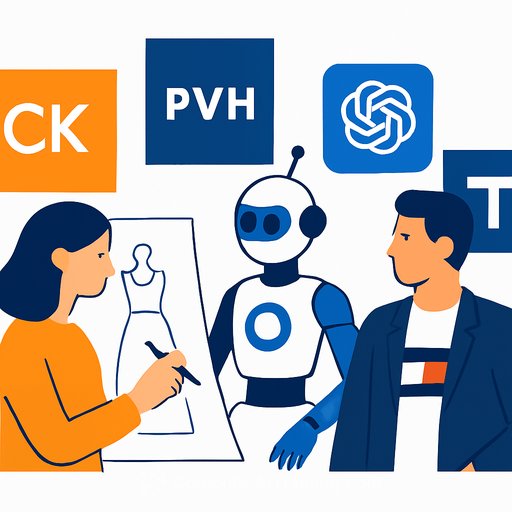
Figma sits where design, product, and collaboration intersect. Buyers want fewer tools and tighter handoffs. The open question is whether AI reduces the need for dedicated design platforms or makes them more essential. Figma is betting on the latter with AI-driven functionality and team-first workflows built to include non-design stakeholders.
What this means for your roadmap
- Consolidate where it helps speed: Fewer handoffs and fewer exports. Keep design reviews, product specs, and dev-ready assets in one place to cut rework.
- Treat AI as a co-pilot, not an autopilot: Use AI for first drafts, variants, and exploration, then lock quality with human review and tighter component rules.
- Design for cross-functional clarity: Shorten time from concept to spec. Codify how PMs, engineers, and QA consume artifacts, comments, and approvals.
- Instrument the workflow: Track cycle time from idea to dev handoff, comment-to-close rates, and how often work leaves the tool. If work escapes, fix the process.
How to evaluate AI features in design tools
- Start with one high-friction workflow (e.g., variant creation, content passes, asset search) and set a clear success metric like time saved or reduction in review loops.
- Pilot with a small crew first: one designer, one PM, one engineer. Document what sticks and what breaks. Expand only when quality holds under pressure.
- Keep human-in-the-loop by default: require review steps for AI-generated copy, layouts, or annotations. Define rollback paths to approved components.
- Check data and privacy controls: Can you limit training on your files? Are prompts and outputs auditable? Will legal sign off? No clarity, no rollout.
- Integrate with your source of truth: Comments and decisions should sync with your issue tracker and docs so nothing dies in a design file.
Collaboration is the core feature
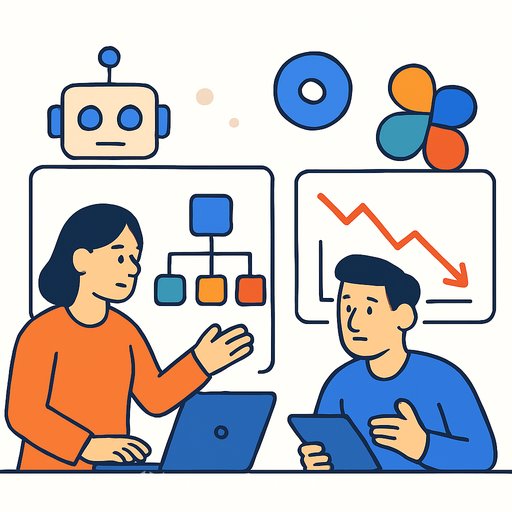
AI might grab attention, but collaboration is the habit that keeps teams in a product. If PMs and engineers can participate without friction, adoption spreads and stickiness rises. That's what sustains retention when markets get skeptical.
- Set clear review windows and owners to prevent endless comment threads.
- Standardize components and naming so AI suggestions and human changes don't drift.
- Use lightweight rituals: async reviews, weekly audit of unresolved comments, and a single definition of "ready for dev."
If you think like an investor, watch these signals
- Seat expansion and active usage across roles (design, PM, engineering). Cross-role depth matters more than vanity signups.
- Time-to-spec and rework rates after AI adoption. If quality dips, cost goes up even if drafts are faster.
- Integration depth with your stack (issues, repos, analytics). Shallow integrations lead to shadow workflows and churn.
- Admin controls, audit, and data protection. Enterprise readiness isn't optional if you're scaling.
- Pricing and SKU clarity for AI features. Surprise bills wipe out goodwill and derail rollouts.
Practical next steps for product teams
- Pick one use case to test AI in Figma-style tools and document the baseline. Ship a two-week pilot, then compare outcomes.
- Clean up your component library before adding AI. Messy inputs create messy outputs.
- Define a one-page collaboration contract: who comments, who approves, and what "done" means across teams.
- Create a review loop: monthly metrics on adoption, cycle time, and handoff quality. Keep what works, cut what doesn't.
If you want broader context on how design platforms evolve, the Figma blog is a useful pulse check on product direction and workflows. Read the Figma blog.
Need to skill up your team on practical AI for product work? Browse role-based training and pick a focused track instead of scattered tutorials. See AI courses by job.
Bottom line
Figma's share price may be down, but the strategy to lean into AI and collaboration lines up with how product teams actually work. If collaboration gets stronger and AI helps without breaking quality, retention holds and value compounds. Keep the process tight, measure outcomes, and expand only where the gains are real.
Your membership also unlocks: