From boardroom to bedtime: how Marvyn Harrison builds balance with Adobe Acrobat Studio
Call it a portfolio life done with intention. Marvyn Harrison runs a consultancy, leads a global community for Black fathers, writes books, broadcasts on family issues, and raises two kids. The job titles stack up, but the priority is simple: be a present dad and still do meaningful work.
His approach isn't about squeezing more hours out of the day. It's about structuring energy, protecting focus, and using tools that remove busywork so the important things get done-then stopping.
Many hats, one priority: family
Harrison runs Belovd, helping businesses, charities, and governments solve human problems-everything from marketing to leadership and culture. Under its community arm, he founded Dope Black Dads, a global support network improving outcomes for Black families.
He's written two children's books and is working on a practical manual for masculinity. He also appears on TV and radio to talk about family issues. The through line: impact at work, presence at home.
How he structures the day
He shares custody week-on, week-off, and designs his time around school hours. Mornings start at 5am for training, meditation, or cooking-anything that clears the head. By 7am it's breakfast, uniforms, and a drive-to-school karaoke or quiz to set the tone.
After drop-off, he takes 30 minutes to decompress, then gets to work: calls, interviews, strategy sessions, and recently, a conversation with Sir Keir Starmer about how the new Employment Rights Act could affect Black families. Midday, he walks with his partner, Romantha, by the river in east London-another reset that pays for itself in clarity.
The work companion: Adobe Acrobat Studio
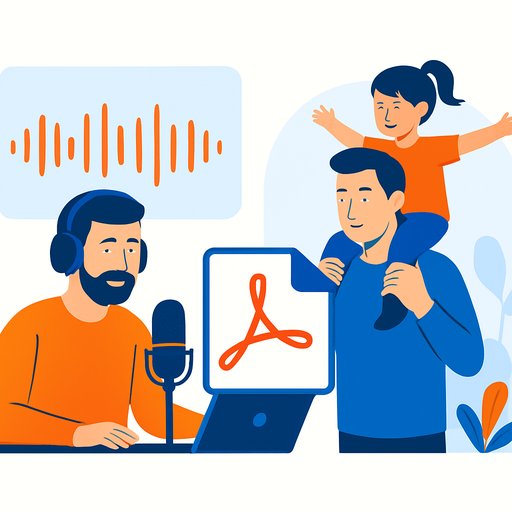
Harrison treats Adobe Acrobat Studio like a second brain for document-heavy work. Contracts, NDAs, onboarding, invoices, training decks-everything runs through it. The AI Assistant flags what matters in long documents and summarizes key points fast, so he signs with confidence and moves on.
PDF Spaces keeps forms, agreements, and project files in one place. Integration with Adobe Express and Generate presentation lets him turn PDFs into personalized, editable decks his team can refine and share. Fewer tabs. Fewer "where is that file?" messages. More decisions made.
The result: heavier lifts happen during the day, which means he can shut the laptop at 4pm without anxiety.
Evenings without a laptop
Post-work, he builds a buffer before school pick-up-a hard stop that switches his brain from operator to parent. Evenings are dinner, card games, homework, and real conversation. After the kids are in bed, it's family and friends, and creating Come Nyam, a YouTube cooking show he shares with Romantha.
Two years ago, nights were still "catch-up" time. Now the admin moves faster, the docs are smarter, and home is for home.
Tools of the trade (and how managers can use them)
- AI Assistant: get instant summaries, surface key clauses, and ask questions inside long PDFs before you sign or approve.
- PDF Spaces: centralize files, forms, and links by project so teams stop hunting and start executing.
- Generate presentation: convert static documents into on-brand, editable decks for training, sales, or exec updates.
- Generate podcast: turn reports and thought leadership into audio content your org can learn from on the go.
- Team sharing: keep comments and decisions in one place; cut the email ping-pong.
- Autogenerated insights: get a head start on research and reporting so your meetings focus on decisions, not discovery.
Practical takeaways for managers
- Protect transition time. Add 15-30 minute buffers before and after key blocks to reset and think clearly.
- Make school hours sacred. Define non-negotiables (drop-off, pick-up) and plan work around them.
- Kill document drag. Use AI summaries for contracts and long reports; decide faster with less risk.
- Standardize deliverables. Turn your best decks and docs into templates you can personalize in minutes.
- Group by project, not by app. Move files, forms, and links into a single space your team actually uses.
- Close the day with confidence. If the system runs during business hours, you don't need to "catch up" at night.
Why this matters
Sustainable performance isn't about hustling harder-it's about reducing friction and making fewer, better decisions. Harrison's setup shows that if you engineer your workflow and guardrails, you earn back attention for what actually matters: your people, your health, and your best work.
If you're leading a team and want hands-on guidance with AI-enabled document workflows, explore our resources on Office Tools.
Find out how Adobe Acrobat Studio can help you work smarter, not harder. Learn more at Adobe.
Your membership also unlocks: