Google adds AI-powered comparisons to Google Trends - here's what PR teams can do with it
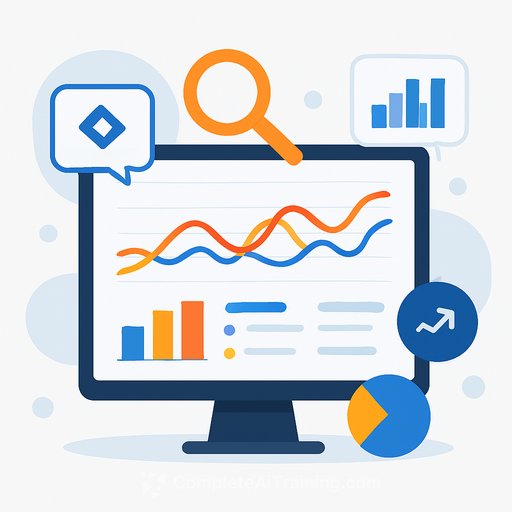
Google is rolling out an update to Google Trends that adds AI-suggested comparisons, powered by Gemini - part of the broader Generative AI and LLM advances. The tool now helps you pick the right related terms, so your charts carry context instead of guesswork.
What changed
- A new right-hand sidebar suggests search terms to compare, generated by Gemini.
- Type your primary topic and the chart can auto-populate with up to eight related terms (e.g., "golden retriever," "beagle").
- The panel also surfaces adjacent ideas (e.g., "hypoallergenic dog breeds," "large dog breeds") so you can expand your angle quickly.
- You can hover to edit terms and apply country, time, and property filters to refine the timeline.
- More terms can be compared than before, rising queries per timeline have doubled, and the interface has clearer icons and colors.
- Rolling out on desktop starting today, with all regions to follow.
Why this matters for PR and communications
Trend data without context can steer a pitch off course. With AI suggestions, you get instant, relevant comparisons that clarify whether interest is broad, seasonal, news-driven, or niche. That means faster angle-setting, cleaner narratives, and fewer dead ends - a practical boost for teams focused on AI for PR & Communications.
Quick workflows for your team
These approaches work for PR, comms, and marketing - useful if you're building repeatable processes across roles like those covered under AI for Marketing.
- Pitch angle validation: Enter your headline keyword, accept a few suggested comparisons, and check which angles lead in your target region. Use rising queries to spot the phrase media and audiences are gravitating to right now.
- Message testing pre-launch: Compare feature framings (e.g., "privacy," "speed," "price") alongside brand terms. Keep the same filters across runs so shifts reflect interest, not settings.
- Crisis and issue monitoring: Seed a potential issue term, then use suggestions to map adjacent concerns. Rising queries help you see the "why" behind spikes so you can prep statements and FAQs.
- Competitor and category read: Line up your brand, two competitors, and one generic category term. If the category outruns everyone, lean into education; if a competitor surges, check rising queries for the likely driver.
- Regional planning: Apply country or state filters and let the panel refresh comparisons. Prioritize outlets and spokespeople where interest is already high.
- Editorial calendar timing: Compare your theme against seasonal hooks. If last year's peak hit two weeks earlier in a key market, adjust your embargo and assets.
How to set it up fast
- Enter a clear seed term (brand, product, issue, or category).
- Accept 3-5 suggested comparisons to start; swap out anything ambiguous.
- Lock filters (region, timeframe, Search/News/YouTube) before sharing charts.
- Scan rising queries on the same timeline to explain movement in your write-up.
Prompts and seeds that work well
- Brand vs category: "electric SUV," your brand, two competitors.
- Message frames: benefit-based terms (e.g., "data security," "battery life," "pricing").
- Spokesperson or executive names vs brand: confirms story pull.
- Issue clusters: primary issue term plus AI-suggested adjacent concerns.
- Event planning: event name, your topic, and suggested related themes.
Reporting tips
- Trends shows relative interest, not absolute volume. Pair with search volume or coverage counts when you need scale.
- Stick to one timeframe and property per chart. Changing filters mid-analysis muddies direction.
- Note seasonality. Compare the same period year over year to avoid false wins.
- Flag anomalies from major news events. Rising queries usually reveal the trigger.
Where to try it
Open Google Trends and start with a single seed term. If you need a refresher on features and filters, the Google Trends Help Center is a solid companion.
Level up your team's AI skills
If you're building repeatable PR workflows with AI, explore role-based options at Complete AI Training.
Your membership also unlocks: