
AI news ·
Google Workspace adds image editing tool with object selection and text translation to Workspace apps
Google is launching Pics this summer, an AI image editor built into Gmail, Docs, Slides, and Drive. It lets users edit objects, change text, and collaborate in real time-no app-switching required.
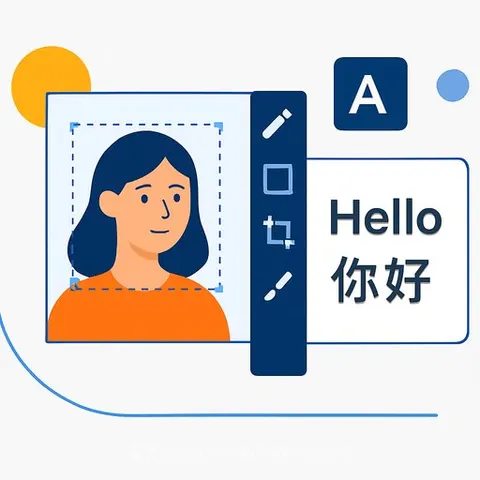
Google Workspace Adds AI Image Editing Tool for Creatives
Google will roll out Google Pics this summer, an AI-powered image editor designed to let creatives make targeted adjustments without rebuilding designs from scratch. The tool integrates directly into Gmail, Docs, Keep, Slides, and Drive, reducing the need to switch between applications.
Google built Pics on its Nano Banana model to handle four core tasks: selecting and editing specific objects, changing text within images, translating text across languages, and enabling multiple users to edit the same image simultaneously.
What Creatives Can Do With It
Object selection and editing. Change a sweater's color in a product photo or swap one element for another-say, replacing a dog with a cat-without touching the rest of the image. The precision matters for brand consistency across marketing materials.
Text and translation. Edit text directly in photos and translate it into other languages while keeping the original font and design intact. This helps creatives adapt content for different markets without recreating graphics.
Real-time collaboration. Multiple team members can work on the same image at once through shareable canvases. This speeds up feedback loops and lets teams iterate faster.
Workspace integration. Because Pics lives inside Slides, Drive, and other apps you already use, you avoid the friction of exporting, editing elsewhere, and reimporting.
Access and Training
Google is rolling out Pics primarily to Google AI Pro and Ultra subscribers. Creatives should check their subscription tier to confirm access before planning workflows around the tool.
Learning the interface will take time. Teams should budget for training to avoid wasting the tool's capabilities on trial-and-error approaches.
For more details, see Google's official announcement.
If you're looking to build skills with AI design tools, AI for Creatives Courses and AI Design Courses cover practical applications for visual work.