Google's AI search is making links harder to miss - what writers should do now
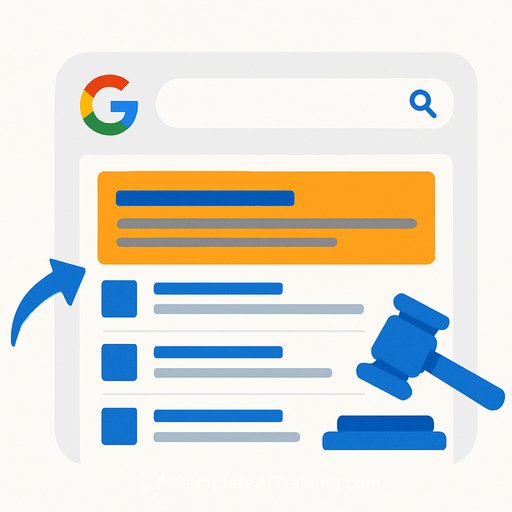
Google is changing how links appear inside AI Overviews and AI Mode. On desktop, hovering over cited sources will open a pop-up with a list of links, short descriptions, and images. Across desktop and mobile, link icons in AI responses will be more descriptive and more prominent.
AI Overviews sit at the top of Search with a summary. AI Mode runs like a chatbot you can query without clicking through. Both now surface sources more clearly - a small UI shift with big implications for how readers find your work.
Why this matters for writers
Zero-click behavior isn't going away, but clearer links give credible sources more surface area. If your article earns a spot in those pop-ups, you're back in the click path. If not, your work risks being summarized away.
Google continues to expand these AI features while acknowledging the open web is in "rapid decline." Translation: expect more AI in results, but also more emphasis on showing sources. Your job is to be the source worth clicking.
How to earn citations in AI Overviews and AI Mode
- Lead with the answer: Open with a tight, 40-60 word summary that directly addresses the query. Clear, scannable writing increases your odds of being cited.
- Match search intent with headings: Use H2/H3 that echo the questions people ask. Plain language wins (e.g., "How to format a book proposal" instead of clever phrasing).
- Show real expertise: Add first-hand examples, data, or quotes. Original reporting and unique angles stand out to both models and editors.
- Cite primary sources: Link out to standards, studies, and official docs. Being a well-cited hub improves trust signals and can influence inclusion.
- Keep pages fresh: Add update timestamps, revise outdated steps, and reflect current tools. Stale content gets skipped.
- Use structured data where it fits: Article, HowTo, FAQ, and breadcrumbs. Clean metadata helps systems understand and present your work.
- Build author credibility: Real bylines, concise bios, and clear editorial standards pages support E-E-A-T signals.
Optimize for the new hover pop-up
- Rewrite titles for clarity, not clickbait. Aim for descriptive and exact. The pop-up is a quick comparison - precision wins.
- Tune your meta description to deliver a crisp benefit-driven summary. The first 120-150 characters should promise the specific outcome.
- Use a strong social/OG image that reads at small sizes. Simple contrast, few words, clear subject. If an image appears next to your link, make it count.
- Front-load value in your first two sentences. If the pop-up pulls a snippet, make that snippet irresistible.
Traffic outlook: cautious optimism
Google says the new UI is "more engaging." That likely increases clicks to sources that align tightly to intent and demonstrate authority. If you've been relying on generic summaries, expect softening. If you publish specific, practical articles that solve a clear problem, you're in better shape.
Measurement plan for the update
- Tag the rollout date in your analytics to compare before/after trends on informational queries.
- Group pages most likely to trigger AI Overviews (how-tos, definitions, comparisons) and watch impressions vs. CTR in Google Search Console.
- Compare desktop vs. mobile performance. The hover pop-up is desktop-first; mobile changes rely on icon prominence.
- Run controlled refreshes: update titles, descriptions, and intro summaries on a test set; measure deltas over 2-4 weeks.
Policy watch: opt-outs and investigations
Regulators in Europe are reviewing how Google uses publisher content in AI responses, including compensation concerns. Google says it's exploring a publisher opt-out for AI features and is already linking to more sources in AI Mode. Keep an eye on any new controls - once available, weigh reach vs. control at the section or article level rather than reacting sitewide.
Seven-day sprint to position your portfolio
- Day 1: Identify your top 50 informational pages by impressions. Note titles, intros, and whether they align with a single clear question.
- Day 2: Rewrite titles for clarity. Remove fluff and ambiguity.
- Day 3: Add a 40-60 word answer box to each page. Make it quotable.
- Day 4: Refresh meta descriptions and OG images to match the promise users care about.
- Day 5: Add 2-3 authoritative citations per article and tighten internal links to cornerstone pieces.
- Day 6: Update or add structured data (Article, HowTo, FAQ) where relevant.
- Day 7: Publish updates, annotate the date, and set a reminder to review performance in 21 days.
Bottom line
Links are about to stand out more in Google's AI experiences. That narrows the gap between being summarized and being visited. Write with precision, surface your answer up top, and package your page so the pop-up chooses you.
Want ongoing, practical tactics as search shifts? Explore AI for Writers for workflows and training built for this moment.
Your membership also unlocks: