How One Federal Judge Uses AI - And What Legal Teams Can Learn
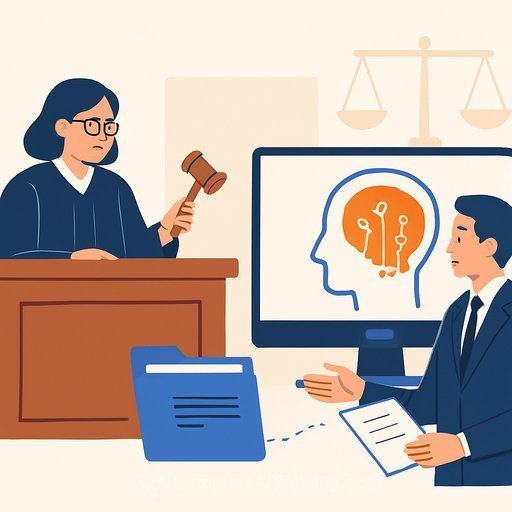
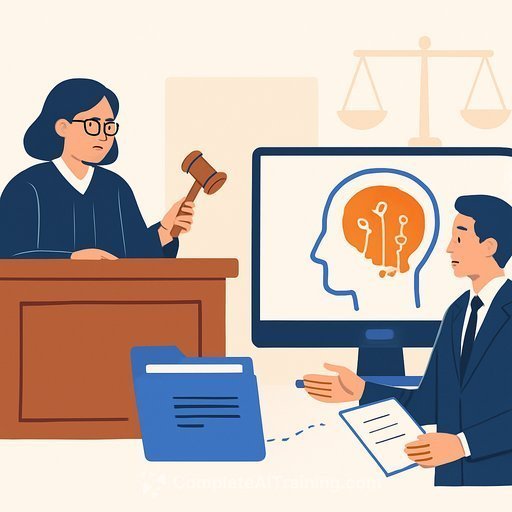
A federal judge in San Antonio, Xavier Rodriguez, is using artificial intelligence in chambers to move a heavy docket. The tool helps summarize filings, organize contested facts, and draft targeted questions for counsel before hearings.
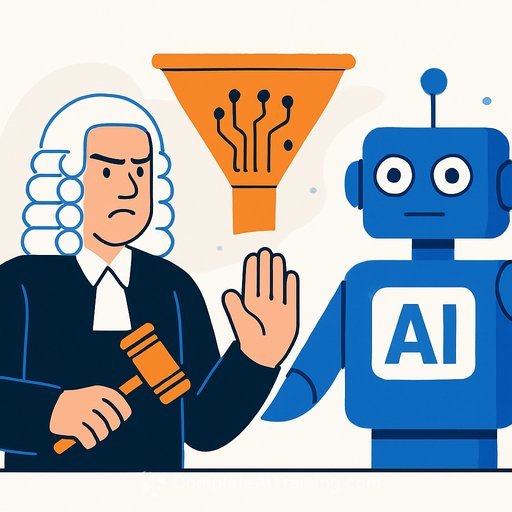
The legal community's hesitation is real. We've all seen briefs with fake citations and sloppy errors that invite sanctions. Many judges have acted as gatekeepers for the tech rather than early adopters. That's changing - carefully.
Where AI Fits In Chambers
- Summarizing long filings with neutral, source-cited outlines.
- Structuring fact timelines from exhibits and declarations.
- Drafting bench questions focused on dispositive issues and gaps in the record.
Guardrails That Keep You Safe
- Verification first: Never accept AI outputs without checking the record and controlling law. See FRCP 11.
- No sensitive uploads to public tools: Sealed, protected, or personal data stays offline or on approved, enterprise systems.
- Disclosure policy: If chambers uses AI for drafts, state the scope internally and, where local rules or standing orders require, disclose use to counsel.
- Source control: Require pinpoint cites in every legal assertion the model proposes.
- Audit trail: Log prompts, outputs, and human edits for accountability.
- Model hygiene: Prefer tools with enterprise privacy, retention controls, and jurisdictional data options.
- Bias check: Compare outcomes across parties and issues; adjust prompts and review practices where needed.
- Training: Staff should know limits, failure modes, and escalation paths.
The risk isn't theoretical. Courts have sanctioned attorneys for submitting hallucinated cases. See the sanctions order in the ChatGPT incident: Mata v. Avianca.
A Practical Workflow for a Busy Docket
- Intake: Extract parties, claims, defenses, key dates, and requested relief from the filings.
- Issues map: Ask the model to list dispositive issues and competing authorities, with citations only to the provided materials.
- Fact timeline: Build a chronology from exhibits; flag conflicts and missing pieces.
- Bench questions: Generate concise, issue-by-issue questions for each side; remove any that assume facts not in evidence.
- Draft assist: Use AI for first-pass outlines or orders; attorneys validate every cite and nuance.
- Recordkeeping: Save prompts/outputs with matter IDs; note who verified what and when.
Prompt Patterns That Work
- "Summarize this motion and response in 10 bullets. Separate law vs. fact. Cite only to the included text with page/paragraph references."
- "Create a neutral timeline of events from these exhibits. Note conflicts, missing dates, and evidentiary support for each point."
- "Draft 8 bench questions for the movant on X issue and 8 for the respondent. No assumptions. Each question must be anchored to a specific cite."
- "List controlling and persuasive authorities raised by the parties. Identify any gaps relative to binding precedent I may need to consider."
What Advocates Should Expect
More precise, faster questions from the bench. Tighter timelines between filing and hearing. Less patience for vague factual claims or string cites with weak anchors.
- Write for summarization: clear headings, short paragraphs, and precise cites.
- Add fact tables and chronologies as exhibits - they convert well into reliable prompts.
- Disclose your own AI use where required, and certify human verification of all citations and facts.
Set Your Policy Now
- Scope: Where AI can assist (summaries, timelines, questions) and where it cannot (final legal conclusions, credibility assessments).
- Data: What can be processed, retention periods, and approved systems.
- Quality bar: Mandatory human review, cite-checks, and red-team steps for high-impact rulings.
Upskilling Your Legal Team
Practical training helps lawyers and clerks get value without cutting corners. If you need a quick starting point for structured courses, explore curated options by role here: Complete AI Training - Courses by Job.
Bottom line: AI can reduce clerical friction and sharpen hearings, but it doesn't decide cases. Judges and lawyers do. With clear guardrails and disciplined review, it's a useful assistant - and nothing more.
Your membership also unlocks: