AI Is Changing Enterprise Energy and Cooling Needs
AI adoption is pushing data centers past what traditional designs can handle. GPU servers are heavier, hotter and more dense than typical CPU gear, which stresses racks, electrical distribution and thermal management.
If your operation depends on uptime, you can't treat this like a minor upgrade. You need a clear plan for electrical capacity, runtime, and modern cooling - or you'll risk damaged hardware and stalled AI projects.
Why AI Strains Your Data Center
AI workloads demand high-density compute that draws far more current and dumps far more heat per rack. That changes everything from rack design and floor loading to distribution gear and cabling.
As Steve Loeb of Eaton notes, GPU-driven systems change the baseline. You'll see higher rack weights, tighter thermal envelopes and new interdependencies between servers, racks, distribution and cooling that didn't exist at lower densities.
Electrical: Build Capacity and Runtime Before You Need It
Start with your primary source and your backup. Generators are table stakes for critical facilities. Many sites are now adding battery energy storage systems (BESS) to charge off-peak and discharge during the day to trim costs and support heavy loads.
- Right-size your generator and confirm fuel strategy for extended events.
- Use BESS where rates and incentives make sense; model charge/discharge profiles.
- Validate UPS sizing, topology and extended runtime for AI clusters, not just legacy loads.
- Plan for rack-level densities measured in the tens of kilowatts; verify busways and PDUs can handle it.
- Evaluate 800V DC architectures emerging from vendors such as Eaton and NVIDIA to safely deliver megawatt-scale rack capacity with fewer conversion losses.
Cooling: Move From Air to Liquid
Air alone struggles at high densities. Many teams are transitioning to hybrid setups where liquid cools processors (and sometimes memory) while the rest of the components stay on air.
According to Steve Gillum of CDW, the next wave of AI will likely require full liquid solutions. Start evaluating direct-to-chip, rear-door heat exchangers and immersion options, and align facility water loops, heat rejection and monitoring with those choices. For deeper guidance, review the Open Compute Project's Advanced Cooling Solutions workstream: OCP ACS.
When to Upgrade
Even if you're not running AI at scale yet, prepare now. Conduct a thorough assessment with your vendors and manufacturers to find bottlenecks before pilots become production.
- Medium- and low-voltage distribution and protection gear
- Power quality systems and UPS fleets
- Rack PDUs, busways, cabling and grounding
- Racks, cabinets, containment and floor loading
- Thermal solutions, including liquid cooling and heat rejection
Avoid These Mistakes
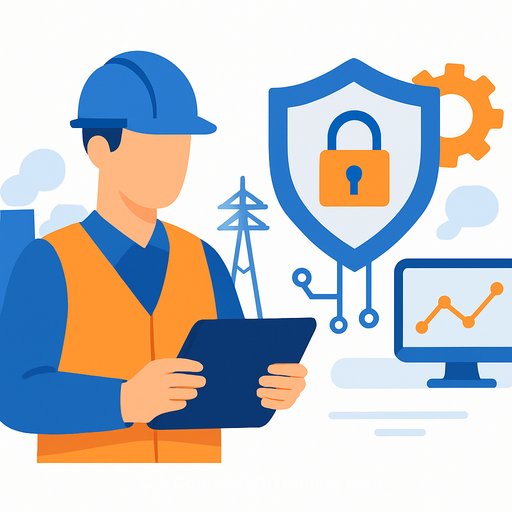
Ignoring cybersecurity in energy and cooling systems is a costly oversight. As these systems get smarter and more connected, they create new entry points for attackers. Follow secure-by-design practices and a secure development lifecycle for anything with a network jack. For fundamentals, see CISA's guidance on industrial and operational technology: CISA ICS.
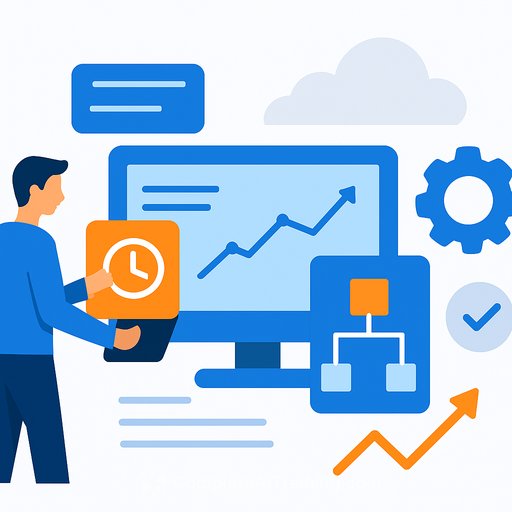
Visibility is the other trap. You can't manage what you can't see. Unified software - like Eaton's Brightlayer - brings electrical, cooling and IT signals into one dashboard so teams can detect risks early, protect uptime and tune performance.
Practical Checklist for Operations Leaders
- Set density targets (kW per rack) and confirm distribution, PDUs and cabling can support them.
- Validate runtime: generator sizing, fuel duration, UPS autonomy, BESS strategy and transfer sequences.
- Adopt liquid cooling for GPU racks; map facility water, heat exchangers and leak detection.
- Instrument everything: inlet temps, ΔT, hot/cold aisle integrity, valve positions, pump speeds and rack-level kWh.
- Harden OT: network segmentation, credential policies, firmware management and continuous monitoring.
- Pilot an AI rack end-to-end, document lessons, then scale with standards for racks, cabling, coolant and software.
The Bottom Line
AI is forcing a reset of data center assumptions. Rework electrical capacity, runtime and liquid cooling now, and back it with secure, unified monitoring. That's how you protect gear, cut risk and give your teams a clear runway for AI growth.
If you want engineers focused on designing scalable, AI-enabled infrastructure, review AI Design Courses: AI Design Courses. And if you need role-based training for planners and ops leaders, explore the AI Learning Path for Training & Development Managers: AI Learning Path for Training & Development Managers.
Your membership also unlocks: