
AI news ·
Microsoft replaces Copilot branding in Windows 11 Notepad with Writing tools section
Microsoft has quietly dropped the Copilot label from Notepad in Windows 11, replacing it with a "Writing tools" section. The AI features themselves are unchanged - only the branding is gone.
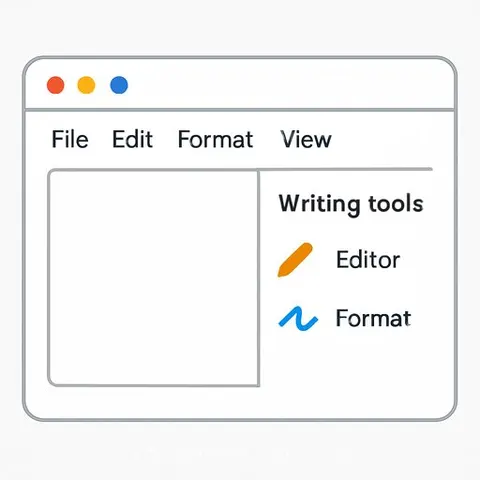
Microsoft Removes Copilot Label From Notepad, Replaces It With Writing Tools
Microsoft has removed the Copilot branding from Notepad in Windows 11, replacing it with a new "Writing tools" section. The change is rolling out now across user systems. All AI features remain functional-only the interface and naming have changed.
A small pen icon now opens the Writing tools menu where the Copilot button previously appeared. The Rewrite, Summarise, and Write features continue to work as before, now grouped under the new label.
What Changed
Microsoft also renamed the "AI features" settings section to "Advanced features" in Notepad's preferences. The company said it wants to reduce excessive Copilot branding across Windows apps and make AI feel less intrusive.
The shift reflects user feedback. Some people found Copilot appearing too frequently in simple applications. The redesign keeps the interface cleaner while preserving access to writing assistance tools.
Part of a Broader Strategy
This is not limited to Notepad. Snipping Tool, Photos, and Widgets have also seen similar rebranding efforts. Microsoft has reduced or removed Copilot labels where the company determined they added visual clutter without improving usability.
The company continues investing heavily in AI capabilities. This change represents a shift in how Microsoft presents those capabilities-integrating them where they add value rather than displaying the Copilot brand everywhere.
For writers using Notepad, the practical effect is straightforward: the same writing assistance tools are now easier to find without the AI branding dominating the interface. See more about AI for Writers and Office Tools.