SCSD2 talks AI in education: clear guardrails, practical wins
SHERIDAN - Artificial intelligence isn't a future topic anymore. It's already in student work, lesson planning, and day-to-day communication. In a Dec. 15 work session, SCSD2 leaders centered the conversation on two priorities: protect students and staff, and put AI to work where it adds real value.
"We know this isn't going away," Superintendent Scott Stults said. "We feel responsible for educating our staff about artificial intelligence… there are concerns, but there are also benefits."
What's approved right now
SCSD2 has three vetted tools available districtwide: Google Gemini, Magic School, and Brisk Teaching. Technology Director Scott Martinsen explained the setup is walled for student privacy. If a student mentions personal details, that information won't pass beyond the district's boundaries, while academic queries still return useful responses.
These platforms will be re-checked on a regular cadence. Each spring, staff also receive a survey to share what's working, what's not, and what should be considered next.
Approval workflow for any new AI app
Teachers can request additional tools through a ticket. The form captures whether the use is school or personal, who will use it, and whether a current district tool already covers the need. The tech team then reviews compliance with FERPA and the Children's Internet Protection Act (CIPA).
If a tool is denied, the technology and instructional teams help the teacher reach the same goal another way. The point is to meet the need while protecting student data and reducing platform sprawl.
Where AI fits in instruction
- AI Design Courses: draft lesson outlines, rubrics, exemplars, and variations for different proficiency levels.
- Student learning: provide step-by-step explanations, vocabulary support, and practice questions.
- Feedback: generate formative comments and next-step prompts on student work.
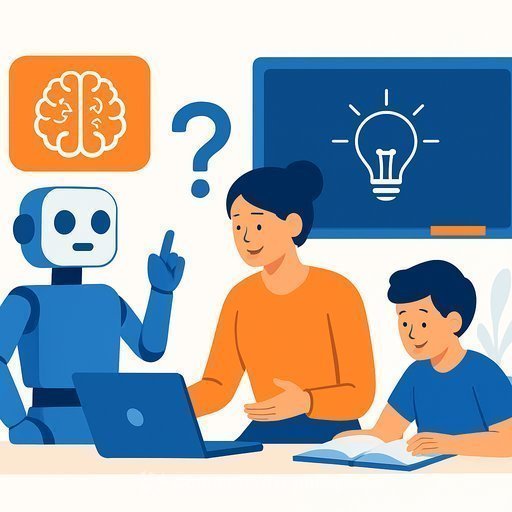
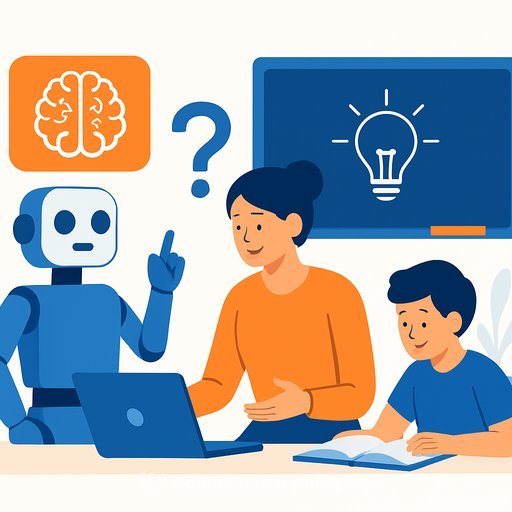
Martinsen emphasized that AI here is an assistant, not the author of student thinking. The tools help teachers move faster and give students more ways to engage with the material.
Academic integrity: detection and transparency
Board member Michael Lansing raised a concern many educators are hearing: "I'll have AI write it for me." In response, Assistant Superintendent Kristie Garriffa shared that Brisk Teaching includes an AI detection feature with a replay of the writing process. It surfaces copy-paste events, typing speed patterns, and use of outside sources-context teachers can use to address integrity with evidence, not guesswork.
Parents want clarity too
Board member Doug Moore asked how the district is supporting families who are seeing the same tools used at home. Garriffa noted schools are communicating what's used in class, how it functions, and why. SCSD2's parent resources include an "AI in education" section that explains what AI is, how it supports learning, privacy and safety notes, and practical ways parents can help.
A classroom example
SHS computer science teacher Megan Garnhart uses AI to draft emails, brainstorm lesson plans, and model ethical use with students. Her approach is simple: be explicit about when AI is allowed, when it's not, and why. "That communication… has to be really transparent and open," she said.
What educators can do next
- Write assignment-level AI guidelines: "Allowed for brainstorming only," or "No AI assistance on this task." Post them in the LMS and state them aloud.
- Adopt a quick review cycle: re-verify tool privacy settings each term and retire redundancies.
- Use the ticket process: if a tool is denied, ask the tech/instruction team for an alternative workflow.
- Address integrity with process evidence: use Brisk's writing replay to coach, not just penalize.
- Bring parents in: share examples of appropriate use and simple at-home guardrails.
- Practice data minimization: avoid personal identifiers in prompts; keep queries task-focused.
Bottom line
SCSD2's model is straightforward: approve a small set of tools, verify privacy, support teachers with clear workflows, and teach students when AI belongs in the process. Keep the conversation open, and keep the guardrails visible.
Want structured upskilling for staff? Explore curated AI resources for education roles at Complete AI Training.
Your membership also unlocks: