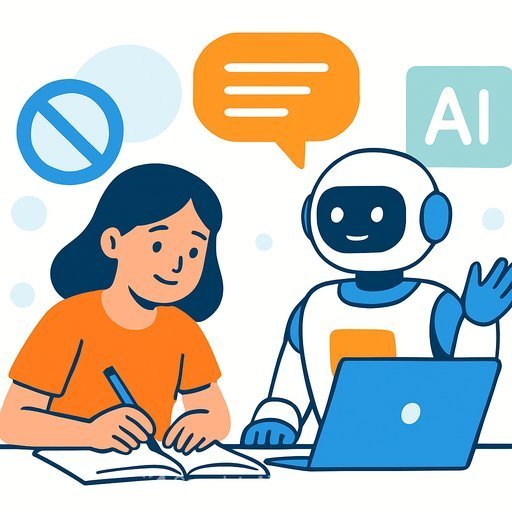
Texas State integrates AI in classrooms to enhance learning and teaching
Texas State University is rolling out practical AI tools across courses to help students learn faster and give faculty more time to teach. The focus: better study support, lighter admin load, and real-world skills students can use in internships and jobs.
What's new on campus
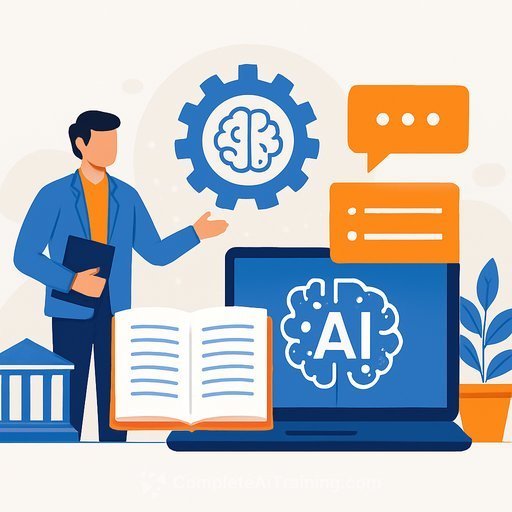
The university introduced Gemini for Education, Google's school-safe generative AI, and NotebookLM. Together, they help turn course materials into presentations, study guides, flash cards, and even podcast-style summaries.
Finance professor Ivilina Popova said the shift reflects hiring expectations across industries. "This is the world we live now," she said. "When they look for people to hire, one of the requirements is that these people know how to use AI."
Impact on teaching
NotebookLM can produce lecture decks in minutes instead of days. That reclaimed time is going to mentoring, clubs, and more one-on-one support. Popova said the change is noticeable and helps her focus on higher-value teaching.
Impact on students
Students say the tools make studying more efficient. "I'd say it's very convenient," said Texas State student Luke Parker. "You can be more efficient with your time and get more studying done. It's a big deal if you can use it right."
How educators are using the tools
- For students: Brainstorm essay topics, refine research questions, summarize readings, and troubleshoot beginner coding assignments.
- For faculty: Generate rubrics, differentiate materials by level, summarize class discussions, and reduce administrative tasks.
If you want to see the platform details, review Google's overview of Gemini for Education. For content transformation and study aids, explore NotebookLM.
Privacy and data control
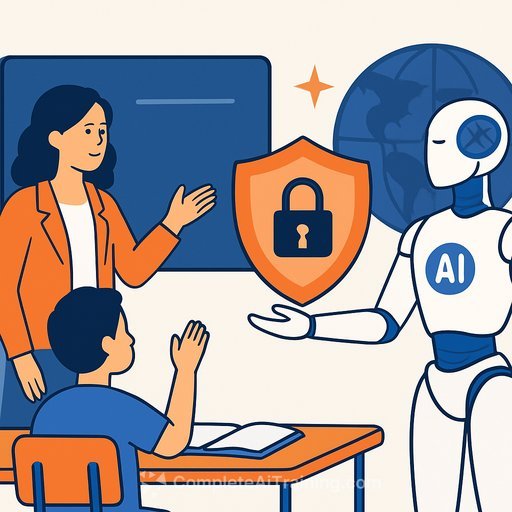
All interactions with Gemini for Education run inside the university's secure Google Workspace for Education environment. According to officials, Google does not use those conversations to train its models, and the university retains administrative control over data.
Real challenges to plan for
- Lower office-hour attendance: Some students rely on AI first and skip direct help.
- Harder-to-spot plagiarism: AI-generated work blends in, so assessment design matters.
- Uneven skills: Students need guidance to prompt well, cite sources, and verify accuracy.
Popova noted these trade-offs are manageable with clear expectations and instruction on responsible use. The technology isn't slowing down, so the strategy is to teach with it, not around it.
Quick-start playbook for educators
- Set guardrails: Define where AI is encouraged (idea generation, drafts, summaries) and where it's restricted (final exams, personal reflections, lab reports as required).
- Assess differently: Use oral checks, in-class writing, version history, and applied projects to reduce copy-paste risks.
- Require transparency: Ask students to include an "AI assistance" note with prompts used and how outputs were verified.
- Teach prompts as a skill: Show how to feed sources, set constraints, and ask for critiques, not just answers.
- Leverage time-savers: Auto-generate rubrics, study guides, and summaries, then refine. Spend the time saved on feedback and discussions.
Why this matters for education leaders
AI fluency is now a hiring signal. Giving students structured, responsible practice-with clear policies and measurable outcomes-keeps programs aligned with employer expectations without diluting academic integrity.
If you're building faculty capacity or updating course maps, you can browse practical curricula and certifications by role at Complete AI Training.
Bottom line: Texas State's approach shows that AI can reduce busywork and sharpen learning-if we pair it with clear policy, thoughtful assessment, and ongoing coaching.
Your membership also unlocks: